Interfacing lcd with arduino
In this tutorial, we are going to discuss , how to interface lcd with arduino.
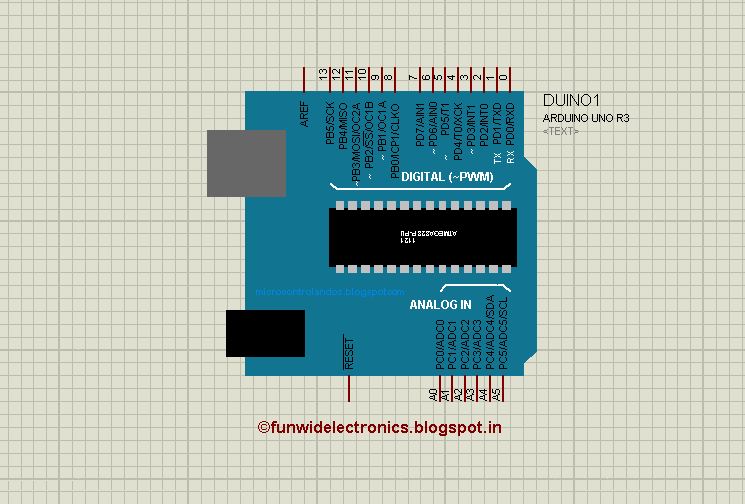
We are using 16*2 lcd, means it have two rows and 16 columns. Overall, we can display 32 characters.
![]() |
| 16*2 LCD |
| Simulation in proteus |
![]() |
| 16*2 LCD |
| Simulation in proteus |
| Proteus |

April 2nd was a great day. We spent it celebrating Arduino and Genuino Day in more than 330 local communities and we had lots of fun!
Our social channels were full of mentions from pics and messages about the events and all the activities you organized or took part to worldwide. That’s why we want to keep celebrating and have some of you win goodies.
Now we are launching a giveaway on Instagram and you’re invited to participate! How does it work?
– Follow our official Arduino.cc account on Instagram
– Share your pics on your account on Instagram using hashtag #ArduinoD16 and #GenuinoD16 and mention us with the tag @Arduino.cc
– Every thursday, from April 7th to May 26th we are going to choose one of your pics (posted starting April 2nd) and announce on this blog a winner of an Arduino or a Genuino MKR1000 and one of our t-shirt or mug
for a total of of 8 lucky people. Easy enough, right?
Remember to share cool pictures regarding Arduino and Genuino cool moments in your community beyond Arduino and Genuino Day!
We’re looking forward to see your pics!

Hello, Operator! is the gaming experience that puts you in the role of an 1920's phone operator. The controller is a vintage switchboard.
The post Play Like a 1920’s Phone Operator with This Switchboard Gaming Interface appeared first on Make: DIY Projects and Ideas for Makers.
Can anyone recommend a strong servo compatible with Arduino? Ideally I'm looking for:
I'll have a separate power supply, so the voltage isn't too important.
I'm a newb, so any thoughts/recommendations appreciated from those with experience.
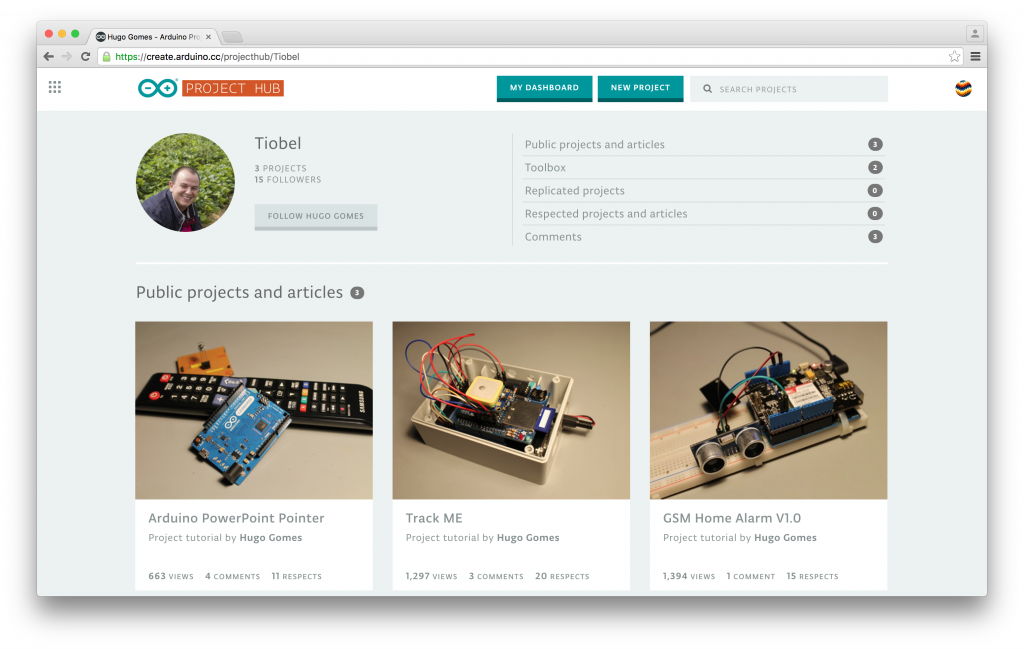
We are finally ready to release create.arduino.cc, the Arduino platform that will provide the community with a more modern and flexible tool to write code, a more integrated way of accessing content and learning while doing.
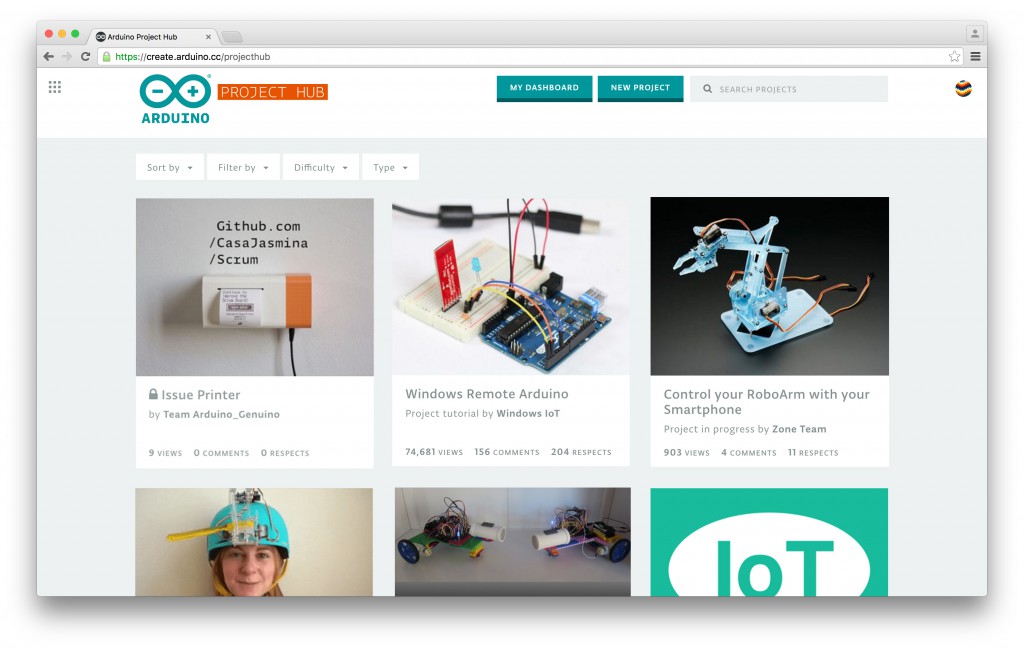
While we are still busy refining the web-based Editor (IDE) based on the feedback of the current beta-testing program, we are really excited to launch Arduino Project Hub, our tutorial platform powered by hackster.io. We cannot wait to see all the projects made with Arduino and Genuino boards that you will submit! Comment on the tutorials you are curious about, and ‘Respect’ the ones you like the most. We will feature the best projects on the Arduino Blog!
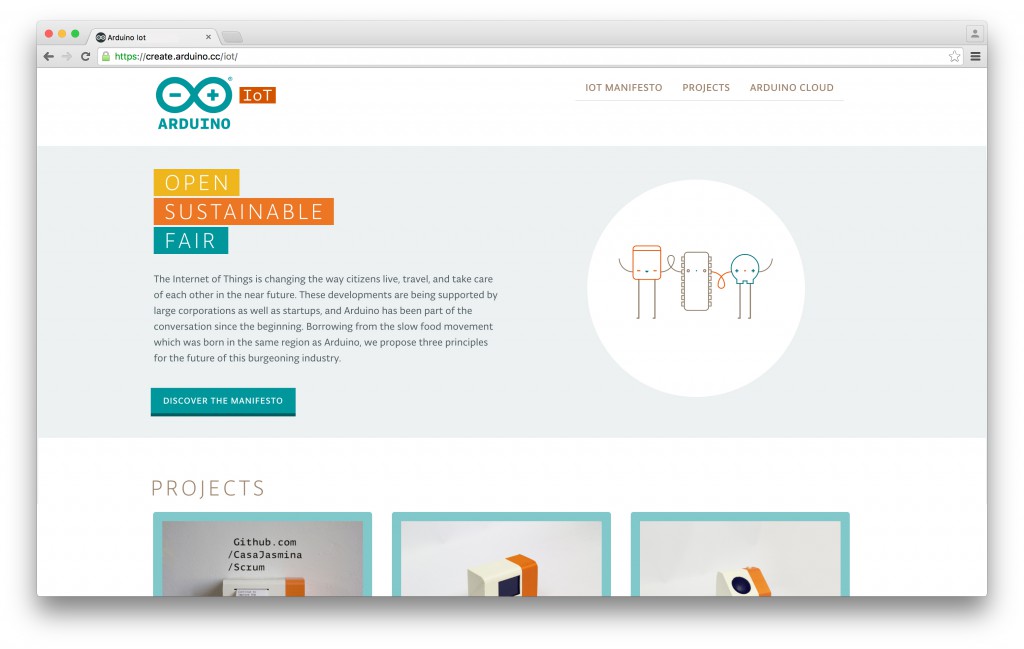
Within create.arduino.cc you will be also able to access a new website focused on Internet of Things. Arduino IoT collects inspiring tutorials, and provides guidance for anyone who wants to get started tinkering with the Internet of Things. Most importantly it presents the “Arduino IoT Manifesto”, an important statement that will guide the development of our IoT products and tools in the coming years, and that we hope will be adopted by a larger network of people and industries. We propose these three principles for the future of this burgeoning industry: Open, Sustainable and Fair!
As usual if you encounter any issue, or you have an idea you want to share, please let us know on the Arduino Forum, we’d love to hear your feedback!
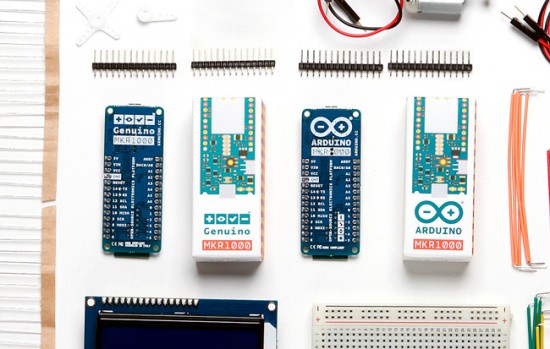
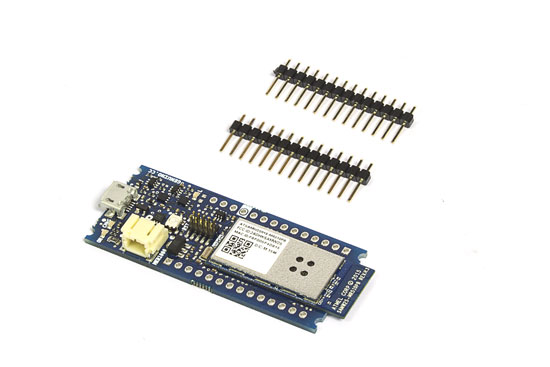
We are happy to announce Arduino MKR1000 and Genuino MKR1000 are now available in our stores at the price of 34,99$/30,99€ (+VAT)!
MKR1000 is the protagonist of World’s largest Arduino Maker Challenge and was shipped exceptionally to 1000 winners of the contest. Now, this powerful board which combines the functionality of the Zero and the WiFi Shield, is available to all makers wanting to design IoT projects with minimal previous experience in networking.
We are sharing some documentation so you can learn more about the features of this new board:
And 4 tutorials focused on the new features of Arduino and Genuino MKR1000:
MKR1000 and Genuino MKR1000 is available for purchase now.
The Arduino MKR1000 is now shipping. But perhaps more importantly, comes the announcement of both Arduino's next generation community platform, and a new cloud development environment.
The post Arduino Releases MKR1000, IoT Development Environment, and Community Project Platform appeared first on Make: DIY Projects and Ideas for Makers.
We're at ArduinoDay 2016 in Berkeley, California with co-founders Massimo Banzi, Tom Igoe, David Mellis, and a engaged group of makers and enthusiasts showing off their projects, sharing ideas, and participating in workshops.
The post Our Favorite Photos from Arduino Day 2016: Underwater Robots, R/C Trains, and More appeared first on Make: DIY Projects and Ideas for Makers.