Posts with «arduino» label

Build an LED game system with Arduino and a picture frame

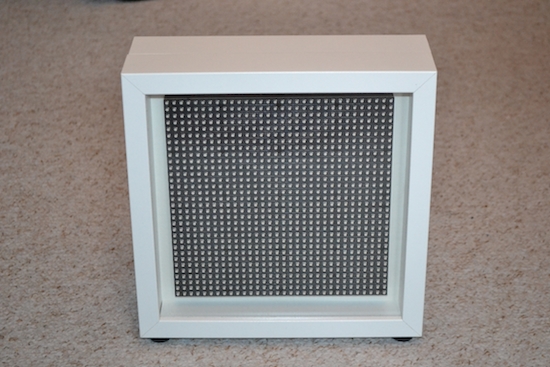
The LEDmePlay is an open-source DIY gaming console powered by an Arduino Mega. Games are displayed on a 32 x 32 RGB LED matrix housed inside an IKEA picture frame, and played using any C64-compatible joystick from the ‘80s. LEDmePlay supports several games, each of which are downloadable for free online, and Makers are encouraged to develop their own as well.

Its creator Mithotronic has also built a handheld variant for on-the-go fun, LEDmePlayBoy. This device is based on the same Arduino Mega, powered by eight AA batteries, and uses an analog thumb joystick and two fire buttons for control.

Interested? You can check out the LEDmePlay’s construction manual, and find all of the games’ source codes here.

Share your sketches on the Arduino Web Editor

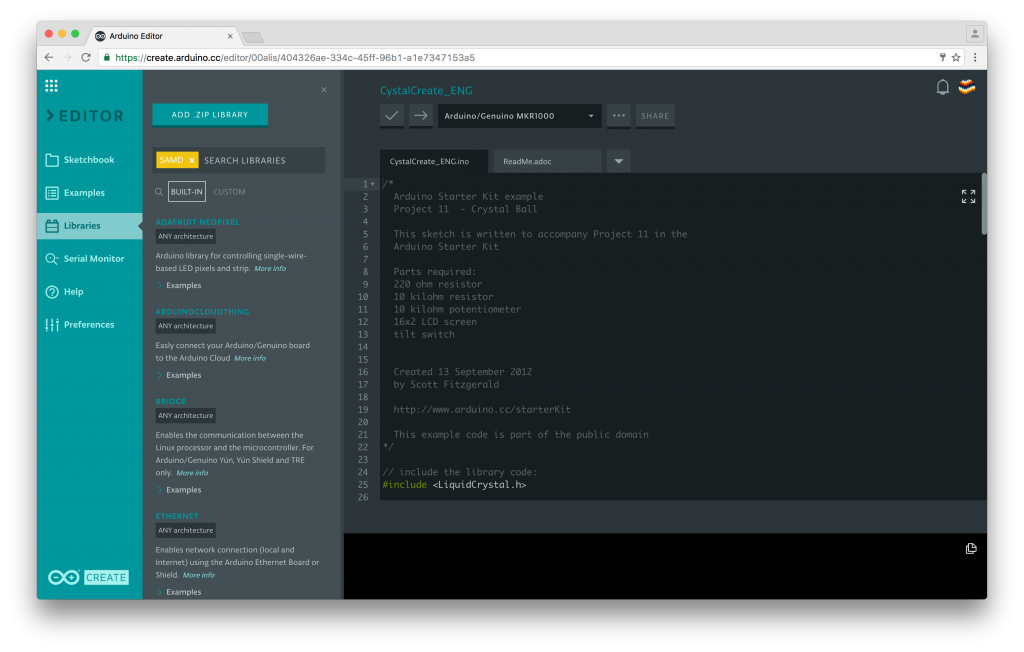
Announced back at Maker Faire Bay Area, the Arduino Web Editor is a new online tool that enables users to write code and upload sketches to any Arduino or Genuino board directly from the browser. 

Over the last couple of months, we have been gathering feedback from beta testers on the Editor’s overall experience, its features, and what they’d like to see in the future. If you haven’t signed up yet, you can gain access to the Web Editor right away and try it out firsthand!

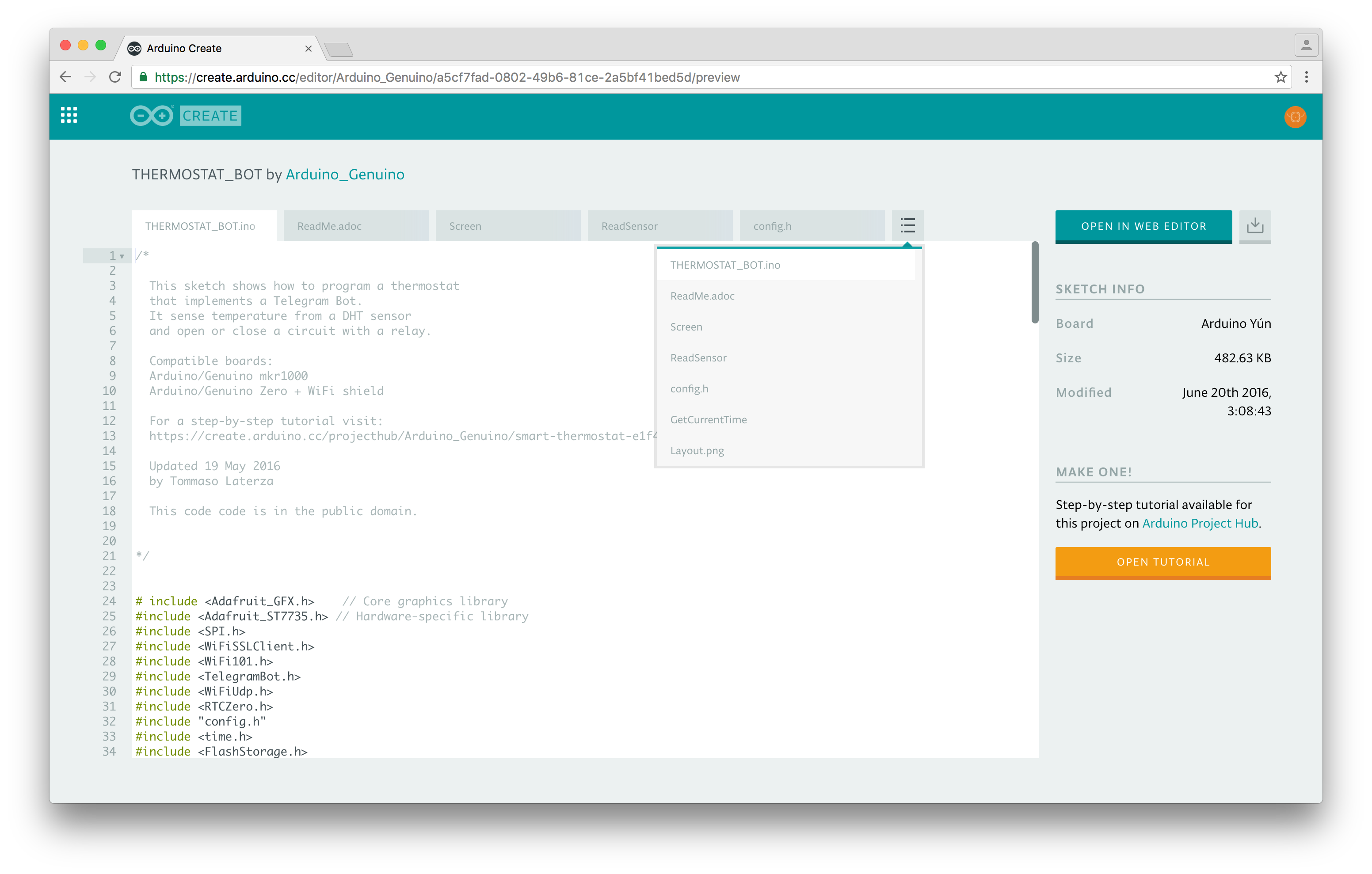
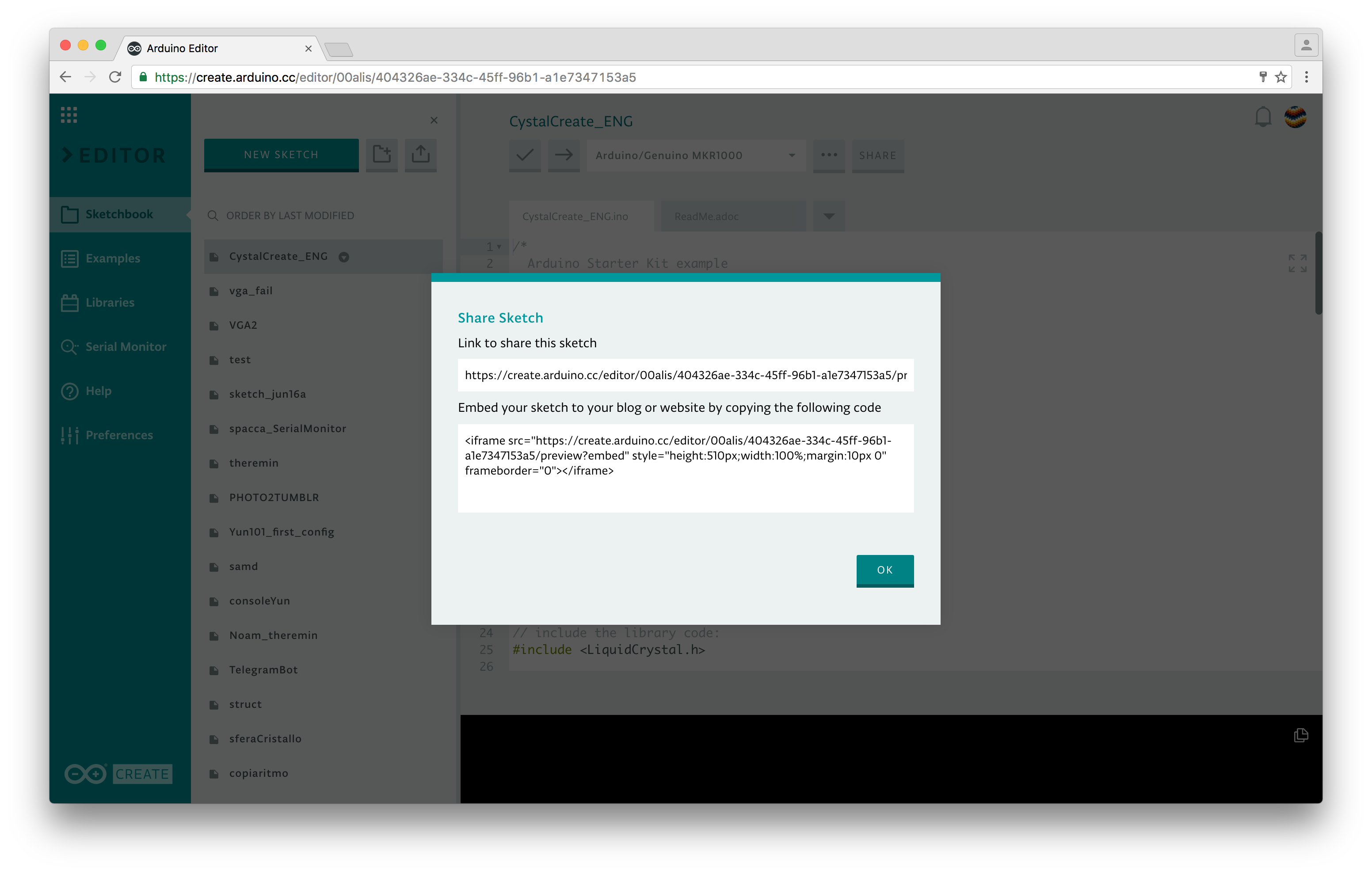
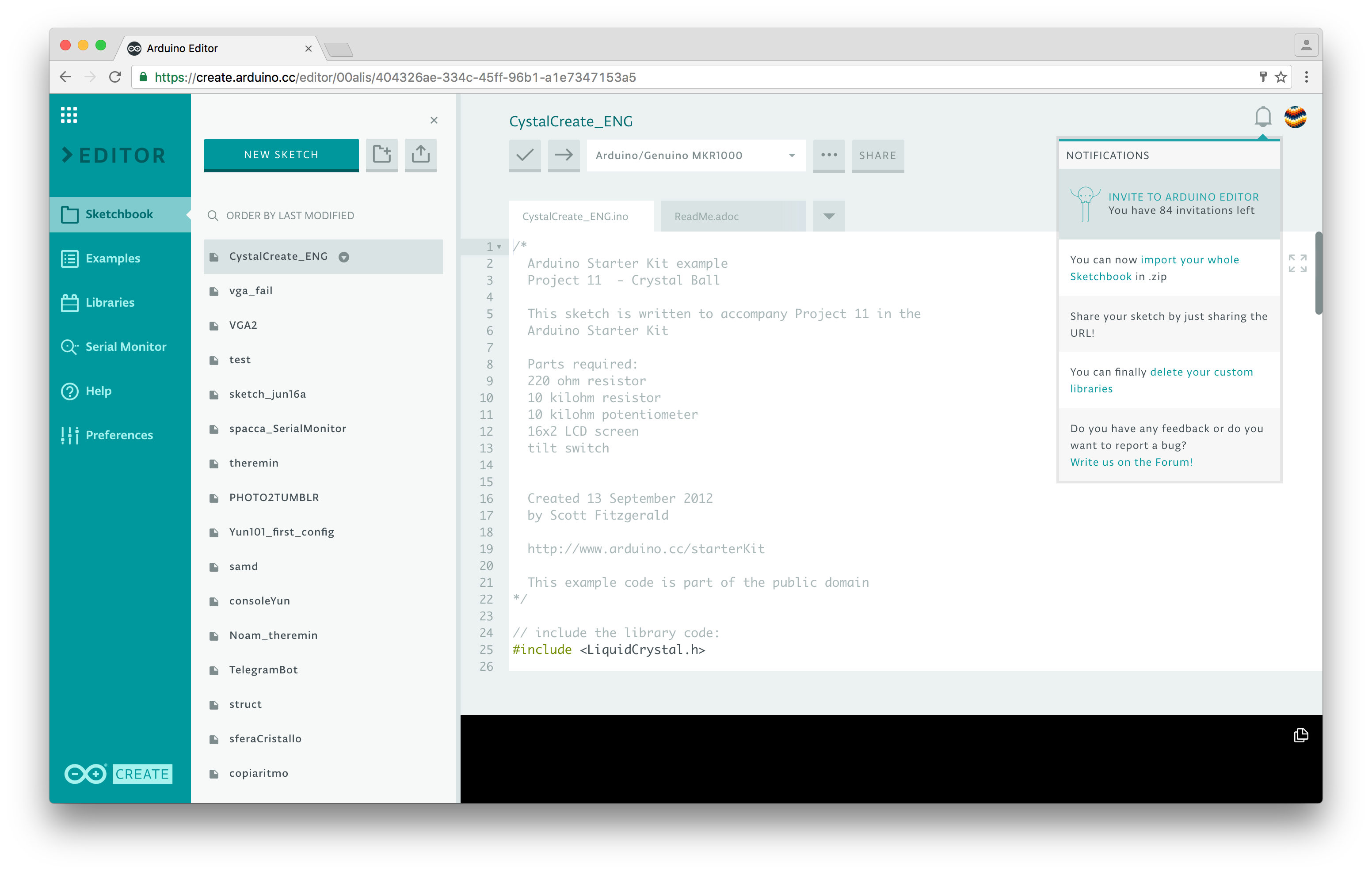
Wondering what makes the new platform more useful and feature-rich than its previous version? The most interesting upgrade is surely the ability to share what you make. Every sketch you create has a unique URL, similarly to Google Docs. If you give the URL to someone, they will be able to see your code, add it to their Sketchbook in the Cloud or download it. If you write a tutorial on Project Hub and add the link in the Software section, your code will be embedded and will always be up-to-date.

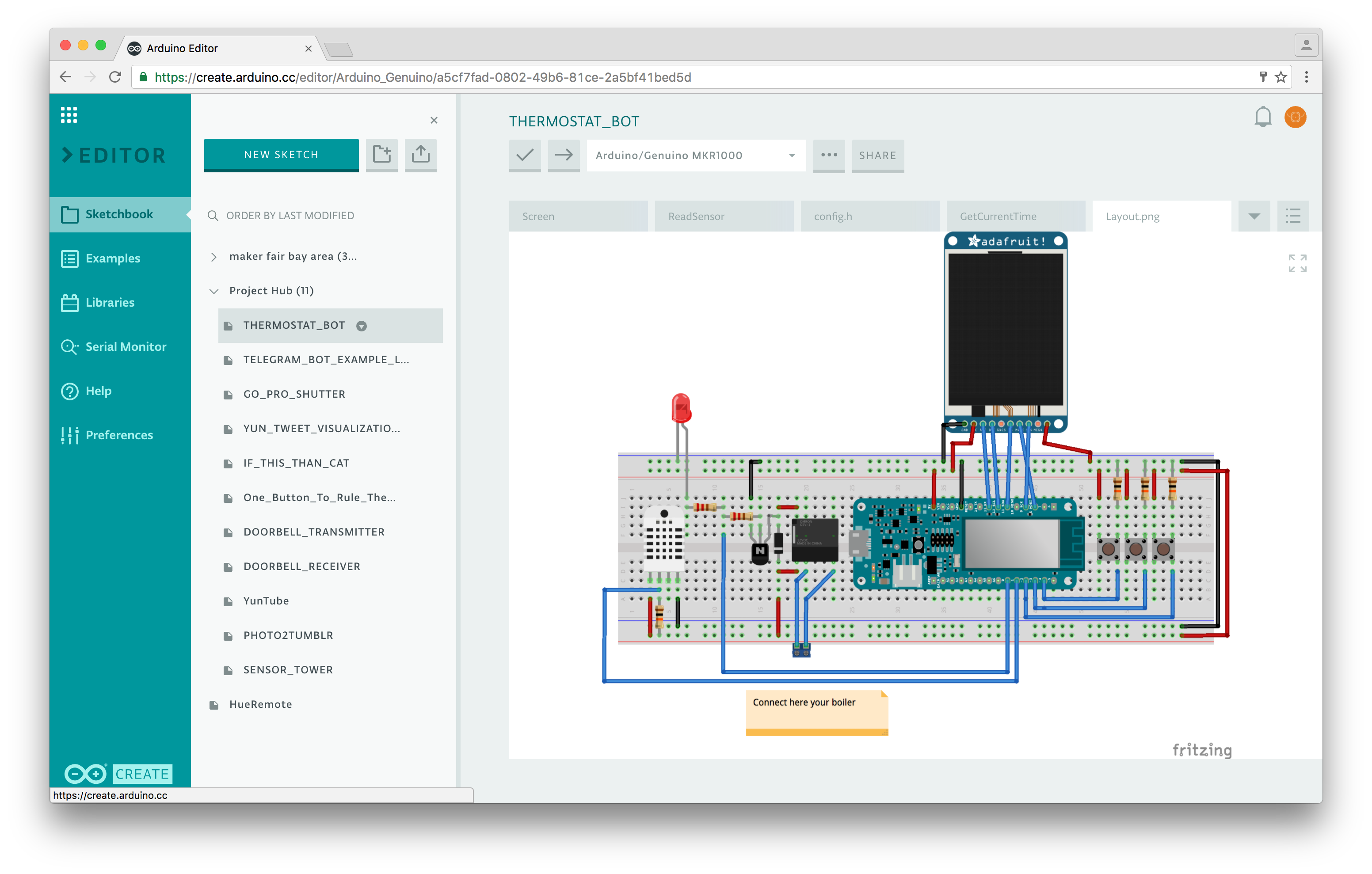
We envision the Arduino Sketch as the unit that includes everything you need to bring an idea to life. When someone shares a sketch with you, you’ll now have access both to the code, the layout for the electronics, and the full tutorial (when available). This will allow you to have all the necessary information to build on top of the original project, making it your own.

Arduino Web Editor is designed to take the headache out of the development process: your Sketchbook is in the Cloud, available from any device and backed up. Simply save a .ZIP file of your local one and import it in a click.Meaning, you don’t need to install any additional cores for Arduino and Genuino boards, just install a simple agent, plug your board in and we’ll set it up for you.

We made the Serial Monitor pretty robust, and of course, you can finally enjoy a dark theme for your IDE.

We are currently working on the Library Manager (as you have on the Desktop IDE), and a ‘secret tab’ where you will be able to store all your sensitive data and share them safely. At the moment, all the sketches you create on the Arduino Web Editor are public–anyone with the link can access them. We are also developing a private sketch feature–more on that soon.

Interested in learning more? Sign up today and participate in shaping the next generation of Arduino tools!

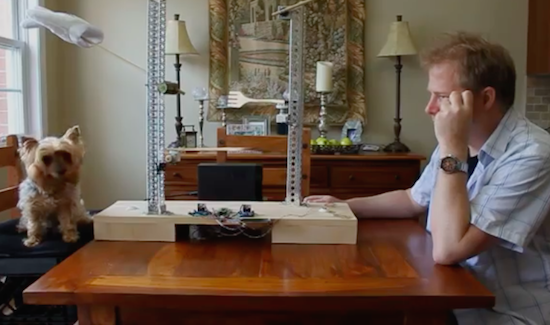
Would you like to invite my robot to visit your location on it's tour around the globe?

Primary image

What does it do?

Remote controlled through web interface

The idea in short:
I will send a robot around planet earth. The robot will be sent to you free of charge. Let it run in your area for 24h and show all earthlings your projects or a piece of your country. Send the rover to the next destination after your mission is over (postal charges will be refunded).
The robot can be controlled through a web interface while transmitting a live video stream. All young scientist and of course all discoverers that are young at heart get free access to the robots, there is even no registration needed.

Cost to build

$200, 00

Embedded video

Finished project

Number

Time to build

20 hours

Type

wheels

URL to more information

Weight

3300 grams

read more

Ride an Arduino-powered longboard with speed-reactive LEDs

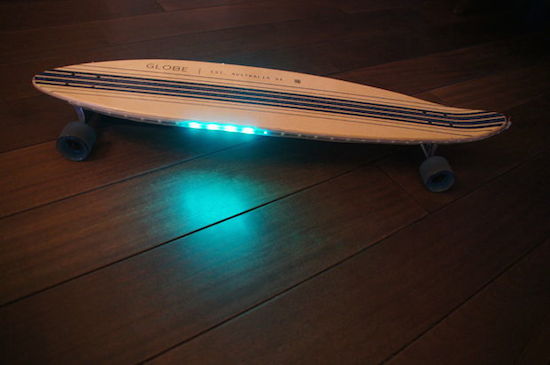
For a recent column in the Dutch newspaper de Volkskrant, Rolf Hut built a slick longboard with LED strips that respond to speed. If you think that sounds awesome, wait until you see it in action.

As the Maker explains, four magnets and a Hall effect sensor are used to measure the longboard’s speed so the Adafruit NeoPixels can react at the same pace. To achieve this, the magnets are glued to the inside of each wheel, while a Hall sensor counts the number of revolutions and sends that information over to one of two Arduino Micros. The first Arduino translates that into a speed, while the second Micro converts that speed into a signal for the LEDs. Everything is powered by a power bank.

Intrigued? Head over to the Hut’s project page, where you will find a detailed breakdown of his build along with its code.

Maker adds gesture control to a surgical robotic

The Da Vinci system is one of the most popular surgical robots around, which allows surgeons to perform operations through only a few small incisions. The device works by translating a doctor’s hand movements into smaller, precise movements of tiny instruments inside the patient’s body. As ubiquitous as they may be in hospitals, chances are it’s never been operated quite like this before.

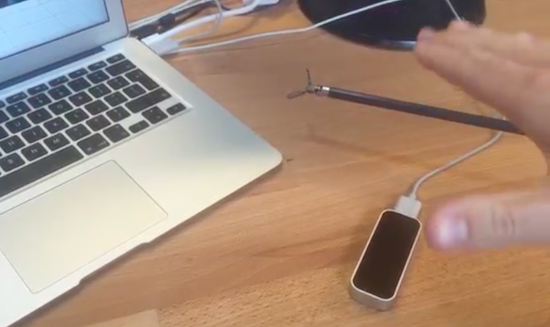
That’s because Julien Schuermans has managed to connect the robotic surgical tool’s hardware up to a LeapMotion controller, making its small forceps gesture-controlled. You can see how it all works in the video below.

As The Verge explains, four Arduino Uno-controlled servos are fitted to the pulleys and cables that handle the rotation, angle and gripping mechanism. Gesture input is captured by the Leap Motion’s infrared cameras, which is then converted into instructions for these servos, enabling the user to command the endoscopic device with just a wave of the hand.

A Slide Viewer Makes An Excellent Case For An OLED Project

Sometimes when browsing the websites of our global hackspace community you notice a project that’s attractive not necessarily because of what it does or its technology but because of its presentation. So it is with the subject of this article, [Kris] needed a house temperature monitor and found a 1960s slide viewer made an excellent choice for its housing.

The monitor itself is a fairly straightforward Arduino build using a couple of DS18B20 1-wire temperature sensors and a real-time-clock module and displaying their readings on a small OLED screen. Its code can be found on this mailing list thread if you are interested. The display presented a problem as it needed to be reasonably large, yet fairly dim so it could be read at night without being bright enough to interrupt sleep.

A variety of projection techniques were tried, involving lenses from a projection clock, a magnifying glass, and a Google Cardboard clone. Sadly none of these lenses had the required focal length. Eventually the slide viewer was chosen because it was pointed out that the OLED screen was about the same size as a photographic slide.

Slide viewers are part of the familiar ephemera of the analog era that most people over 60 may still have taking up drawer space somewhere but may well be completely alien to anyone under about 30. They were a magnification system packaged up into a console usually styled to look something like a small portable TV of the day, and different models had built-in battery lights, or collected ambient light with a mirror. The screen was usually a large rectangular lens about 100mm(4″) diagonal.

[Kris]’s Vistarama slide viewer came via eBay. It’s not the smallest of viewers, other models folded their light paths with mirrors, however the extra space meant that the Arduino fit easily. The OLED was placed where the slide would go, and its display appeared at just the right magnification and brightness. Job done, and looking rather stylish!

We’ve not featured a slide viewer before here at Hackaday, though we did recently feature a similar hack on an Ikea toy projector. We have however featured more than one digital conversion on a classic slide projector using LCD screens in place of the slide.

Via Robots and Dinosaurs makerspace, Sydney.


Filed under: Arduino Hacks, classic hacks, clock hacks

An Arduino flying start lap timer

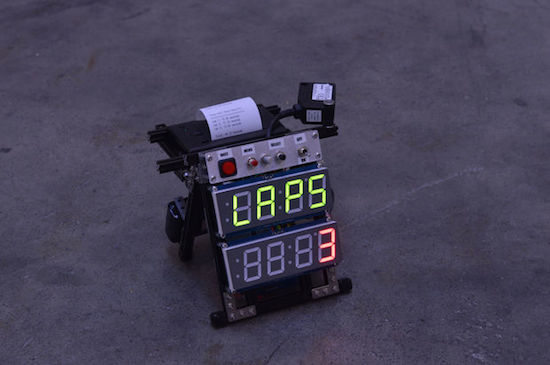
Richard Garsthagen recently became the proud owner of a Razor Crazy Cart. Seeing as though he only had one, racing against others was a bit out of the question for now. Being the Maker that he is, he came up with a solution instead: an Arduino Uno-based lap timer.

The lap timer uses an infrared light bridge to detect when something crosses the line, an Adafruit 7-segment display to show the time and lap count, as well as a SparkFun thermal printer that spits out the final results. The frame itself is constructed out of MakerBeam components, while power is supplied through an 11.2V LiPo battery.

Meanwhile, the Arduino software has two modes:

Race mode: This is started by clicking the left “race” button. This will start the laptimer. It uses a “flying start” principle. So there is no count down, just start racing, when the first time you cross the line, the timer will start. It will display the amount of laps still to go on the top 7-segment display and the time on the second 7-segment display.

Setup mode: When you click on the “menu,” 2nd button, you can setup how many laps you want to race. By turning the pot-meter you can select between one and nine laps.

While he may be using his timer for Crazy Cart, the system can come in handy whenever you’re unable to directly race someone else — whether that’s running or cycling around the house. Want one of your own? Race on over to its project page. In the meantime, check it out in the video below. (We gotta say, the 8-bit chiptunes were a nice touch!)

Grow lettuce for life with the Arduino 101

Did you know that if you take a head of romaine lettuce and eat all but the bottom, then place it in a bowl of water, it will regrow? This fun fact actually inspired Instructables user Evandromiami to develop a deep water culture hydroponic system that would optimize the process for him.

The lettuce is grown on top of a five-gallon plastic bucket filled with water under full spectrum lights, while an Arduino 101 monitors the light, humidity, temperature, water, and pH levels measured by a set of sensors. The system is controlled over Bluetooth, which enables the Maker to adjust settings and receive notifications on an LCD screen. All the electronics, including the Curie-based board, are tucked away inside a power strip and the entire hydroponic farm lives inside an A/C closet. 

The Arduino 101-driven project continues to be a work in progress, but Evandromiami has already begun to expand into other veggies like tomatoes. Ready to get into the world of hydroponics? Check out the Maker’s entire write-up here.

Arduino Meets da Vinci in a Gesture-controlled Surgical Robot

Lots of us get to take home a little e-waste from work once in a while to feed our hacking habits. But some guys have all the luck and score the really good stuff, which is how these robotic surgical tools came to be gesture controlled.

The lucky and resourceful hacker in this case is one [Julien Schuermans], who managed to take home pieces of a multi-million dollar da Vinci Si surgical robot. Before anyone cries “larcency”, [Julien] appears to have come by the hardware legitimately – the wrist units of these robots are consumable parts costing about $2500 each, and are disposed of after 10 procedures. The video below makes it clear how they interface with the robot arm, and how [Julien] brought them to life in his shop. A quartet of Arduino-controlled servos engages drive pins on the wrist and rotates pulleys that move the cables that drive the instruments. A neat trick by itself, but when coupled with the Leap Motion controller, the instruments become gesture controlled. We’re very sure we’d prefer the surgeon’s hands on a physical controller, but the virtual control is surprisingly responsive and looks like a lot of fun.

When we talk about da Vinci around here, it’s usually in reference to 3D printers or a Renaissance-style cryptex build. Unsurprisingly, we haven’t featured many surgical robot hacks – maybe it’s time we started.

[via r/arduino]


Filed under: Arduino Hacks, Medical hacks

Wheel of Resistors Form Unique Rotary Encoder

Continuing his tradition of making bits of wire and scraps of wood work wonders, [HomoFaciens] is back with a unique and clever design for an electromechanical encoder.

There are lots of ways to build an encoder, and this is one we haven’t seen before. Not intended in any way to be a practical engineered solution, [HomoFaciens]’ build log and the video below document his approach. Using a rotating disc divided into segments by three, six or eight resistors, the encoder works by adding each resistor into a voltage divider as the disc is turned. An Arduino reads the output of the voltage divider and determines the direction of rotation by comparing the sequence of voltages. More resistors mean higher resolution but decreased maximum shaft speed due to the software debouncing of the wiped contacts. [HomoFaciens] has covered ground like this before with his tutorial on optical encoders, but this is a new twist – sort of a low-resolution continuous-rotation potentiometer. It’s a simple concept, a good review of voltage dividers, and a unique way to sense shaft rotation.

Is this all really basic stuff? Yep. Is it practical in any way? Probably not, although we’ll lay odds that these encoders find their way into a future [HomoFaciens] CNC build. Is it a well-executed, neat idea? Oh yeah.


Filed under: misc hacks