Posts with «nano» label

Man-in-the-Middle Jog Pendant: Two Parts Make Easier Dev Work

In a project, repetitive tasks that break the flow of development work are incredibly tiresome and even simple automation can make a world of difference. [Simon Merrett] ran into exactly this while testing different stepper motors in a strain-wave gear project. The system that drives the motor accepts G-Code, but he got fed up with the overhead needed just to make a stepper rotate for a bit on demand. His solution? A grbl man-in-the-middle jog pendant that consists of not much more than a rotary encoder and an Arduino Nano. The unit dutifully passes through any commands received from a host controller, but if the encoder knob is turned it sends custom G-Code allowing [Simon] to dial in a bit acceleration-controlled motor rotation on demand. A brief demo video is below, which gives an idea of how much easier it is to focus on the nuts-and-bolts end of hardware when some simple motor movement is just a knob twist away.

[Simon]’s jog pendant moves a single motor which is exactly what he needs to ease development of his 3D printed strain-wave gear using a timing belt, but it could be programmed with any G-Code at all. Speaking of DIY jog pendants for CNC machines, don’t forget this wireless one made from an Atari 2600 joystick that jogs a plasma cutter in X and Y, and zeroes it with a push of the button.


Filed under: Arduino Hacks, cnc hacks

Build a block balancing game with Arduino and servos

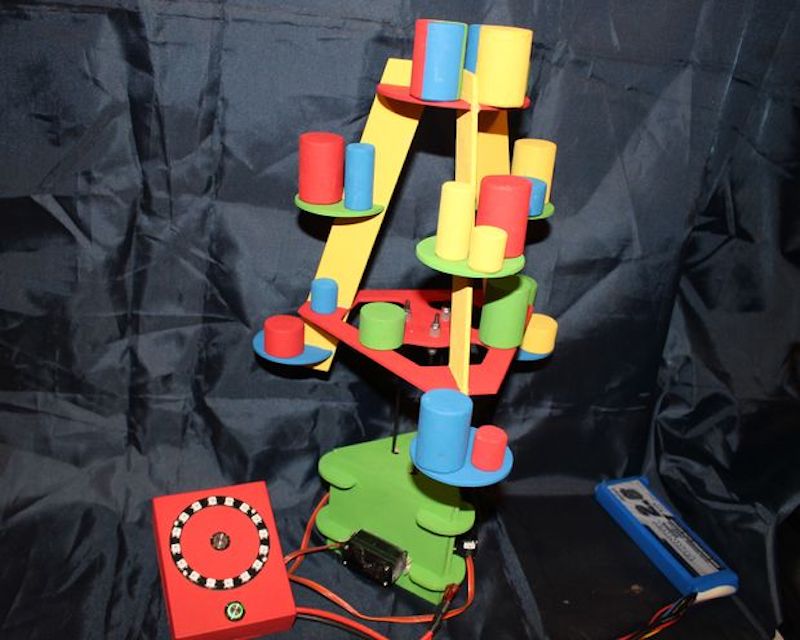
If you’re tired of classic tower building games like Jenga or stacking cards and would like a new challenge, “mr_fid” has come up with a game where you balance blocks on a tree assembly. The nicely crafted device then moves around to throw the blocks off using three servos and push rods.

Everything is controlled by an Arduino Nano that randomly selects the intensity of the movement and which color of block to be stacked, displayed on a circular arrangement of programmable LEDs.

Once a block has been added, a button in the middle of the LEDs is pushed and tree movement starts, potentially destabilizing the player’s work.

Nice Arduino project. Featuring an Arduino Nano controlling 3 servos to move the tree. Firstly the “Roll” button is pressed to give you a colour and amplitude once the correct bit has been placed on the tree the “Shake” button is pressed and the tree moves around. Any bits which fall off are given to the person whos go it was! the idea of the game is to get rid of all your bits first. If when you press the “Roll” button you don’t have the correct colour OR the strength is to high then if you wish you can miss your go.

You can check the game out in the first video below, or see the second video for information on how to avoid jittery servos in this type of setup.

Monitor your sleep quality with Arduino

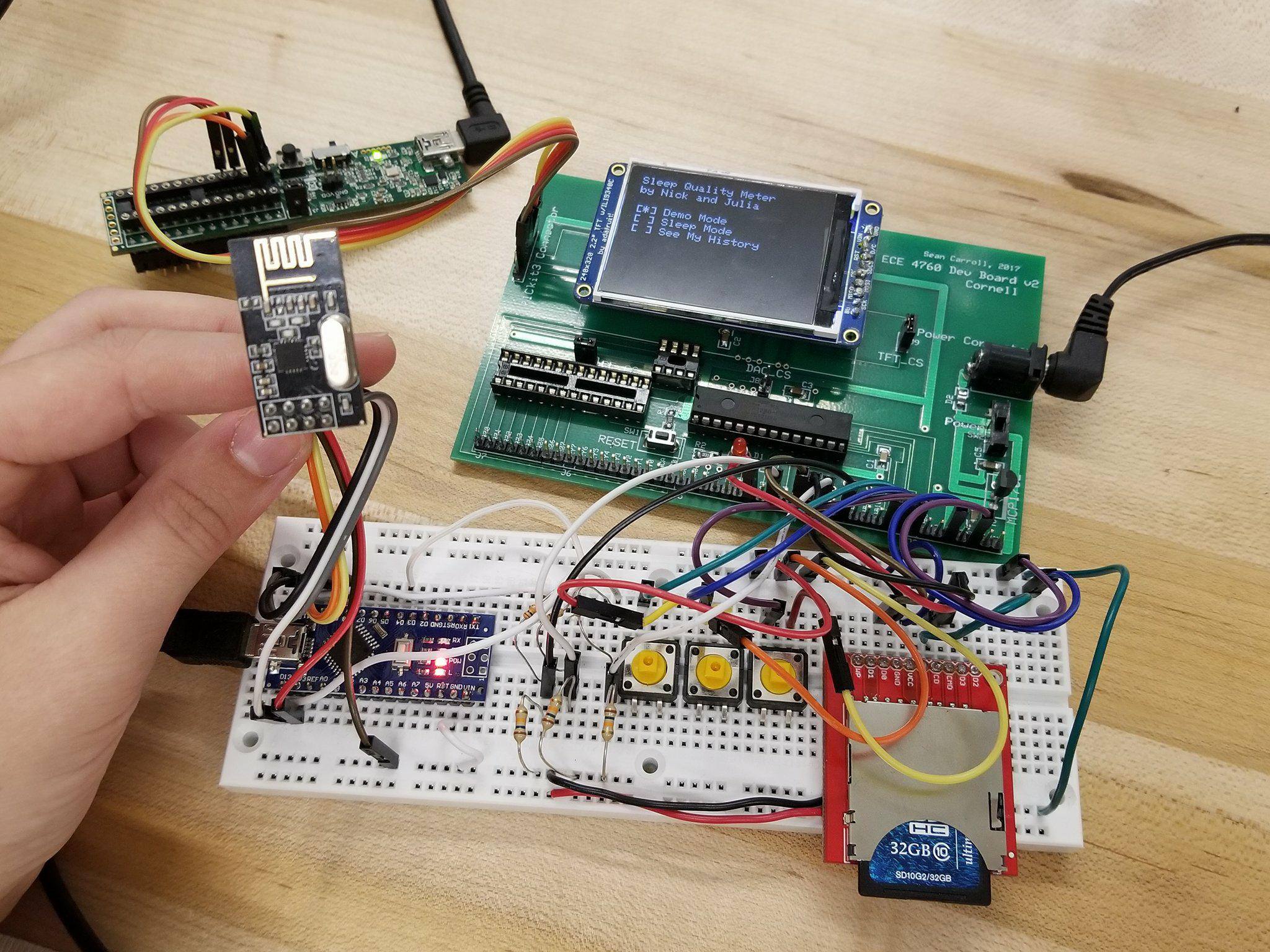
While it can be difficult to get enough sleep, at least you can try to make it as restful as possible when you are in bed. That’s the idea behind this project by Julia Currie and Nicholas Sarkis, who developed an Arduino Nano-based sleep monitor for their final ECE 4760 project at Cornell.

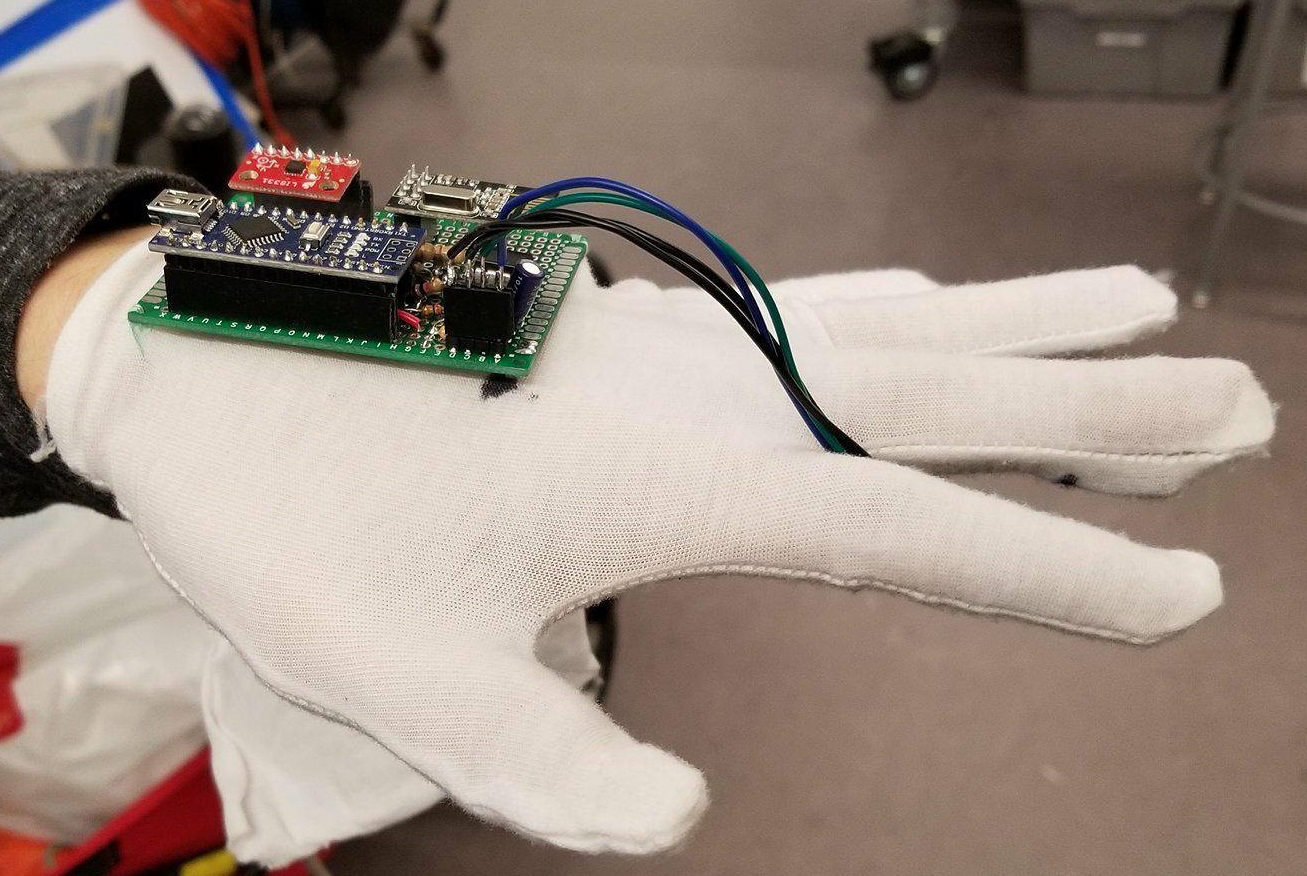
The bulk of the monitoring device takes the form of a glove which measures heart rate using an IR sensor, along with movement via an accelerometer. Breathing is recorded using a conductive band wrapped around the user’s chest, which changes resistance depending on how it is stretched.

The Nano mounted to the glove collects this information, and transmits it wirelessly using an nRF24L01 chip to a PIC32 microprocessor on a base station. Data is then graphed nicely on a TFT display for further analysis.

You can read more about the project here and see the video below!

Create a custom Secret Santa trivia box with Arduino

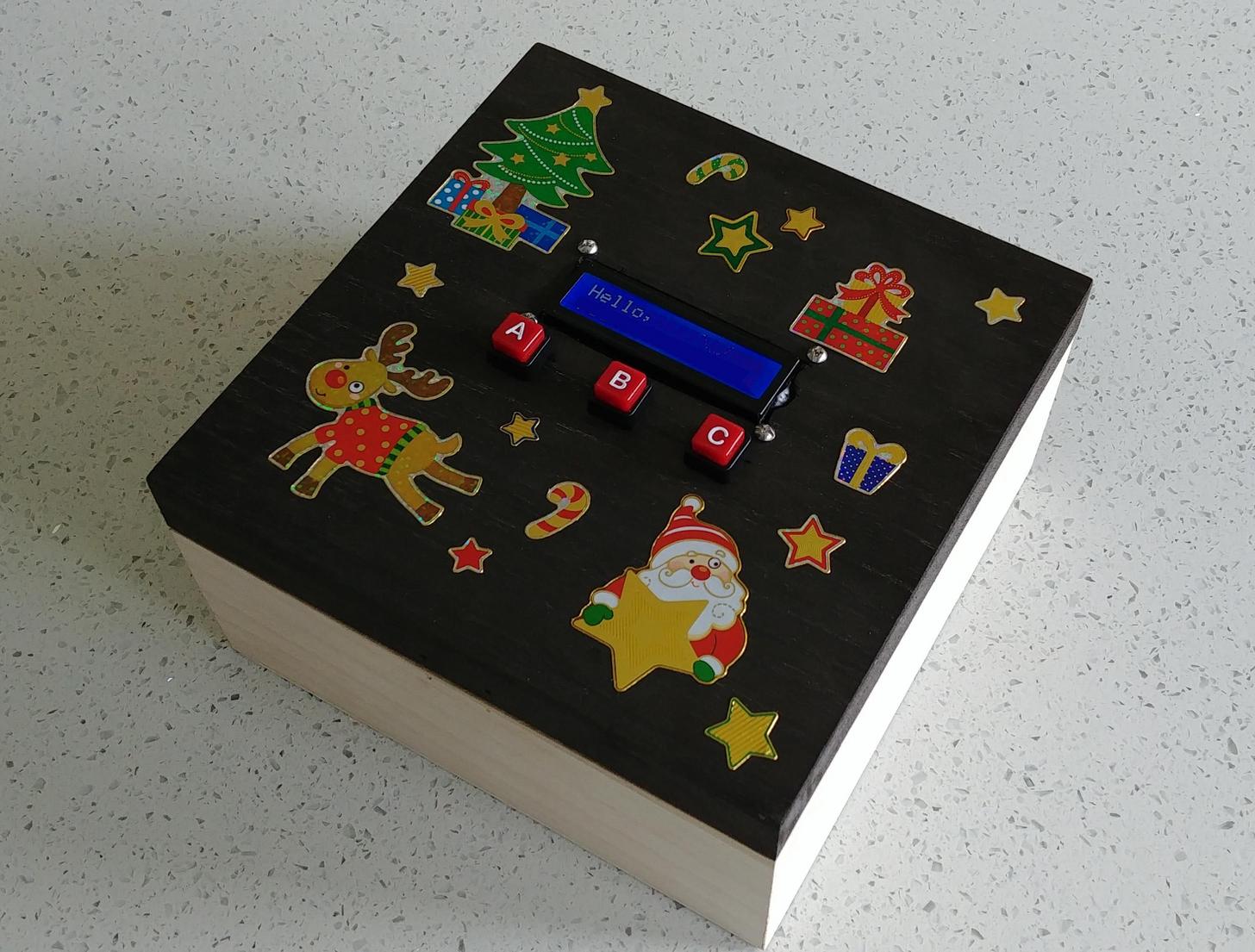
Participating in Reddit’s Secret Santa this year, hacker “Haxxa” decided to go all out, picking out not only several gifts for the recipient, but an Arduino-powered trivia box to house them in.

In use, an Arduino Nano onboard feeds queries to the gift recipient on an LCD display, allowing them to answer using one of three buttons. When 20 questions have been answered correctly, the box unlatches via a servo motor.

In addition to the physical items inside, the project also generates its own web page, revealing digital gifts to go along with the physical items!

To open the box, my giftee must complete the trivia game, there are 25 questions all based around my giftee’s interests, posts and hobbies. Once complete they will be rewarded with the gifts inside. I also included a wireless access point which activates upon completion of the game. Connecting to this access point reveals a website with more digital gifts including subscriptions, more games and challenges.

You can see it in action below and find its code over on GitHub.

Automatic trash can optimized for battery life

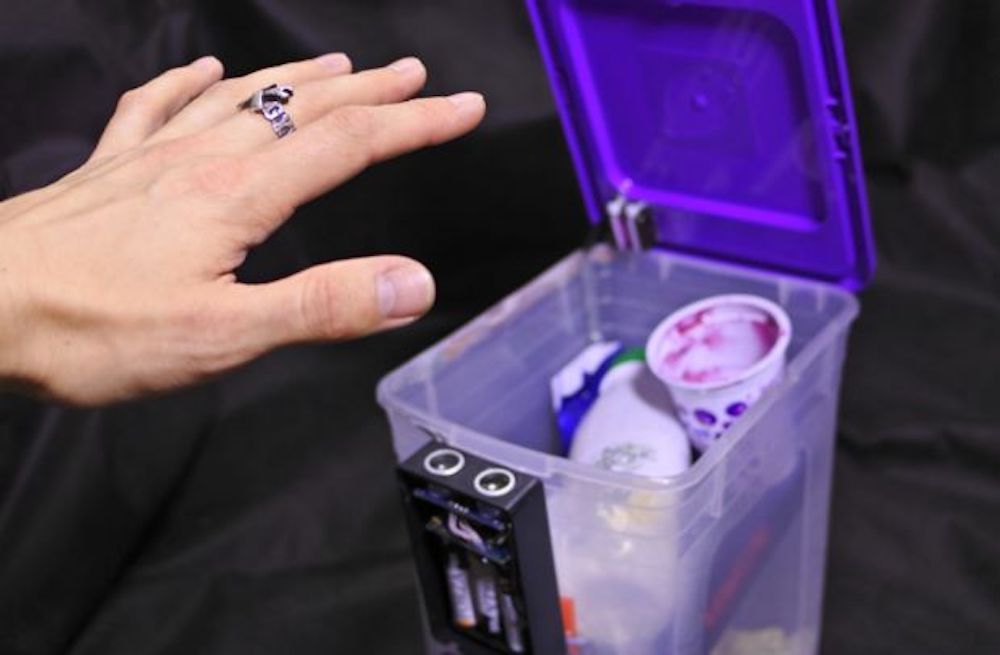
If you have a trash can with a lid, you’ve probably accepted the small inconvenience of opening it with your hand and foot. YouTube hacker MadGyver, however, came up with a different solution using an Arduino Nano and a micro servo to open the lid whenever someone places a hand near the unit’s ultrasonic sensor.

In order to run the device on batteries, MadGyver modified the Nano for efficiency, shedding the power LED, along with the voltage regulator. He also used a transistor to turn off power to the servo when in standby mode, and added a capacitor to accommodate for the power surge experienced when the servo starts moving.

After these mods, his trash can should theoretically function for over three years with the correct batteries! Check it out in the video below!

Slide the “time clock” into position with Arduino

Years ago, if you wanted to track employee hours, you needed to have them punch a time card. Saunders Machine Works, however, uses a facial recognition system running on an iPad for this purpose, meaning they had to figure out how to sense employees of different heights. What they came up with is a fixture that automatically raises and lowers the tablet, using a stepper motor and linear rails.

The project employs a Lidar sensor on the bottom of the device to detect employee presence, and another above the iPad’s mounting hardware to sense when it’s at the correct height, moving until the top sensor is clear. Control is provided by a pair of Arduino Nanos.

Be sure to check it out in the video below!

This DIY machine mixes your favorite three-ingredient cocktail

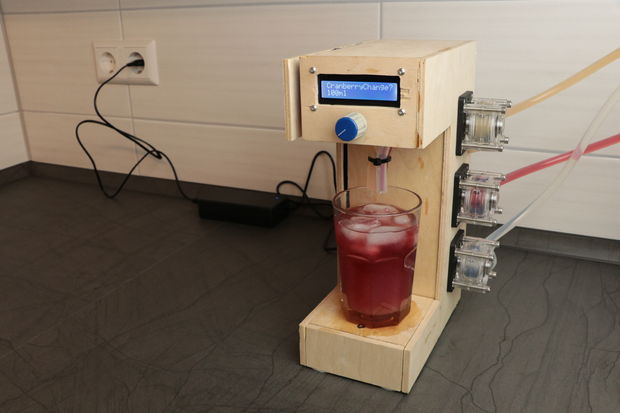
Do you and your friends have a favorite cocktail? If so—and if it has three ingredients—then this Arduino-based cocktail machine from YouTuber “GreatScott!” may be worth checking out.

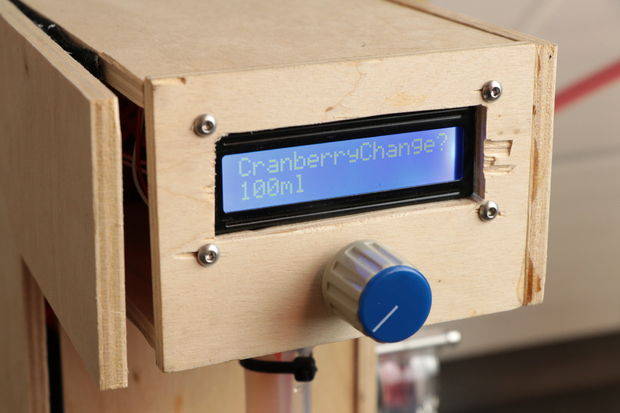
The device is capable of mixing three liquids, which in GreatScott’s case consist of vodka, cranberry juice, and grapefruit juice (also known as a Sea Breeze), in a drink size selected via a rotary encoder and LCD screen.

An Arduino Nano provides the brains for this operation, and each component is poured using a series of three peristaltic pumps. Meanwhile, a load cell underneath the glass holder ensures that the correct amount of liquid is dispensed.

The same setup could be used to make different three-ingredient drinks with a little programming work, or it could be expanded into a multi-drink unit with the addition of a few more pumps. You can see it in action below!

The Imperializer makes quick work of metric conversions

When you work in a machine shop, you often need to convert numbers from metric to imperial. As long as you have to do this on a regular basis, why not make a tool to do so easily?

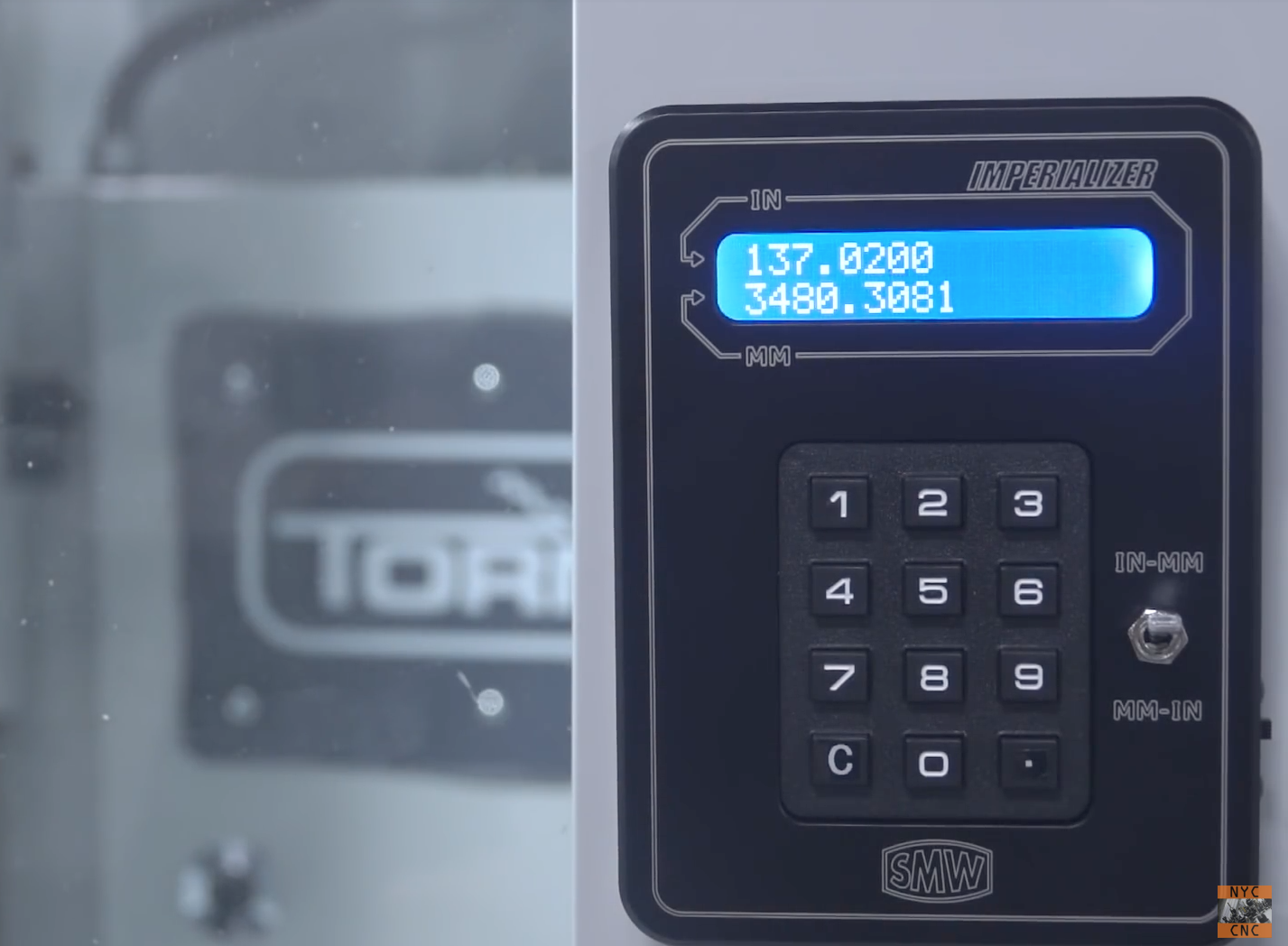
Instead of pulling out a phone or taping a calculator to their CNC machinery, NYC CNC came up with an Arduino Nano-based device that does this conversion in style. “The Imperializer” features a beautifully milled enclosure that magnetically sticks onto a machine, a backlit LCD, and a toggle switch to flip between metric and imperial units.

The Imperializer is a desktop or machine mountable device that does one thing: converts inches to millimeters (and millimeters to inches)!  It uses an Arduino Nano and is powered by a Lithium battery that can be recharged with a Micro-B USB cable!

If you’d like to have your own for your shop, the bill of materials and Arduino code can be found on the project page. The housing, and even a fully-assembled version, can be purchased here.

Arduino Blog 06 Dec 22:43

Build your own antenna rotator/satellite tracking device

After finding that purchasing a tracking device for his satellite dish would be quite expensive, YouTuber “Tysonpower” decided to simply build one himself. What he came up is an assembly made with 3D-printed parts and extruded aluminum that uses a pair of NEMA23 stepper motors for movement.

While it doesn’t quite work with the dish itself due to its offset weight, the concept was successfully used to track weather satellites using a VHF Yagi antenna.

Control is provided via an Arduino Nano, which interfaces with a computer over USB serial that provides satellite information. You can check it out in the video below, and find more details in the project’s write-up.

Read the time and play games on this Arduino-based word clock

If you’ve been interested in creating a word clock for your home, then perhaps this neat build by “oliverb” will be the perfect place to start.

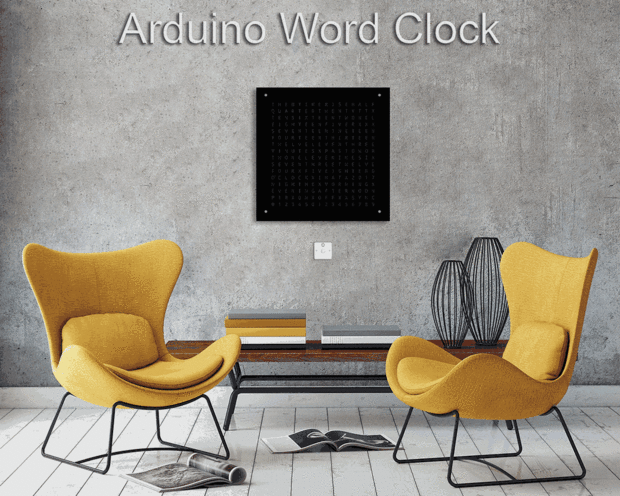
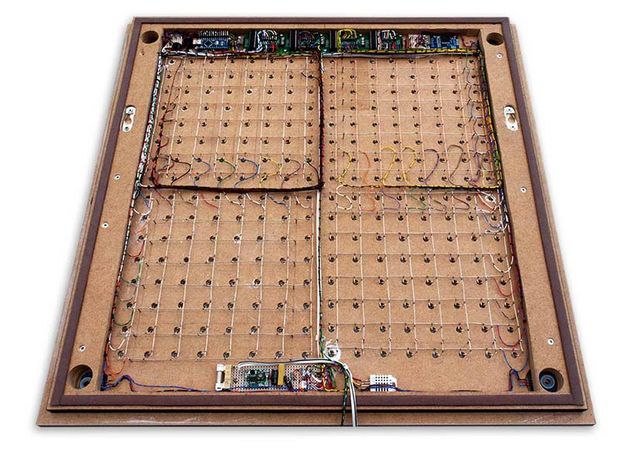
The clock, powered by an Arduino Nano along with a RTC module, is capable of displaying the time by spelling it out as you expect, or can use the letters as a matrix in order to show the time in digital format. These letter-dots can even be configured to form an “analog” clock if you prefer.

But that’s not all. The device can reveal the temperature and humidity, as well as play games like Tetris. Be sure to see it in action below!