A tangible orchestra one can walk through and play with others
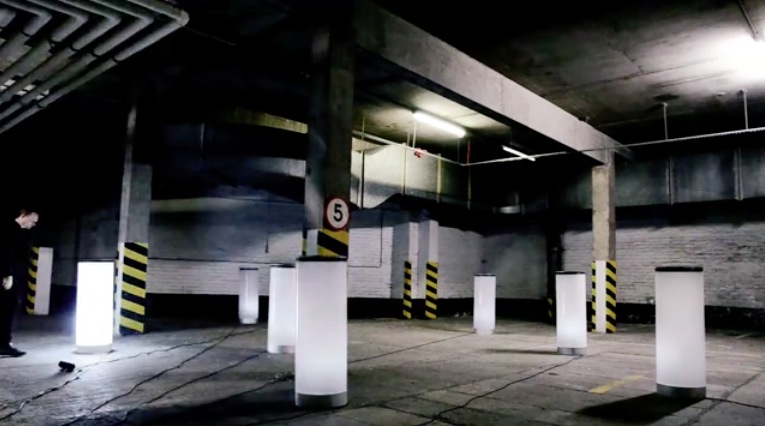
Tangible Orchestra is a project by Picarøøn, a collaboration of artists Rebecca Gischel and Sebastian Walter, combining electronic and classical music perceived very individually in a three-dimensional space.
Single units are triggered by people in close proximity and play a unique instrument, with the collection of individual instruments gathering as people congregate in the project space, eventually creating a complete musical work. As electronic music is usually composed and arranged at the mixing desk, the installation creates the illusion of an orchestra playing a musical piece that relies heavily on digitally created sounds and therefore could normally not be perceived this way.
Tangible Orchestra consists of seven individual cylinders that play their unique instrument if people in close proximity are identified by a complex system of sensors. Each column is an independent, interactive sound and computer unit that has the ability to play a separate instrumental track and a sensory system which reacts dynamically to the proximity of its participants.
Essentially, this enables each member of the audience to become a musician and together they constitute a musical ensemble or orchestra. This is achieved because depending on the proximity of each participant to any particular cylinder and the number of participants involved, the range, contribution and volume of the music contained within each cylinder varies proportionately. Therefore, the experience is guaranteed to be different every time; orchestrated by the participants both individually and as part of an ensemble.
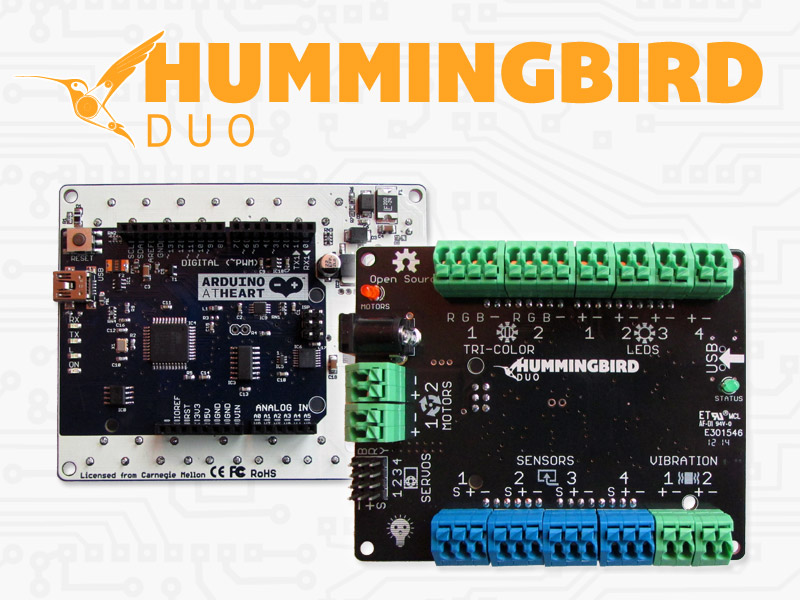
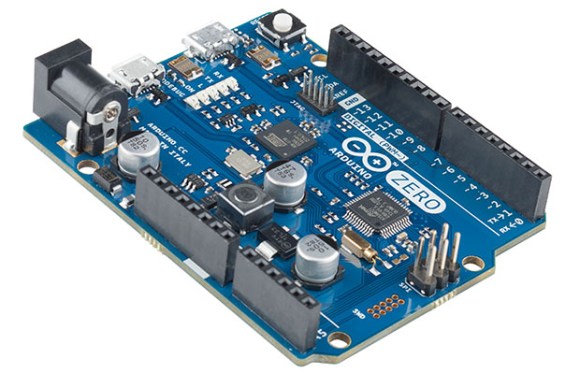
The installation uses 112 ultrasonic sensors controlled by Arduino Mega and only if enough people gather and scatter evenly across the project space, the installation evolves to its greatest potential and the complete work of art can be perceived:
Human interaction within Tangible Orchestra is made possible by 16 ultrasonic sensors on the inside of each cylinder, granting a 360 degree field of view. The sensors are run by one integrated microprocessor per cylinder, evaluating and comparing the readings of all sensors making very accurate assessments.
To avoid interference between ultra sonic waves of different cylinders, the microprocessors run consecutively rather than simultaneously. All microprocessors are controlled, assessed and coordinated by one Arduino Mega.
The programming language Processing is used to communicate with Arduino and consequently with the microprocessors in each cylinder. It is programmed to coordinate the microprocessors, so that their sensors cast their rays consecutively as with 112 ultrasonic sensors operating at the same time, there would be a substantial risk of interference and acoustic shadow misreading. It also assesses the data coming from Arduino and, after verification, generates the output. Is a person detected within the bubble of a cylinder, Processing receives the digital information as an input from Arduino and stops muting the respective instrument which then joins into the melody. Processing also reads the values of each instrumental track to calculate the digital signals for the LEDs and controls the LED stripes inside of the cylinder.
Each instrument is played by a separate speaker which is located in the base of each cylinder. Multiple sound outputs were realised by using several external sound cards together with the minim library by Damien Di Fede. When an instrument plays, the beats of the audible track are analysed and consequently values are calculated to create an equalizer-like light beam. The outcome is transferred via Arduino to a transformer, which converts the 5V Arduino signal into an 230V output operating 192 LEDs per cylinder. Another transformer converts 5V Arduino signals into 12V output powering LED stripes inside of each cylinder as soon as they are activated.
The first exhibition of the Tangible Orchestra was at Royal Mile, Edinburgh this May 2014. Check their website for next events.