Posts with «arduino» label

Turn a flatbed scanner into a PCB UV exposure device

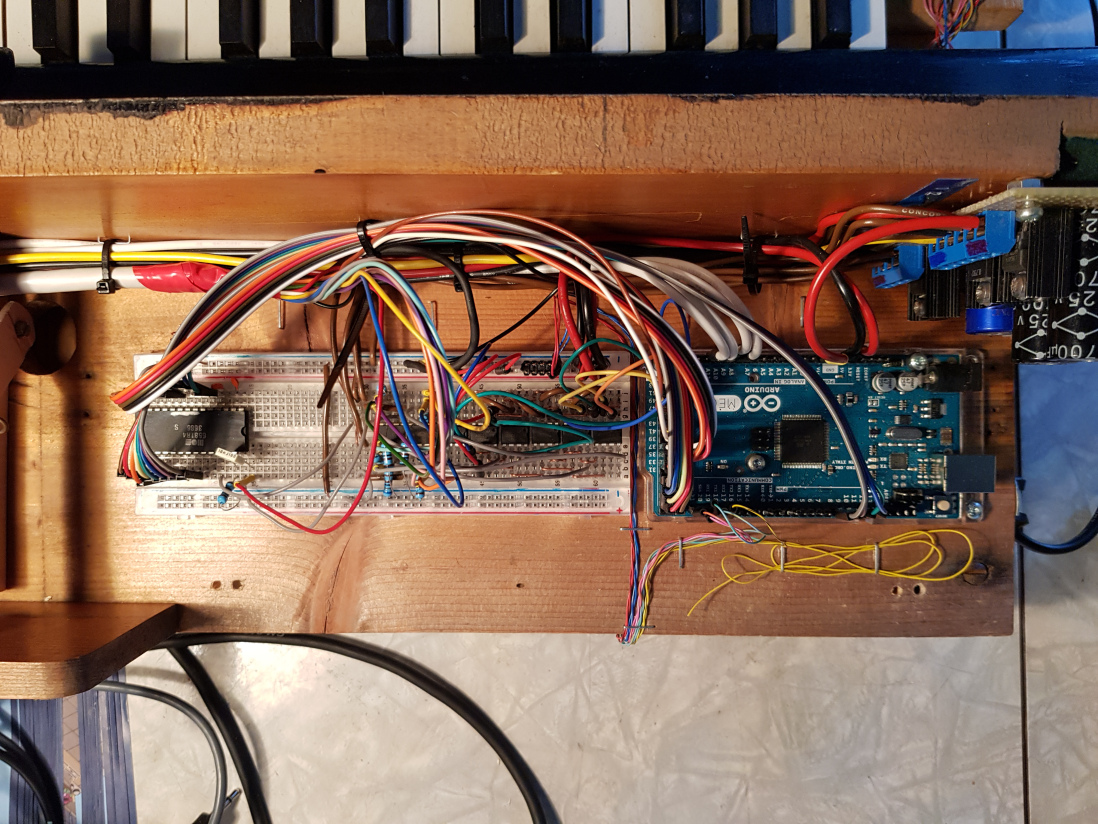
If you want to create your own custom PCBs, you could design it and wait for a fab house to send it back, dealing with any errors, or you could do it yourself. Hacker Andras Kabai decided to go for the second option, and made his own UV exposure tool to help him with the process using an old flatbed scanner as the base.

Rather than line the entire underside of the bed with LEDs, he cleverly repurposed the single-axis gantry that would normally hold the scanning unit to instead contain a row of LEDs to expose the PCB on top.

The project was prototyped with an Arduino Pro Mini, but was eventually supplanted by a Mega when the smaller board’s limits were reached.

Plenty of DIY PCB UV exposure tool building posts are available on the internet with total different approaches. I also designed my own, to fulfill my needs: it should be relative small and portable and the hacking/modding should be fun. ? Flat bed scanners were found as possibly good target. Compared to most of the other scanner mods, which use LED arrays or fluorescent tubes across the whole scanner bed area, my plan was to use the scanner carriage with only few LEDs and control its movement (and brightness) under the given PCB.

You can check out the device’s development in the videos below, which show off its interface and the gantry in motion.

Micro-ATX Arduino is the Ultimate Breakout Board

If you’ve been hanging around microcontrollers and electronics for a while, you’re surely familiar with the concept of the breakout board. Instead of straining to connect wires and components to ever-shrinking ICs and MCUs, a breakout board makes it easier to interface with the device by essentially making it bigger. The Arduino itself, arguably, is a breakout board of sorts. It takes the ATmega chip, adds the hardware necessary to get it talking to a computer over USB, and brings all the GPIO pins out with easy to manage header pins.

But what if you wanted an even bigger breakout board for the ATmega? Something that really had some leg room. Well, say no more, as [Nick Poole] has you covered with his insane RedBoard Pro Micro-ATX. Combining an ATmega32u4 microcontroller with standard desktop PC hardware is just as ridiculous as you’d hope, but surprisingly does offer a couple tangible benefits.

RedBoard PCB layout

The RedBoard is a fully compliant micro-ATX board, and will fit in pretty much any PC case you may have laying around in the junk pile. Everything from the stand-off placement to the alignment of the expansion card slots have been designed so it can drop right into the case of your choice.

That’s right, expansion slots. It’s not using PCI, but it does have a variation of the standard Arduino “shield” concept using 28 pin edge connectors. There’s a rear I/O panel with a USB port and ISP header, and you can even add water cooling if you really want (the board supports standard LGA 1151 socket cooling accessories).

While blowing an Arduino up to ATX size isn’t exactly practical, the RedBoard is not without legitimate advantages. Specifically, the vast amount of free space on the PCB allowed [Nick] to add 2Mbits of storage. There was even some consideration to making removable banks of “RAM” with EEPROM chips, but you’ve got to draw the line somewhere. The RedBoard also supports standard ATX power supplies, which will give you plenty of juice for add-on hardware that may be populating the expansion slots.

With as cheap and plentiful as the miniITX and microATX cases are, it’s no surprise people seem intent on cramming hardware into them. We’ve covered a number of attempts to drag other pieces of hardware kicking and screaming into that ubiquitous beige-box form factor.


Filed under: Arduino Hacks, computer hacks, Microcontrollers

Create a custom Secret Santa trivia box with Arduino

Participating in Reddit’s Secret Santa this year, hacker “Haxxa” decided to go all out, picking out not only several gifts for the recipient, but an Arduino-powered trivia box to house them in.

In use, an Arduino Nano onboard feeds queries to the gift recipient on an LCD display, allowing them to answer using one of three buttons. When 20 questions have been answered correctly, the box unlatches via a servo motor.

In addition to the physical items inside, the project also generates its own web page, revealing digital gifts to go along with the physical items!

To open the box, my giftee must complete the trivia game, there are 25 questions all based around my giftee’s interests, posts and hobbies. Once complete they will be rewarded with the gifts inside. I also included a wireless access point which activates upon completion of the game. Connecting to this access point reveals a website with more digital gifts including subscriptions, more games and challenges.

You can see it in action below and find its code over on GitHub.

Interact with the virtual world in a whole new way

As reported by the Creative Applications Network, “Tangibles Worlds explores the effects of tactile experience as a catalyst for full immersion in VR.”

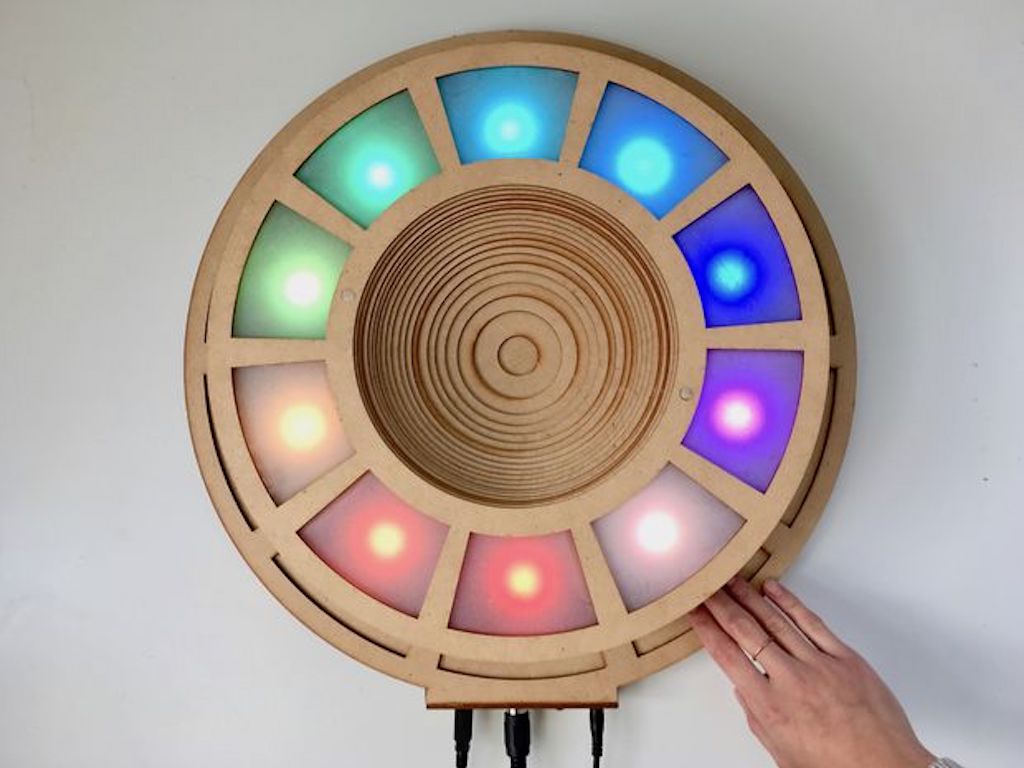
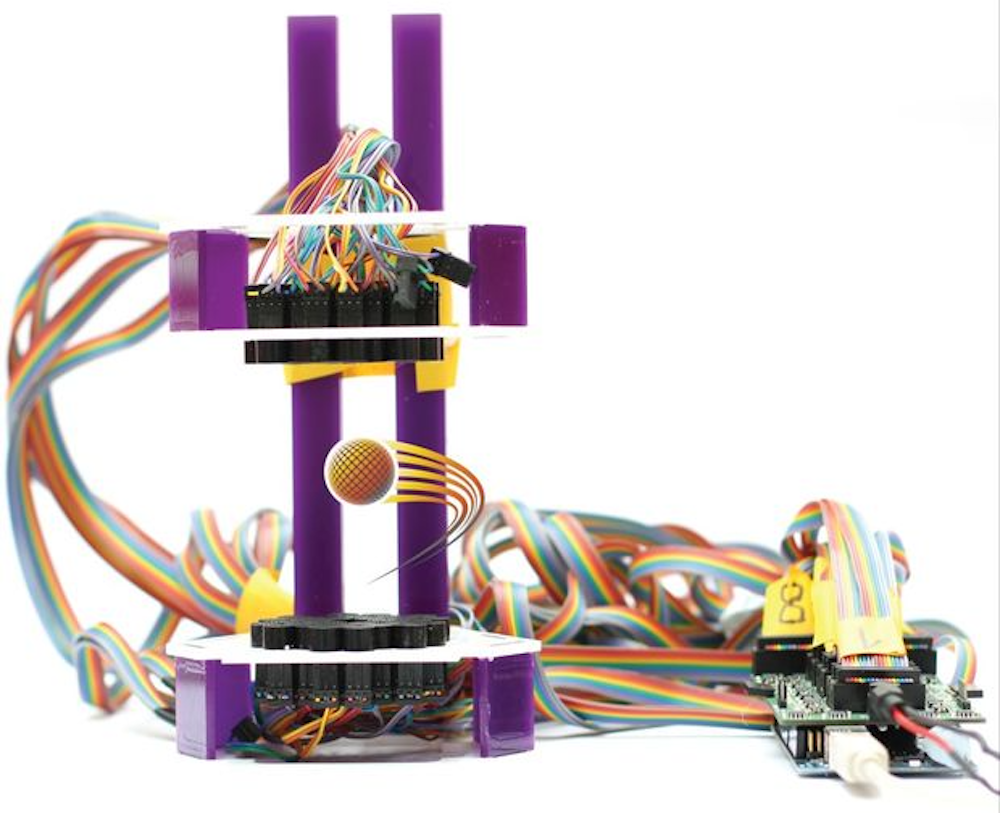
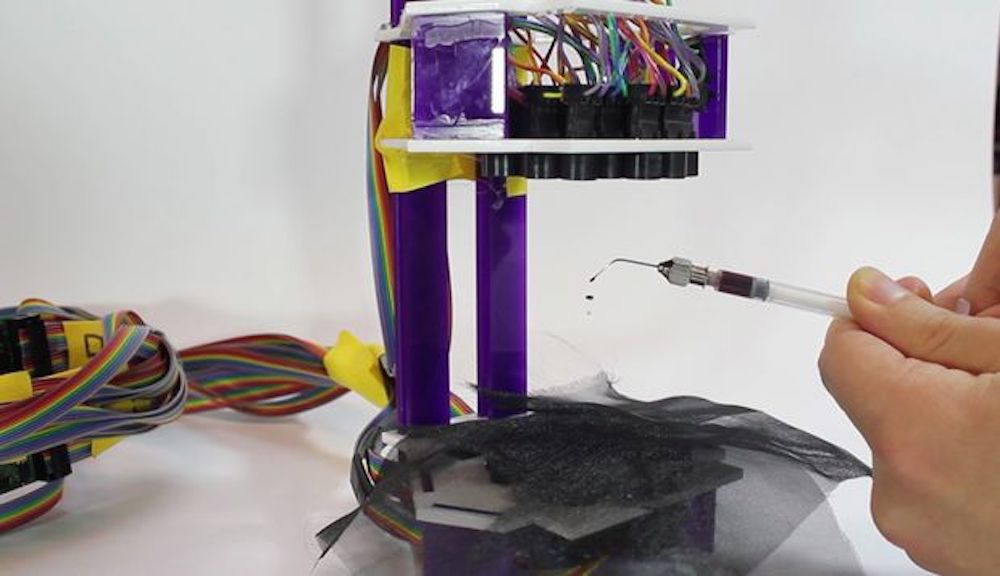
The project by Stella Speziali takes the form of three separate boxes, along with an Oculus Rift headset. When a hand is placed in one of these boxes, the user is virtually transported to another dimension of sight and sound, controlled by IR distance sensors, flex sensors, capacitive wire, and several other devices interfaced with an Arduino Mega.

Each box contains an IR distance sensor, which detects when a hand is inserted and display the virtual world attributed to the box. This new virtual world surrounds the user. A sensor is placed on each wall within the boxes, this sensor recognizes the hand and activates an animation inside the virtual world. I tried to map the sensors in the virtual universe so that a little clue is given to the user and will lead him to trigger the animations.

The idea behind this installation is to go beyond “traditional” VR controllers for entirely new level of interaction. The video seen here gives an excellent preview of the strangeness of this type of interface, though using it with a headset and sensors would likely be an altogether different experience!

This control panel references your favorite sci-fi films

While you may question if some of the blinking lights and buttons in science fiction movies actually do anything, you’d still really like to hit those buttons just to see what happens, right? If that sounds like you, then something like this rocket ship panel from maker “r570sv” might be just the thing for your entertainment.

The build features three Arduino boards for control, and references a total of 13 works of sci-fi throughout the brightly lit-up panel. Highlights of the project include a controllable infinity mirror, and a Raspberry Pi-driven screen that displays different movie clips depending on what combination of buttons, switches, and knobs are selected. Still other buttons and lights don’t really do anything, following along perfectly from the theme.

You can see more of the panel on Instructables and in the video below!

Star Wars fan creates an Arduino-powered rebel pilot chest box

If you’d like a rebel fighter pilot suit, complete with the automated chest box, then look no further than this excellent build from “badjer1.”

It features a chest box with the same dimensions seen in the movies that lights up randomly, and even allows bored pilots to play a game of Pong on its double-LED matrix display using a dial next to it.

The Arduino Uno-powered device can also scroll through marquee displays featuring X-Wings and TIE Fighters, and play the Imperial March as required.

You can see more about the project, including how the box and the rest of the uniform were weathered, in badjer1’s write-up here.

Final Project for Better Sleep

It’s that time of year again, and students around the world are scrambling (or have already scrambled) to finish their final projects for the semester. And, while studying for finals prevents many from sleeping an adequate amount, [Julia] and [Nick] are seeking to maximize “what little sleep the [Electrical and Computer Engineering] major allows” them by using their final project to measure sleep quality.

To produce a metric for sleep quality, [Julia] and [Nick] set out to measure various sleep-related activities, specifically heart rate, motion and breath frequency. During the night, an Arduino Nano mounted to a glove collects data from the various sensors mounted to the user, all the while beaming the data to a stationary PIC for analysis and storage. When the user awakes, they can view their sleep report on a TFT display at the PIC base station. Ideally, users would use this data to test different habits in order to get the best nights sleep possible.

Interestingly, the group chose to implement their own heart rate sensor. With an IR transmitter, IR phototransistor and an OP amp, the group illuminates user’s fingers and measure reflection to detect heartbeats. This works because the amount of IR reflected from the user’s finger changes with blood pressure and blood oxygen level, which also happen to change when the heart is beating. There were some bumps along the road when it came to the heartbeat sensor (the need to use a finger instead of the wrist forced them to use a glove instead of a wristband), but we think it’s super cool and totally worth it. In addition to heart rate, motion is measured by an accelerometer and breath is measured by a flex sensor wrapped around the user’s chest.

With all of their data beamed back by a pair of nRF24L01s, the PIC computes the sleep “chaos” which is exactly what it sounds like: it describes just how chaotic the user slept by looking for acyclic and sudden movement. Using this metric, combined with information from breathing and heart rate, the PIC computes a percentage for good sleep where 100% is a great night and 0% means you might have been just as well off pulling an all-nighter. And, to top it all off, the PIC saves your data to an SD card for easy after-the-fact review.

The commented code that powers the project can be found here along with a parts list in their project write-up.

This device assumes that sleeping is the issue, but if waking up if your problem, we’ve already got you covered, aggressive alarm clock style. For those already on top of their sleep, you might want some help with lucid dreaming.

Video of the project explained by [Julia] and [Nick] after the break.

Thanks to [Nick] for sending this in!


Filed under: hardware

Automatic trash can optimized for battery life

If you have a trash can with a lid, you’ve probably accepted the small inconvenience of opening it with your hand and foot. YouTube hacker MadGyver, however, came up with a different solution using an Arduino Nano and a micro servo to open the lid whenever someone places a hand near the unit’s ultrasonic sensor.

In order to run the device on batteries, MadGyver modified the Nano for efficiency, shedding the power LED, along with the voltage regulator. He also used a transistor to turn off power to the servo when in standby mode, and added a capacitor to accommodate for the power surge experienced when the servo starts moving.

After these mods, his trash can should theoretically function for over three years with the correct batteries! Check it out in the video below!

Retractable Console Allows Wheelchair User to Get up Close and Personal

[Rhonda] has multiple sclerosis (MS), a disease that limits her ability to walk and use her arms. She and the other residents of The Boston Home, an extended care facility for people with MS and other neuromuscular diseases, rely on their wheelchairs for mobility. [Rhonda]’s chair comes with a control console that swings out of the way to allow her to come up close to tables and counters, but she has problems applying enough force to manually position it.

Sadly, [Rhonda]’s insurance doesn’t cover a commercial solution to her problem. But The Boston Home has a fully equipped shop to extend and enhance residents’ wheelchairs, and they got together with students from MIT’s Principles and Practices of Assistive Technology (PPAT) course to hack a solution that’s not only useful for [Rhonda] but should be generally applicable to other chairs. The students analyzed the problem, measured the forces needed and the clearances required, and built a prototype pantograph mount for the control console. They’ve made the device simple to replicate and kept the BOM as inexpensive as possible since patients are often out-of-pocket for enhancements like these. The video below shows a little about the problem and the solution.

Wheelchair hacks are pretty common, like the 2015 Hackaday Prize-winning Eyedrivomatic. We’ve also covered totally open-source wheelchairs, both manual and electric.


Filed under: Medical Hacks

Slide the “time clock” into position with Arduino

Years ago, if you wanted to track employee hours, you needed to have them punch a time card. Saunders Machine Works, however, uses a facial recognition system running on an iPad for this purpose, meaning they had to figure out how to sense employees of different heights. What they came up with is a fixture that automatically raises and lowers the tablet, using a stepper motor and linear rails.

The project employs a Lidar sensor on the bottom of the device to detect employee presence, and another above the iPad’s mounting hardware to sense when it’s at the correct height, moving until the top sensor is clear. Control is provided by a pair of Arduino Nanos.

Be sure to check it out in the video below!