Posts with «arduino» label

A Robotic Arm For Those Who Like Their Kinematics Both Ways

A robotic arm is an excellent idea if you’re looking to get started with electromechanical projects. There’s linkages to design, and motors to drive, but there’s also the matter of control. This is referred to as “kinematics”, and can be considered in both the forward and inverse sense. [aerdronix] built a robotic arm build that works in both ways.

The brains of the build is an Arduino Yun, which receives commands over the USB interface. Control is realised through the Blynk app, which allows IoT projects to easily build apps for smartphones that can be published to the usual platforms.

The arm’s position is controlled in two fashions. When configured to use inverse kinematics, the user commands an end effector position, and the arm figures out the necessary position of the linkages to make it happen. However, the arm can also be used in a forward kinematics mode, where the individual joint positions are commanded, which then determine the end effector’s final position.

Overall, it’s a well-documented build that lays out everything from the basic mechanical design to the software and source code required to control the system. It’s an excellent learning resource for the newcomer, and such an arm could readily be used in more complex projects.

We see plenty of robotic arms around these parts, like this fantastic build based on an IKEA lamp. If you’ve got one, be sure to hit up the tip line. Video after the break.

Hack a Day 19 Oct 12:00

Decorative Light Box Lets You Guess The Time

Telling time by using the current position of the sun is nothing revolutionary — though it probably was quite the “life hack” back in ancient times, we can assume. On the other hand, showing time by using the current position of the sun is what inspired [Rich Nelson] to create the Day Cycle Clock, a color changing light box of the Philadelphia skyline, simulating a full day and night cycle in real time — servo-controlled sun and moon included.

At its core, the clock uses an Arduino with a real-time clock module, and the TimeLord library to determine the sunrise and sunset times, as well as the current moon phase, based on a given location. The sun and moon are displayed on a 1.44″ LCD which doubles as actual digital clock in case you need a more accurate time telling after all. [Rich] generally went out of his way with planning and attention to detail in this project, as you can see in the linked video, resulting in an impressively clean build surely worthy as gift to his brother. And if you want to build one for yourself, both the Arduino source code and all the mechanical parts are available on GitHub.

An interesting next iteration could be adding internet connectivity to get the current weather situation mixed into the light behavior — not that it would be the first time we’d see weather represented by light. And of course, simulating the northern lights is also always an option.

Redeem Your Irresponsible 90s Self

If you were a youth in the 90s, odds are good that you were a part of the virtual pet fad and had your very own beeping Tamagotchi to take care of, much to the chagrin of your parents. Without the appropriate amout of attention each day, the pets could become sick or die, and the only way to prevent this was to sneak the toy into class and hope it didn’t make too much noise. A more responsible solution to this problem would have been to build something to take care of your virtual pet for you.

An art installation in Moscow is using an Arduino to take care of five Tamagotchis simultaneously in a virtal farm of sorts. The system is directly wired to all five toys to simulate button presses, and behaves ideally to make sure all the digital animals are properly cared for. Although no source code is provided, it seems to have some sort of machine learning capability in order to best care for all five pets at the same time. The system also prints out the statuses on a thermal printer, so you can check up on the history of all of the animals.

The popularity of these toys leads to a lot of in-depth investigation of what really goes on inside them, and a lot of other modifications to the original units and to the software. You can get a complete ROM dump of one, build a giant one, or even take care of an infinite number of them. Who would have thought a passing fad would have so much hackability?

Hack a Day 19 Oct 06:00

Adafruit’s HalloWing, an MCU Optimized for Halloween Projects

A feature-rich microcontroller especially designed for Halloween and other multimedia projects.

Read more on MAKE

The post Adafruit’s HalloWing, an MCU Optimized for Halloween Projects appeared first on Make: DIY Projects and Ideas for Makers.

Popup Notification Dinosaur

There’s a lot going on our virtual spaces, and anyone with a smart phone can attest to this fact. There are pop-up notifications for everything you can imagine, and sometimes it’s possible for the one really important notification to get lost in a sea of minutiae. To really make sure you don’t miss that one important notification, you can offload that task to your own personal dinosaur.

The 3D-printed dinosaur has a rack-and-pinion gear set that allows it to extend upwards when commanded. It also has a set of LEDs for eyes that turn on when it pops up. The two servos and LEDs are controlled by a small Arduino in the base of the dinosaur. This Arduino can be programmed to activate the dinosaur whenver you like, for an email from a specific person, a reply to a comment on Reddit, or an incoming phone call to name a few examples. Be sure to check out the video below the break.

With this dinosaur on your desk, it’s not likely you’ll miss its activation. If you’d like something that has the same function but with less movement and more lights, there’s also a notification 3D cube made out of LEDs that’s sure to catch your eye as well.

3D wire bending with Arduino!

If you thought that automatic wire bending was solely the purview of expensive industrial machinery, think again. How To Mechatronics has come up with a bender that not only twists wire left and right, but can rotate to create three-dimensional shapes.

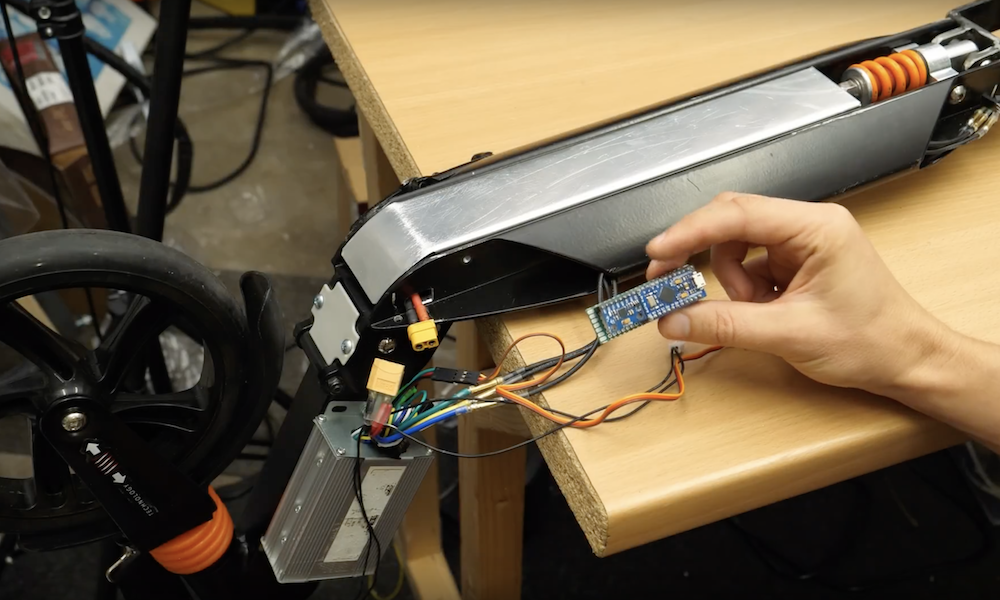
The heart of the system is an Arduino Nano, which controls three stepper motors for wire manipulation via DRV8825 driver boards. A servo motor is also implemented in order to push a piece of copper tubing into place to physically bend the wire. 

As noted, the device does have some trouble moving the wire when its straightening rollers are tight, but this likely could be perfected with a little more work. If you’d like to take a crack at it, code and build files are available here.

Flamethrower Gets Update, Retains Some Sketchiness

Part of what makes flamethrowers fun is their inherent danger. This is what makes a lot of things fun, though, from snowboarding to skydiving to motorcycle riding. As with all of these sensible hobbies, though, it’s important to take as much unnecessary risk out of the activity as possible to make sure you’re around as long as possible to enjoy your chosen activity. With that in mind, [Stephen] decided to make some improvements on his classic wrist-mounted flamethrower.

To start, he ditched the heavy lead-acid battery that powered the contraption in favor of a smaller 5 V battery. In fact, the entire build is much more compact and efficient. He was also able to use the same battery to run a tiny taser that acts as an ignition source for the flamethrower’s fuel. The fuel itself is butane, and the modified flamethrower is able to launch flames much further than the original due to improvements in the fuel delivery system. These improvements also include “Finding a way to prevent butane droplets from lighting and landing on [his] hand” which seems like a necessary feature as well.

The entire build now is very well refined and professional-looking, which is also a major improvement from the first version. It’s also worth watching the video after the break as well, which includes a minor run-in with the New York City fire marshal. And, it still retains some of the danger and all of the fun of the original builds which is something we always like to see.


Arduino Uno controls a trio of singing pumpkins

Halloween is just around the corner, and to celebrate, fadecomic decided to set up a trio of singing animatronic pumpkins to belt out scary songs. 

The project uses a Raspberry Pi for high level control and browser interface, and sends animation commands to an Arduino Uno via USB serial.

The Uno takes this data and translates it into actual pumpkin movements coordinated with music. The resulting trio of pumpkins each use their own servo to lift the top of the foam gourd up like a gigantic mouth, and also feature PWM-driven LED eyes. A light show controlled by SSRs completes the spooky musical effect. 

Build info is available here and the Arduino code can be found on GitHub.

Paper-cut light box replicates the Philadelphia skyline and its actual moon phases

Rich Nelson wanted to make a unique gift for his brother, and decided on a paper-cut light box of Philadelphia’s skyline, the city where he lives. 

The resulting device is controlled by an Arduino Nano, and not only features a trio of lights and layers to represent buildings and foliage, but also a moving sun and moon display that changes depending on the actual time and date.

Timing is accomplished via an RTC module, while the sun/moon is displayed on a small TFT screen that moves across the sky using a servo motor and extension arm. The build can be seen in the video below, and code as well as CAD info is on GitHub for your perusal.

Arduino Blog 16 Oct 14:32

FacePush adds extra realism to your VR experience

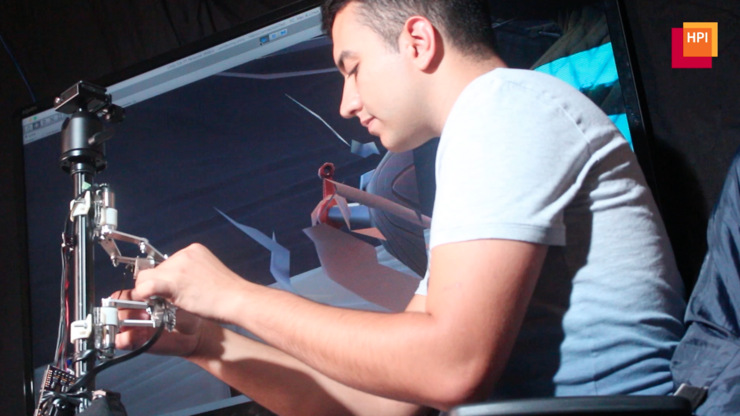
Haptic feedback is something commonly used with handheld controllers and the like. However, in a virtual reality environment, it could also be used with the other interface surface attached to your body: the VR headset itself.

That’s the idea behind FacePush, which employs an Arduino Uno-powered pulley system to place tension on the straps of an HTC Vive headset. A corresponding pushing force is felt by the wearer through the headset in response to this action, creating yet another way to help immerse users in a virtual world. 

Applications tried so far include a boxing game, dive simulator, and 360-degree guidance You can check it out in a short demo below, and read more about it in the full research paper here.