Posts with «arduino» label

Arduino RC Transmitter For Homebrew Projects

The field of radio control has benefited much from the onward march of technology. Where a basic 2-channel setup would once have cost hundreds of dollars, it’s now possible to get a high-end 2.4GHz 9-channel rig for well under $100, shipped to your door. However, the vast majority of these systems are closed-source and built for purpose. Sometimes, there are benefits to doing things your own way, and that’s precisely what this project does.

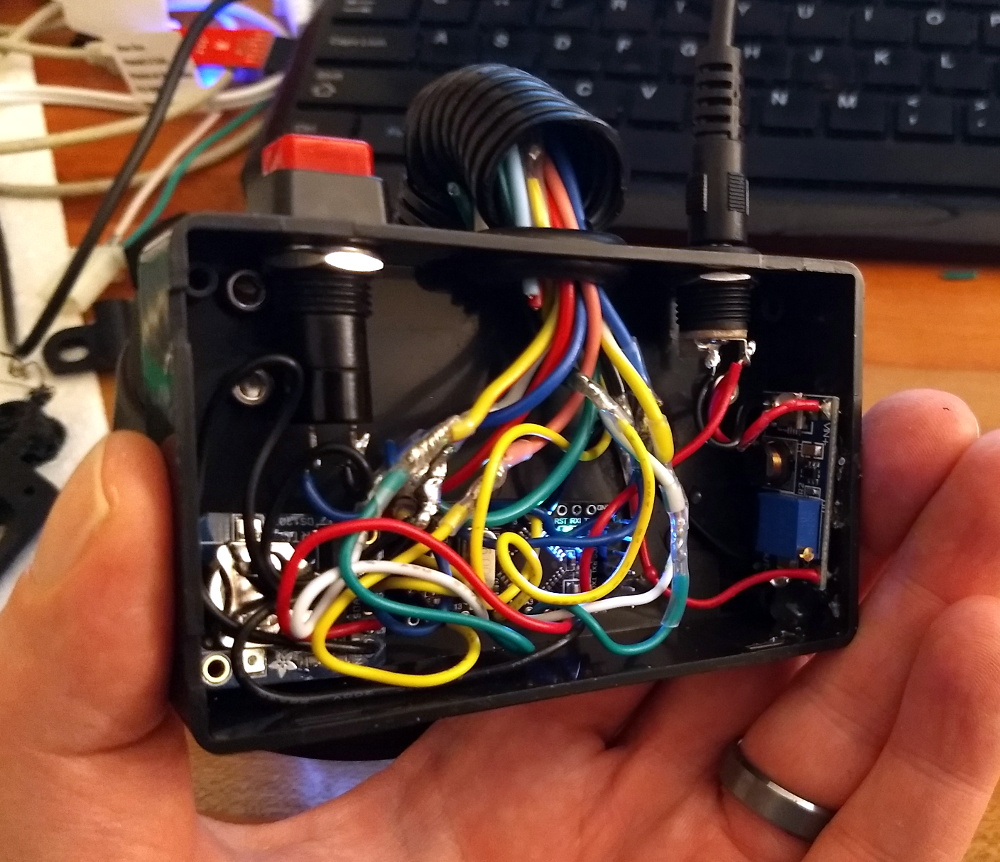
At its heart, it’s a simple combination. An Arduino Pro Mini talks to a NRF24L01 which handles the wireless communication. At that point, it’s up to you – throw in as few or as many controls as you like. For this build, [HowToMechatronics] has gone with a twin-stick setup, with a pair of potentiometers and twin toggle switches to round out the options.

The build comes in handy, as it’s possible to program in whatever features you may need for a given project. [HowToMechatronics] has used it to control a hexapod robot, among other projects. It’s a build that shows that with cheap and readily available parts, it’s possible to whip up a custom solution to suit your needs.

If this topic interests you.it’s worth saying that even those closed source radio control products can sometimes be hacked.

[Thanks to Baldpower for the tip!]

Hunt the Wumpus comes to Arduino!

Hunt the Wumpus is a text-based survival/horror game developed in 1973. As such, it’s perhaps due for an update, and Benjamin C. Faure was able to do so using an Arduino Mega to run a graphical version on an 8×8 MAX7219 LED display.

The game consists of moving your character through the 64-LED randomly generated world, avoiding pits and bats, attempting to face the Wumpus to fire your one arrow. Navigation is aided by “wind” and “stench” lights, indicating either a pit or the foul Wumpus is nearby. The game is also enhanced with a few LED animations and a small piezo speaker. 

On startup, the game will generate an 8×8 map for the player that contains bats, pits, and a Wumpus. The player must pay attention to their senses to ensure they don’t fall into a pit or run into a Wumpus. Running into a bat might not be instant death, but they can carry you over a pit or even straight to the Wumpus.

If the player wishes to win, they must pinpoint the location of the Wumpus. Then, they must take one step towards the Wumpus (so that they are facing the proper direction) and fire their only arrow. If they hit the Wumpus, they win! If they miscalculated, however, they will meet a grisly fate.

A demo can be seen below, while code for the project is available on GitHub.

Making an LED matrix out of glue sticks

Glue sticks are great for attaching electronics and other bits to projects, but as Jon Bumstead shows in his latest work, they can also make pretty cool light diffusers. 

His project takes the form of a wooden box with plexiglass panels, allowing observers to see 64 vertical illuminated glue sticks inside. Hidden within the cube are 128 WS2811 LED modules, melted into the top and bottom of each stick. 

Everything is built around an Arduino Nano, using only a pair of its outputs to control each LED. User interface is provided by a button and knob to adjust speed, color, and patterns.

In this project, I created a “fiber optic” LED matrix using WS2801 LED strip and glue sticks. The light displays have a different look than similar LED cubes and a few advantages. First, you can’t see the actual LEDs in the display because the glue sticks guide the light away from the LEDs. Second, the device requires much fewer LEDs to make up the volume. Because the top and bottom have different LED strips, the fiber optic cables can take on two different colors that mix in the center. There are tons of different color displays that can be achieved with the device. I also added a button and knob for controlling the speed, color, and type of light display.

An Arduino-powered mini turntable with magnetic attachments

If you need a motorized turntable for filming or simply to display your latest project, here’s an easy 3D-printable option from Ali of Potent Printables

The design takes two forms—one using a full-sized hobby servo, and a smaller version that employs a micro servo for motion, both of which are set up for continuous rotation.

Electronics for the project are fairly straightforward, with an Arduino Uno powering the tables via an Adafruit Motor Shield. While this could be expanded for different I/O or sensor use, the clever bit of this configuration is its interchangeable design. A master circle is connected to the servo horn, while the swappable plates attach to it with magnets, accommodating a flat surface, mounting holes, or even LEGO bricks.

A Turntable For Model Railroads

Way back when, before diesel-electric locomotives were a thing, trains weren’t really able to go backwards too well. Also it’s sometimes necessary to turn carriages around in a small space. For that, the railway turntable was invented. If you want to implement one on a model layout, this project from DIY & Digital Railworld is for you.

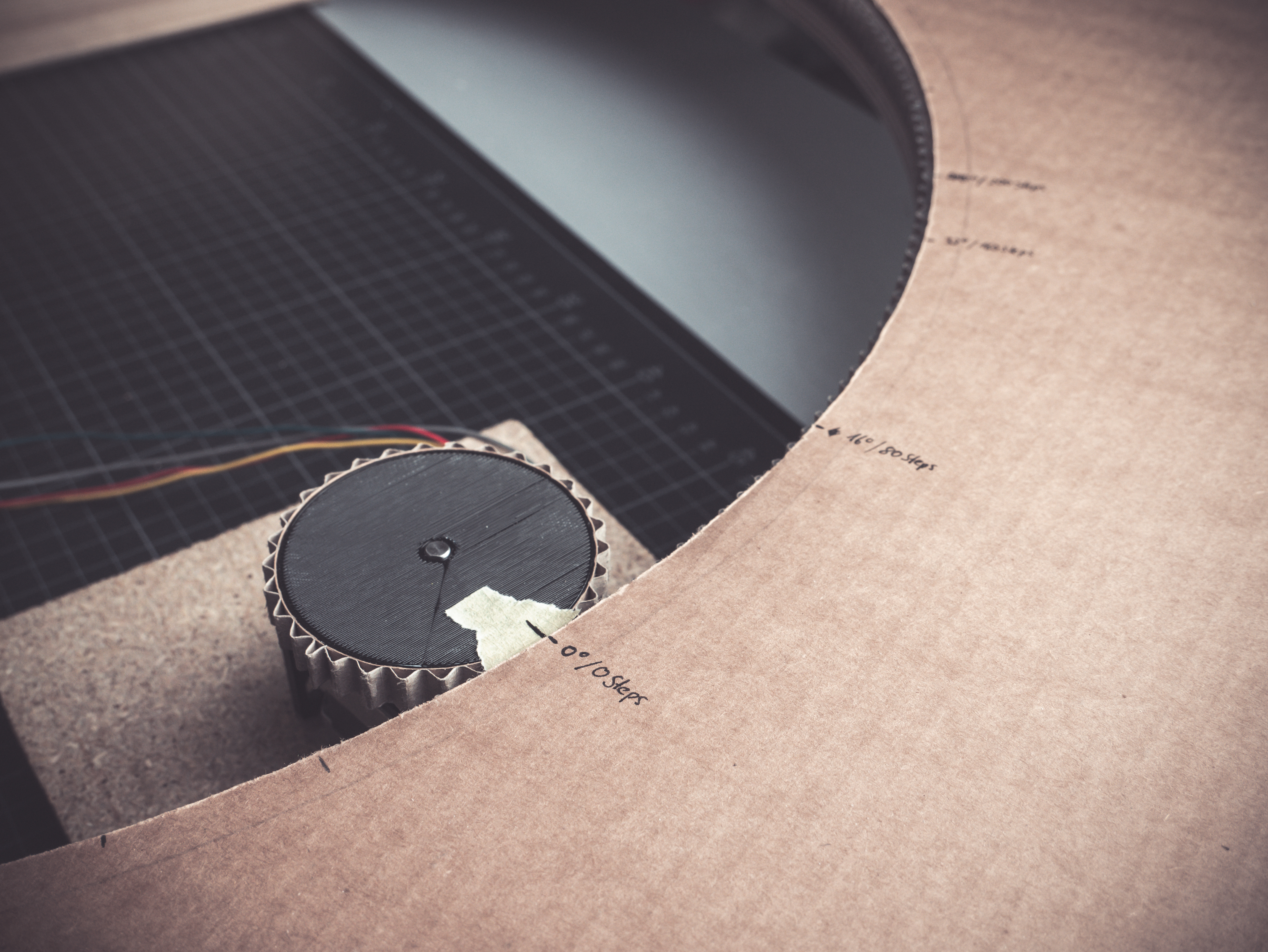
The project is at an early stage – thus far, laying out how to set up an Arduino Uno using a potentiometer to control the speed of a stepper motor, which rotates the turntable. The turntable itself is a 3D printed part sourced from Thingiverse, designed to suit the specific stepper motor used.

This has the easy part sorted – rotating a piece of track through 360 degrees to orient a train properly. However, there’s significant work ahead. Power needs to be hooked up to the rails, and a system for accurately aligning the turntable with outgoing tracks needs to be devised. This is particularly relevant for N-gauge setups, where tolerances are everything.

We’d love to know how you’d tackle the various issues to build a working model turntable in the comments. We’ve seen some serious model railroad builds before around these parts. Video after the break.


A semi-autonomous circular robot for escape rooms

If you’ve ever been to an escape room, you’ve undoubtedly had to deal with a wide variety of puzzles that you have to solve in order to get out of the “prison” that you’ve willingly thrown yourself into. Beyond the puzzle that you’re trying to decode, the mechanisms used can be extremely clever, and coming up with a new device to use in these scenarios was a perfect challenge for this team of Belgian college students.

Based on the project requirements, they created a Roomba-like circular robot controlled by an Arduino Uno and motor shield that drives a pair of DC motors. The idea, while not fully implemented due to time constraints, is that it can be remotely operated only after solving a riddle and within a certain time period, then drive itself back to a designated spot once the game is over. 

Here is a summary of what happens in the robot:

– The non-autonomous part: a remote controller is linked to Arduino through a receiver. Players control the remote and therefore control the Arduino which controls the motors. The Arduino is turned on before the game starts, but it enters the main function when players solve a riddle on the remote controller. An IR wireless camera is already turned on (turned on at the same time as the “whole” (controlled by the Arduino) when switch on/off turned on). Players guide the car with remote controller: they control the speed and the direction. When the timer that starts when the main function is entered is equal to 30 minutes, the control from the controller is disabled.

– The autonomous part: the control is then managed by the Arduino. After 30 minutes, the IR line tracker sensor starts following a line on the ground to finish the parcours.

For inspiration on building your own, check out the team’s write-up (including code) and a clip of the prototype below.

Brandon’s Player Piano Took Patience, and A Whole Lot of Solenoids

Brandon Switzer had a grand image in mind when he set off to create this player piano. Like most of us, he had an arduino that had been sitting there doing nothing for quite some time. He needed a project to focus his attention and learn some things. He landed […]

Read more on MAKE

The post Brandon’s Player Piano Took Patience, and A Whole Lot of Solenoids appeared first on Make: DIY Projects and Ideas for Makers.

Tell time with a servo-driven skull clock!

While model skulls are generally relegated to Halloween, or biology class, this maker decided to construct a very unique clock out of one. 

The “hands” of the terrifying timepiece are represented by two eyes—right for hours, left for minutes—that are rotated about using a pair of 360-degree (but not continuous rotation) servos. If this wasn’t freaky enough, a third servo pulls the jawbone open with a thin cable, which then snaps shut with springs to “chime” the hour.

An Arduino is used for control of the assembly, along with a DS3232 RTC module to keep things accurate. A nice octagonal frame was built for it as well, giving this otherwise strange creation a classy home in which to reside. 

Code for the project can be found here and more pictures are up on Imgur.

Cooperative couch game uses aggressive sitting for input

At some point in your life, you may have wrestled over the preferred sofa cushion on which to sit, but what if these informal games of couch dominance were codified into an actual contest? That’s the idea behind the co-op game by Carol Mertz and Francesca Carletto-Leon, aptly named “HELLCOUCH.”

Unlike most “video” games, this system—which runs on an Arduino along with the Unity game engine—has no screen. Instead, it relies on lighting and audio cues to guide the players on where to sit, or as its disembodied voice puts it, “Perform the sacred butt ritual!” 

The game takes around 90 seconds to play, during which time participants’ normal attitudes about giving each other space—and not bouncing around on the couch like crazy people—are thoroughly questioned.

It’s a challenge. At first glance, HELLCOUCH is designed to look like just a regular couch, so players don’t necessarily enter into it with the expectation of being silly and letting their guard down. We didn’t design an attract mode, and were careful to keep any indication of it being a “possessed” couch hidden until someone sits down. As soon as a butt hits a cushion, though, players are met with a loud thunderclap, demonic cackling, and a fiery array of lights. And when the game starts, solo sitters have to face the fact that they’re not going to be able to play alone, so they need to figure out how to get another butt or two in the game.
This theme and sound design are meant to set the stage for humor and joyful play. The first guidance players get is a disembodied demonic voice declaring that they need to “perform the sacred butt ritual,” which often makes players giggle or raise an eyebrow. The game only takes about 90 seconds to play, but often by the end folks get very comfortable embracing their role as a goofy demon liberator.


Adaptive Spoon Helps Those With Parkinson’s

There are a lot of side effects of living with medical conditions, and not all of them are obvious. For Parkinson’s disease, one of the conditions is a constant hand tremor. This can obviously lead to frustration with anything that involves fine motor skills, but also includes eating, which can be even more troublesome than other day-to-day tasks. There are some products available that help with the tremors, but at such a high price [Rupin] decided to build a tremor-compensating utensil with off the shelf components instead.

The main source of inspiration for this project was the Liftware Steady, but at around $200 this can be out of reach for a lot of people. The core of this assistive spoon has a bill of material that most of us will have lying around already, in order to keep costs down. It’s built around an Arduino and an MPU6050 inertial measurement unit with two generic servo motors. It did take some 3D printing and a lot of math to get the utensil to behave properly, but the code is available on the project site for anyone who wants to take a look.

This project tackles a problem that we see all the time: a cost-effective, open-source solution to a medical issue where the only alternatives are much more expensive. Usually this comes up around prosthetics, but can also help out by making biological compounds like insulin directly for less than a medical company can provide it.