Posts with «arduino» label

Simple Robotic Arm Made out Of Cardboard Pieces

Primary image

What does it do?

Just a simple robotic arm that is controlled by potentiometers.

This is another project that I have done so far at my internship at the Boca Bearing Company. I was having some extra time waiting for some parts to arrive in the mail so I decided to do a quick simple project. As with the other projects that I have done here at Boca Bearings, I was to document everything about the project. So the following instuctions is taken from a post on the company's blog at http://bocabearingsworkshop.blogspot.com/2015/10/simple-robotic-arm-made-out-of.html

Cost to build

Embedded video

Finished project

Complete

Number

Time to build

Type

URL to more information

Weight

read more

Let's Make Robots 26 Oct 20:55

Simple Robotic Arm Made out Of Cardboard Pieces

Primary image

What does it do?

Just a simple robotic arm that is controlled by potentiometers.

This is another project that I have done so far at my internship at the Boca Bearing Company. I was having some extra time waiting for some parts to arrive in the mail so I decided to do a quick simple project. As with the other projects that I have done here at Boca Bearings, I was to document everything about the project. So the following instuctions is taken from a post on the company's blog at http://bocabearingsworkshop.blogspot.com/2015/10/simple-robotic-arm-made-out-of.html

Cost to build

Embedded video

Finished project

Complete

Number

Time to build

Type

URL to more information

Weight

read more

Let's Make Robots 26 Oct 20:55

Installing Libraries and how to write a Library for Arduino

Libraries are files written in C or C++ which provide sketches with extra functionality, for example the ability to control an LED matrix, read an encoder, connect to a sensor, display, or module, etc. They are very useful to lower the barriers for creating amazing interactive projects and use a wide range of components.  Libraries can be created by everyone and shared with the open source community!

To use an existing library in a sketch you can use the Library Manager (available from IDE version 1.6.2), open the IDE and click to the “Sketch” menu and then Include Library > Manage Libraries and follow the Guide on this page.
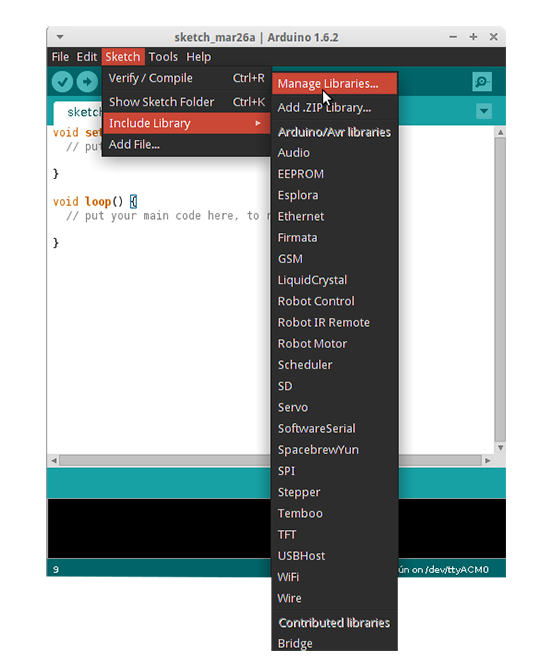
 

If you want contribute with a new library for an Arduino or a Genuino board, you are welcome to do so. The best way to start is to learn how to turn a sketch into a library and when you are good at it, learn how to code with basic Arduino principles in mind in order to allow beginners to get started with Arduino easily. Follow the Guidelines at this page, here’s a preview of what you’ve find:

Be kind to the end user. Assume you are writing an API for an intelligent person who has not programmed before. Come up with a clear mental model of the concept you’re working with, and the terms and functions you will use.

Use full, everyday words. Don’t be terse with your function names or variables. Use everyday terms instead of technical ones. Pick terms that correspond to popular perception of the concept at hand. Don’t assume specialized knowledge. For example, this is why we used analogWrite() rather than pwm(). Abbreviations are acceptable, though, if they’re in common use or are the primary name for something.For example, “HTML” is relatively common and “SPI” is effectively the name of that protocol (“serial-peripheral interface” is probably too long). (“Wire” was probably a mistake, as the protocol it uses is typically called “TWI” or “I2C”.)

Avoid words that have different meanings to the general public. For example, to programmers, an error is a notification that something happened. To the general public, errors are bad things.

When you are ready, you can share your new library and documentation on this dedicated area of the Forum.

Arduino Blog 26 Oct 20:29
arduino  featured  forum  genuino  ide  libraries  

Swimming Pool Dance Floor Enlightened With Leds

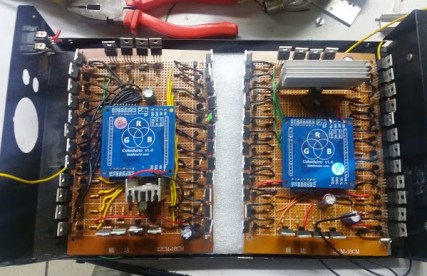
In a well documented blog entry, [Loren Bufanu] presents a project that lit up a glass dance floor covering a swimming pool with RGB strips. We mentioned a video of his project in a Hackaday links but didn’t have any background information. Now we do.

The project took around 450 meters of RGB strips controlled by two Rainbowduinos and driven by sixty-four power Mosfets, sixty-four bipolar transistors, and a few other components. Running just the white LEDs draws 8 amps of power.

The Rainbowduino is an ATmega328 Arduino compatible board with two MY9221 controllers. Each  controller handles 12 channels of Adaptive Pulse Density Modulation. In other words, it makes the LEDs flash nicely. [Loren] used the Rainbowduino instead of some alternatives because multiple R’duinos can coordinate their activities over I2C.

The software part of the project did not work as well as the hardware. The light patterns were supposed to follow the music being played. A PC software package intended to drive the R’duinos produced just a muddy mess. Some kludges, including screen captures (!), driven by a batch file tamed the unruliness.

It’s been awhile, but a similar disco dance floor, built by [Chris Williamson] but not over a pool, previously caught our attention. [Chris] is a principle in Terror Tech that recently got a mention on Sparkfun.

The video after the break fortunately does not make a big splash, but is still electrifying.


Filed under: Arduino Hacks, led hacks

Roomba, I Command Thee: Use Raspberry Pi for Voice Control

Take advantage of these open source resources to set up voice control with Raspberry Pi and bark orders at your home appliances.

Read more on MAKE

The post Roomba, I Command Thee: Use Raspberry Pi for Voice Control appeared first on Make: DIY Projects, How-Tos, Electronics, Crafts and Ideas for Makers.

Build an Arduino-Powered Candy Vending Machine

With some simple programming and a few basic parts, you can rig up a candy vending machine that slides sweets toward you at the push of a button.

Read more on MAKE

The post Build an Arduino-Powered Candy Vending Machine appeared first on Make: DIY Projects, How-Tos, Electronics, Crafts and Ideas for Makers.

Progress Report: Secretive Club Designing, 3D Printing a Full-Size BB-8

A BB-8 Builders Club has created plans for creating your own 3D printable full-size BB-8 droid.

Read more on MAKE

The post Progress Report: Secretive Club Designing, 3D Printing a Full-Size BB-8 appeared first on Make: DIY Projects, How-Tos, Electronics, Crafts and Ideas for Makers.

Leap Motion Wirelessly Controlling a Prosthetic Hand With an Arduino

The Leap Motion controller is a rather impressive little sensor bar that is capable of generating a massive 3D point cloud and recognizing hands and fingers to allow for gesture control based computing. It’s been out for a few years now but we haven’t seen many hackers playing with it. [Anwaarullah] has messed around with it before, but when it came time to submit something for India’s first Maker Faire, he decided to try doing an actual project with it.

Checking out the latest Leap Motion SDK, [Anwaarullah] realized many improvements had been made and he’d have to rewrite some of his original code to reflect the changes. This time around he’s opted to use the ESP8266 WiFi module instead of a Bluetooth one. He printed off a Raptor hand (from the wonderful folks at e-NABLE) and hooked it up with some RC servos to give him a nice robotic hand to control.

The actual code being sent to the Arduino is pretty simple. The Leap Motion SDK does all the complex stuff, and in the end, just sends a serial command of how many fingers it sees to the Arduino in order to control the hand.

For more info about the project, you can check out his original foray into Leap Motion Arduino control here. And for more examples of Leap Motion controlled things using Arduinos, why not control a cute animatronic desk lamp?


Filed under: 3d Printer hacks, Arduino Hacks

Choreograph a Music and Light Display for the Holiday

Trick-or-treaters are bound to get a thrill when you make this choreographed music and light display that plays each time your gate is opened.

Read more on MAKE

The post Choreograph a Music and Light Display for the Holiday appeared first on Make: DIY Projects, How-Tos, Electronics, Crafts and Ideas for Makers.

Thanks to all 100k participants: Maker Faire Rome 2015 was great

Last weekend we were in Rome to take part to the third edition of Maker Faire Rome. With more than 100.000 participants, the event confirmed itself as the biggest Maker Faire outside of US. We thank you all for visiting our booth and express your support to Arduino.cc community.

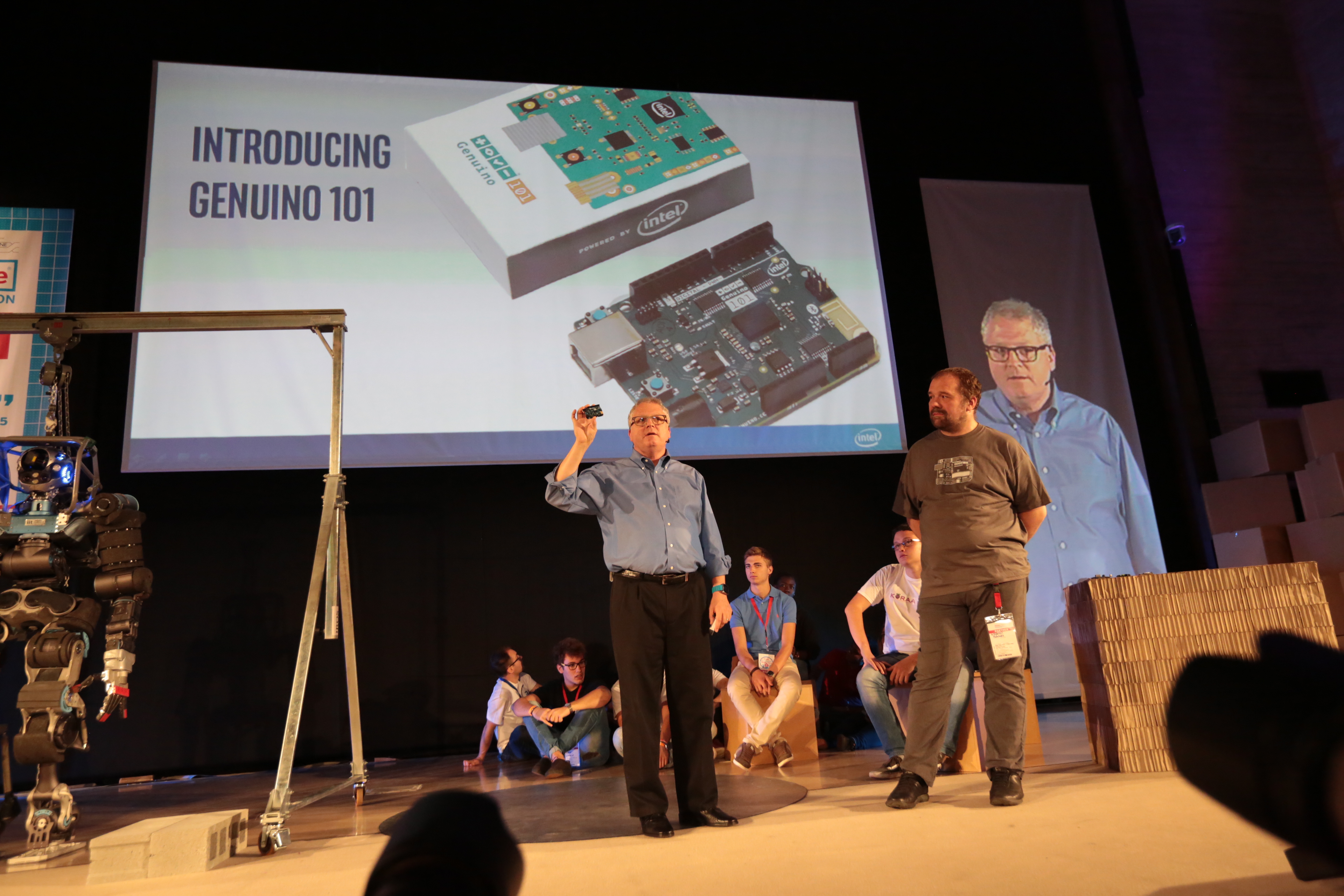
On Saturday we had a special announcement to make, Intel and Massimo Banzi were on the main stage presenting the collaboration on the Arduino 101 and Genuino 101:

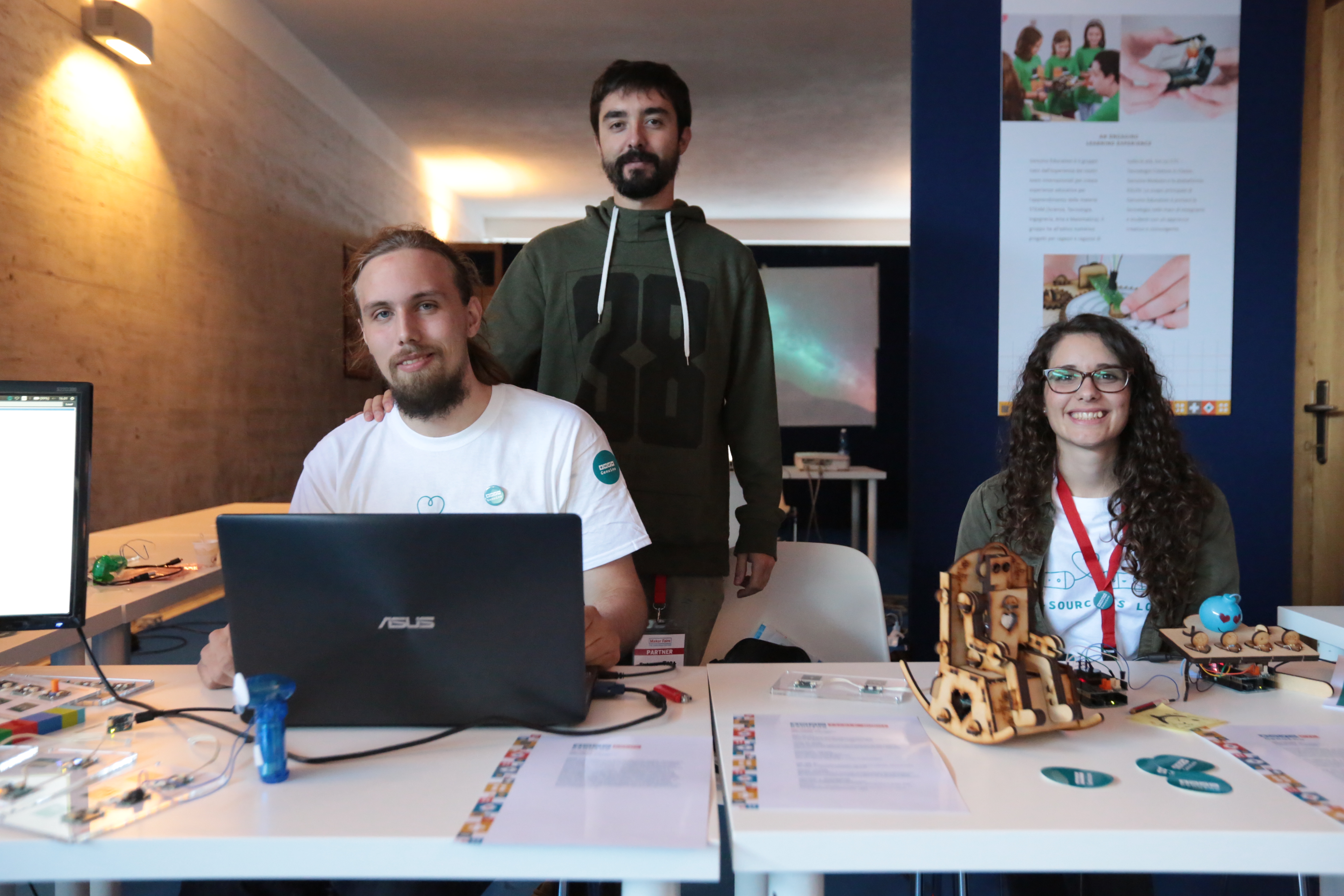
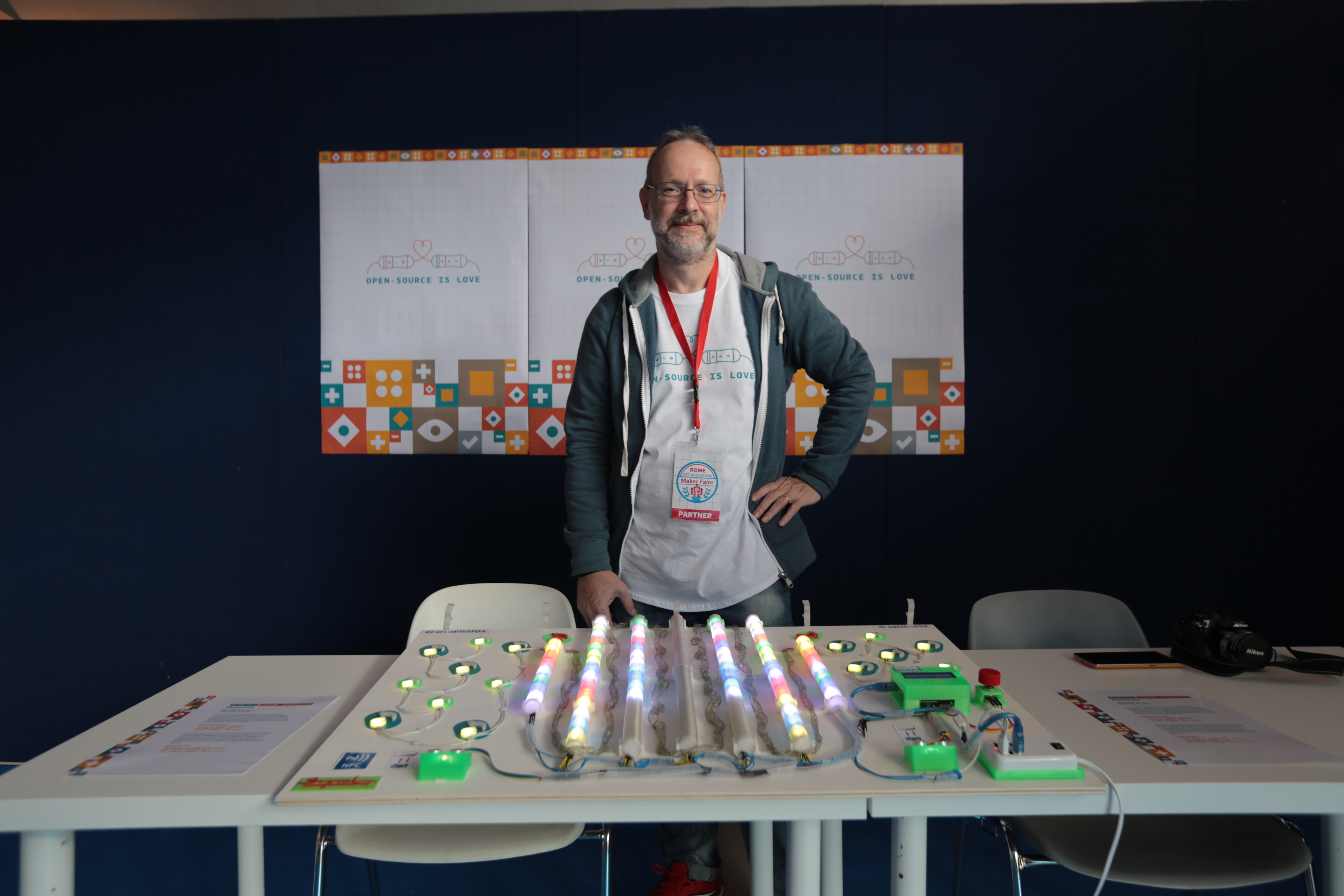
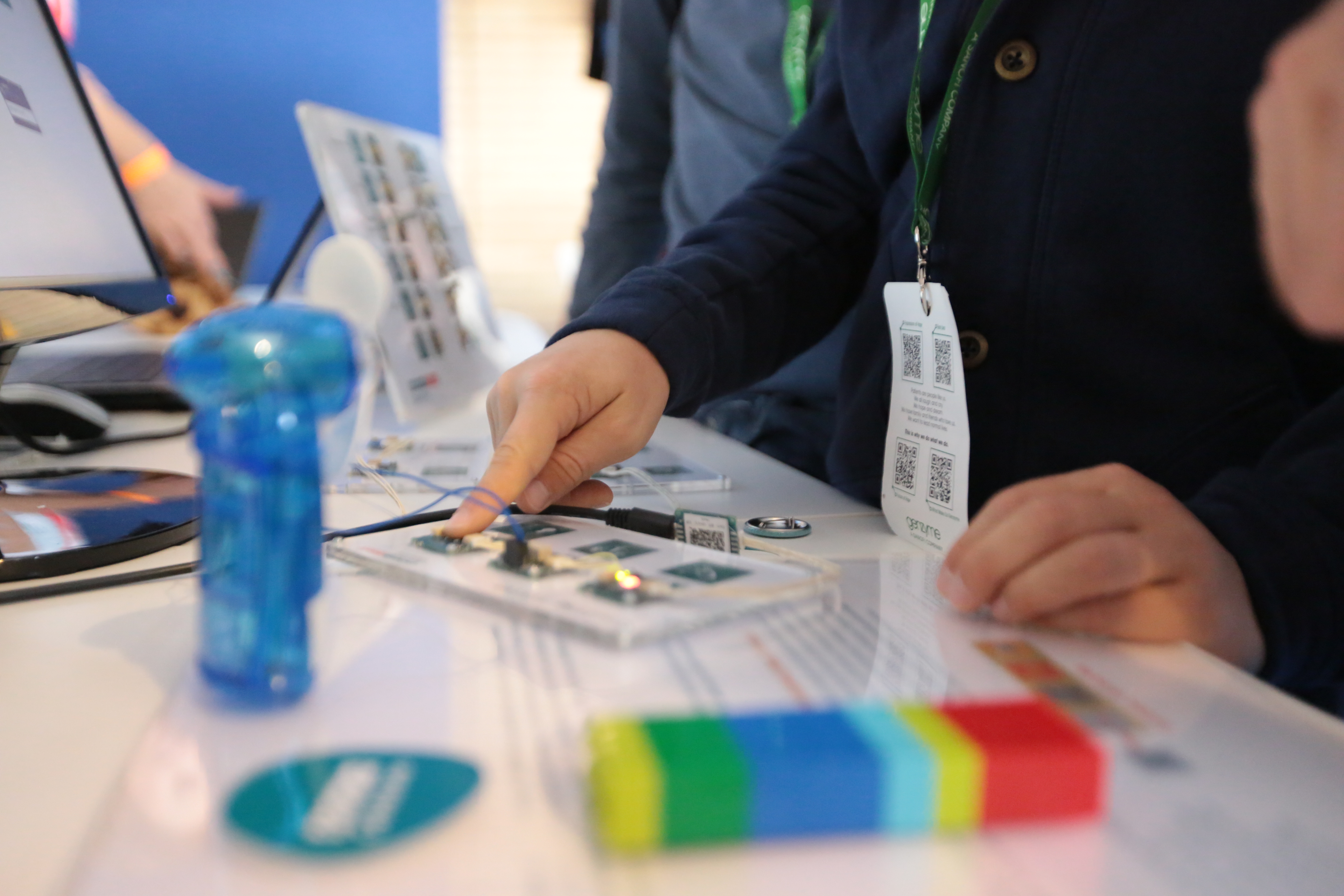
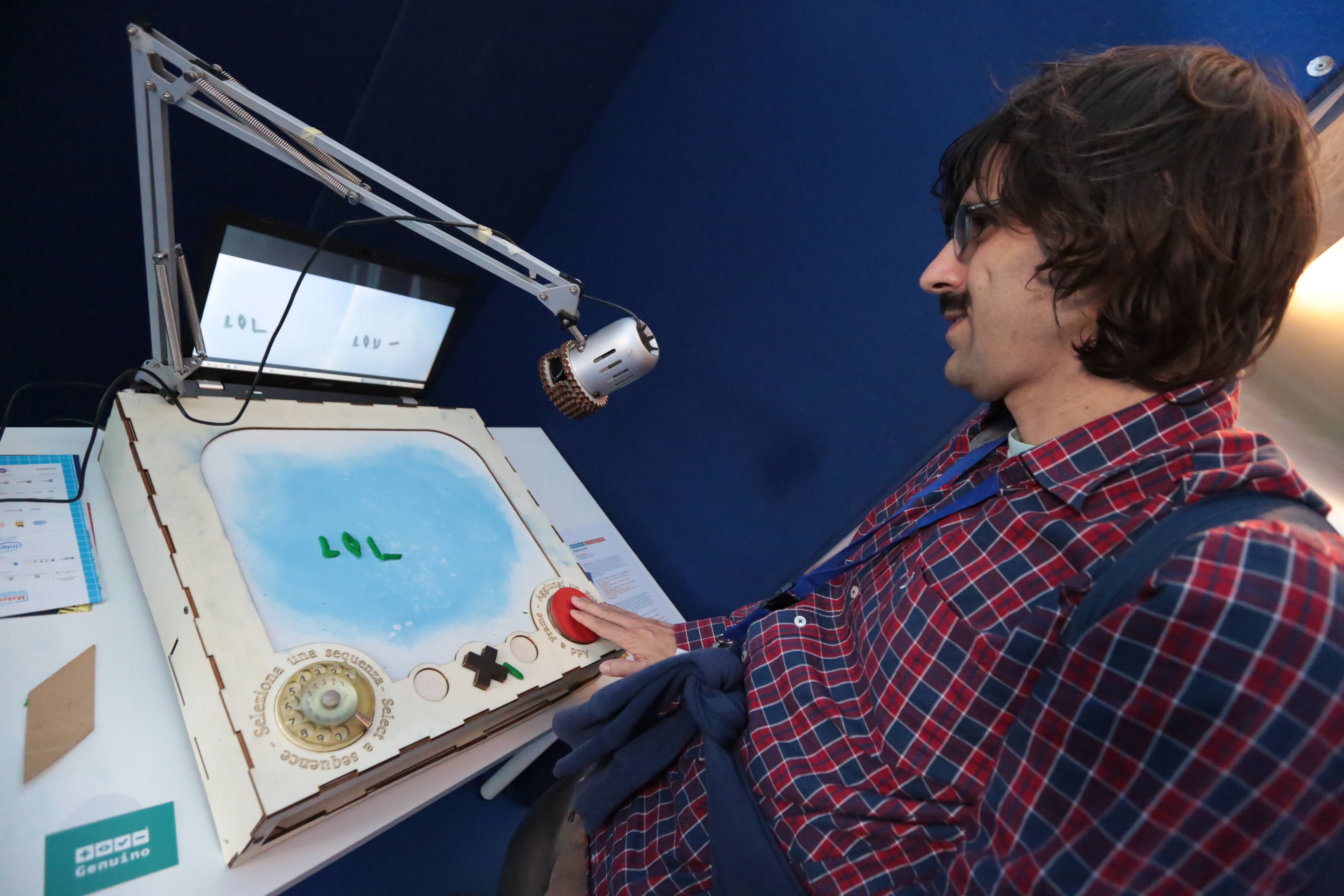
During the three days makers, designers, kids and parents, and many more visited the Genuino Booth and the Maker Store to see the new Arduino’s sister brand Genuino boards, explore the interactive installations and chat with the Arduino team:

Massimo Banzi met  many fans and took part to a lot of selfies :

Explore the gallery of all pictures on Arduino account on Flickr. And see you at Maker Faire Rome 2016!