Posts with «arduino» label
A List of Arduino IDE alternatives
Build your own Arduino-powered portable function generator

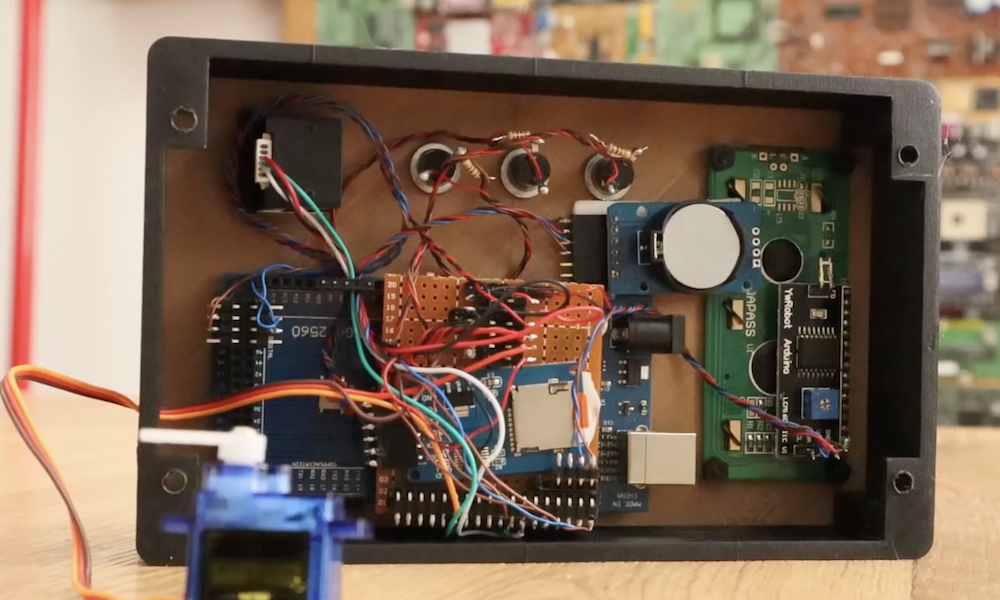
If you need a certain electrical signal for testing, there are a variety of function generators available at a wide range of prices and capabilities. If, however, you’d like to build your own, this project by maker “Faransky” looks like a great place to start.
An Arduino Nano forms the core of this device, which interfaces with an AD9833 waveform generator module to produce the proper wave output. User interface is via a single encoder, which steps through different menu options using a built-in pushbutton, and a two-line LCD display provides feedback.

Everything is housed inside a nice compact enclosure, along with a lithium-ion battery to make it portable. Its capabilities are shown off in the video below, and build instructions and code are available here.
Doing Logic Analysis To Get Around The CatGenie’s DRM
The CatGenie is an amazing device to watch in action, basically a self-cleaning litter box for cats that even does away with the need to replace the litter. It’s comparable to what the indoor flush toilet is for humans compared to maintaining a composting toilet. However, there is a problem. It uses costly soap cartridges which have to be replaced because an RFID reader and a usage counter prevent you from simply refilling them yourself.

[David Hamp-Gonsalves] reverse engineered the electronics so that he didn’t have to pay for the cartridges anymore. This has been done before and one of those who did it created a product called the CartridgeGenius, but it’s made and sold as a parttime project and there were none in stock. The cartridges have an RFID tag and another solution which we’ve covered before is to replace the RFID reader board with an Arduino. That’s the solution [David] adopted. So why write this post if this isn’t new?
The RFID reader board communicates with the rest of the CatGenie using I2C and he needed to know what was being transmitted. To do that he learned how to use a cheap logic analyzer to read the signals on the I2C wires, which makes this an interesting story. You can see the logic analyser output on his blog and GitHub repository along with mention of a timing issue he ran into. From what he learned, he wrote up Arduino code which sends the same signals. He and his cat are now sitting pretty.
What he didn’t do is make a video. But the CatGenie really is amazing to watch in action as it goes through its rather complex 30-35 minute process so we found a video of it doing its thing, shown at 3.5x speed, and included that below. If you’re into that sort of thing.
[via Adafruit]
Shy robotic sculpture imitates nature

In nature, animals often are sensitive to the outside environment, retreating into a hole, shell, or other protective structure upon sensing sudden movements. If you were to envision this kind of behavior in robot form, you might come up with something like “The Shy Machine” from Daric Gill Studios.

When it detects motion via a PIR sensor, the shell-like robot takes a reading of the ambient sound level using an internal microphone. If things are sufficiently quiet, it opens up using a stepper motor and lead screw, revealing a rainbow of colors provided by an array of RGB LEDs inside.

Its construction and a demo video are shown below, and you can see more about how this Arduino-powered robot was built and the results on Gill’s website.
Wheatley from Portal 2 comes to life with Arduino

If you’re a fan of Portal games, you’d probably like nothing more than to have your own Wheatley Personality Core to accompany you on real-life adventures. While that would be a passing thought for most, Luke Albertson has created his own amazing replica of the Portal 2 character.
The device not only can say over 40 phrases from the game via an Adafruit soundboard, but contains a glowing blue eyeball that can pan, tilt, twist, and blink to help express what it’s thinking. It even has handles that move up and down, adding a kind of “flailing arms” effect to convey its emotions.
Albertson’s animatronic project is controlled by an Arduino Uno, along with a Bluetooth shield and PS3 controller for user interface. It’s shown off quite nicely in the video below, and more info and clips are available here.
Create a constant current and power load with Arduino

If you need a device which draws a certain amount of current and power for testing, then GreatScott! has just the solution.
His project uses an Arduino Nano, along with a separate IC and a voltage divider, to measure both current and voltage input from the power source. It then employs this data to properly adjust a MOSFET, dissipating the correct amount of voltage and power as required.

Interface is handled via a rotary encoder and a 16×2 I2C LCD display, and the electronics are housed in a solid-looking enclosure.
As seen in the video below, the adjustable constant load features an impressively large heat sink, needed to take care of the 30V and 20A that the setup is capable of drawing.
Keep your ideas safe and secure with this biometric diary locker

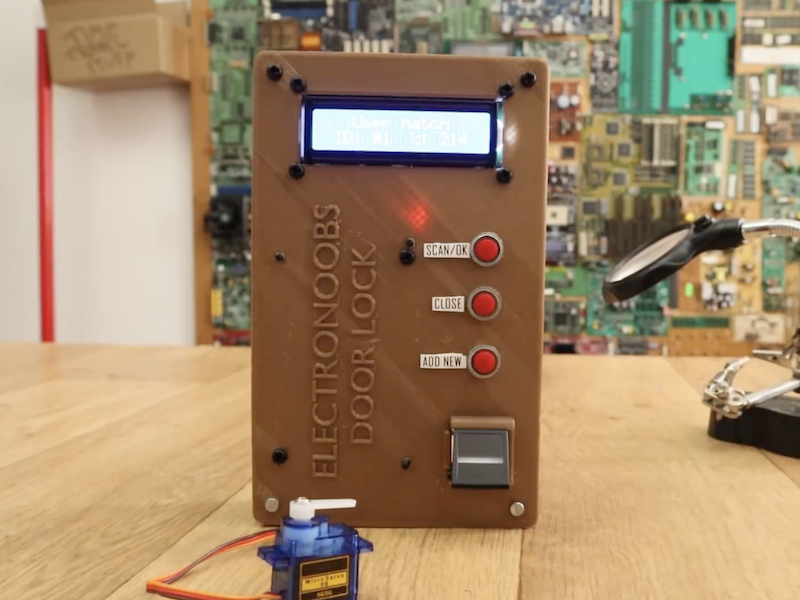
If you want to keep your personal thoughts and ideas to yourself, here’s a diary locker from TechKiwiGadgets that opens with your personal fingerprint.
As shown in the demo video, this Arduino-based device can house a small notebook and even a smartphone, and locks with the press of a button. When you need your secured materials, you simply insert your finger into the fingerprint reader, and the small servo inside moves to allow access.

An infrared sensor is also implemented to make sure the door is closed, and a series of programmable LEDs toward the bottom provide visible user feedback. If you’d like to build your own, code and instructions are available here, and the needed 3D print files can be found on Thingiverse.
Demystifying The ESP8266 With A Series Of Tutorials
If your interest has been piqued by the inexpensive wireless-enabled goodness of the ESP8266 microcontroller, but you have been intimidated by the slightly Wild-West nature of the ecosystem that surrounds it, help is at hand. [Alexander] is creating a series of ESP8266 tutorials designed to demystify the component and lead even the most timid would-be developer to a successful first piece of code.
If you cast your mind back to 2014 when the ESP8266 first emerged, it caused great excitement but had almost no information surrounding it. You could buy it on a selection of modules, but there were no English instructions and no tools to speak of. A community of software and hardware hackers set to work, resulting in a variety of routes into development including the required add-ons to use the ever-popular Arduino framework. Four years later we have a mature and reliable platform, with a selection of higher-quality and well supported boards to choose from alongside that original selection.
The tutorials cover the Arduino and the ESP, as well as Lua and the official SDK. They are written for a complete newcomer, but the style is accessible enough that anyone requiring a quick intro to each platform should be able to gain something.
Our community never ceases to amaze us with the quality of the work that emerges from it. We’ve seen plenty of very high quality projects over the years, and it’s especially pleasing to see someone such as [Alexander] giving something back in this way. We look forward to future installments in this series, and you should keep an eye out for them.
Arduino Gets Command Line Interface Tools That Let You Skip the IDE
Arduino now has an officially supported command-line interface. The project, called arduino-cli, is the first time that the official toolchain has departed from the Java-based editor known as the Arduino IDE. You can see the official announcement video below.
Obviously this isn’t a new idea. Platform IO and other command-line driven tools exist. But official support means even if you don’t want to use the command line yourself, this should open up a path to integrate the Arduino build process to other IDEs more easily.
The code is open source, but they do mention in their official announcement that you can license it for commercial use. We assume that would mean if you wanted to build it into a product, not just provide an interface to it. This seems like something Arduino expects, because a lot of the command line tools can produce json which is a fair way to send information to another application for parsing.
The command line interface doesn’t just build a sketch. You can do things like install and manage libraries. For example, to create a new sketch:
arduino-cli sketch new HackadayPgm
You can update the installed platforms, list the connected boards, and search for board support:
arduino-cli core update-index arduino-cli board list arduino-cli core search mkr1000
If you don’t already have the board support, you can install it and verify that it is there:
arduino-cli core install arduino:samd arduino-cli core list
That last step will give you the FQBN or unique name for the core. So to compile and upload you have this mouthful:
arduino-cli compile --fqbn arduino:samd:mkr1000 Arduino/HackadayPgm arduino-cli upload -p /dev/ttyACM0 -fqbn arduino:samd:mkr1000 Arduino/HackadayPgm
Unlike, say, PlatformIO, this is clearly better for building into a tool, even if it is a makefile. We’d like to see a .build.json file or something that allows you to just issue short commands that do the right thing in a working directory. Of course, you could build that with a little shell scripting. Hmm….
It is nice to see the release of an official method and we hope this will lead to more editors being able to handle Arduino seamlessly.