Posts with «linux» label

From Home Assistant to AI agents: what Linux unlocks on the Arduino® UNO™ Q board
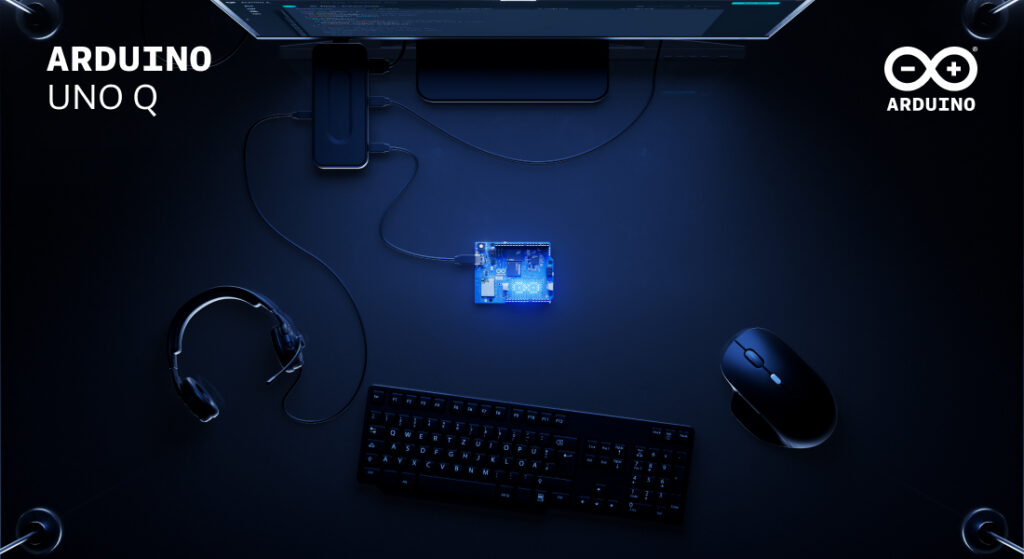
UNO Q was designed around a dual-brain architecture that is built to bring high-performance computing and real-time hardware control together on a single board. The Linux environment on the MPU side is constructed to let developers install and run familiar open-source software – the same tools they’d reach for on a server or any popular SBC. Meanwhile, the STM32H5 microcontroller runs a dedicated Arduino Core on Zephyr RTOS, handling sensors, actuators, and time-critical I/O with deterministic precision. Together, they make the UNO Q something more than the sum of its parts.

What follows is a set of concrete examples: real software platforms you can install on UNO Q today, what each one enables, and why having the microcontroller in the same system changes what’s possible.

#1 Agentic AI development
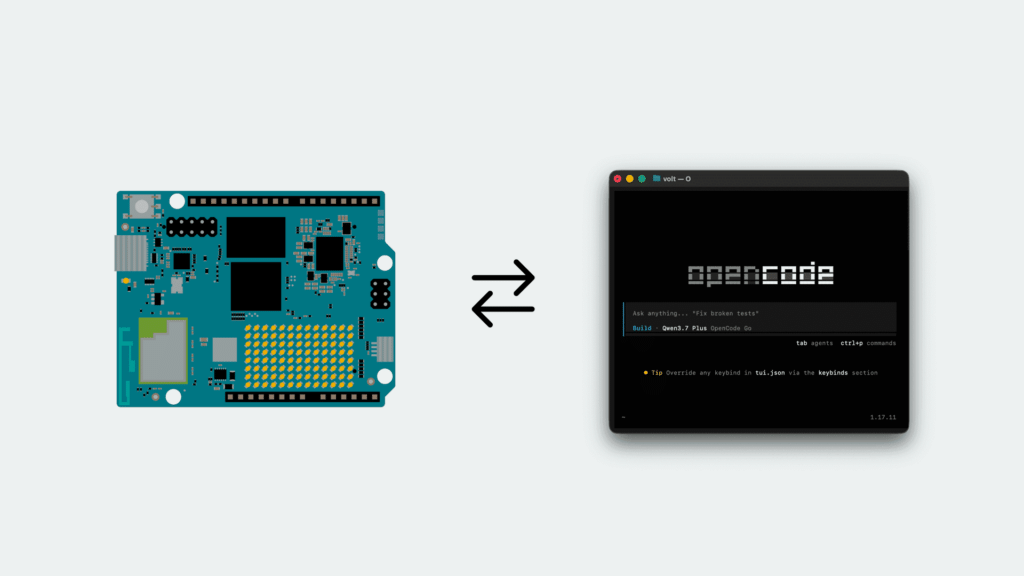
UNO Q is engineered to put an AI coding agent inside the hardware it is writing for. An agent running on the board can receive a goal, process context, call tools, interact with services, and – through the board’s hardware interfaces – turn decisions into real-world actions. The reasoning comes from a frontier model over the API, but the tool calls run on the device. That last part is what makes this different from running an agent on a laptop or a server: the machine executing the decisions is also wired into the physical world.

The practical starting point is installing an AI coding agent, such as OpenCode, directly on the board. With the right context added – for example, knowledge of the Arduino® App Lab CLI and the board’s specific capabilities – it can set up Linux services for you, answer questions about Debian on UNO Q, and build physically connected Arduino apps end to end: create the app, write the sketch, deploy it, read the output, iterate. Any agent can write a sketch; only one running on the board can deploy it and see what happened.

More broadly, this creates a meaningful bridge between generative AI and embedded systems. Only the reasoning leaves the board: the sensors, actuators, and data stay where they are.

Ready to try the full tutorial? Find out here how to install and use Open Code on UNO Q.

#2 Home Assistant
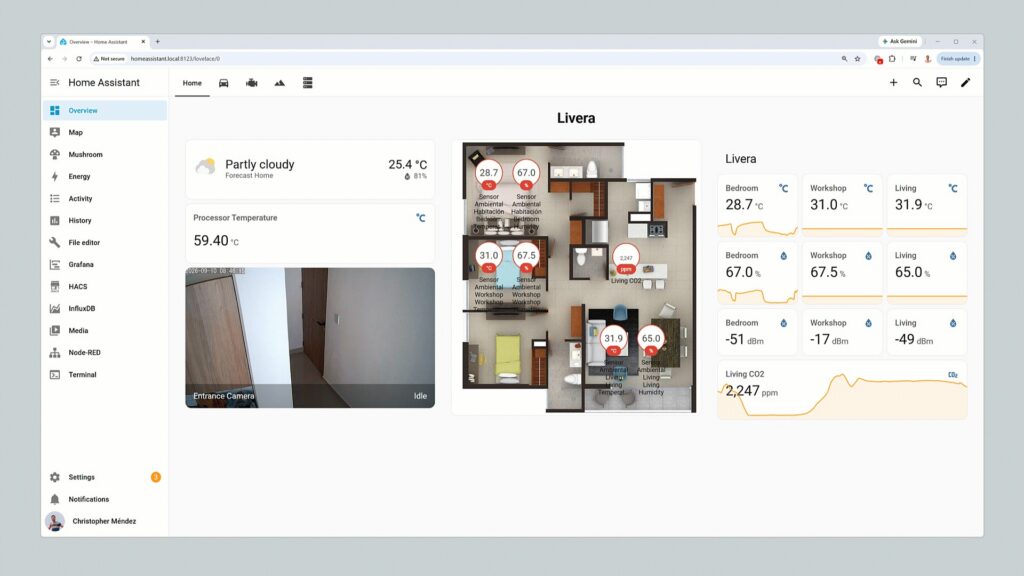
Home Assistant dashboards inspiration

Home Assistant aims to turn UNO Q into the center of a local smart home or building automation system, connecting lights, climate controls, energy meters, and other compatible devices through a single dashboard and automation engine. Running entirely on the Linux side, it is built to handle scheduling, historical data, dashboards, and integrations – with no cloud subscription required.

The real advantage emerges when custom hardware enters the picture. A Qwiic temperature and air-quality sensor connected to the board’s Qwiic port could feed live data into Home Assistant, while an Arduino sketch running on the STM32H5 microcontroller is constructed to drive a ventilation fan through a relay based on those readings. Home Assistant is designed to manage the logic and interface on Linux; the microcontroller is engineered to handle the physical layer. The two communicate via the onboard RPC bridge, with no external Arduino board required.

Need a little guidance in trying this yourself? Check out this GitHub tutorial. 

#3 n8n automation

n8n is a visual workflow automation platform that is built to connect services, APIs, databases, and devices – think of it as a self-hosted alternative to Zapier or Make, with full data sovereignty because everything runs locally.

Running n8n on UNO Q is designed to bring those workflows to the edge. A single workflow could receive sensor data from the microcontroller side, process and store it in a local database, update a dashboard, send a notification to an external service, and trigger a physical output – all in sequence, all on the same device.

The combination makes UNO Q a practically designed platform for rapid prototyping, industrial automation, smart building control, and local edge orchestration where cloud latency or dependency would be a problem.

#4 Pi-hole network shield
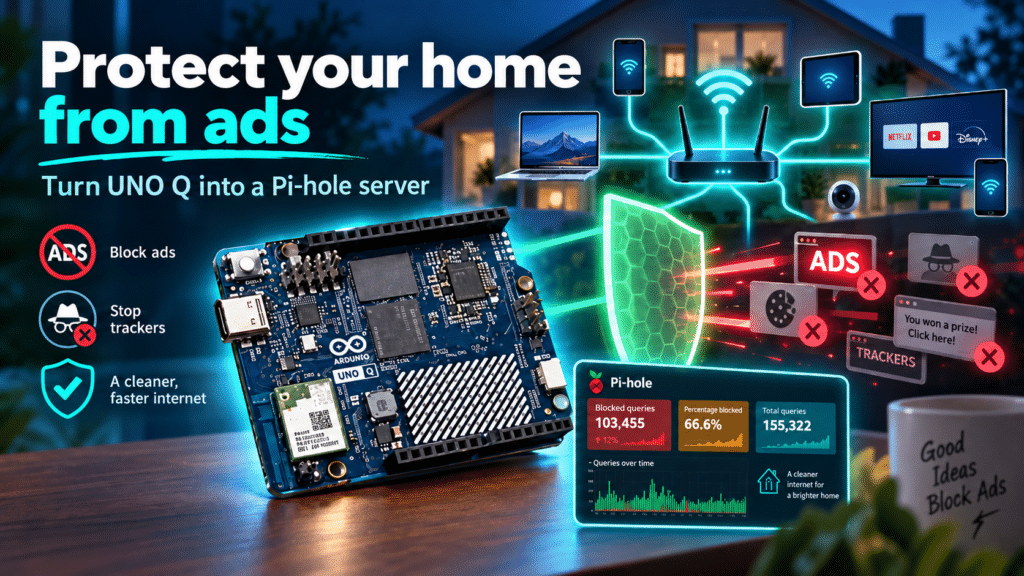
Pi-hole is a DNS-level filtering service that is structured to block advertising, tracking domains, and unwanted traffic for every device on the local network that uses it as a DNS server. On a standard single-board computer, that’s where the story ends.

UNO Q is different: the Linux side runs Pi-hole and its web dashboard, while the microcontroller can drive a dedicated status display, visualize blocked-request activity in real time, trigger an alert if the DNS service becomes unavailable, or provide a physical button to temporarily pause filtering – without opening a browser interface. 

It’s a small example of a broader pattern: UNO Q aims to turn passive software services into systems with physical feedback and control.

Want to protect your home from ads, using UNO Q and Pi-hole? Check out this Project Hub tutorial. 

#5 Frigate camera computer vision

Frigate is a network video recorder built around real-time object detection. It can process camera streams locally to identify people, vehicles, animals, or other defined events – and running it on UNO Q keeps that processing at the edge, where it belongs. 

UNO Q is a practical host for Frigate for a few reasons. Cameras can be connected directly via USB or accessed remotely over RTSP (Real Time Streaming Protocol) when Frigate detects a relevant event, the microcontroller side can respond immediately – triggering a light, an alarm, a relay, or a Modulino-based indicator – without any additional hardware.

Sensitive footage stays local. Response times improve. And the physical response doesn’t require a round trip to the cloud.

#6 Local NAS with SMB

UNO Q can be configured as a lightweight network-attached storage server using SMB, making shared folders accessible to other computers and devices on the local network – useful for camera recordings, machine-learning datasets, sensor logs, or shared project files.

Paired with a dongle that gives cabled Ethernet connectivity and an external USB Disk, this can be a quick and instant NAS, flexible enough for sharing office documents with your colleagues or family. 

A platform, not just a single application

Each of these applications is useful independently. The more interesting territory is what opens up when they run together.

Here’s one example of how that could look in practice: Frigate detects a person entering a monitored area and publishes the event via MQTT. Home Assistant picks up that event and switches on a light. n8n extends the response by calling an external API, logging the event to a database, and sending a notification. Meanwhile, the raw footage remains accessible over the local network through the Samba share. The microcontroller drives an indicator throughout. All of this runs on one board. 

UNO Q is designed to provide a common foundation where Linux applications, local AI workloads, network services, and real-time embedded hardware control can be part of the same coherent system – rather than spread across multiple devices with their own power supplies, enclosures, and points of failure.

UNO Q is available on the Arduino Store or can be ordered from DigiKey, Farnell, Mouser, Newark, RS Components, Robu.in, and many other authorized distributors and resellers.

Arduino, UNO, and the Arduino logo are trademarks or registered trademarks of Arduino S.r.l.

The post From Home Assistant to AI agents: what Linux unlocks on the Arduino® UNO™ Q board appeared first on Arduino Blog.
Face-tracking robot with Arduino UNO Q

An inexpensive robot kit with Arduino UNO Rev3, obstacle-avoidance sensors, and line-following capability becomes a face-tracking robot. The trick is in the control board: just replace the UNO Rev3 with an Arduino UNO Q, which has the same headers and mounts an STM32U585 microcontroller alongside a Linux microprocessor. Iulia Feroli’s project shows how local artificial intelligence can be added to a low-cost robot without touching the mechanics.

The robot starts from the Elegoo kit, with its motor shield and sensors for obstacle avoidance and line following. The UNO Q slots in place of the original board, and the shield moves over without any modification. Thanks to the STM32 microcontroller and the Linux microprocessor, the new board runs machine learning models locally, with no cloud connection. A standard USB webcam is connected to the UNO Q to provide vision.

Video stream and face tracking

The webcam video stream is processed with the face tracking Brick from Arduino App Lab. The code converts the face position in the frame into movement commands for the robot. The robot rotates to center the face and moves toward it, always staying in front of the person. The result is a responsive face tracker that requires no external servers or Wi-Fi connections.

Iulia Feroli’s project is documented in a video showing the robot in action, with an explanation of the assembly and the code. Swapping the board is the core of the intervention: the UNO Q maintains electrical and mechanical compatibility with the UNO Rev3 but adds the computing power needed for AI. In addition, the face tracking Brick in Arduino App Lab simplifies managing the machine learning model, making the code accessible even to those without neural network experience.

What you need to rebuild the project

To replicate the robot you need only a few components, all easily available. The list includes the Elegoo kit, a USB webcam, and the control board. Here are the main steps:

  • Remove the Arduino UNO Rev3 from the Elegoo kit and keep the motor shield.
  • Mount the Arduino UNO Q in its place, checking that the headers align.
  • Connect the USB webcam to the UNO Q port.
  • Upload the sketch with the face tracking Brick from Arduino App Lab.
  • Power the robot and test it in front of a face.

The UNO Q is the heart of the system: it combines the simplicity of the STM32U585 microcontroller with the power of the Linux processor. This combination allows local machine learning models, such as face tracking, to run without additional hardware. The board is also available in a 4GB version with a full accessory kit, which includes everything needed to get started.

The original Elegoo kit, with its Arduino UNO Rev3 board, remains an excellent base for other projects. However, for this face tracker, the UNO Q is the right choice: it offers the necessary computing power and maintains compatibility with the shield. The overall cost stays low, and the result is a smart robot that impresses with its responsiveness.

Source: https://youtu.be/FIu14vCvGfs?si=8SSW0K6O7J6Y07tz

The post Face-tracking robot with Arduino UNO Q appeared first on Open Electronics.

Because You Can: Linux On An Arduino Uno

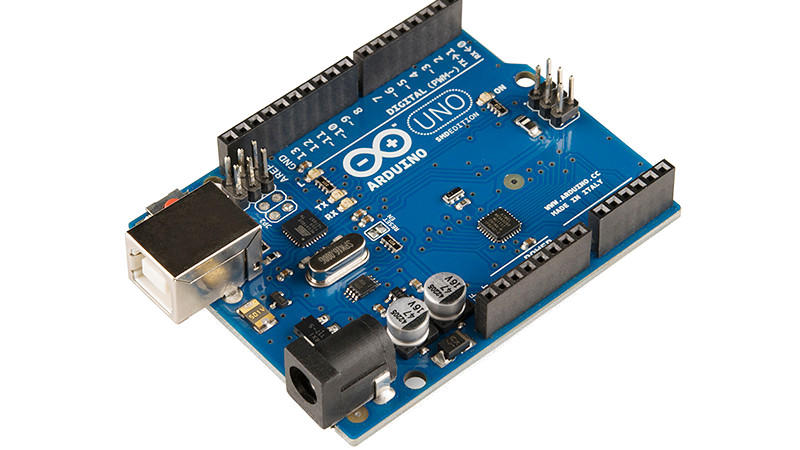
There are a few “Will it run” tropes when it comes to microcontrollers, one for example is “Will it run Doom?“, while another is “Will it run Linux?”. In one of the lowest spec examples of the last one, [gvl610] has got an up-to-date Linux kernel to boot on a vanilla Arduino Uno. And your eyes didn’t deceive you, that’s a full-fat kernel rather than the cut-down μClinux for microcontrollers.

Those of you who’ve been around a while will probably have guessed how this was done, as the ATmega328 in the Uno has no MMU and is in to way powerful enough for the job. It’s running an emulator, in this case just enough RISC-V to be capable, and as you’d imagine it’s extremely slow. You’ll be waiting many hours for a shell with this machine.

The code is written in pure AVR C, and full instructions for compilation are provided. Storage comes from an SD card, as the ATmega’s meagre 32k is nowhere near enough. If you’re having a bit of deja vu here we wouldn’t blame you, but this one is reputed to be worse than the famous 2012 “Worst PC Ever“, which emulated ARM instead of RISC-V.

Thanks [Electronics Boy] for the tip!

Hack a Day 14 Oct 06:00

Converting an 80s Typewriter Into a Linux Terminal

Typewriters may be long past their heyday, but just because PCs, word processor software, and cheap printers have made them largely obsolete doesn’t mean the world is better off without them. Using a typewriter is a rich sensory experience, from the feel of the keys under your fingers that even the clickiest of PC keyboards can’t compare with, to the weirdly universal sound of the type hitting paper.

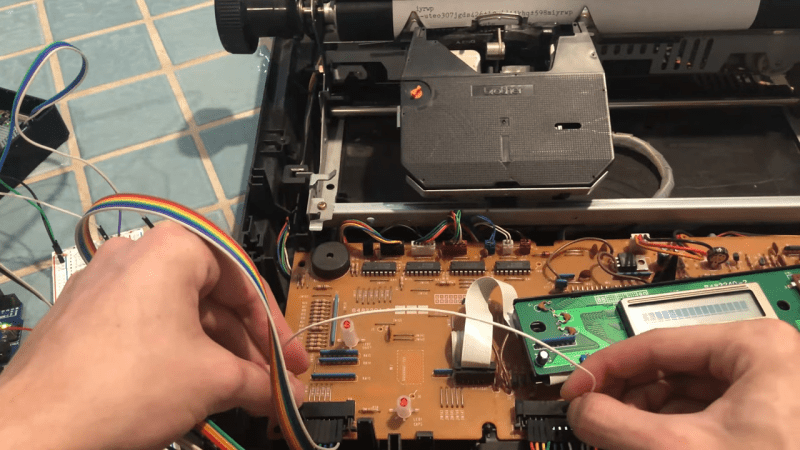
So if life hands you a typewriter, why not put it back to work? That’s exactly what [Artillect] did by converting an 80s typewriter into a Linux terminal. The typewriter is a Brother AX-25, one of those electronic typewriters that predated word processing software and had a daisy wheel printhead, a small LCD display, and a whopping 8k of memory for editing documents. [Artillect] started his build by figuring out which keys mapped to which characters in the typewriter’s 8×11 matrix, and then turning an Arduino and two multiplexers loose on the driving the print head. The typewriter’s keyboard is yet used for input, as the project is still very much in the prototyping phase, so a Raspberry Pi acts as a serial monitor between the typewriter and a laptop. The video below has a good overview of the wiring and the software, and shows the typewriter banging out Linux command line output.

For now, [Artillect]’s typewriter acts basically like an old-school teletype. There’s plenty of room to take this further; we’d love to see this turned into a cyberdeck complete with a built-in printer, for instance. But even just as a proof of concept, this is pretty great, and you can be sure we’ll be trolling the thrift stores and yard sales looking for old typewriters.

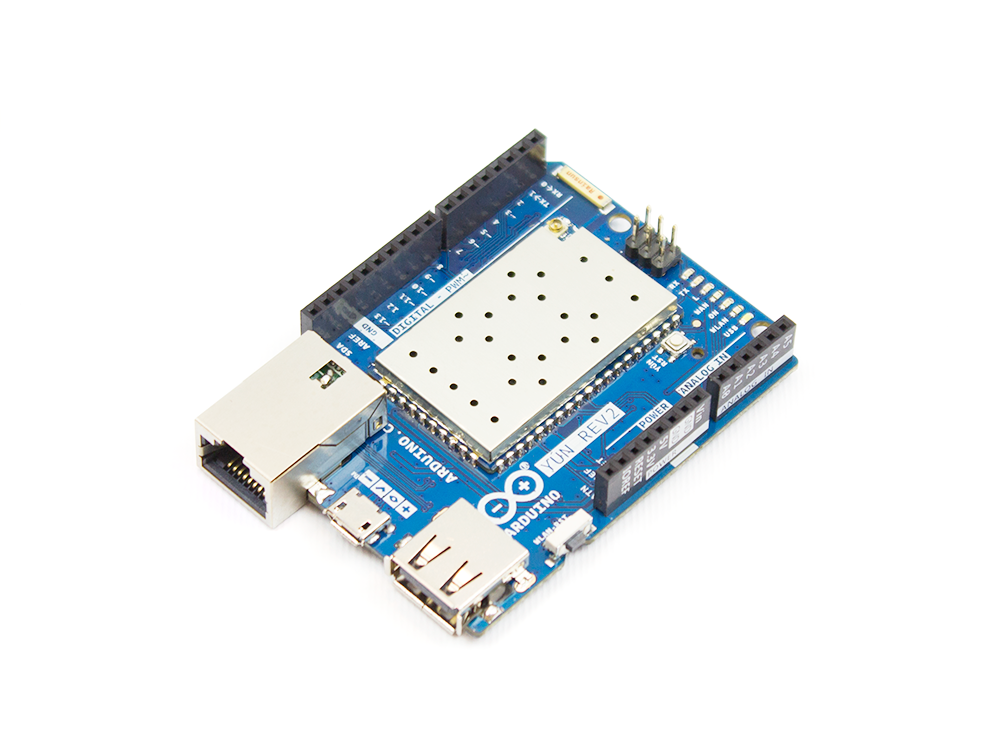
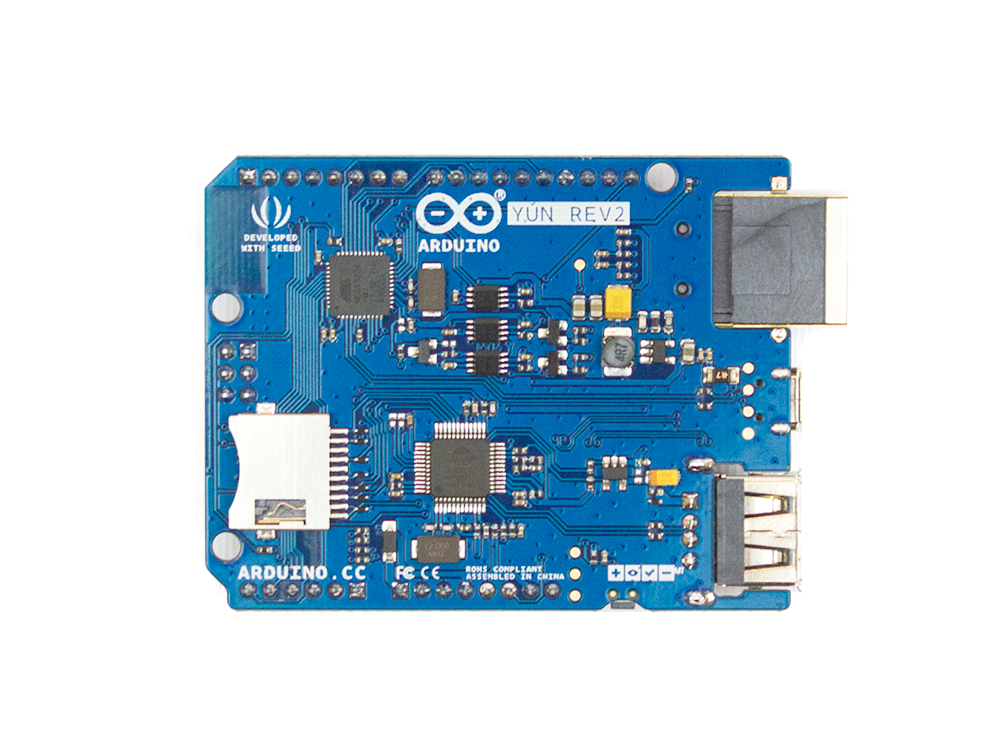
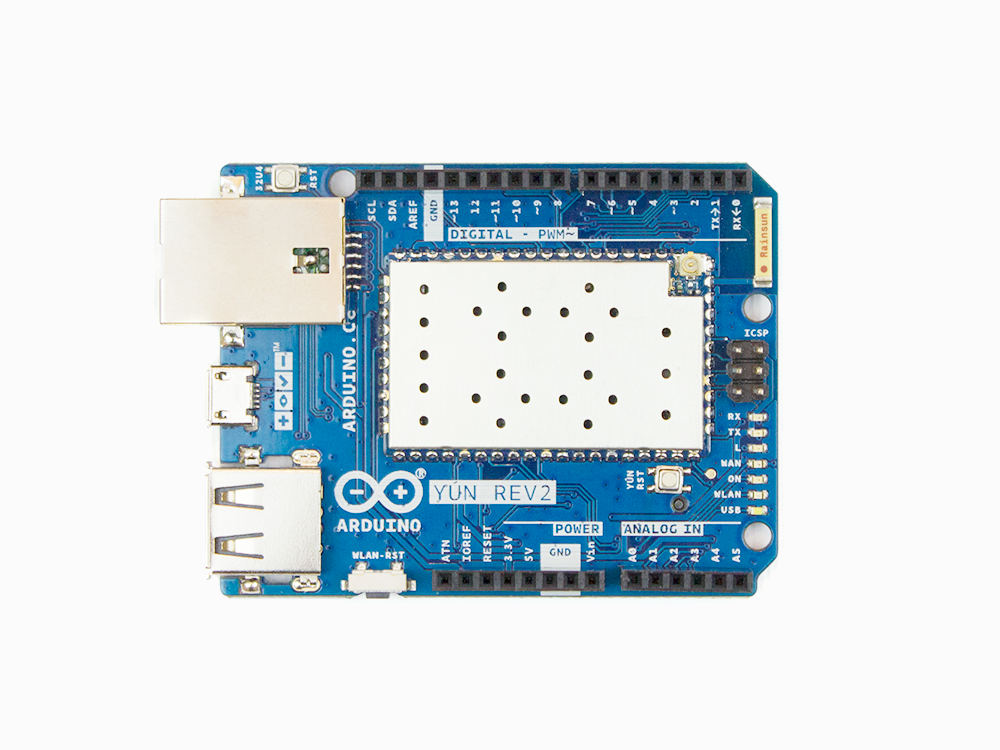
Arduino Yùn Rev.2 is here!

Since its launch in 2013, the Yùn–a small Linux machine and a microcontroller in a small Arduino form factor–found its way into hundreds of thousands of projects and professional applications. Last year, we decided that it was time for a refresh and began working hard to develop a true open-source design, with more compelling features and better overall software support.

The new board, which is expected to hit the market in the second half of April, will include enhanced functionality and compatibility with its predecessor.

Why a New Yùn

The Yùn enjoyed tremendous success; however, it ended up being affected by the internal issues we dealt with over the past couple of years and support has been quite intermittent.

For example, the board was never really an open-source product and the software had some challenges that we wanted to fix, especially from a security point of view.

What’s New in Rev.2

Hardware:  

  • Much better, more robust power supply
  • New Ethernet connector with a clever mounting solution that enables the use of all possible shields with no risk for accidental short circuits
  • Horizontal USB connector to save vertical space
  • Improved USB hub

Software: 

  • Software stack updated to OpenWRT latest version, including all patches
  • SSL support on the bridge Arduino / Linux bridge

Yùn Rev.2 is scheduled to begin shipping in April. Until then, you can stay up-to-date by clicking “NOTIFY ME” on our store. 

You can now use Arduino to program Linux IoT devices

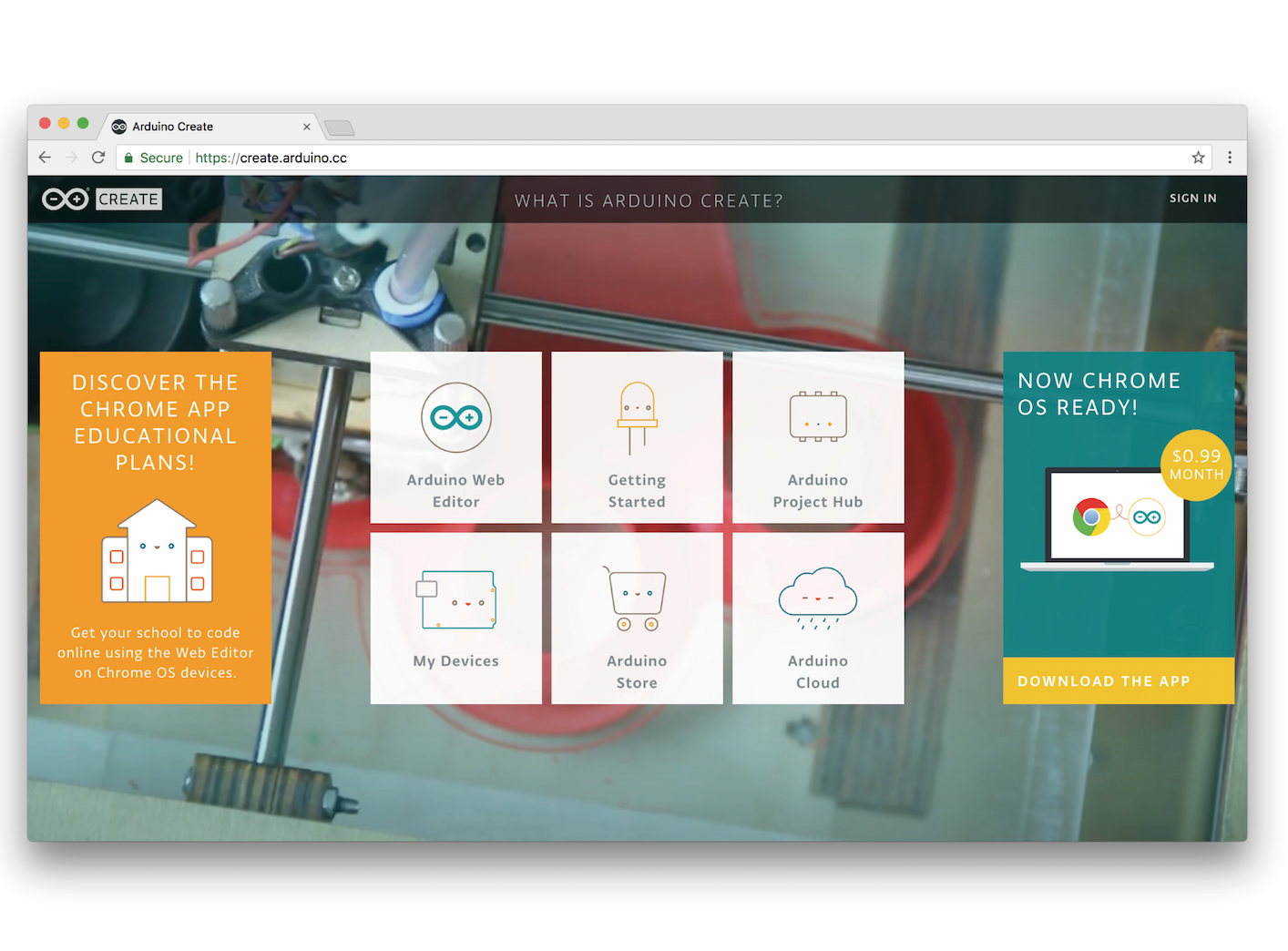
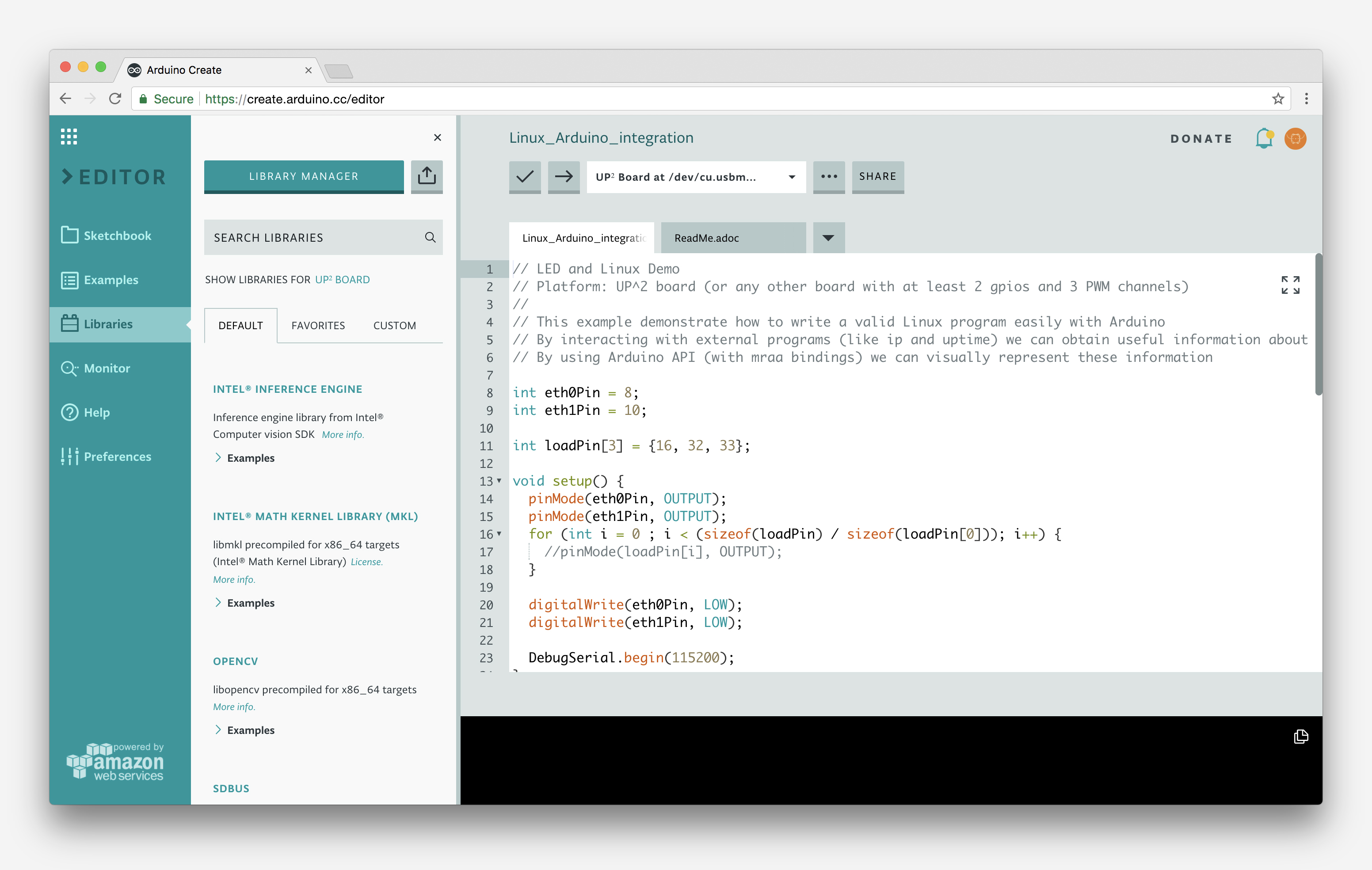
Today, at Embedded Linux Conference 2018, Arduino announced the expansion of the number of architectures supported by its Arduino Create platform for the development of IoT applications. With this new release, Arduino Create users can manage and program a wide range of popular Linux® single-board computers like the AAEON® UP² board, Raspberry Pi® and BeagleBone® as if they were regular Arduino boards. Multiple Arduino programs can run simultaneously on a Linux-based board and interact and communicate with each other, leveraging the capabilities provided by the new Arduino Connector. Moreover, IoT devices can be managed and updated remotely, independently from where they are located.

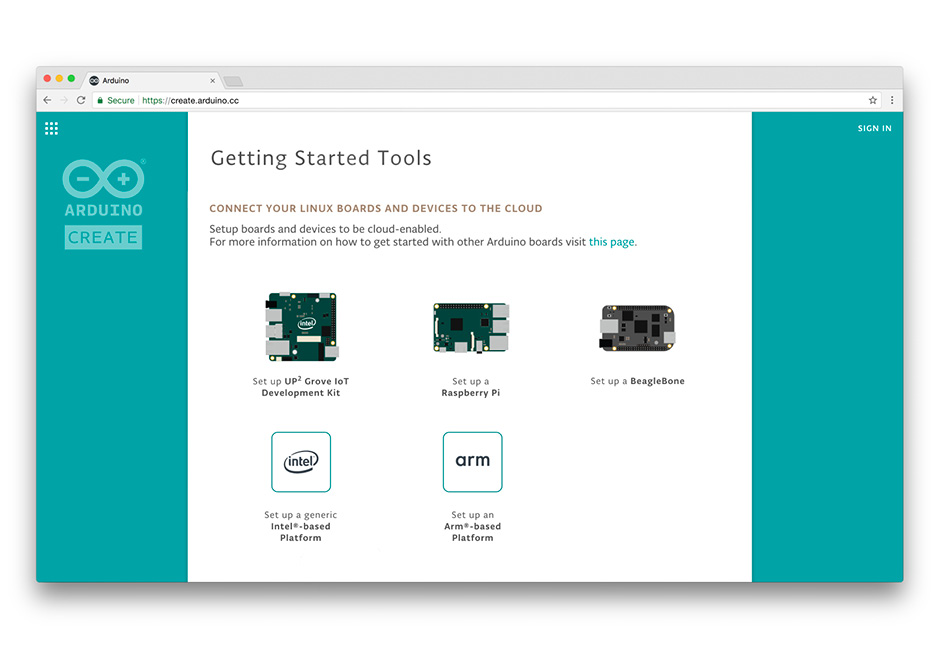
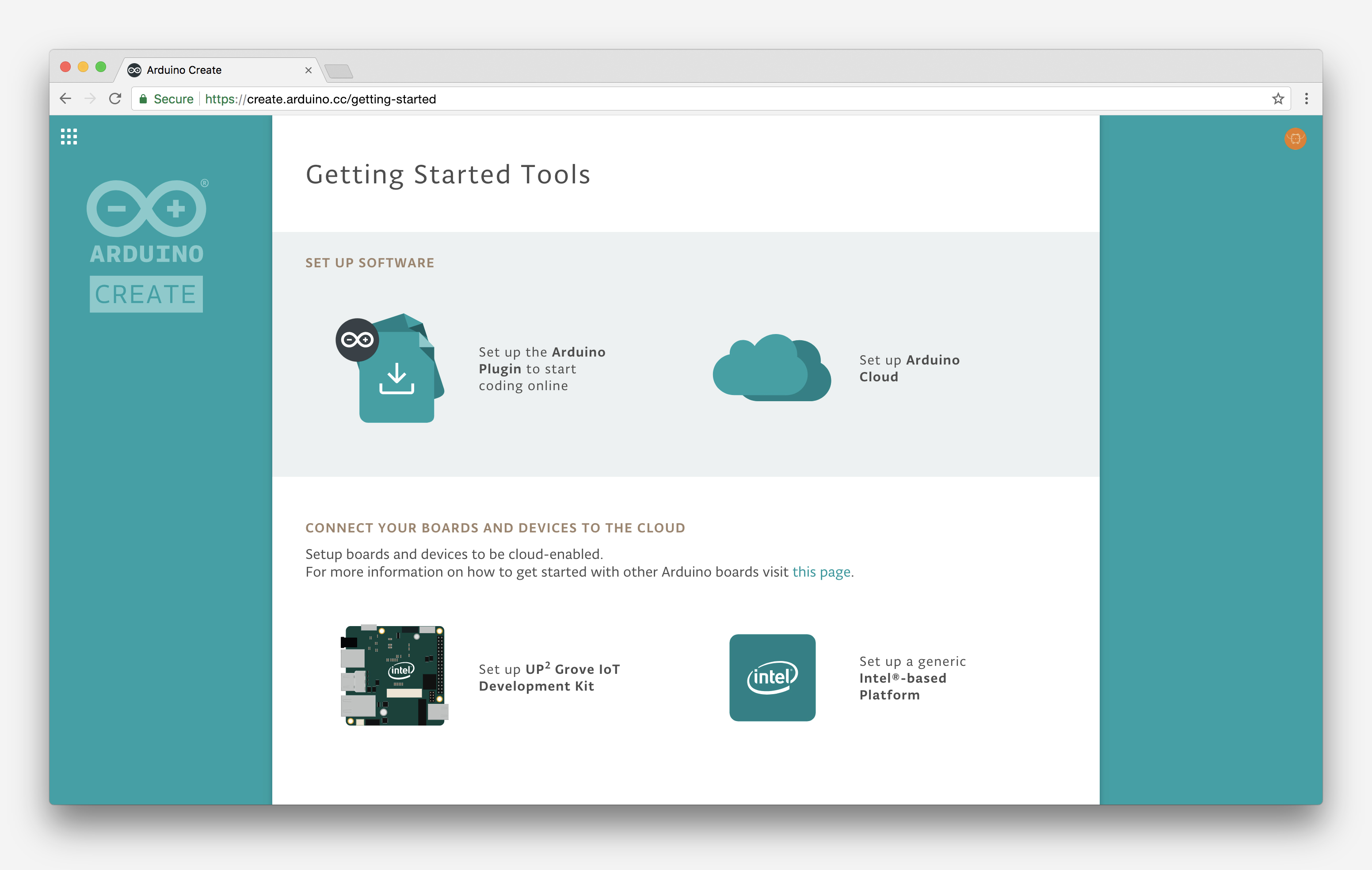
To further simplify the user journey, Arduino has also developed a novel out-of-the-box experience for Raspberry Pi and BeagleBone boards, in addition to Intel®  SBCs, which enables anyone to set up a new device from scratch via the cloud without any previous knowledge by following an intuitive web-based wizard. Arduino plans to continue enriching and expanding the set of features of Arduino Create in the coming months.

“With this release, Arduino extends its reach into edge computing, enabling anybody with Arduino programming experience to manage and develop complex multi-architecture IoT applications on gateways,” said Massimo Banzi, Arduino CTO. “This is an important step forward in democratizing access to the professional Internet of Things.”

“At Arduino we want to empower anyone to be an active player in the digital world. Being able to run Arduino code and manage connected Linux devices is an important step in this direction, especially for IoT applications that need more computing power, like AI and computer vision,” added Fabio Violante, Arduino CEO.

Linux support comes to Arduino Create

We’re excited to announce a new update to the Arduino Create web platform, which will enable fast and easy development and deployment of IoT applications with integrated cloud services on Linux-based devices.

What this means is that users will be able to program their Linux boards as if they were regular Arduinos. Multiple Arduino programs can run simultaneously on a Linux board and programs can communicate with each other leveraging the capabilities of the new open source Arduino Connector. 

Arduino Create Cloud now allows users to manage individual IoT devices, and configure them remotely and independently from where they are located. To further simplify the user journey, we’ve also developed a novel “out of the box” experience that will let anyone set up a new device from scratch via the cloud without any previous knowledge by following an intuitive web-based wizard

The initial release has been sponsored by Intel® and supports X86/X86_64 boards. As a reference implementation, a simplified user experience has been designed for the AAEON® UP² board, although other platforms are already supported by the Arduino Create Cloud platform, such as the Intel® NUC, Dell Wyse®, Gigabyte™ GB-BXT.

In the coming months, we plan to expand support for Linux–based IoT devices running on other hardware architectures. Until then, you can find more information here and follow the tutorials below to help get you going:


A Concept for a Robot that I am planning to build

A Concept for a Robot that I am planning to build

Jetsonbot

Primary image

What does it do?

Avoid obstacles with vision

Hardware overview is in the video with a better description.

Jetson TK1 processes images from the USB webcam and the two Raspberry Pi NoIR cameras then sends commands to the Arduino Mega in order to move autonomously around the environment avoiding obstacles.

The software is custom written and uses OpenCV for image processing.  No ROS, no SLAM, no neural nets or whatever.

Cost to build

Embedded video

Finished project

Number

Time to build

Type

URL to more information

Weight