


From Home Assistant to AI agents: what Linux unlocks on the Arduino® UNO™ Q board
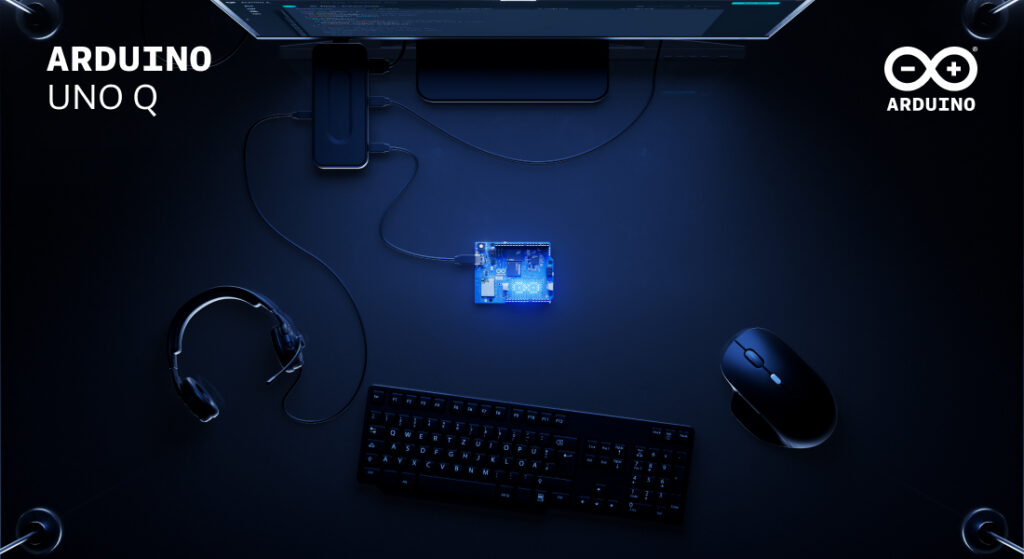
UNO Q was designed around a dual-brain architecture that is built to bring high-performance computing and real-time hardware control together on a single board. The Linux environment on the MPU side is constructed to let developers install and run familiar open-source software – the same tools they’d reach for on a server or any popular SBC. Meanwhile, the STM32H5 microcontroller runs a dedicated Arduino Core on Zephyr RTOS, handling sensors, actuators, and time-critical I/O with deterministic precision. Together, they make the UNO Q something more than the sum of its parts.
What follows is a set of concrete examples: real software platforms you can install on UNO Q today, what each one enables, and why having the microcontroller in the same system changes what’s possible.
#1 Agentic AI development
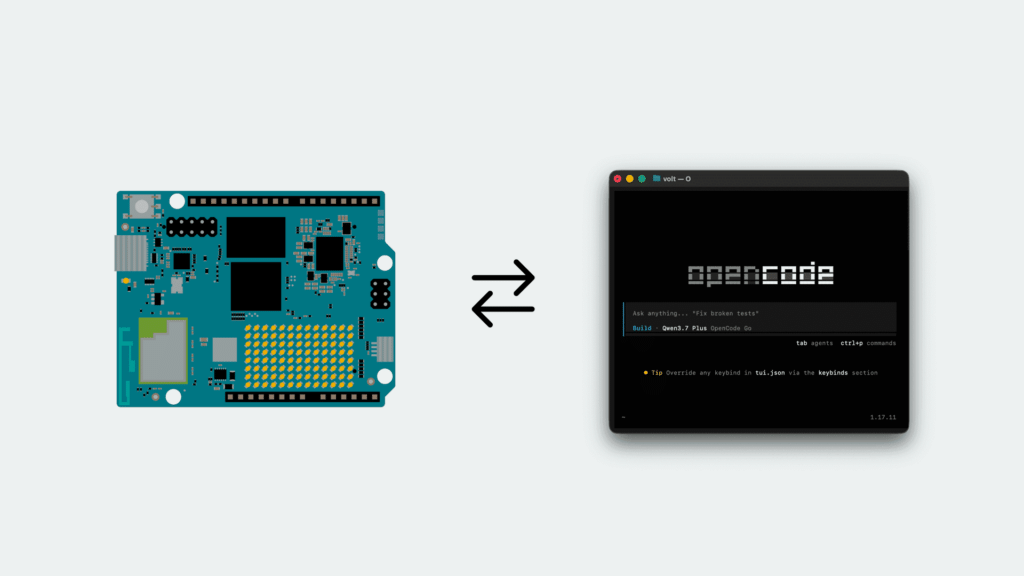
UNO Q is engineered to put an AI coding agent inside the hardware it is writing for. An agent running on the board can receive a goal, process context, call tools, interact with services, and – through the board’s hardware interfaces – turn decisions into real-world actions. The reasoning comes from a frontier model over the API, but the tool calls run on the device. That last part is what makes this different from running an agent on a laptop or a server: the machine executing the decisions is also wired into the physical world.
The practical starting point is installing an AI coding agent, such as OpenCode, directly on the board. With the right context added – for example, knowledge of the Arduino® App Lab CLI and the board’s specific capabilities – it can set up Linux services for you, answer questions about Debian on UNO Q, and build physically connected Arduino apps end to end: create the app, write the sketch, deploy it, read the output, iterate. Any agent can write a sketch; only one running on the board can deploy it and see what happened.
More broadly, this creates a meaningful bridge between generative AI and embedded systems. Only the reasoning leaves the board: the sensors, actuators, and data stay where they are.
Ready to try the full tutorial? Find out here how to install and use Open Code on UNO Q.
#2 Home Assistant
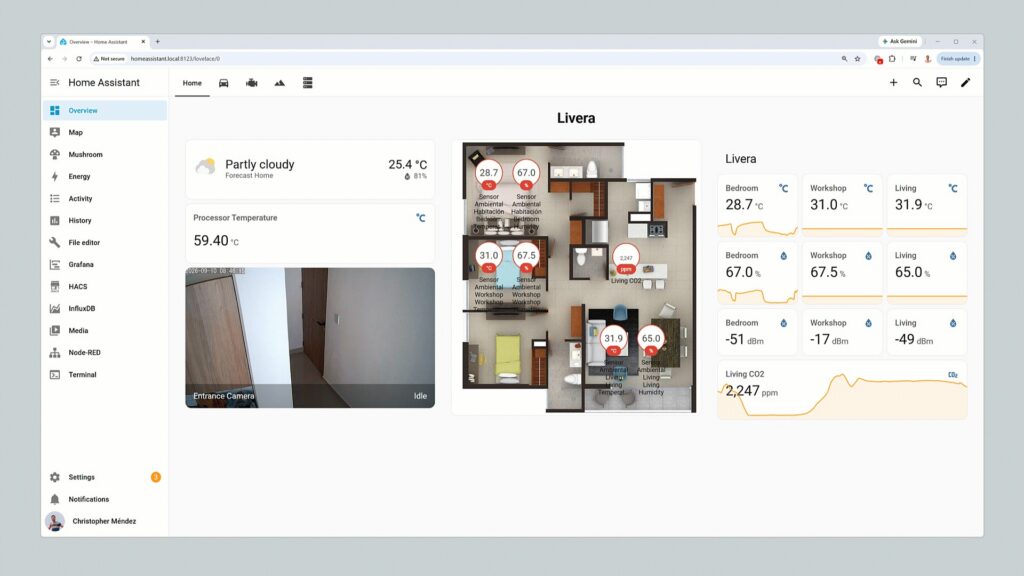
Home Assistant dashboards inspiration
Home Assistant aims to turn UNO Q into the center of a local smart home or building automation system, connecting lights, climate controls, energy meters, and other compatible devices through a single dashboard and automation engine. Running entirely on the Linux side, it is built to handle scheduling, historical data, dashboards, and integrations – with no cloud subscription required.
The real advantage emerges when custom hardware enters the picture. A Qwiic temperature and air-quality sensor connected to the board’s Qwiic port could feed live data into Home Assistant, while an Arduino sketch running on the STM32H5 microcontroller is constructed to drive a ventilation fan through a relay based on those readings. Home Assistant is designed to manage the logic and interface on Linux; the microcontroller is engineered to handle the physical layer. The two communicate via the onboard RPC bridge, with no external Arduino board required.
Need a little guidance in trying this yourself? Check out this GitHub tutorial.
#3 n8n automation
n8n is a visual workflow automation platform that is built to connect services, APIs, databases, and devices – think of it as a self-hosted alternative to Zapier or Make, with full data sovereignty because everything runs locally.
Running n8n on UNO Q is designed to bring those workflows to the edge. A single workflow could receive sensor data from the microcontroller side, process and store it in a local database, update a dashboard, send a notification to an external service, and trigger a physical output – all in sequence, all on the same device.
The combination makes UNO Q a practically designed platform for rapid prototyping, industrial automation, smart building control, and local edge orchestration where cloud latency or dependency would be a problem.
#4 Pi-hole network shield
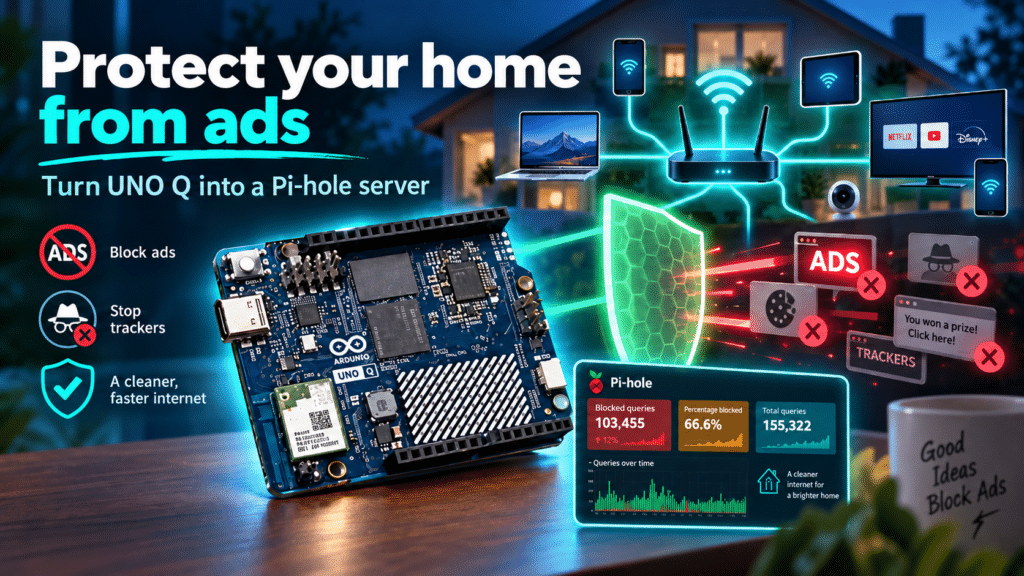
Pi-hole is a DNS-level filtering service that is structured to block advertising, tracking domains, and unwanted traffic for every device on the local network that uses it as a DNS server. On a standard single-board computer, that’s where the story ends.
UNO Q is different: the Linux side runs Pi-hole and its web dashboard, while the microcontroller can drive a dedicated status display, visualize blocked-request activity in real time, trigger an alert if the DNS service becomes unavailable, or provide a physical button to temporarily pause filtering – without opening a browser interface.
It’s a small example of a broader pattern: UNO Q aims to turn passive software services into systems with physical feedback and control.
Want to protect your home from ads, using UNO Q and Pi-hole? Check out this Project Hub tutorial.
#5 Frigate camera computer vision
Frigate is a network video recorder built around real-time object detection. It can process camera streams locally to identify people, vehicles, animals, or other defined events – and running it on UNO Q keeps that processing at the edge, where it belongs.
UNO Q is a practical host for Frigate for a few reasons. Cameras can be connected directly via USB or accessed remotely over RTSP (Real Time Streaming Protocol) when Frigate detects a relevant event, the microcontroller side can respond immediately – triggering a light, an alarm, a relay, or a Modulino-based indicator – without any additional hardware.
Sensitive footage stays local. Response times improve. And the physical response doesn’t require a round trip to the cloud.
#6 Local NAS with SMB
UNO Q can be configured as a lightweight network-attached storage server using SMB, making shared folders accessible to other computers and devices on the local network – useful for camera recordings, machine-learning datasets, sensor logs, or shared project files.
Paired with a dongle that gives cabled Ethernet connectivity and an external USB Disk, this can be a quick and instant NAS, flexible enough for sharing office documents with your colleagues or family.
A platform, not just a single application
Each of these applications is useful independently. The more interesting territory is what opens up when they run together.
Here’s one example of how that could look in practice: Frigate detects a person entering a monitored area and publishes the event via MQTT. Home Assistant picks up that event and switches on a light. n8n extends the response by calling an external API, logging the event to a database, and sending a notification. Meanwhile, the raw footage remains accessible over the local network through the Samba share. The microcontroller drives an indicator throughout. All of this runs on one board.
UNO Q is designed to provide a common foundation where Linux applications, local AI workloads, network services, and real-time embedded hardware control can be part of the same coherent system – rather than spread across multiple devices with their own power supplies, enclosures, and points of failure.
UNO Q is available on the Arduino Store or can be ordered from DigiKey, Farnell, Mouser, Newark, RS Components, Robu.in, and many other authorized distributors and resellers.
Arduino, UNO, and the Arduino logo are trademarks or registered trademarks of Arduino S.r.l.
The post From Home Assistant to AI agents: what Linux unlocks on the Arduino® UNO™ Q board appeared first on Arduino Blog.