Posts with «featured» label

3D-printed miniature roller coaster powered by Arduino Mega
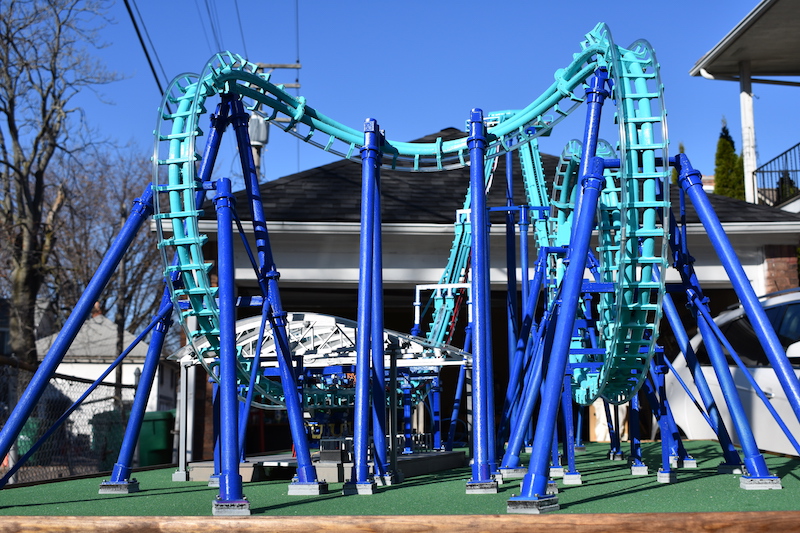
While many enjoy roller coasters, few can claim the same dedication of engineer Matt Schmotzer, who 3D-printed a 1/25th scale replica of Invertigo, a boomerang coaster at Kings Island in Ohio.

As reported on 3D Printer Chat, the CAD model took only a week to complete, but 3D printing this 4’ x 8’ creation took an incredible 450 hours. This doesn’t include the countless hours spent assembling and debugging it.

The coaster runs on an Arduino Mega, using 42 of the 54 available IO pins. This allows it to not only lift and drop the coaster, but also feature details like actuated gates and restraints to keep the tiny imaginary passengers safe.

Be sure to check it out in the video below!
This DIY machine mixes your favorite three-ingredient cocktail

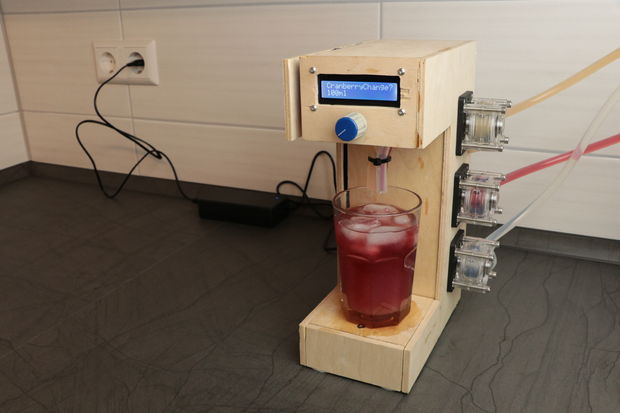
Do you and your friends have a favorite cocktail? If so—and if it has three ingredients—then this Arduino-based cocktail machine from YouTuber “GreatScott!” may be worth checking out.

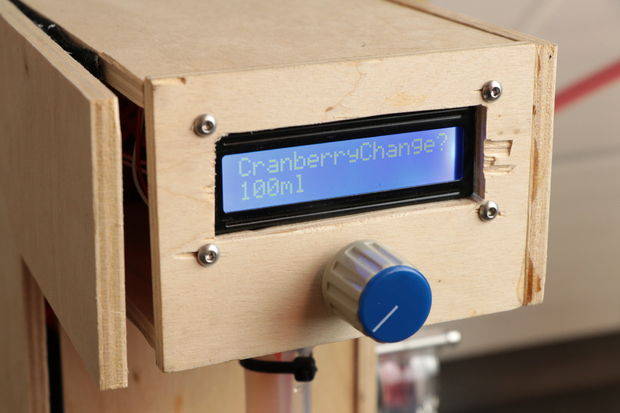
The device is capable of mixing three liquids, which in GreatScott’s case consist of vodka, cranberry juice, and grapefruit juice (also known as a Sea Breeze), in a drink size selected via a rotary encoder and LCD screen.

An Arduino Nano provides the brains for this operation, and each component is poured using a series of three peristaltic pumps. Meanwhile, a load cell underneath the glass holder ensures that the correct amount of liquid is dispensed.

The same setup could be used to make different three-ingredient drinks with a little programming work, or it could be expanded into a multi-drink unit with the addition of a few more pumps. You can see it in action below!

Create a beat by nodding your head

If you are really enjoying a song, you may start to bob your head to the tunes, but what if you could instead create actual music with this subtle movement? That’s exactly what Andrew Lee’s “Nod Bang” system accomplishes.

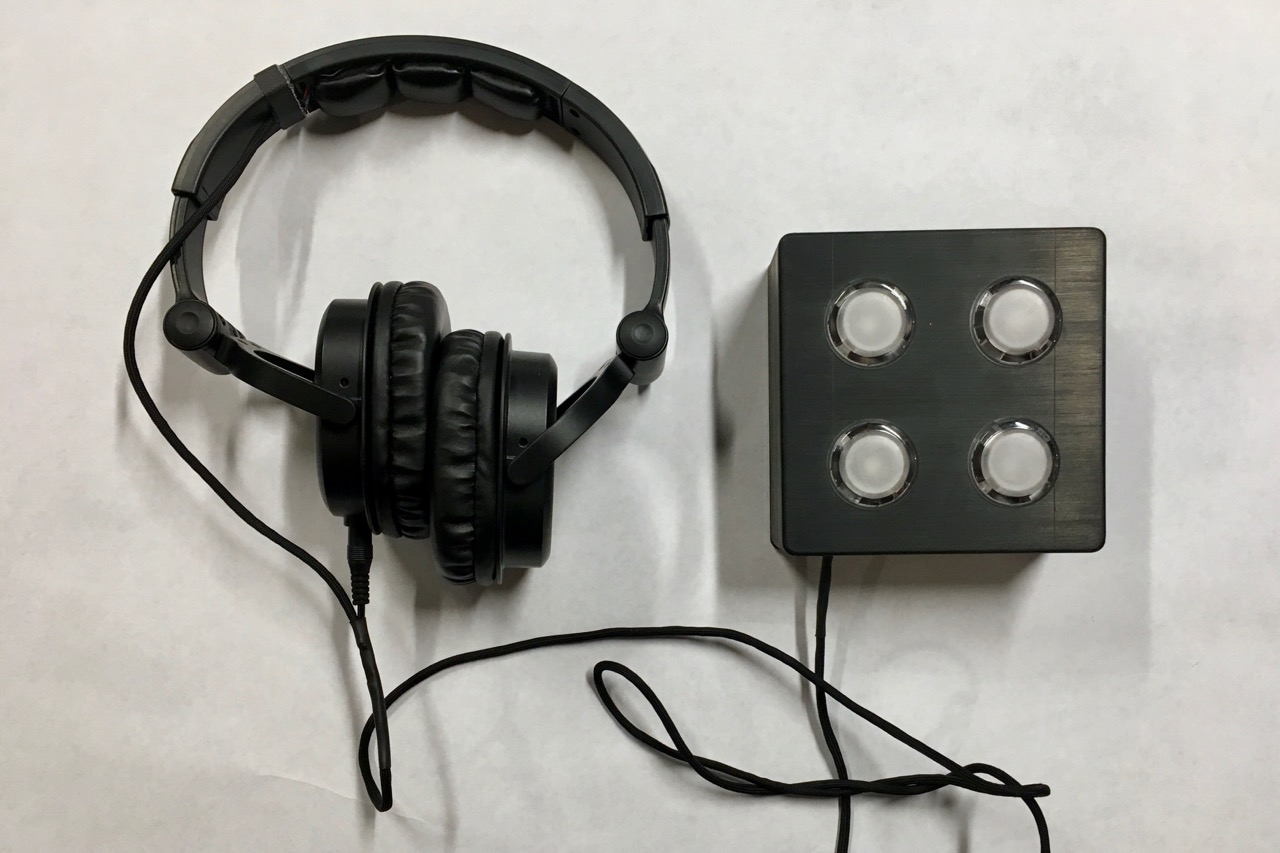
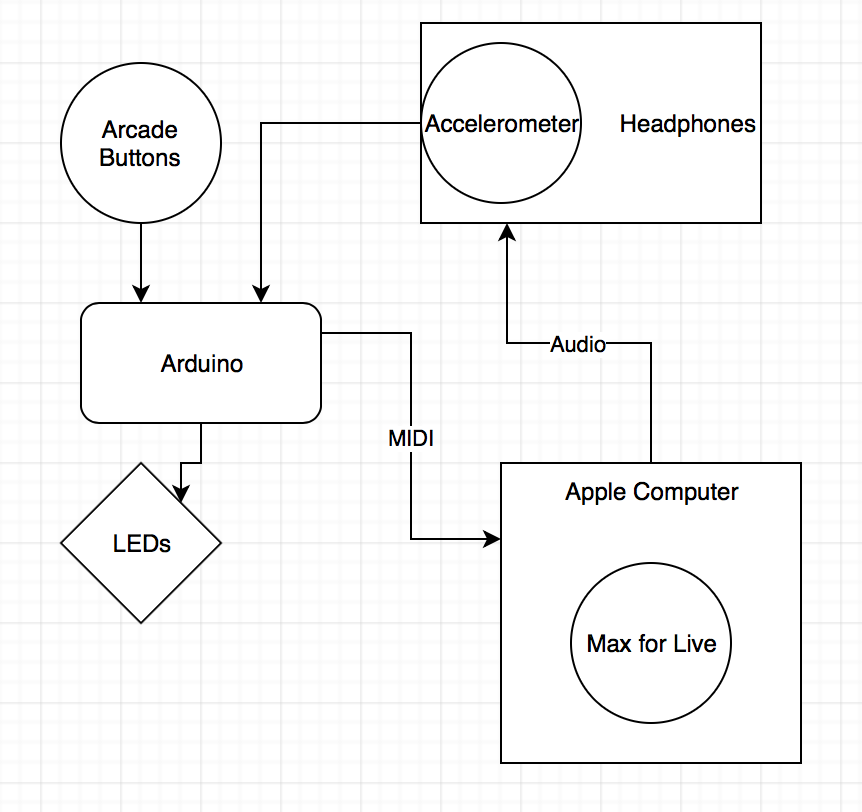
An accelerometer mounted to a pair of headphones senses nods in order to dictate the beat, while four 3D-printed arcade buttons are used to select which sounds will be played. An Arduino takes these inputs and passes them to a computer via a MIDI USB interface. The board also controls lights on the buttons for visual feedback.

Be sure to check it out in action below and read Lee’s entire write-up here.

Arduino Blog 11 Dec 22:40
arduino  featured  midi  music  nod bang  

Santa’s Shop is an animated storytelling installation

Santa’s Shop is an amazing Christmas display consisting of trains, animated figurines, a rotating tree, and several other interesting holiday-themed gadgets.

The decoration features hundreds of 3D-printed parts and many handmade characters, controlled by 46 servos and a total of 12 Arduino boards. Bringing the installation to life was no small task, requiring over 2,000 hours of labor for creators Mike and Annelle Rigsby.

More details on the project can be found in this write-up. You can also see it in action in the video below, or on display live in the window of the Brightway Insurance Agency in Gainesville, Florida this month.

The Imperializer makes quick work of metric conversions

When you work in a machine shop, you often need to convert numbers from metric to imperial. As long as you have to do this on a regular basis, why not make a tool to do so easily?

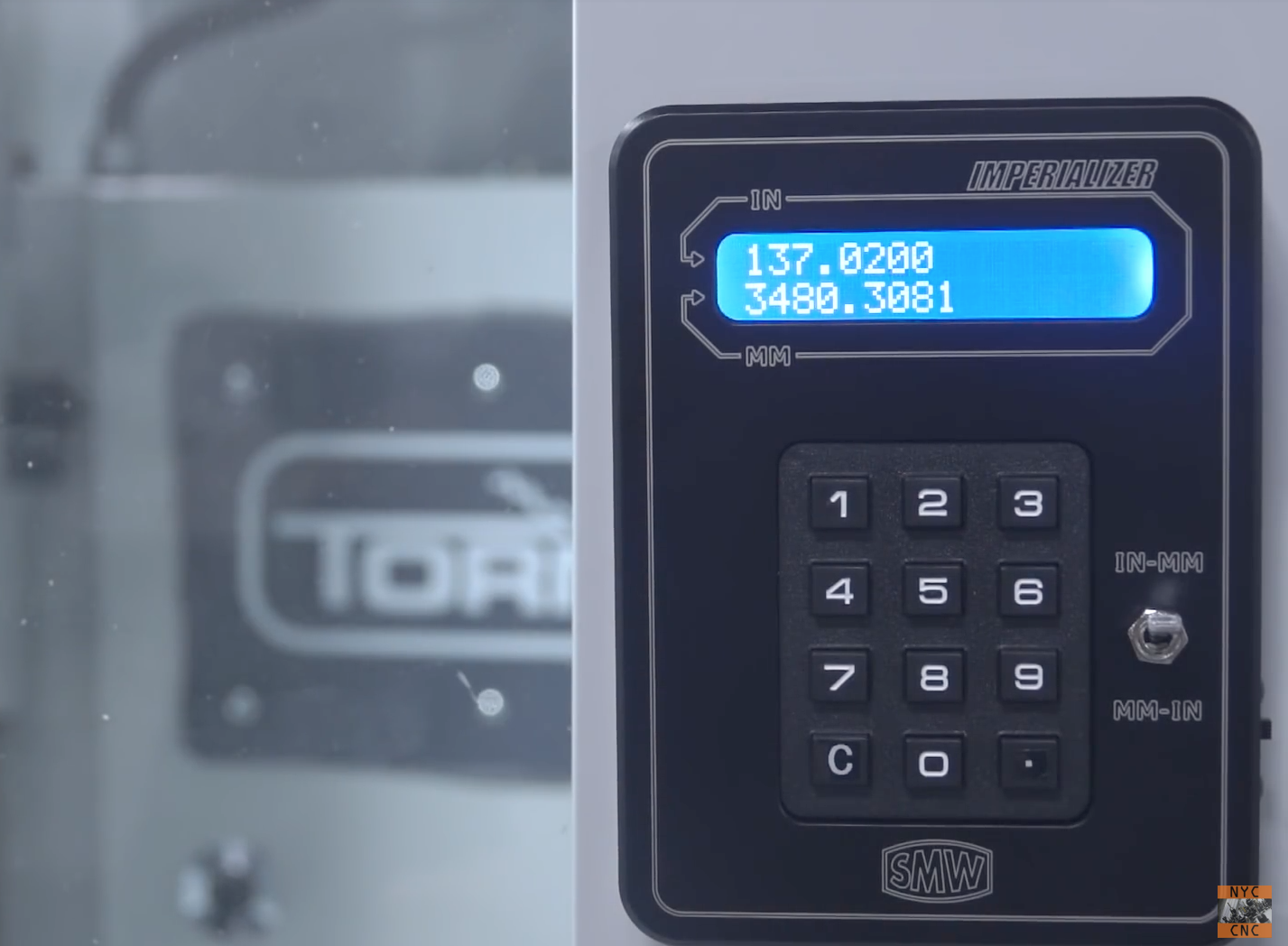
Instead of pulling out a phone or taping a calculator to their CNC machinery, NYC CNC came up with an Arduino Nano-based device that does this conversion in style. “The Imperializer” features a beautifully milled enclosure that magnetically sticks onto a machine, a backlit LCD, and a toggle switch to flip between metric and imperial units.

The Imperializer is a desktop or machine mountable device that does one thing: converts inches to millimeters (and millimeters to inches)!  It uses an Arduino Nano and is powered by a Lithium battery that can be recharged with a Micro-B USB cable!

If you’d like to have your own for your shop, the bill of materials and Arduino code can be found on the project page. The housing, and even a fully-assembled version, can be purchased here.

Arduino Blog 06 Dec 22:43

Build your own antenna rotator/satellite tracking device

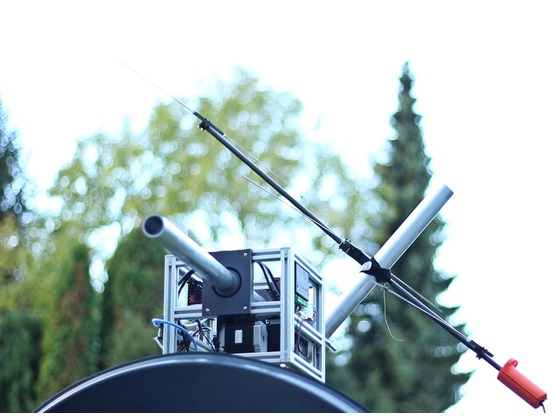
After finding that purchasing a tracking device for his satellite dish would be quite expensive, YouTuber “Tysonpower” decided to simply build one himself. What he came up is an assembly made with 3D-printed parts and extruded aluminum that uses a pair of NEMA23 stepper motors for movement.

While it doesn’t quite work with the dish itself due to its offset weight, the concept was successfully used to track weather satellites using a VHF Yagi antenna.

Control is provided via an Arduino Nano, which interfaces with a computer over USB serial that provides satellite information. You can check it out in the video below, and find more details in the project’s write-up.

A chronograph rig for high-speed glass photography

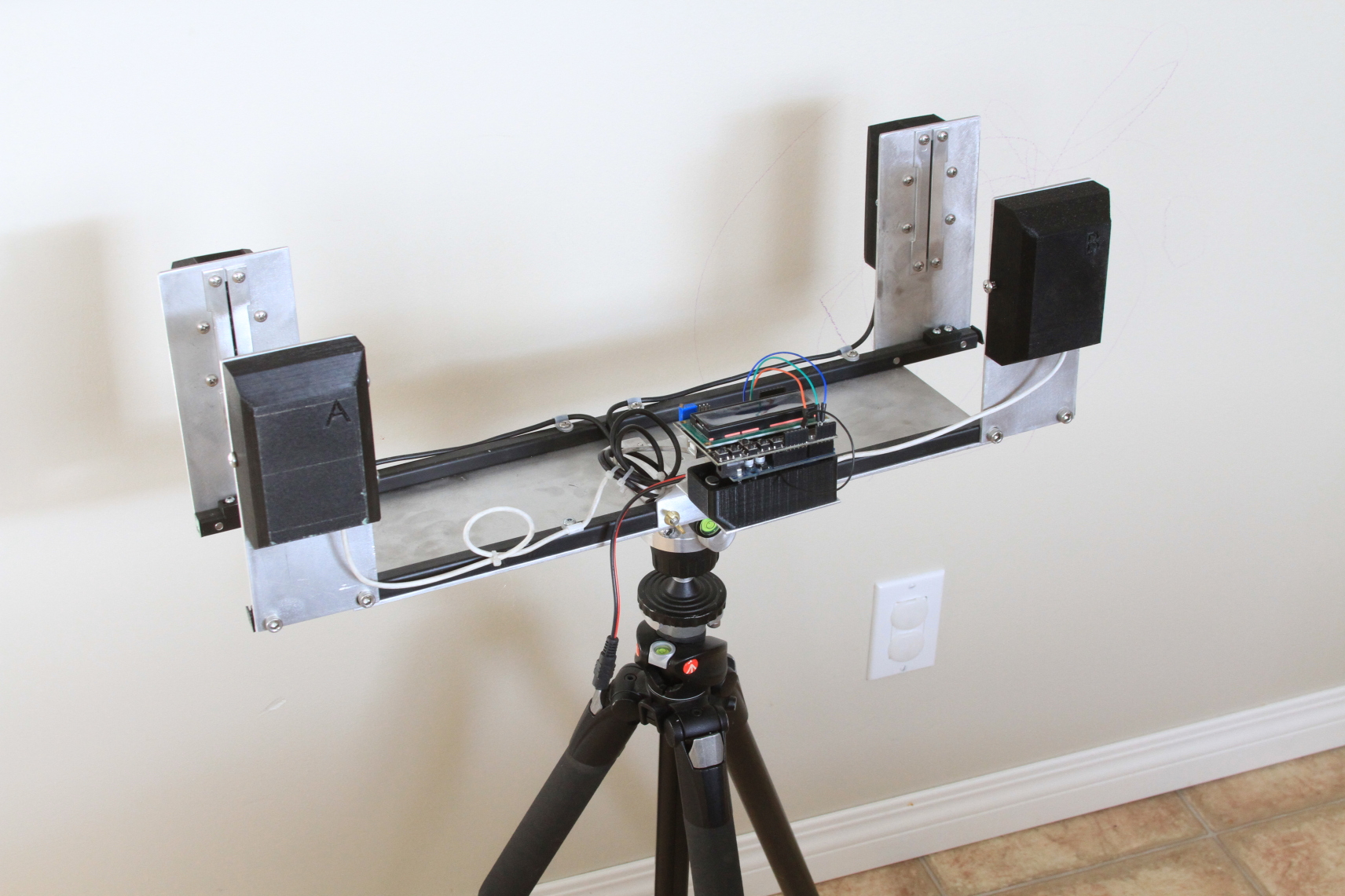
To capture images of bullets “interacting” with various objects, photographic hacker Tyler Gerritsen created an impressive chronograph rig, able to measure the speed of a bullet launched from a rifle at 1000 meters per second. While the concept of measuring time from one sensor to another isn’t new, implementation at this speed required some interesting tricks.

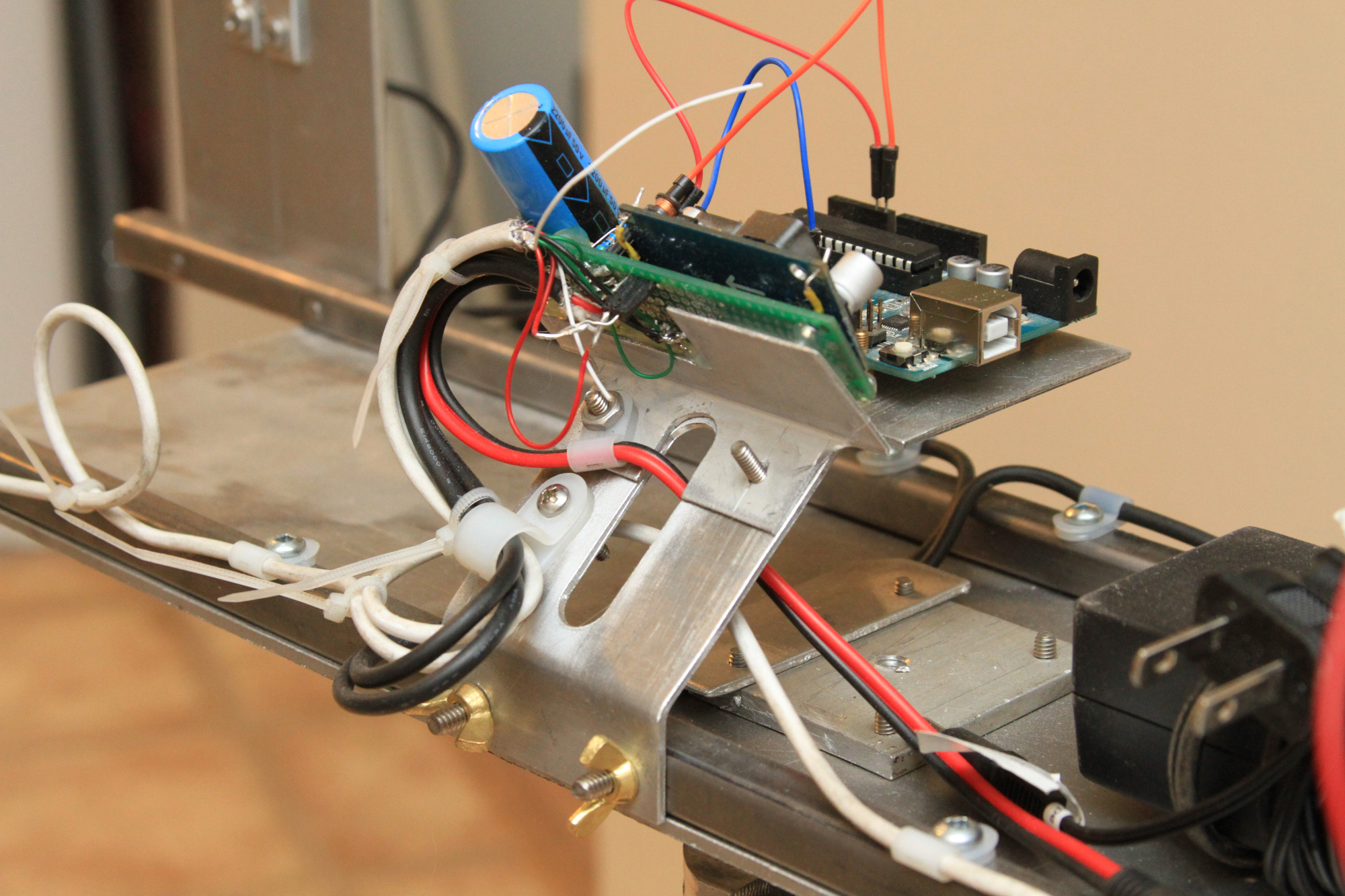
To accomplish this feat, Gerritsen designed his own sensor array using photodiodes in a reverse-biased setup, and even calibrated the clock speed of the Arduino Uno for control in order to account for any variation. Finally, the time between triggering a flash and light actually appearing had to be compensated for in the code, a different value for each type of equipment.

The project write-up is a great read for anyone interested in this type of photographic or measurement technique, and the resulting photos can be seen here.

Intelli-Buoy gathers water data

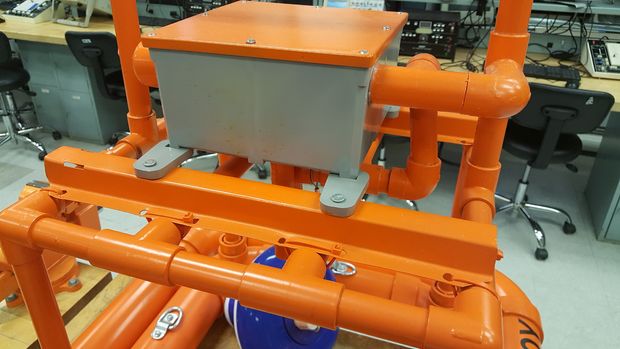
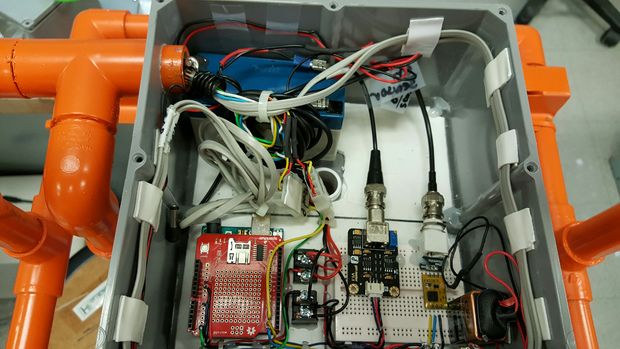
Water is essential to life on earth, and making sure our rivers and lakes are free from pollution is therefore quite important. For environmental monitoring, students from Bergen County Academics Magnet High School have come up with the Intelli-Buoy system that can track water turbidity, pH, oxygen, and temperature levels for analysis. It can also keep tabs on wind speed and rain stats for possible correlation.

The floating device uses a pair of Arduino Unos with an SD card shield mounted on each in order to record these statistics over several days, and it’s designed with two external USB ports for easy access.

Be sure to check out this orange PVC sensor assembly the video seen here.

Eliminate shop dust automatically with Arduino

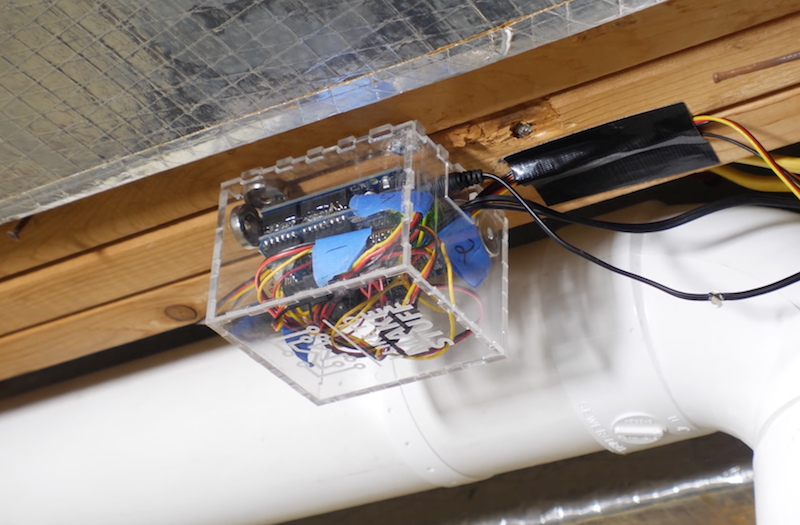
What’s the best way to dispose of the dust that is produced when cutting with power tools? YouTuber Bob Claggett’s answer is to automate the process entirely, using a series of PVC sewer pipes to transport air to a central vacuum system, along with an Arduino Uno for control.

Airflow is regulated via a blast gate for each power tool, which is opened and shut using a hobby-style servo and custom linkage system. The powerful dust collector is controlled with the help of a relay.

Cleverly, a voltage sensor is employed for each power tool needing dust collection, allowing the Arduino to turn on the system and decide which gate to open without any human interaction.

Want a similar system for your workshop? Be sure to check out Claggett’s entire build in his write-up here and in the video below!

Read the time and play games on this Arduino-based word clock

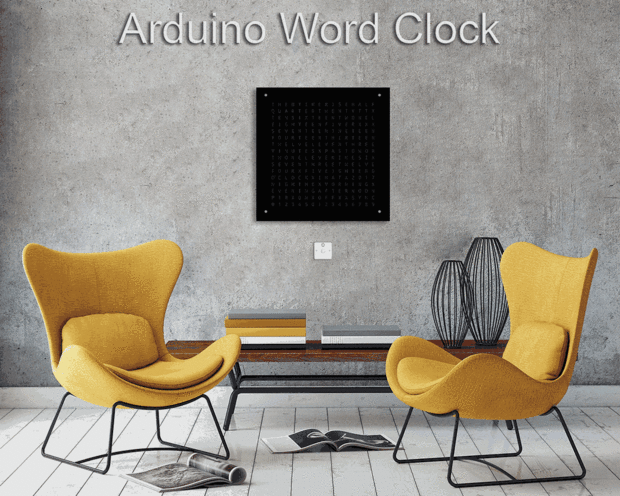
If you’ve been interested in creating a word clock for your home, then perhaps this neat build by “oliverb” will be the perfect place to start.

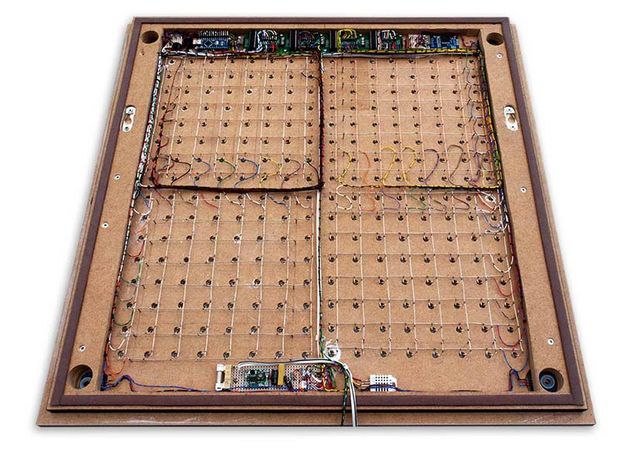
The clock, powered by an Arduino Nano along with a RTC module, is capable of displaying the time by spelling it out as you expect, or can use the letters as a matrix in order to show the time in digital format. These letter-dots can even be configured to form an “analog” clock if you prefer.

But that’s not all. The device can reveal the temperature and humidity, as well as play games like Tetris. Be sure to see it in action below!