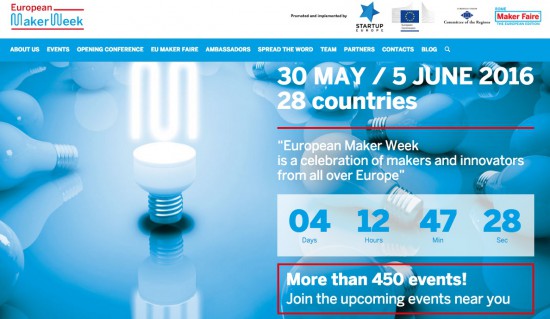
Arduino co-founder Massimo Banzi and Maker Media’s Dale Dougherty will be in Brussels next week to help kick off European Maker Week at the Opening Conference. During their keynote, they will address European citizens in hopes of inspiring Makers to build projects throughout the weeklong celebration taking place all over the continent. Those wishing to learn more can do so by checking out the agenda and booking their free ticket for Monday, May 30th at the European Committee of the Regions.
European Maker Week is the first initiative promoted by European Commission and implemented by Maker Faire Rome, in collaboration with Startup Europe, to raise awareness around the significance of the Maker culture and its ecosystem, as well as foster creativity and innovation in schools.
Europe is not only home to the highest number of fab labs, Makerspaces, and hackerspaces in the world, it’s also the birthplace of disruptive projects like Arduino, Raspberry Pi, micro:bit, and RepRap. Every year, there are over 50 Maker Faires, Mini Maker Faires, and the flagship Maker Faire Rome, which drew attention from 100,000-plus visitors in 2015.
European Maker Week, which will be held May 30th to June 5th, will play host to more than 450 events across 28 countries. Click on the map below to find the the event nearest you:
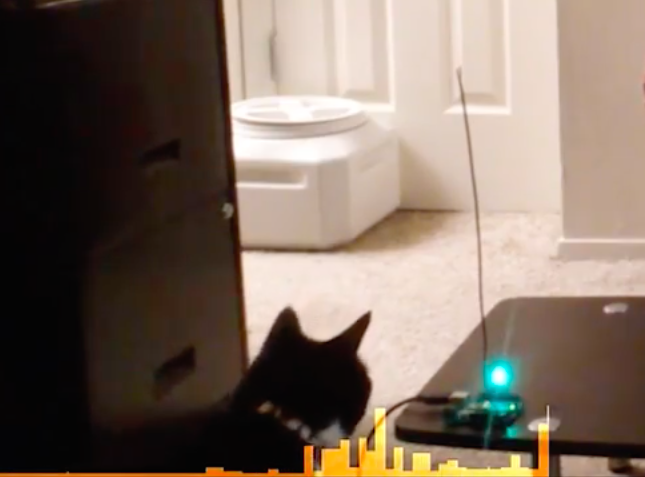
Connor Nishijima has come with a unique way to detect motion using an Arduino Uno. The active media developer is polling an ADC pin with a pair of wires twisted tightly together — one plugged into A3, another plugged into ground — and generating readings whenever a large living object (like his two cats) is nearby.
“The closest I have ever come to explaining this is capacitive coupling. So what it is is the antenna is leaching a little bit of electricity off you, and you are leaching a little bit of electricity from the antenna. The differential that happens when you move around is what the Arduino is picking up.”
He’s calling this effect “Capacitive Turbulence,” and so far he’s only got it work on the Arduino, no luck using other boards with ADCs. You can watch him explain this magical phenomenon in more detail below!
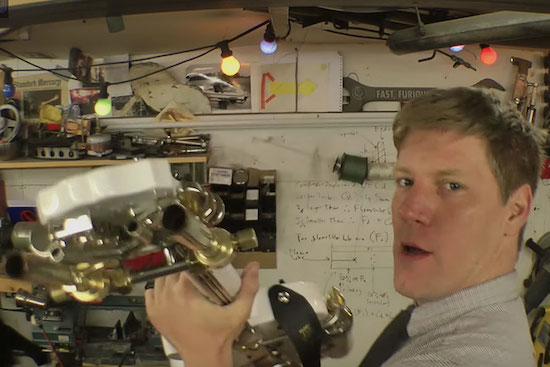
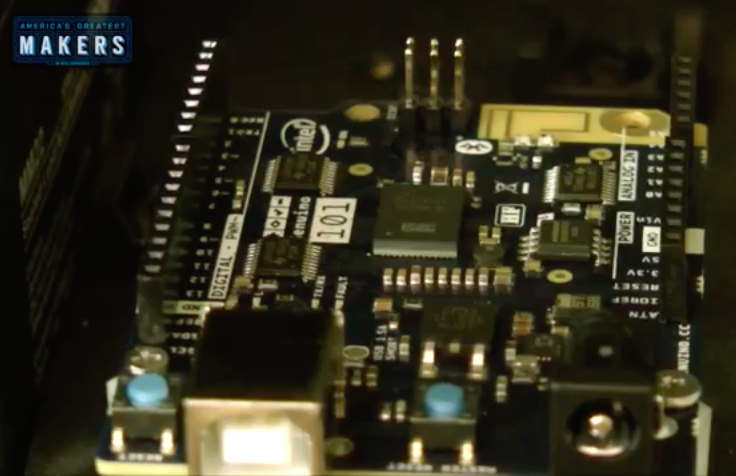
In support of the TBS show “America’s Greatest Makers,” YouTuber/plumber/stuntman/inventor Colin Furze recently took on the challenge of turning a bass guitar into a flamethrower with the help of a Genuino 101. Because after all, there’s nothing more metal than fire bursting as a rockstar shreds on-stage.
To bring this project life, Fruze added a pair of modified blow torches to the neck of the guitar and sawed off part of the instrument’s base to fit in the firing mechanisms. As you can see in his tutorial video below, the body is equipped with a gas reservoir on top, solenoid valves, a few switches, a gas supply to the blow torches, an inlet pipe, and some other components.
He even converted his amp to house a gas tank, along with a speaker, the Genuino board and a relay shield that enables the Maker to synchronize flames to certain musical patterns and sequences.
It goes without saying that you may not want to try this at home…
I make things for people that can’t be bought off a shelf, and in the past several years I have gone through a lot of Arduinos. More and more, they are simply the right tool for both the job and the client. This wasn’t always the case; what changed?
My clients today still include startups and other small businesses, but more and more they’re artists, hobbyists venturing into entrepreneurship, or people who make one-offs like the interactive displays you find in museums or science centers. The type of people I work for has changed, and because of this, the right tool for their job is almost always an Arduino.
If Not Arduinos, What?
I was chatting with some new people at a local hackerspace, and we were talking about what we do. I told them I spent a lot of time making one-off devices, prototypes, or small production runs for people who know what they need, but can’t buy it off a shelf. I mentioned that I go through plenty of Arduinos as a result.
“What would you be using if it wasn’t an Arduino?” I was asked.
I thought for a moment and replied something about how I’d probably use an AVR on a board I designed, and roll that out when I needed a microcontroller to do things. I said this because that board was my go-to solution when I needed something for my own projects. There was a nod and the conversation moved on, but after thinking a moment more I realized I had to change my answer.
If I wasn’t using an Arduino, what would I use? Probably nothing. Because the job wouldn’t exist.
The Arduino is the Right Tool for Their Jobs
Prototypes for a mesh wireless client project. Arduinos inside.
A lot of my work looks like this: the client comes in with an idea but it’s not quite there, and it needs some development before it can become a product. First I build a proof of concept, but then we often move to iterative prototypes where we do a lot of testing and measuring. What is learned from one prototype is rolled into subsequent prototypes in a continuous flow of learning and refinement. (The following saying applies to this process: “Developing hardware is just like developing software, except that every time you hit ‘compile’ it takes weeks and costs thousands of dollars.”)
Eventually, we reach the end of what’s possible with the Arduino and readily available components. Then it’s time for the engineers to design a solution: something focused directly around exactly what was discovered, with minimal waste. That engineered solution is not very likely to include an Arduino.
But until we hand the job off to the engineers, the Arduino was part of the solution. And a big reason for that is the comfort level of the client during this phase of iterative refinement. A lot of clients would throw up their hands at an AVR-ISP or a hex file but they know what an Arduino is. They are often comfortable uploading sketches and making changes to them, or even following a wiring diagram. They probably even prototyped their idea with an Arduino. Using an Arduino allows them to remain hands-on with the development of their idea, even as they outsource some of the work to consultants.
The Clients have Changed
Sticking with what the client knows and expects is often the right move but there’s another, deeper reason that an Arduino is even involved in the first place. Without the Arduino and the whole ecosystem of open and accessible hardware and tools that has grown along with it, many of my clients would probably never have even begun to develop their ideas. They certainly would never have gotten to the point of hiring me for my help.
Custom ultra-slow speed turntable used to capture high magnification video for Broken Sound by Gary James Joynes
The observation that I was going through a lot of Arduinos also made me realize that my clients had changed. I now work more with artists who are incorporating electronics into their work in ways that weren’t accessible just a few years ago, basement inventors who are taking the plunge to see if their idea will fly, people who need small production runs of 10-100 in a world where “small” often means thousands, and stage magicians who need someone to help them make the next great trick happen. (I hadn’t expected that last one, but you better believe that market exists.)
All of these clients need someone to handle the hard or time-consuming parts of something they otherwise grasp, or someone to make them something they can plug in to the rest of their work. They don’t always have much of a budget to work with, but they do have enthusiasm and they know what they want. They’re idea people who roll up their sleeves and get their hands dirty, and they weren’t around in the numbers that they are now.
There’s one more advantage to working with these types of folks: when people have experience with developing their own solutions and experience running into the roadblocks, they usually also have some understanding of and appreciation for the kind of time, work, detail, and costs that go into development. Those of you who have done professional development work will recognize what a boon that is.
I’ve done custom work for many people over the years, but change is constant. It’s a big world and I’ve only worked in and seen my piece of it. Have you found things to be as I described, or different? Is my experience somehow unique? Post up in the comments!
There’s a new Genuino reseller in town! Everyone say hello to Cytron, who is excited to have a number of Genuino products available for its Malaysian customers.
We recently had the chance to sit down with Youn Koon Hong (pictured above holding a Genuino Uno) to learn more about his company:
- Tell us a bit more about Cytron.
We are the largest e-commerce store in Malaysia providing off-the-shelf electronics and mechanical parts to assist Makers, inventors, and engineers in experimenting with their ideas. You can easily turn your concept into a reality using our parts and our services.
- What’s your company’s super power?
We know how to support Makers and our experienced team can assist you along the way.
What’s your favorite Arduino or Genuino project?
We’ve been doing tons of projects using Arduino, especially since it’s an excellent platform for anyone, whether an amateur or pro, looking to build electronics. Here’s the link to our top 10 favorite projects.
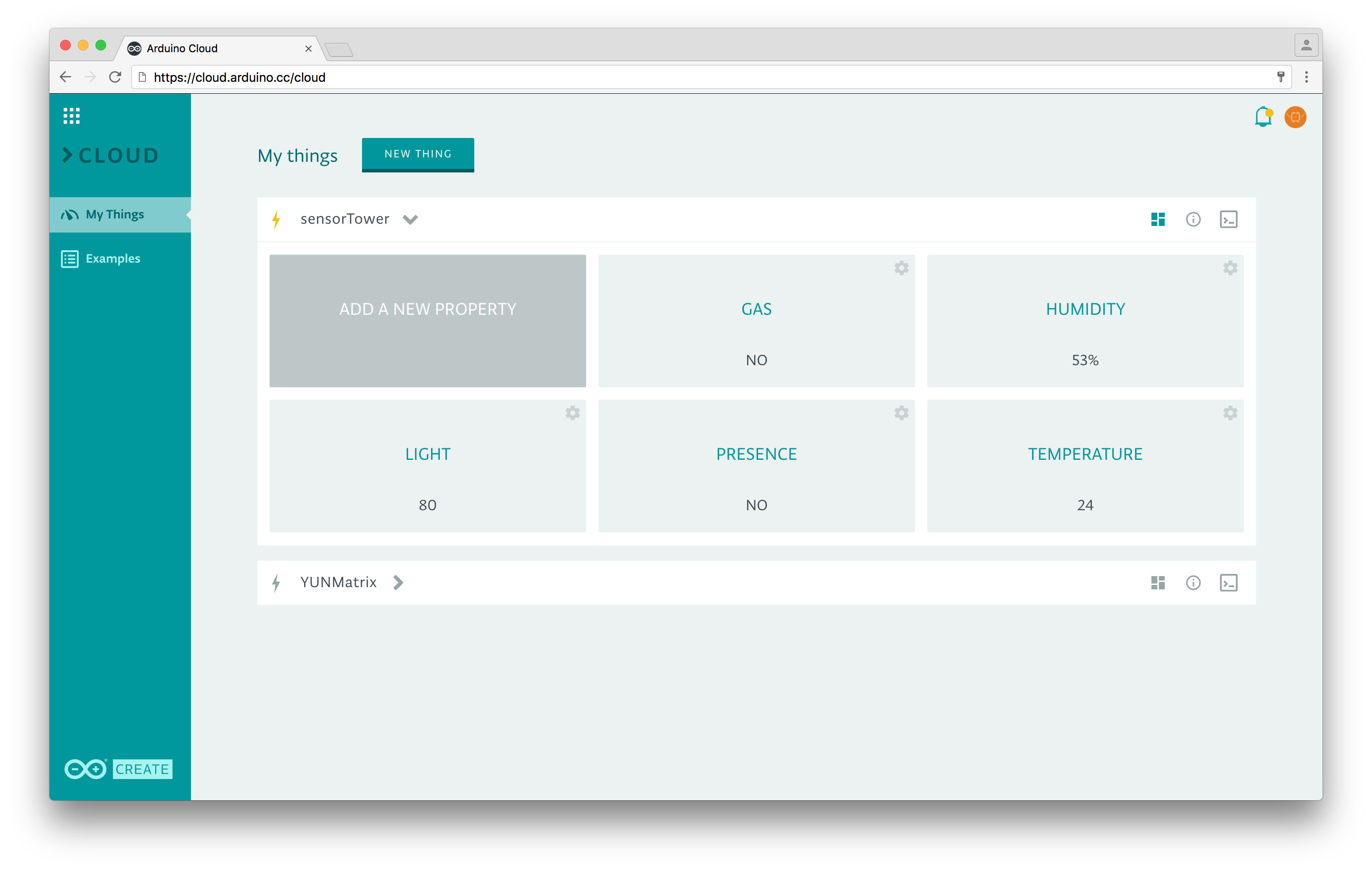
More than 10 years ago, we set out to simplify electronics with easy-to-use, open-source hardware. 10 years later, we’re looking to do the same for Internet of Things development with Arduino Create — an integrated online platform that enables Makers to write code, access content, configure boards, and share projects.
Traditionally speaking, going from an idea to a fully-functional IoT device has been a tedious process even for the most advanced engineers and developers. Until now, they would have to frequently switch back and forth between various tools and screens, from IDEs to cloud services. That’s why Arduino has set out to launch a one stop shop for the Maker experience, which will change the way you create, collaborate and communicate with your projects and the rapidly growing community.
Whereas many companies deliver IDEs, some offer clouds and others curate DIY projects, Arduino Create converges all of that under one roof for an entirely fragmented-free user experience. Designed to provide Makers with a continuous workflow, the new platform connects the dots between every part of a Maker’s journey from inspiration to installation. Ideally, you will now have the ability to manage every aspect of your project right from a single dashboard.
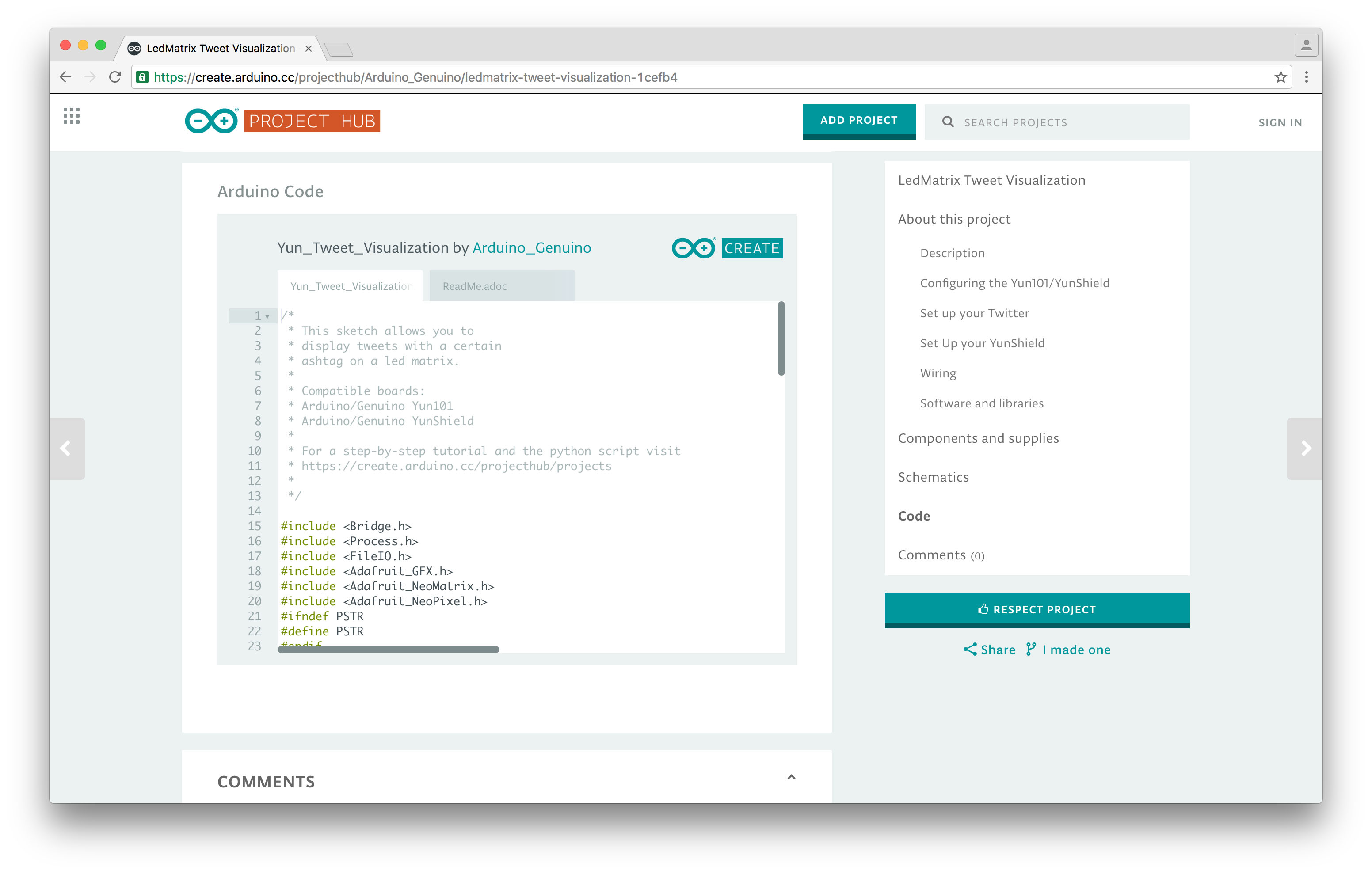
With Arduino Create, you can tap into the power of the community on the Arduino Project Hub by browsing a collection of projects and then making them your own. You can share your creations, along with step-by-step guides, schematics, references, and receive feedback from others.
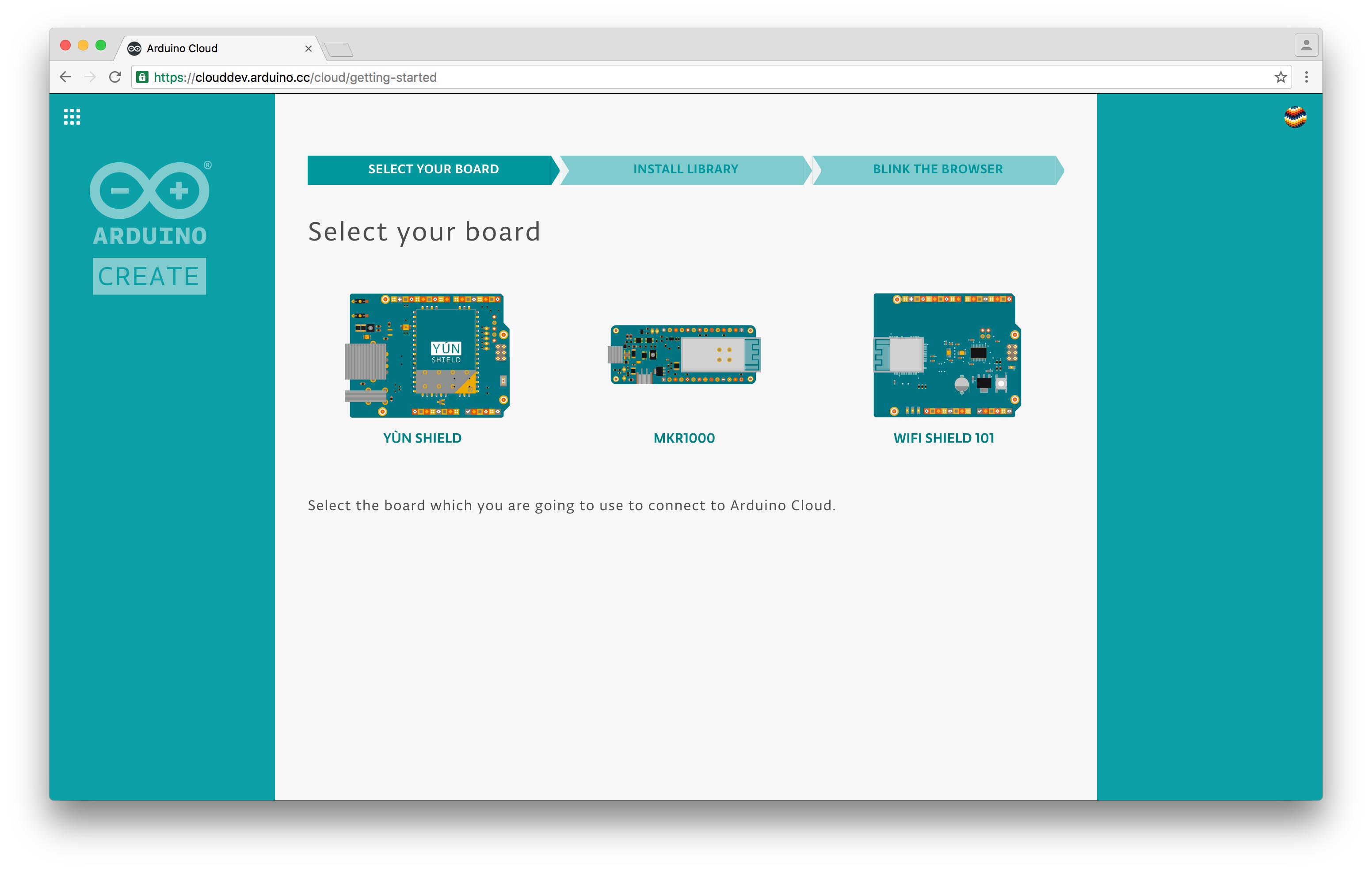
Despite your skill level, Arduino Create features in-depth guided flows to help easily configure online services like the Web Editor and Cloud. There’ll even be an additional learning component via Arduino’s popular Creative Technologies in the Classroom (CTC) educational program in the near future that will spark collaboration between teachers and their students.
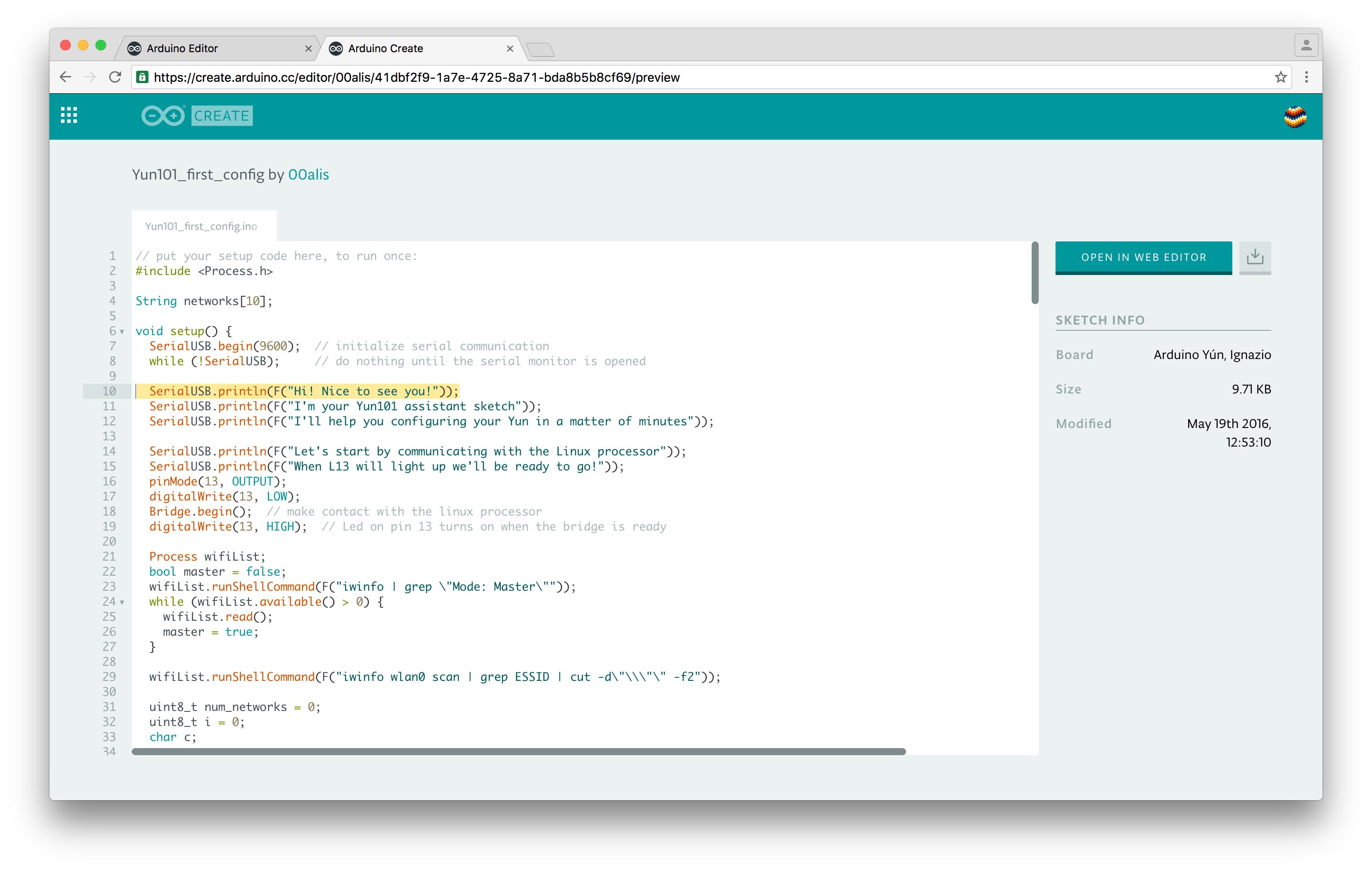
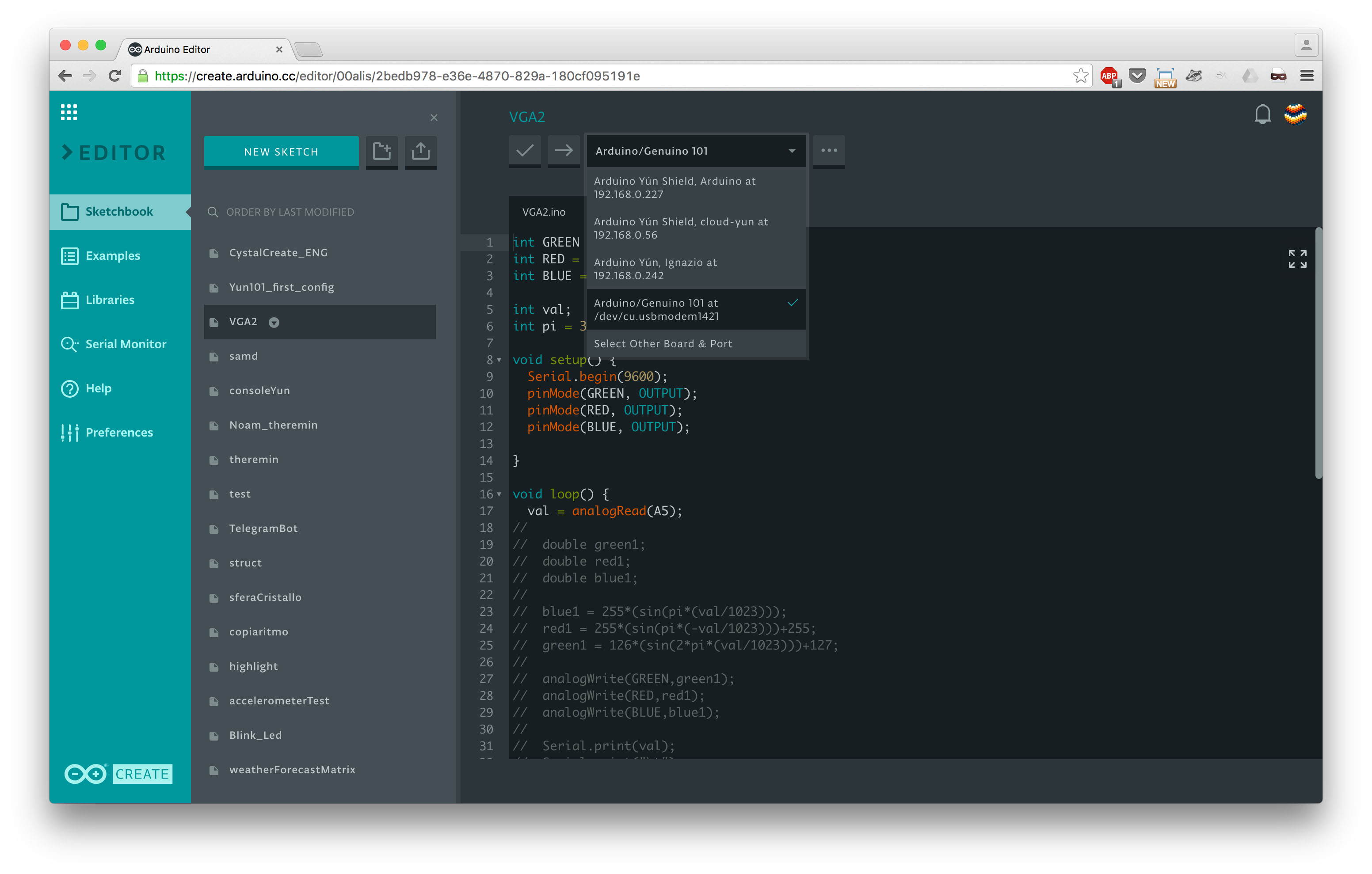
The Arduino Web Editor allows you to write code and upload sketches to any Arduino or Genuino board after installing a simple plug-in — your Sketchbook will be stored in the cloud and accessible from any device. You can even import your Sketchbook via a .zip file! What’s more, sharing a sketch is now as easy as sharing a link.
For Maker Faire Bay Area we are bumping up the number of beta testers for the Arduino Web Editor: the most active contributors will receive 10 invites each! If you’d like to contribute to the development as well, you can sign up on the waiting list to join more than a thousand testers.
It should also be noted that Arduino has partnered with Amazon Web Services to power the new Arduino Create ecosystem. “By adopting AWS IoT and AWS Lambda for our IoT Cloud infrastructure, we provide Arduino Cloud and Arduino Web Editor users with a secure, reliable, and highly scalable environment that will enable Makers to connect their projects to the Internet and manage them through the Cloud,” says Arduino co-founder Massimo Banzi.
Interested in learning more? Maker Faire goers can hear all about it from Massimo himself on Saturday, May 21 at 12:30pm in his annual “State of Arduino” address.
Arduino and Genuino Education is a worldwide-leading school initiative bringing technology into the hands of teachers and students to create a more inventive learning experience. It offers multiple platforms, including research-based projects like PELARS and in-class programs such as Creative Technologies in the Classroom (CTC), all of which are present at this year’s Maker Faire Bay Area.
With CTC, students are able to learn basic programming, electronics, and mechanics concepts in an approachable, playful way through a series of coding projects and easy-to-assemble experiments.
Arduino’s one-of-a-kind STEM program has been implemented in nearly 500 schools throughout the globe, resulting in an overwhelming satisfaction rate among both students and teachers alike. 95% of instructors continue to use the curriculum in their classrooms year after year, while more than 13,000 students have already participated.
CTC 101 — running on Arduino 101 — is divided into four distinct stages:
Teacher training (one week)
Themed modules (five modules, 10 weeks)
Student projects (nine weeks)
Technology fair (one day)
Each program comes with a CTC 101 Toolbox consisting of:
Sets of electronics components and pre-cut mechanical parts
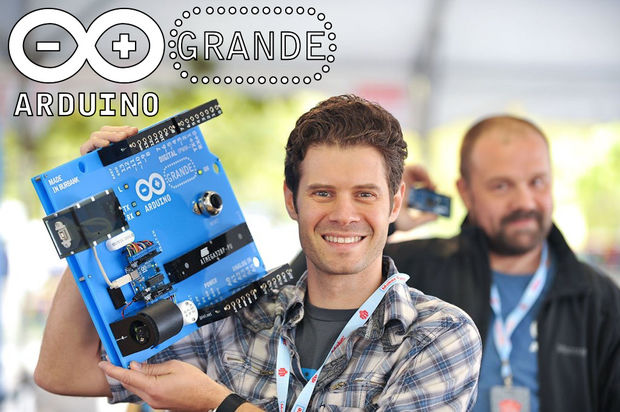
While countless Makers love Arduino, none may love the boards as much as our friend John Edgar Park. In the spirit of Maker Faire Bay Area, we decided to take another look at what is surely the largest one we’ve ever come across. Introducing the “Arduino GRANDE.”
I love Arduino! But the boards are so tiny that they can be difficult to hug. And not so easy to see, either, if you’re a student sitting at the back of a classroom. So why not solve both problems by building a really huge, fully-functioning Arduino that’s six times larger than real life?
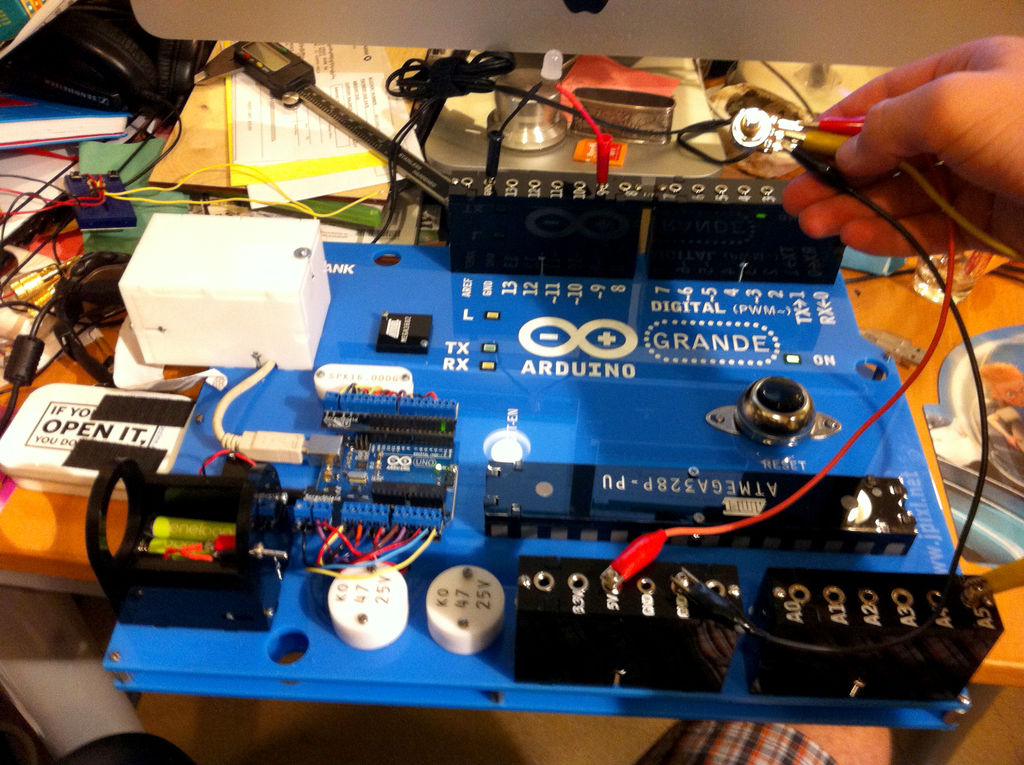
Bringing this fully-functional device to life required 3D modeling software, laser-cut acrylic, a few LEDs and buttons, some wiring and connectors, and a tiny (in comparison at least) Arduino Uno for a brain. After making its original debut several years ago, Park has now published a how-to tutorial of his project.
The first step I took in building this was to build a 3D model in Rhino. I based it on the Arduino Uno dimensions, and then started creating the parts based upon my real-world materials and scale. (Since I’m using an Epilog Zing 16 laser cutter with a bed size of 16″ x 12″, my maximum dimensions were dictated for me. So, this is actually a 5.6x larger-than-real-life Arduino.)
The chip is just for show, but the power jack will eventually hide the batteries, and the USB port will be made functional by the addition of a panel mount USB jack.
Insert the banana jacks into the female header blocks and then thread the nuts on to hold them in place. A dab of Loctite will prevent them from loosening up later.
On each banana jack, solder a length of wire sufficient to route through the board to the real Arduino. Push the wires through to the underside of the board at the header location, then insert and assemble the header blocks with screws and nuts which will be held captive in the acrylic t-slots.
The reset button (originally sold as a doorbell) needs to have two long lengths of wire soldered to it, which are then fed through the board to route to the real Arduino. The same goes for the panel mount rectangular LEDs.
Attach a real Arduino Uno to the board, and then run all of the header, reset, and LED wiring to it, and plug in the USB cable. You can use a ScrewShield to prevent wires from falling out. Full disclosure, I’m one of the creators of the ScrewShield and will make a little bit of money if you buy one.
Hide a 4xAAA battery pack inside the [cardboard] barrel plug, and then run it through a switch to GND and Vin on the Uno to power the Arduino GRANDE.
You can now upload a test sketch and try things out! I wired banana plugs to resistors, 10mm LEDs, potentiometers, speakers, buzzers, servo motors, and other typical components to plug into the GRANDE.
As for what the GRANDE’s applications, the possibilities are endless! It can be used as an an interactive, educational tool for Arduino classes, carried around like a boombox playing chiptunes, or even expanded upon with GRANDE scale shields! You can check out the entire project on Instructables.
Have you ever thought about what it’d be like to have a few extra fingers? Sang-won Leigh has, which is why he has developed programmable robotic joints that are worn around your wrist to instantly give you an extra pinky, a third thumb, or even another hand. These cyborg-like devices, called Robotic Symbionts, consist of 11 motors that can detect brain signals sent to the forearm’s brachioradialis muscle and rearrange themselves to suit different tasks. Since these muscles aren’t used to move your human hand, anyone can learn to employ their Robotic Symbiont fairly quick.
According to its paper, the motors are linked together using LEGO parts, each of them with a 180-degree motion range. Cables from each motor are connected to an Arduino.
Physical interfaces with actuation capability enable the design of wearable devices that augment human physical capabilities. Extra machine joints integrated to our biological body may allow us to achieve additional skills through programmatic reconfiguration of the joints. To that end, we present a wearable multi-joint interface that offers “synergistic interactions” by providing additional fingers, structural supports, and physical user interfaces. Motions of the machine joints can be controlled via interfacing with our muscle signals, as a direct extension of our body.
What’s neat is that the robotic joints are controlled independently from the wearer’s actual hand and can be configured for various use cases, such as a grip to hold things below the wrist, a palm to grab large objects, an extra thumb to flip a page of a book while holding it open, a support for note taking, or even a joystick for computer games. You can read all about the project here.
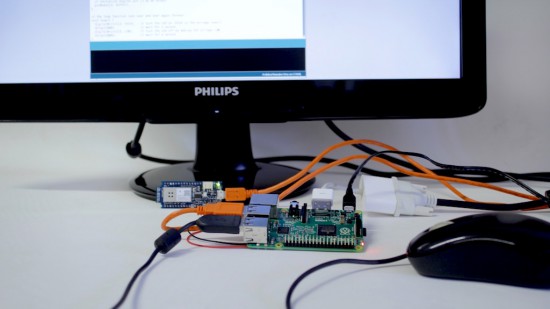
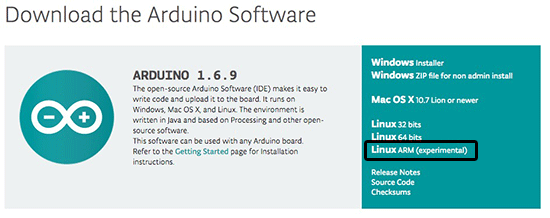
As many of you already noticed, we recently released a new “Linux ARM” version of the Arduino IDE available for download on our website together with the usual “Linux 32bit” and “Linux 64bit.”
This release enables you to run the Arduino Software (IDE) on many of the mini PC boards based on ARM6+ processors currently on the market, including Raspberry Pi, C.H.I.P., BeagleBone, UDOO… just to name a few.
The Linux ARM release has been strongly supported by our community and we would like to thank all the people that helped to make this happen: GitHub handles @CRImier, @NicoHood, @PaulStoffregen, @ShorTie8, and to everyone that patiently tested and reported problems.
If you are interested (and brave!), you can read the full story and explore the complete list of collaborators below:
Disclaimer: The release is “experimental,” meaning that it mostly works but some boards do not work or may not produce the desired result… enjoy imperfection and give us feedback on Github!