Apple has famously bragged that it will never invade your privacy to serve ads, but it does have an ad business on its App Store and elsewhere. The company is now expanding that business by adding a new ad slot to its "Today" homepage tab and on individual app pages, 9to5Mac reported. Those are on top of the ads already found on the App Store's main "Search" tab and in the Search results.
"Apple Search Ads provides opportunities for developers of all sizes to grow their business," Apple wrote. "Like our other advertising offerings, these new ad placements are built upon the same foundation—they will only contain content from apps’ approved App Store product pages, and will adhere to the same rigorous privacy standards."
The Today tab is the first thing that loads in the App Store and features a curated and personalized selection of apps to browse (it arrived in 2017 with a significant App Store redesign). The other new space is in the "You Might Also Like" section of an app's product page. The new ads will let developers promote apps alongside Apple's own content and are clearly marked as ads.
The new slots will adhere to Apple's policies on privacy and transparency, by not offering personalized ads to users under 18, never using sensitive data and avoiding hyper-targeting, Apple said. The company didn't say when the new ad slots will appear, but Apple plans to start testing them "soon."
If you missed the chance to buy the Apple TV 4K when it was $59 off a few weeks ago, now is your opportunity to purchase it at that price again. Amazon has discounted the 32GB model to $120, making it only $10 more than it was during Prime Day. That’s a compelling price for one of the best streaming devices you can buy.
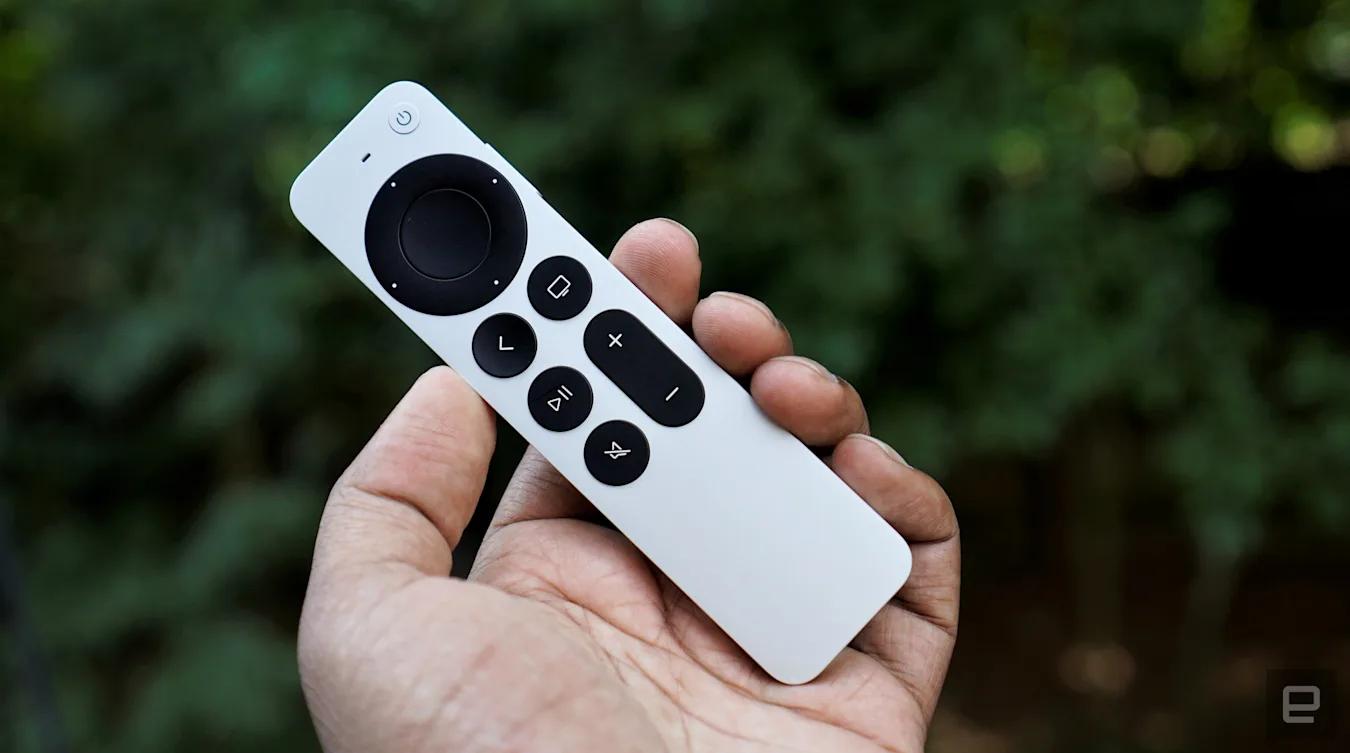
Engadget senior editor Devindra Hardawar awarded the 2021 Apple TV 4K a score of 90. Highlights include a much improved Siri remote and a more powerful A12 Bionic chip. The latter allows the Apple TV 4K to output HDR video at up to 60 frames per second and deliver excellent gaming performance.
If you own a handful of other Apple devices, you’ll appreciate the Apple TV 4K’s support for AirPlay. The wireless protocol makes it easy to share video, photos and music from your iPhone, iPad or Mac to your TV. With SharePlay built-in, you can even participate in watch parties over FaceTime with friends and family. For those with AirPods, Apple updated the Apple TV 4K last fall to add support for spatial audio so you can enjoy a more immersive experience without buying an expensive sound setup.
The Apple TV 4K also supports all of the most popular streaming services, including Netflix, HBO Max, Amazon Prime Video, Disney+, Hulu and more. One of the most significant drawbacks of Apple’s streaming device is its expensive price tag, but that's something the $59 discount helps address.
With stories of hackers selling personal information in bulk on forums becoming more common, it can be stressful to send your device for repair. Yes, you could wipe your phone, but then you have to go through the hassle of restoring it afterward. Now, Samsung has introduced a solution for that issue in the form of a new function called "Repair Mode."
According to a Korean announcement first spotted by SamMobile, you can activate the new mode under "Battery and Device Care" in Settings. Samsung didn't explain the technology behind the feature, but when activated, it will hide your personal information, photos, messages and linked accounts. Only the device's pre-installed apps will be visible to the technician. To regain access to your data, you simply have to disable Repair Mode and use pattern or fingerprint recognition to authenticate your identity.
Seeing as Samsung has yet to announce the feature outside Korea, it's most likely safe to say that it's only available in the company's home country at the moment. Further, it's only available on the Galaxy S21 series phones for now. However, the company says it will roll out Repair Mode to other models — and hopefully to other regions — in the future.
TikTok is conducting a broader test of games in its all-conquering app. The company recently added a way for creators in some markets (including the US) to append one of nine mini-games to a video by tapping the Add Link button and choosing the MiniGame option. When viewers come across a video that links to a game, they can start playing it by tapping a link next to the creator's username.
“Currently, we’re exploring bringing HTML5 games to TikTok through integrations with third-party game developers and studios," a TikTok spokesperson told TechCrunch. One of the games is from Aim Lab, the maker of a popular aim training app of the same name. Its TikTok game is called Mr. Aim Lab’s Nightmare. TikTok's other partners on the initiative include developers Voodoo, Nitro Games, FRVR and Lotem.
None of the games have ads or in-app purchases at the minute and the project is in the early stages of testing. TikTok is looking to find out how (or if) creators craft content around them, and how users interact with the games. As The Verge notes, users can record their gameplay and share it in a fresh video.
Reports in recent months suggested TikTok was readying for a major push into gaming. Parent company ByteDance bought game developer Moonton Technology last year. TikTok teamed up with Zynga for an exclusive mobile game called Disco Loco 3D; a charity game called Garden of Good, through which players can trigger donations to Feeding America, became available on the US version of TikTok in June. TikTok previously tested HTML5 games in Vietnam.
Other major tech companies have made a push into mobile gaming, including Apple, Google and, more recently, Netflix. Zynga, of course, became a social gaming giant with the help of Facebook's massive reach, while Facebook moved into cloud gaming in 2020. It's no secret that Meta is trying to ape many of TikTok's features across many of its apps, so it's interesting to see TikTok taking a leaf out of Facebook's playbook on the gaming front.
Tim Hortons has agreed to settle multiple class action lawsuits that accused the company of tracking customers' locations through its app without consent. Under the proposed settlement, which requires a judge's approval, eligible customers in Canada will receive a free hot drink and baked good. In other words, in exchange for your location data, the restaurant chain will give you coffee and a doughnut.
In an email to customers, the company said it will delete any geolocation data it obtained from them between April 1st, 2019 and September 30th, 2020, and tell third-party vendor Radar Labs to do the same. An investigation conducted by Canadian privacy officials determined last month that the Tim Hortons app was tracking and recording users' locations every few minutes, even when they didn't have the app open. The probe determined that the company and Radar Labs didn't have sufficient consent from users for that level of tracking.
Tim Hortons has not admitted to any wrongdoing and isn't believed to have misused the data. It also avoided disciplinary action.
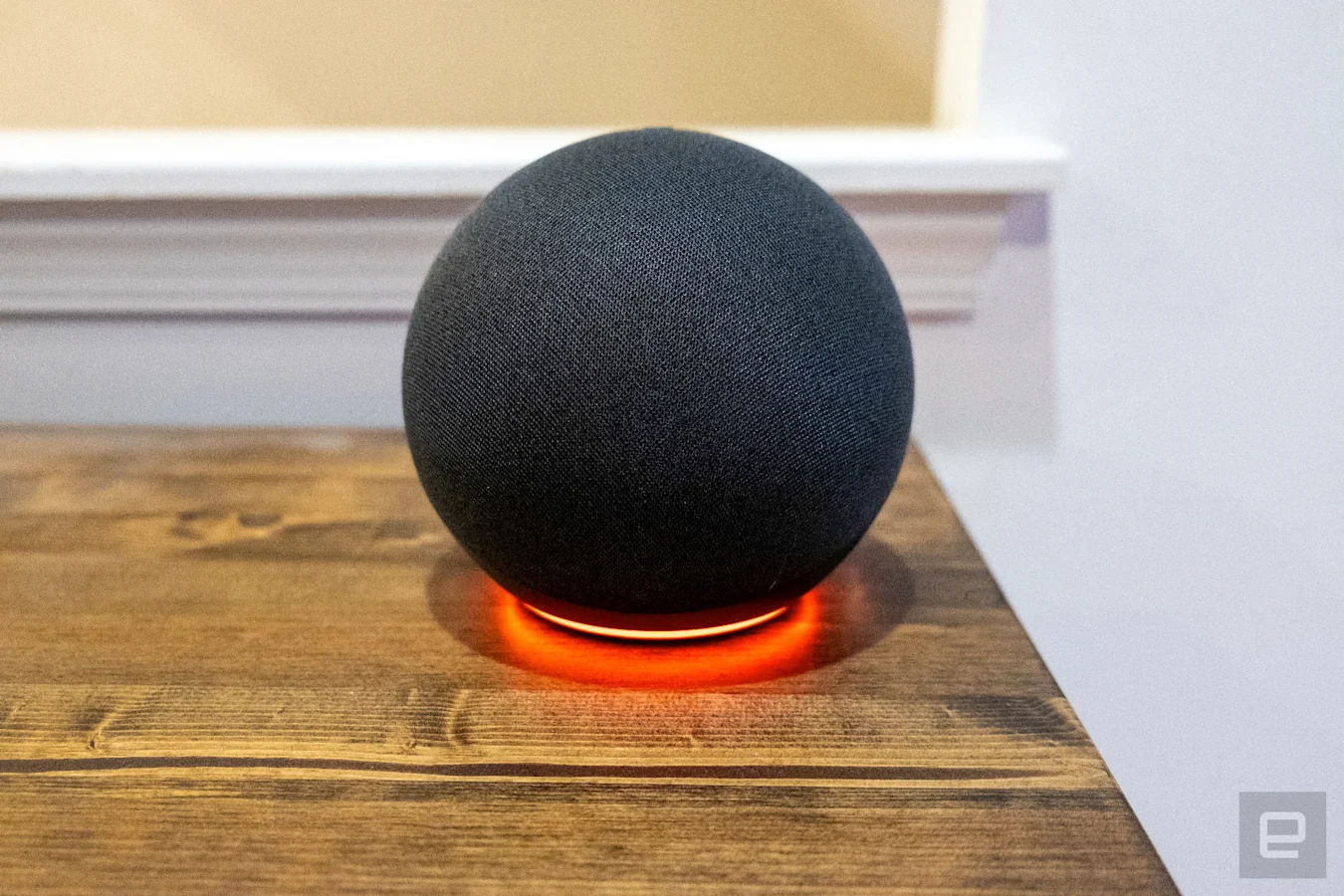
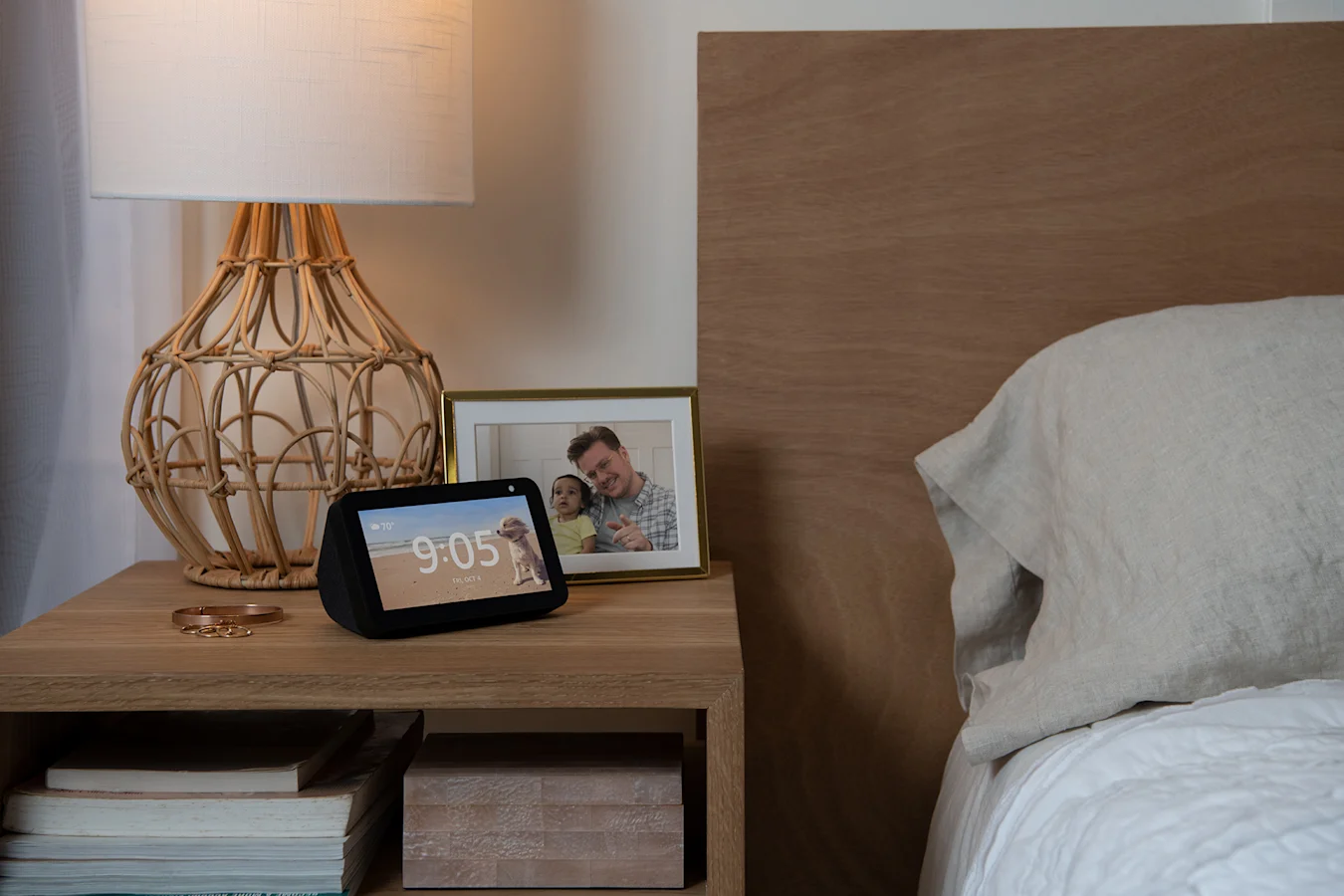
We saw a number of gadgets go on sale this week as July comes to a close. Both Amazon's Echo smart speaker and the Echo Show 5 have been discounted, with the Echo now down to the same price as it was on Prime Day earlier this month. The Apple TV 4K is nearly $50 off and down to $130, and you can save $300 on the 16-inch MacBook Pro as well. DJI's Action 2 combo pack remains on sale for $279, and if you're on the market for a new smartphone, Amazon will give you a free $50 gift card when you buy the new Google Pixel 6a. Here are the best tech deals from this week that you can still get today.
Amazon Echo
Amazon's full-sized Echo speaker is down to $60, which is a return to its Prime Day price. We gave it a score of 89 for its solid audio quality, handy Alexa capabilities and its built-in Zigbee smart home hub.
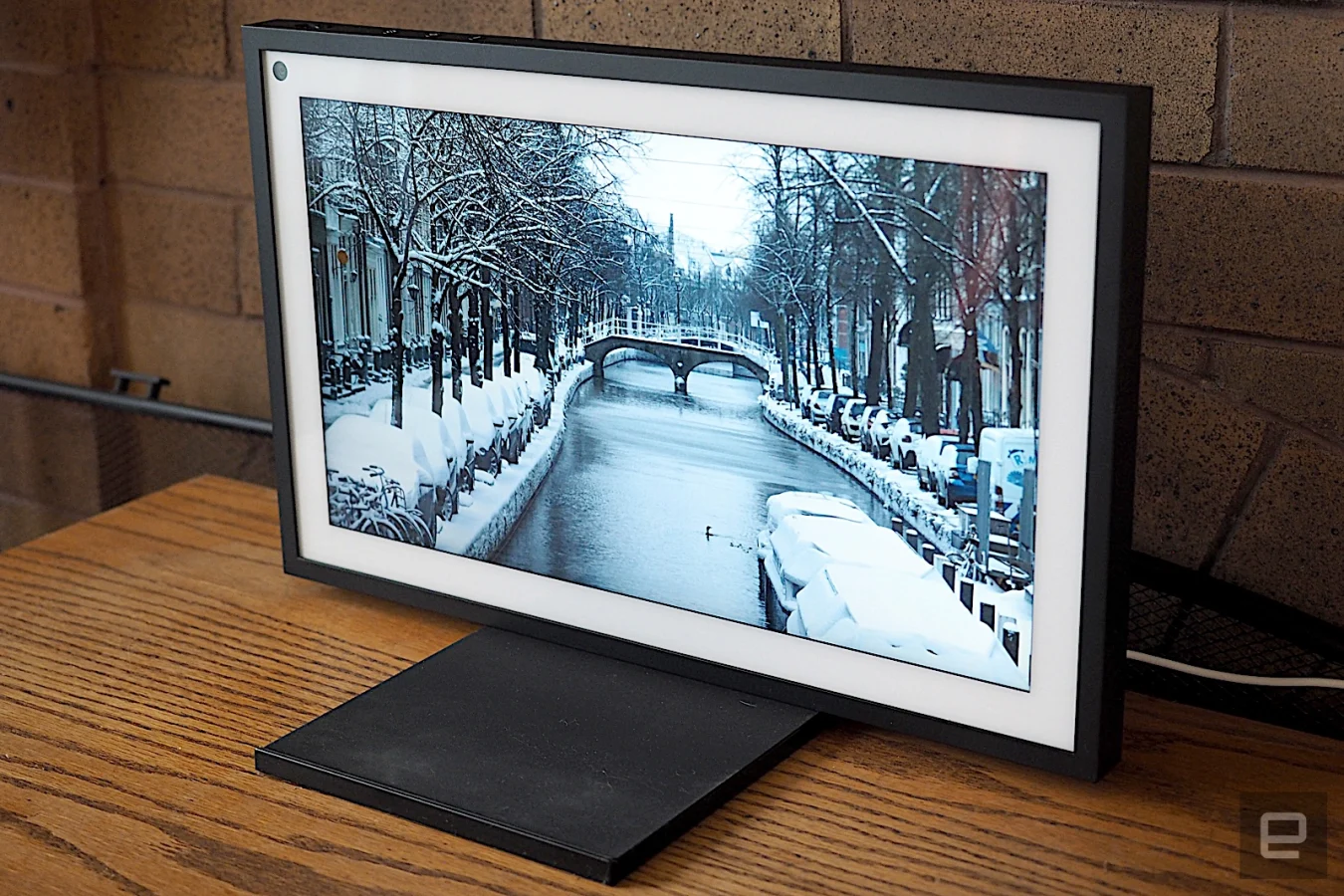
The Echo Show 5 smart display is on sale for $40 right now, or only $5 more than it was on Prime Day last week. We gave the device a score of 87 for is compact, minimalist design, good audio quality and tap-to-snooze feature.
The Apple TV 4K is back in stock at Amazon and on sale for $130. While not quite as cheap as it was on Prime Day last week ($109), this remains one of the best prices we've seen no our favorite high-end set-top box. We gave the device a score of 90 for its fast performance, Dolby Vision and Atmos support, HomeKit integration and much-improved Siri remote.
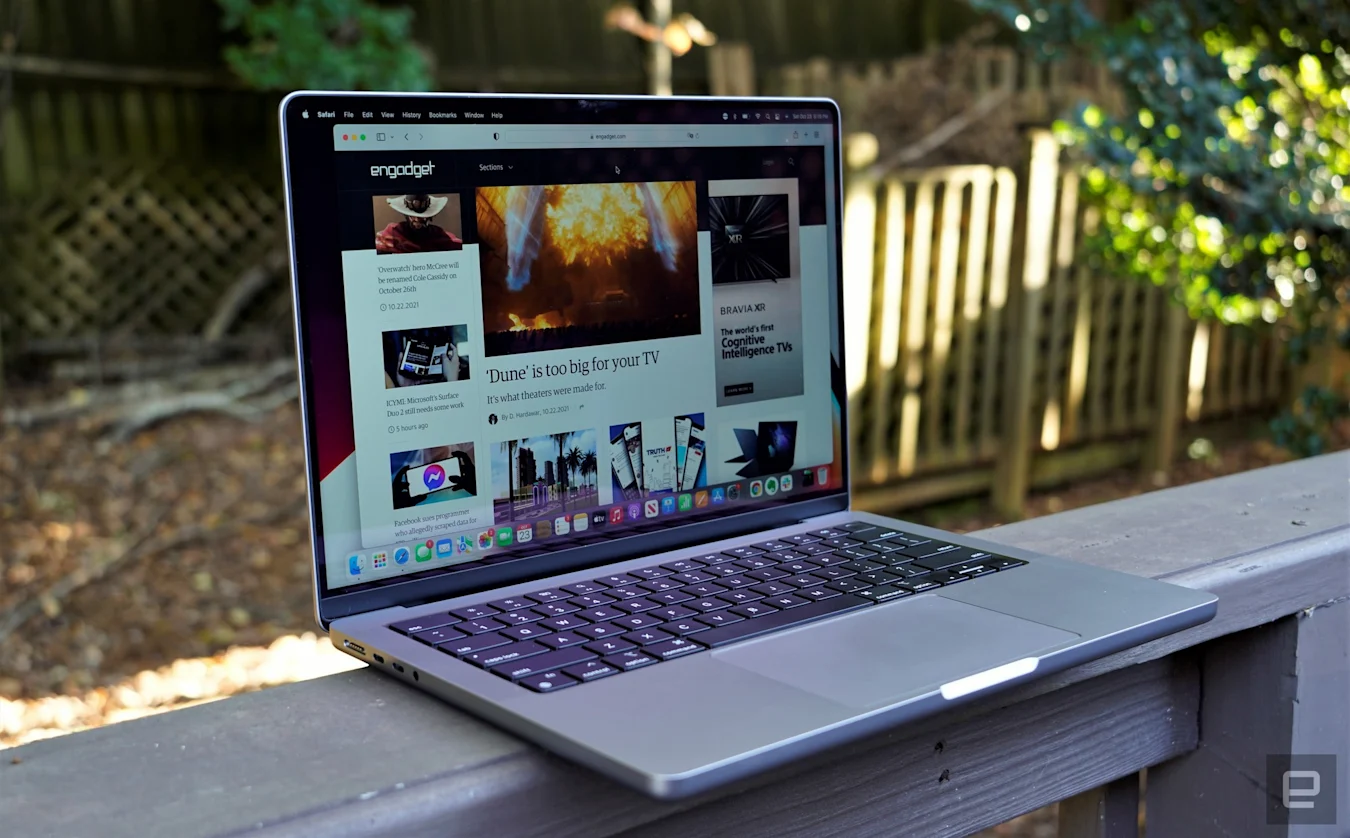
The 16-inch MacBook Pro is down to $2,199, or $300 off its usual price. We gave it a score of 92 for its powerful performance, lovely Liquid Retina XDR displays and new bevy of ports.
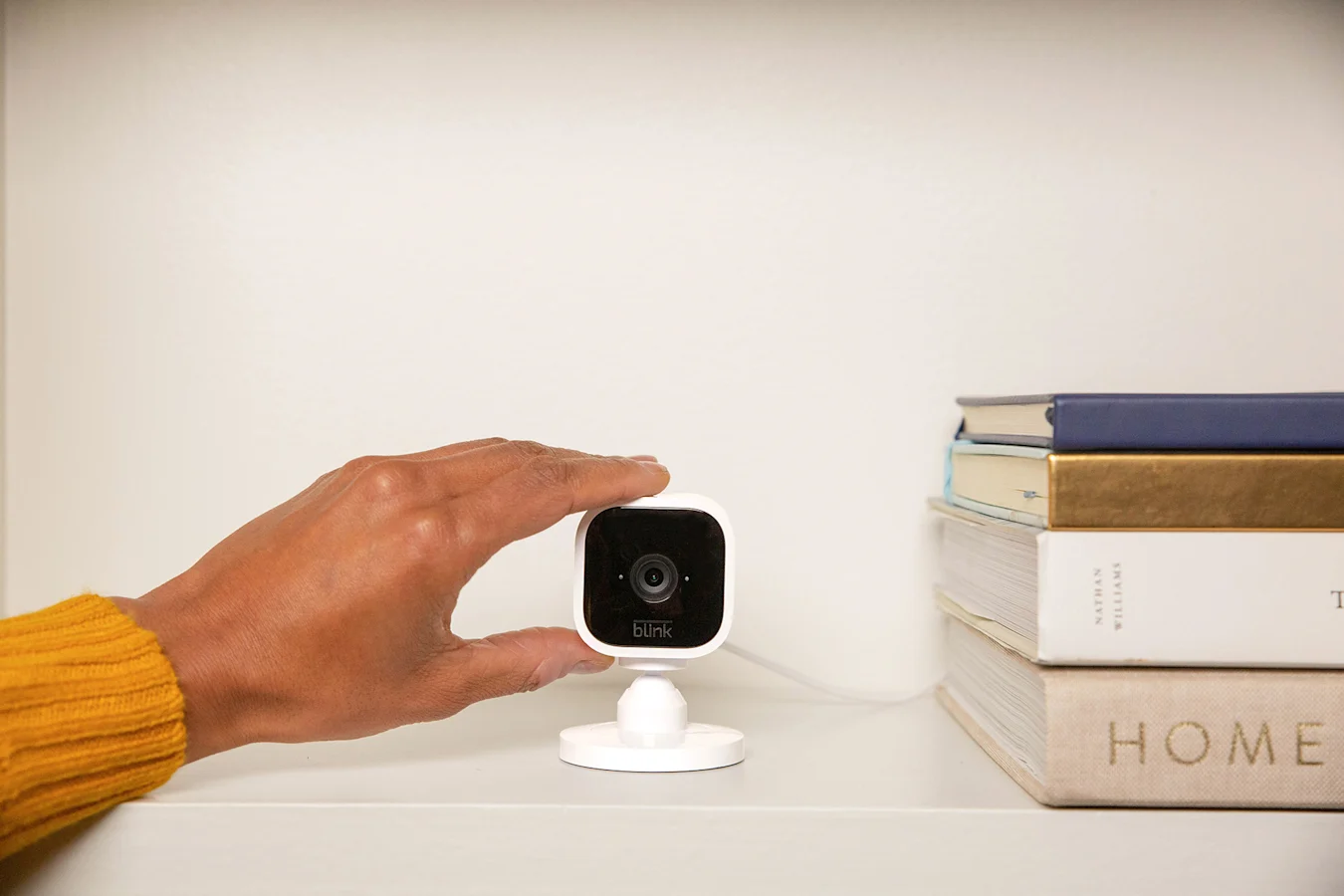
Amazon includes a free Blink Mini camera when you buy a Blink Outdoor kit, so you'll save $35 in total on the bundle. Blink cameras are a relatively affordable way to outfit your home with security cameras — all of them record 1080p video and support two-way audio and motion alerts. The Outdoor cameras are wireless and weather-resistant, while the Blink Mini is a smaller, wired camera that's designed to fit into tight spaces inside your home.
A bundle that includes the Echo Show 15 smart display and the Echo Show 5 is on sale for $250, which essentially means you're getting the Show 5 for free. The Show 15 is the most unique of Amazon's smart displays as it's a large TV-like device that you can mount on the wall and that will show you things like calendar events, reminders, shopping lists and more. It also lets you video chat and watch shows and movies from services like Netflix, Prime Video and others. The Echo Show 5 is one of our favorite smaller smart displays thanks to its compact design, decent audio quality and useful tap-to-snooze feature.
DJI's Action 2 Power Combo bundle is still 33 percent off and down to $279. The pack includes the Action 2 camera, a magnetic protective case and a battery module. DJI introduced the Action 2 last year as a total redesign of its Osmo Action cams, and it has a super compact design along with a 12-megapixel sensor that can capture 4K video at up to 120fps.
Google's newest smartphone, the Pixel 6a, comes with a free $50 Amazon gift card when you order the handset through the online retailer. From now through August 7, you'll get the gift card at no extra cost — just click the "Add both to cart" option under the "Special offers and product promotions" section that's underneath the phone's description. We gave the Pixel 6a a score of 89 for its attractive design, great cameras and long battery life.
The 6-quart Instant Pot Vortex Plus air fryer is still 38 percent off and down to only $99. This is a slightly older version of one of our favorite air fryers, and we like that it has six different cook modes including air fry, broil and dehydrate, and that it has a clear window on its drawer that lets you check out your food while it's cooking.
Logitech's Litra Glow soft light for streaming is on sale for $50 right now, or $10 off its normal price. Unveiled earlier this year, the Litra Glow is produces light that's designed to be easy on the eyes so you can keep it on for multi-hour streams. It comes with five different brightness and color temperature presets, but you can also create your own using Logitech's G Hub software.
Solo Stove's summer sale knocks up to $350 off fire pits, so you can grab one for as low as $200. The discounts translate to $100 off the Ranger, $180 off the Bonfire and $350 off the Yukon. We like these fire pits because their double-walled designs minimize smoke while keeping the fire hot, and they're sleek and relatively portable, too.
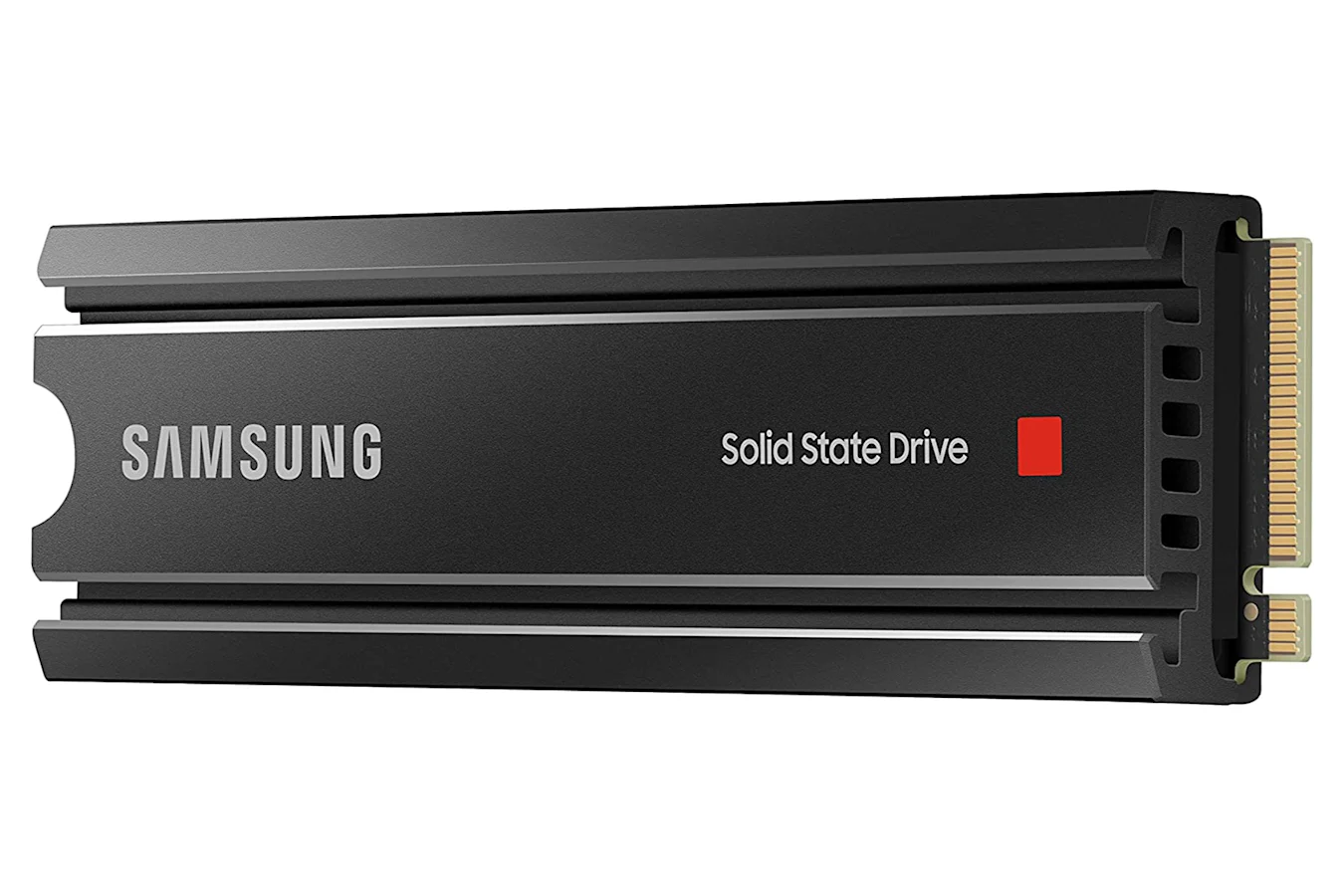
The Samsung 980 Pro SSD in 1TB that comes with a heatsink is on sale for $150, or 35 percent off its usual price. We like this PS5-compatible drive for its standard design, sequential read speeds up to 7,000MB/s and handy optimization software.
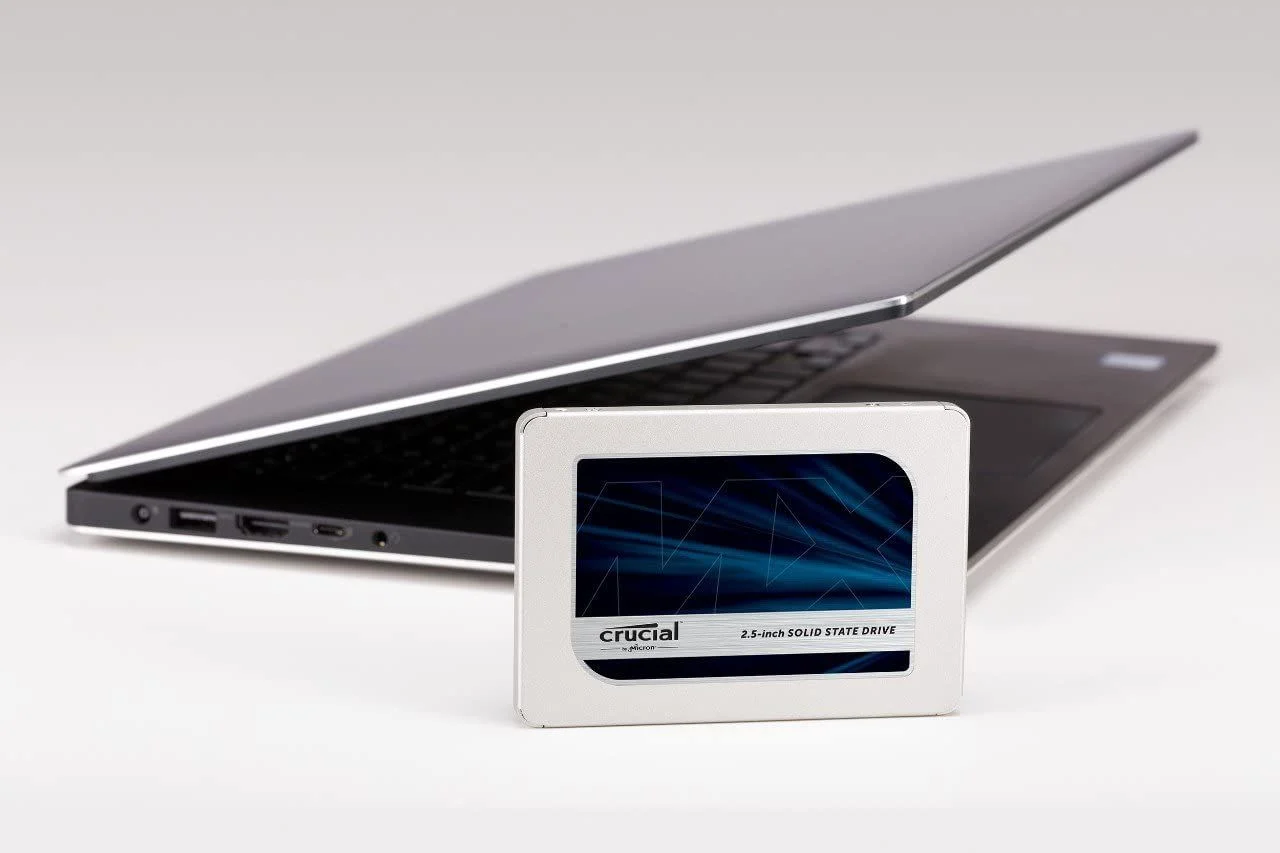
Crucial's MX500 in 1TB is on sale for $85 when you clip the on-page coupon that knocks $5 off its $90 sale price. It’s a good option if you need a standard 2.5-inch drive that works with both laptops and desktops. It also has AES-256 bit hardware encryption and integrated power loss immunity to protect your data.
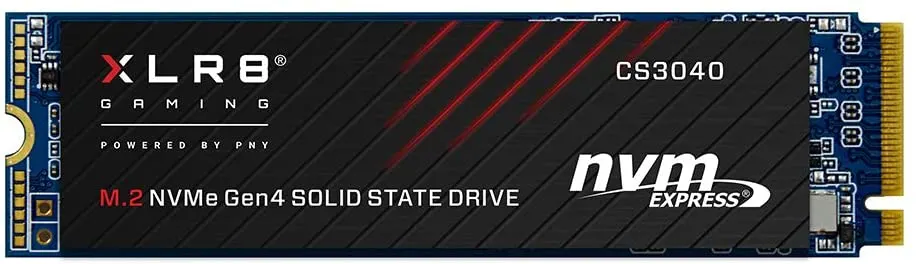
Another one of our favorite PS5 SSDs, the PNY XLR8 CS3040, has dropped to $105. It's an already affordable drive made even better by this sale, and we like its 5,600 MB/s read speeds and its five-year warranty.
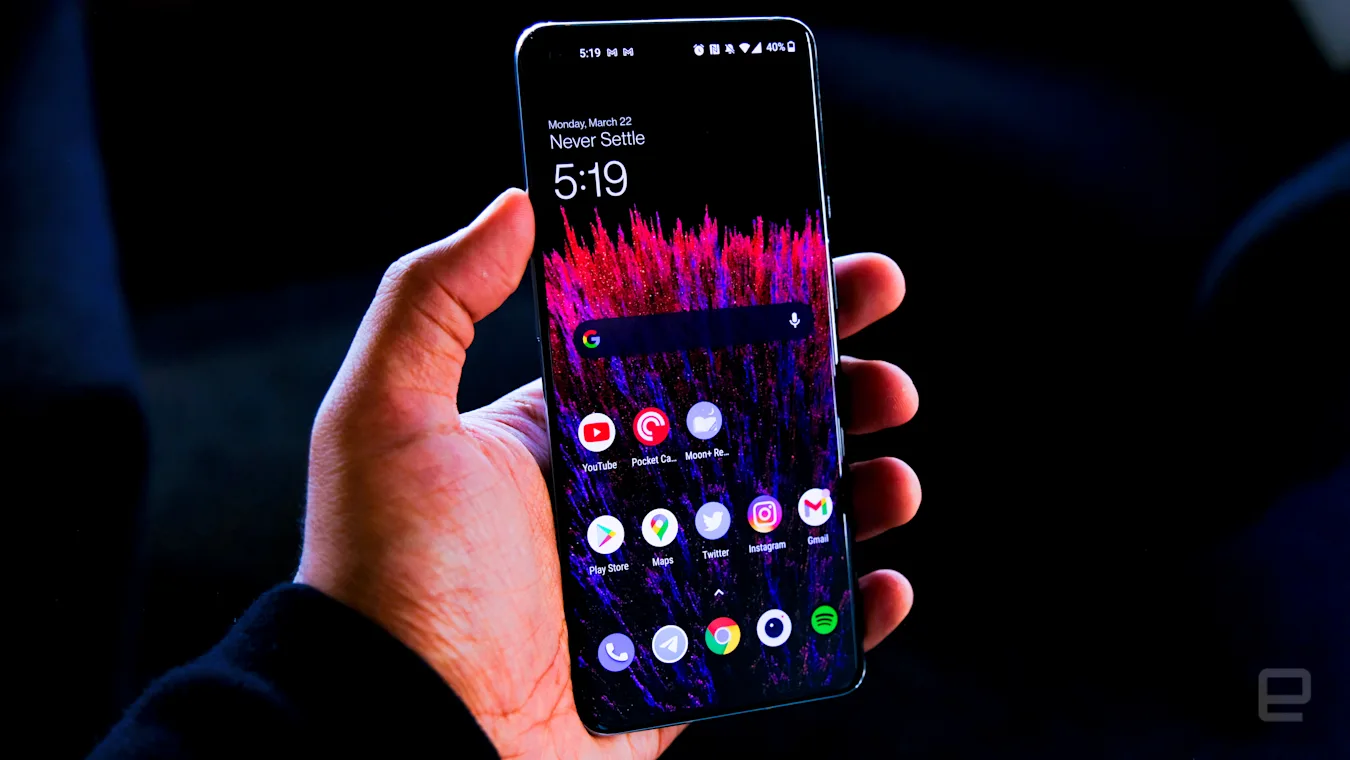
The OnePlus 9 smartphone is 32 percent off and down to $500, which is the lowest price we've seen for it. We gave the handset a score of 88 when it came out last year for its fantastic display, excellent performance and improved main camera.
The XPS 13 Plus is one of the boldest laptops I've ever seen. It's like Dell sent a computer back in time from the future, Terminator-style. It has a keyboard that stretches from edge to edge, with no gaps between the keys. The haptic trackpad is hidden underneath the wrist rest, and the capacitive function key row keeps things looking clean, without the annoying shape-shifting keys from Apple's Touch Bar.
With all of those features, and the most computing power ever in a 13-inch Dell ultraportable, the XPS 13 Plus should be perfect, right? Well, not quite. It's an admirable achievement, but it also feels like Dell's designers emphasized style over usability.
Take that haptic trackpad, for one. When I first got my hands on the XPS 13 Plus last December, I was both floored by its unconventional touchpad design and worried that it could lead to headaches. It's definitely intriguing: When the computer is on, the piezo motors in the trackpad area deliver the sensation of clicking without moving at all. But when it's off, the wrist rest is just a silent slab of Gorilla Glass.
Of course, haptic trackpads aren't new. Apple's been using them for years, and they've finally started popping up in other Windows laptops like the Surface Laptop Studio. Technically, they can make laptops more reliable since they can't trap gunk like normal trackpads. But on the XPS 13 Plus, that technology feels even stranger. There's no easy way to tell when you're in the trackpad zone without pressing down or looking for a moving mouse cursor. With other notebooks, you can feel a clear difference between the trackpad and wrist rest. That's not something we think about often, but it goes a long way toward making us feel confident as we browse the web or scroll through documents.
Devindra Hardawar/Engadget
On the XPS 13 Plus, just right-clicking often feels like trial and error. Is my finger too far to the left? Too much toward the right? Doing something so simple shouldn't be frustrating, especially not with a laptop that's meant to represent the future of computing design. The invisible trackpad basically feels like a party trick: something that can impress your friends but will mostly make your life harder. Even after using the XPS 13 Plus for a week, I still find myself missing the trackpad often, especially if I try to do any complicated finger gestures.
The XPS 13 Plus's keyboard is far more successful. It spans the entire width of the computer, and it has practically no gaps between the keys. We saw something similar on HP's 2019 Spectre x360, but Dell's machine goes even farther to the edge. The result is something that feels luxurious to type on — finally, my large hands can spread out like they do on a desktop keyboard. It would be nice to have more than just a millimeter of key travel, but the overall typing experience still feels responsive.
Devindra Hardawar/Engadget
After seeing the trackpad's haptic functionality in action, it's not hard to imagine future keyboards using similar mechanisms to deliver a deeper typing sensation. That technology could also help the XPS 13 Plus's function row feel a bit more like traditional keys while still being covered under Gorilla Glass. I didn't mind the capacitive function row — at least the keys stayed in place, unlike the Touch Bar — but I wish it was more visible outdoors. It tends to get washed out in direct sunlight, or if you're wearing sunglasses. (One Engadget staffer has also had to replace the capacitive function keys on his ThinkPad Carbon X1 several times. That could be a sign of Lenovo’s build quality, or it could point to capacitive buttons not being very durable.)
Aside from these features, the XPS 13 Plus mostly looks like a typical XPS 13 when it's closed. There's the machined aluminum case, which looks as premium as ever and feels plenty sturdy. If you look closely, you'll notice there's no headphone jack, just two Thunderbolt 4 USB-C connections on either side. That's something Dell also removed from this year's XPS 13, and it remains a baffling decision. And no, I don’t think the new quad-speaker array makes up for that (it sounds fine, but it’s nothing miraculous).
Devindra Hardawar/Engadget
While Dell includes a USB-C to headphone adapter in the box, along with a Type-A adapter, there's no way to charge the computer if you have those both plugged in. If Apple can squeeze a 3.5 millimeter jack in the new MacBook Air, which weighs the same 2.7 pounds as the LCD-equipped XPS 13 Plus, Dell really has no excuse. (The OLED model is a tad heavier at 2.8 pounds.)
While we're talking about screens, if you want to get a 4K or OLED screen in an XPS this year, the 13 Plus is your only option. The standard XPS 13 only has 1080p LCD options. Our review unit is equipped with the 3.5K OLED touchscreen model, which offers a decent 400 nits of brightness. It looks as great as all the other XPS screens we've seen, with excellent color and deep black levels, but I'm more curious to see how the 500-nit 4K OLED variant performs. Our review model's display was just fine outdoors, but a bit more brightness would make it look better in direct sunlight.
This being an XPS 13, the Plus also sports Dell's razor-thin InfinityEdge screen bezels. The effect of having an almost border-less screen is still astounding, but I wish Dell had managed to push things even more with this supposedly futuristic design. It's hard to tell the difference between the Plus and the standard XPS models from 2020. At least the webcam situation is a bit better. The top screen bezel is thicker than the others because it houses a 720p webcam and a Windows Hello IR module for secure logins. I would have liked to see it reach 1080p, but this camera still looks more vibrant than what we've seen from Dell before.
The last major upgrade in the XPS 13 Plus is something you can't even see. Under the hood, it's powered by Intel's 28-watt 12th-gen processors, whereas last year's XPS 13 had 15-watt 11th-gen chips. More power means more performance – this is the small XPS for someone who wants to do serious work. The standard XPS 13 is still around, but it's now running 9-watt 12th-gen chips, which Dell claims are as fast as the previous 11th-gen CPUs. We haven't tested the smaller XPS 13 yet, but it's clear that Dell is positioning it as a more efficient system for less demanding consumers.
HP Spectre x360 16 (Intel Core i7-11390H, NVIDIA RTX 3050)
4,785
N/A
1,518/4,200
Our review unit was equipped with Intel's Core i7-1280P, the fastest chip available for the XPS Plus. It's a hybrid 14-core CPU made up of six performance cores and eight efficiency cores. That sounds impressive on paper, and it proved itself worthy in our benchmarks. In GeekBench 5, the XPS 13 Plus outpaced gaming laptops like the Razer Blade 15 and ASUS Zephyrus Duo, and it came close to the much larger XPS 15.
Not surprisingly, it also outclassed Lenovo's new Yoga 9i, another ultraportable running Intel's Iris Xe graphics, in Cinebench R23. That GPU doesn't help much when it comes to games, though. I could barely get Halo Infinite running in 1080p, though I'm sure a less demanding game like Overwatch would be more playable.
Devindra Hardawar/Engadget
We tested the XPS 13 Plus in its "Ultra Performance" thermal mode, which spins up the fans and lets it run a bit hotter. But for simpler work, you can put it in quiet mode to reduce heat and noise. In its default "optimized" cooling mode, the laptop felt too warm to use on my lap outside. To be fair, it was well above 90 degrees Fahrenheit in Atlanta, so I won't hold that against the XPS 13 Plus too much. I wish the battery life was more impressive, though. The system only lasted 12 and a half hours during our benchmark in optimized mode, and a paltry nine and half hours in performance mode. In comparison, the 2020 XPS 13 kept trucking for almost 16 hours.
For years, we've recommended the XPS 13 to people who wanted to get basic work done, whereas the more powerful XPS 15 and 17 were better suited to creatives who needed to edit video or audio. With the XPS 13 Plus, Dell finally has a 13-inch ultraportable that can throw down some processing power. The only question is if anyone actually wants that on a smaller screen. At this point, it seems best suited for someone who's in the market for a souped-up XPS 13, or who wants to experiment with a futuristic design. Personally, I'd recommend testing out the XPS 13 Plus before committing to it. Its invisible trackpad may look cool, but it could easily become a headache for daily use.
Devindra Hardawar/Engadget
The XPS 13 Plus starts at $1,200 with a 512GB SSD, 8GB of RAM, and a 1,920 by 1,200 (FHD+) LCD monitor. As usual, I'd suggest bumping up to 16GB of RAM and 1TB SSD for $1,499 if you're planning to keep the laptop for four years or more. And if you want OLED, expect to spend at least $1,799.
Ultimately, I have to give Dell credit for once again attempting to push laptop designs forward with the XPS 13 Plus. Like the InfinityEdge Display before it, there are plenty of great ideas in this computer that competitors may end up adopting. I just hope Dell considers dealing with the potential usability issues eventually (and maybe throw in a headphone jack too). If you're trying to show us the future of computing, don't make it feel like a step backward.
Last month, Instagram started testing a full-screen display for photos and videos. And we didn’t like it. Now, Instagram boss Adam Mosseri says the test will be wound down over the next couple of weeks. “For the new feed designs, people are frustrated, and the usage data isn’t great,” Mosseri said to Platformer.
He added: “When you discover something in your field that you didn't follow before, there should be a high bar — it should just be great,” he said. “You should be delighted to see it. And I don't think that’s happening enough right now."
Instagram brought in the full-screen feed and larger number of recommended posts to compete with TikTok and to contend with the pivot from photos to videos. The time spent by people watching Reels grew by 30 percent last quarter, and Mosseri said users' gradual embrace of video was happening, regardless of Instagram’s own movements.
In an earnings call on Wednesday, Meta CEO Mark Zuckerberg said around 15 percent of the posts people see on Facebook (and even more on Instagram) are recommended by algorithms. Zuckerberg expects the volume of recommended posts to double over the next year or so.
It was so impressed with Ingenuity, NASA’s making two more space helicopters.
NASA has altered the Mars Sample Return Program meant to bring back the rock samples the Perseverance rover has been drilling and collecting from the Jezero crater. Instead of sending a rover to the red planet like originally planned, the program will use Perseverance itself and send over two helicopters. The Earth Return Orbiter and Sample Retrieval Lander will take off in fall 2027 and summer 2028. Their journey to and from the red planet will take years, so the samples aren't expected to arrive on Earth until 2033.
The feature is in beta but will likely be available to all soon.
The PlayStation 5now supports 1440p, at least for gamers with access to its beta software. While the console has supported 1080p and 4K output from the start, 1440p support is still a much-requested feature by players who use monitors instead of TVs. However, Variable Refresh Rate (VRR), which rolled out for the console in April, is only available for 1080p and 2160p. VRR gives the screen the ability to sync its refresh rate with the game for a smoother experience. It's not quite clear why it's not available for 1440p output.
Automakers might just get the EV tax credit extension they've been hoping for. Senators Chuck Schumer and Joe Manchin may have agreed on an Inflation Reduction Act that would replace the 200,000-unit cap on federal EV tax credits with a system that would restore those perks for GM, Tesla and Toyota. According to Bloomberg sources, the new approach is a compromise that would switch to price- and income-based limits, drop union manufacturing requirements and even offer credits for used EVs.
Google’s latest Pixel Buds are its best yet, due mostly to the company finally checking a missing box: active noise cancellation. They do cost more, however, but the sound quality impresses, and there’s a host of handy features, like hands-free access to Assistant. There are a few shortcomings, but they remain Google’s best buds yet. Read on for our full verdict.
After a strong quarter earlier this year, Apple is continuing to break records. According to the company's financial results posted today, it's reporting a revenue record of $83 billion, an increase of 2 percent from the same period last year. Apple also said it reached an all-time high for its installed base of active devices "in every geographic segment and product category." However, the company's profits are down by a whole 11 percent, and while it continued to see growth in its iPhone sales, revenue from Macs and wearables dropped.
It's worth noting that Apple's recently announced MacBook Air with M2 chip only started shipping this month, so the numbers for Macs are likely to increase next quarter. Considering the devices the company is expected to launch in the fall, it's also possible consumers are holding out for new products and waiting out the ongoing inflation.
Apple CEO Tim Cook said in a press release “This quarter’s record results speak to Apple’s constant efforts to innovate, to advance new possibilities, and to enrich the lives of our customers.” The company's CFO Luca Maestri added “Our June quarter results continued to demonstrate our ability to manage our business effectively despite the challenging operating environment."
The company is holding a call at 5pm ET to shed light on its results and answer questions from the investor community, and we'll update this post with any newsworthy findings.
Crypto scams remain a serious problem, and a key senator wants to make sure app store operators are cracking down. Senate banking committee chair Sen. Sherrod Brown has sent letters to the CEOs of Apple and Google requesting answers on their protections against cryptocurrency app fraud. The politician wanted details of their app approval and reporting processes, user alerts for fraudulent activity, coordination with rival stores and monitoring for apps that transform into phishing scams.
We've asked Apple and Google for comment. Brown gave the executives until August 10th to provide responses to the letters.
Both tech firms provide at least some screening for bogus crypto apps. Apple's App Store review guidelines forbid scam apps, including bait-and-switch tactics. Google is less targeted with its Play Store policies, but bars apps that enable illegal activity or "dishonest behavior." Both companies let you report suspicious apps. They haven't historically sent direct scam alerts, however, and aren't known to actively monitor apps in case they launch phishing scams.
Whatever the stances, Brown saw effective safeguards as important. The FBI recently warned that app-based cryptocurrency fraud has already led to losses of $42.7 million. It was "imperative" that shops protect investors against this damage, the senator said.
There's no certainty that the requests will translate to legislation requiring stricter anti-fraud systems. The committee request could clarify the stances of Apple and Google on the subject, though, and might increase the pressure to take further action. At the least, it's a reminder that an app's presence on the App Store or Google Play isn't a guarantee it will be trustworthy.