YouTube has an impossibly large video library, and the company knows that navigating it is easier said than done. To that end, the company is introducing a few new features to improve the search experience. Probably the most significant new tool is chapter view right from the search results page. YouTube has offered the ability for users to break longer videos into separate chapters so that viewers can quickly find specific information, but they were only visible when you clicked through.
Now, chapters will appear alongside the search results, with a time-stamped image thumbnail for each section. This should give viewers more insight into the content inside each video, and you'll be able to tap or click right into a specific chapter if you find exactly the info you're looking for. We're not yet sure if this feature is coming to mobile, desktop or both, but we asked YouTube and will update this if we find out more.
Another new feature we do know is coming to mobile are the little snippets of videos that automatically play when you mouse over them on the desktop. YouTube says it'll roll out "a version" of these previews on mobile, though it's not clear exactly what gesture will be used to get the snippet to play.
Finally, some of Google's auto-translate tools are coming to YouTube search results to make them useful to more people. Specifically, the company is starting to include automatically translated video titles, descriptions and captions to search. These results will show when there isn't enough related content in a user's local language to be useful. YouTube is first adding these translations to English-language videos, and right now it's only being tested on mobile devices in India and Indonesia; the company says it'll "consider" expanding to more locations based on user feedback.
Fresh off a blockbuster deal with Amazon, the celebrity hosts of the podcast SmartLess are taking their show to Discovery+. Actors Jason Bateman, Will Arnett and Sean Hayes are going on the road with their hit podcast. Two 75-minute specials featuring highlights of interviews with stars from their North American tour will hit Discovery+ next year.
Bateman, Arnett and Hayes are the creators and hosts of the show. During each episode, one of the trio brings on a mystery guest and their conversation flows from there. Guests so far include Vice President Kamala Harris, George Clooney, Jennifer Aniston, Paul McCartney, Awkwafina, W. Kamau Bell, Stacey Abrams, Billie Eilish and Megan Rapinoe.
Amazon picked up exclusive rights to SmartLess in June in a three-year deal worth a reported $80 million. As of the beginning of this month, new episodes premiere on Amazon Music and Wondery+, where they remain exclusive for a week before hitting other podcast platforms.
Don't expect an easy getaway if one of Boston Dynamics' Atlas robots ever chases you down. The Hyundai-owned firm has shared a video (below) of the humanoid bots successfully completing a parkour routine in an obstacle course for the first time. The pair of Atlas machines leapt gaps, vaulted beams and even coordinated a backflip, all without missing a beat — they might be more graceful than you are.
The routine took "months" of development, according to the company, and served as a useful test of the robots' ability to maintain their balance while switching behaviors and coordinating actions. This isn't just canned behavior, either. As with other recent tests, Atlas now uses visuals to adapt its movement to the course.
Don't worry that the robots will chase you down any time soon, though. The vault in particular has about a 50 percent failure rate, and there's still a slight chance of failure at each step. Even a fist pump at the end didn't go smoothly, Boston Dynamics said. The company still has to refine movements that are limited by the very nature of the robots themselves, such as the lack of a spine and the relatively weak arm joints.
As it stands, Atlas isn't a production robot like Spot. It's a research model meant to push the limits of robotics. Boston Dynamics does, however, envision this parkour practice leading to future helper robots that can handle a wide variety of tasks with human-like dexterity. Let's just hope they stay on our good side.
“Luxury” isn’t really a word you associate with gaming controllers, but when you’re spending $200 on a gamepad, that’s essentially what you get. The fact is just masked by words like “Elite” and “Pro.” One of the companies making controllers at that level has been Scuf, a brand that even collaborated with Microsoft on an official high-end gamepad. Now the team at Scuf is taking its expertise to the Xbox Series X/S with the new $170 Instinct and $200 Instinct Pro, which bring back fan-favorite features like an interchangeable faceplate while also improving the buttons and switches.
I was sent the more expensive Instinct Pro, though rest assured that even the cheaper model is still high quality. They each come packaged in a patterned black box that feels more appropriate to jewelry than gamer gear. The standard consumer version will come with a black faceplate, but the one I received was printed with a map pattern in black, gold and blue. I really like it, even if I’m not a fan of the FPS games it's meant to invoke. The faceplate comes off with a firm pull, though five magnets underneath ensure it’ll stay put during your gaming sessions.
Kris Naudus / Engadget
The d-pad also comes off easily when pulled with two fingers, but my attempts to dislodge it with my left thumb while playing were thankfully ineffective. However, the package does not include a replacement. What is included besides the controller is one USB cable, two AA batteries and two convex thumbsticks, one short and one tall. To swap these in you need to pry the faceplate off then pull at the thumbsticks so forcefully it feels like you're doing something wrong. The replacements can then be snapped into place, though it might take a few tries to get the pegs to line up with the holes on the back of the joysticks.
Kris Naudus / Engadget
The front of the gamepad’s layout contains the standard array of buttons plus a mute switch for any headset that may be connected to the 3.5mm port on the bottom. The back, however, is a different story. Scuf has included four buttons just south of the battery cover, which can be mapped to duplicate any of the front buttons. However, unlike the long paddles found on the company’s other controllers, these instead consist of two flaps molded into the controller casing that jut out slightly, along with two buttons in between them. Your middle fingers should rest comfortably in the two concave nooks the buttons create, and flexing your fingers backward is enough to push those flaps, so you never have to shift where your fingers rest as you do with your thumbs on the front of the gamepad and forefingers on the shoulder buttons and triggers.
Kris Naudus / Engadget
The triggers on the more expensive Instinct Pro have also gotten a bit of a redesign. Previous Scuf products allowed players to adjust the sensitivity and install trigger stops that gave them a shorter pull, like a mouse button. Now the triggers can be adjusted on the fly thanks to a set of switches that can flip the buttons between the traditional long pull like you’d prefer in a driving game, to a shorter mouse click for weapons fire. Each trigger can be adjusted independently, too, which can make the feature useful for even more genres.
The last new feature on the back is a button that allows you to switch between three different configurations — the controller comes preprogrammed with settings for FPS/battle royale, sports and racing titles. The settings can be changed on the controller itself by holding down the profile button until it blinks and then holding down the paddle you want to change and the button you want it to emulate.
Kris Naudus / Engadget
Aside from all the bells and whistles, the Scuf Instinct Pro has a really nice, premium hand feel. It’s solid but not heavy, and the grips have a rubberized hexagonal pattern that allows airflow to prevent excessive palm sweating. I can’t tell you how it feels compared to other Scuf controllers, but matched up against the standard Xbox gamepad or recent releases like the Turtle Beach Recon Controller, it feels premium. Which it should, given that it’s so much more expensive. Like all Scuf products, the Instinct and Instinct Pro are for professionals and other people who take their games seriously enough to spend hundreds of dollars on gear.
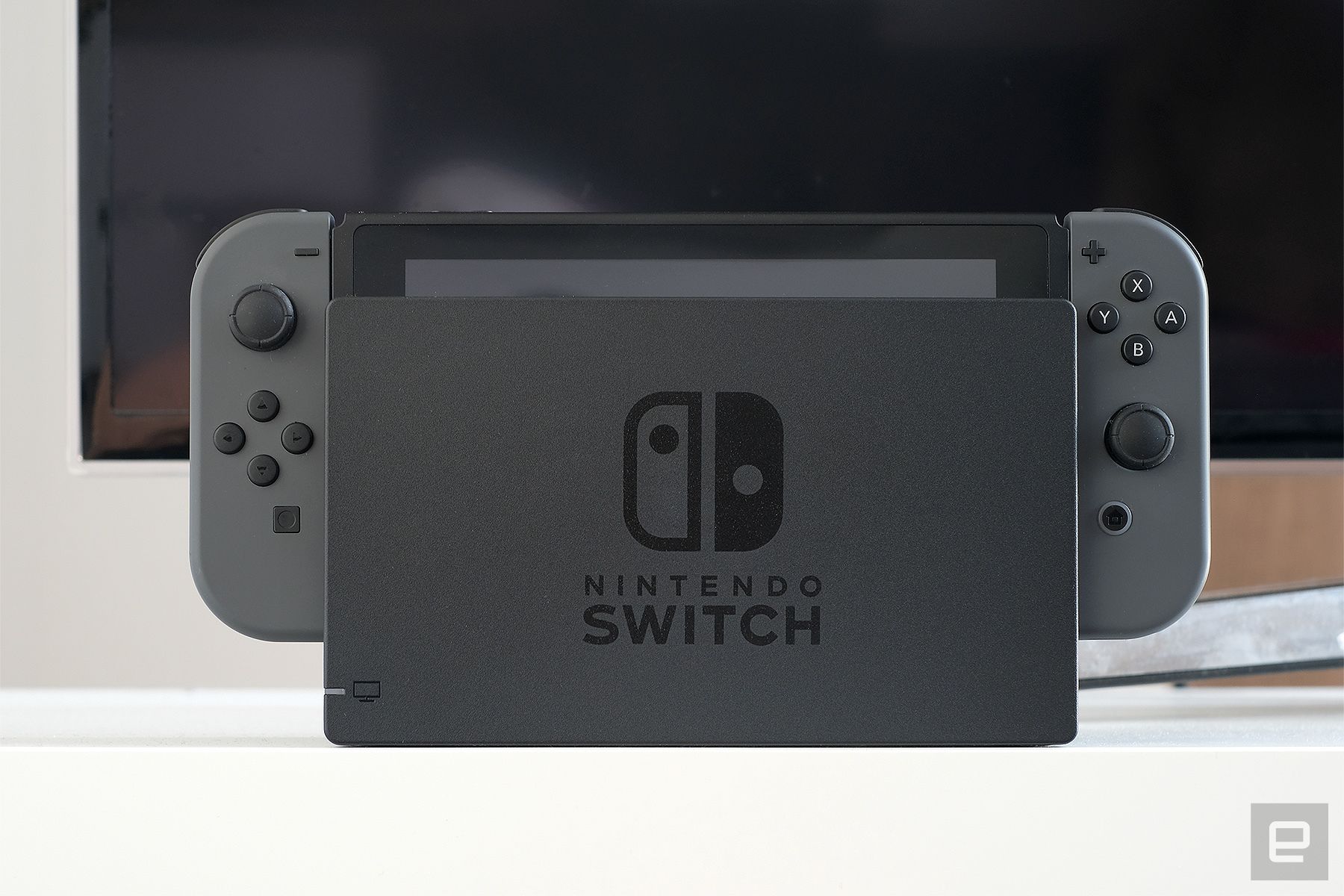
It’s shaping up to be a good year for the Nintendo Switch, with games like New Pokémon Snap, The Great Ace Attorney Chronicles and Famicom Detective Club giving us plenty of reasons to keep playing the now four year old console. The new OLED version might add a bit of extra pep to your game graphics, but a better Switch experience doesn’t have to cost $350. You can upgrade your setup with the right accessories, and we’ve got a few recommendations for different uses.
For Switches that stay at home
Devindra Hardawar
The first thing you’ll want to pick up for your Switch or Switch Lite is a microSD card. After all, there are a lot of great games to download and your system has limited storage space. It’s also the only way you’ll get screen captures off your console if you haven’t connected it to Facebook or Twitter. Samsung's EVO Select line is recommended for its speed and reliability, but it’s the price that you’re likely to find most appealing, with a 256GB card running only $36 and the more spacious 512GB costing $70.
It might be tempting to pick up a third-party dock for your Switch. Don’t. There have been reports of Switches getting bricked by non-Nintendo docks, which means you’re stuck with the official $100 model. However, if all you’re looking for is a change in look, you can buy a skin for your dock (and the Joy-Cons too) that will liven things up. Dbrand offers a range of bold, vibrant colors, and the skins won’t damage your Switch if removed. If you’d prefer something with a design, Slickwraps offers marble and camo patterns as well some attractive Super Nintendo and Super Famicom-themed skins.
If your Switch gets a lot of use, chances are you may have picked up some extra Joy-Cons and a Pro Controller. It’s a real pain to have to charge multiple pairs of Joy-Cons on one Switch, however, so a charging dock can be a great buy. PowerA’s Pro Controller charging dock has room for one pair of Joy-Cons and a Pro Controller, keeping them tidy and powered up. If you don’t need a place to put your Pro Controller, the regular charging dock can accommodate two sets of Joy-Cons. You can also use them for other controllers that slide onto your Switch’s rails like the official NES-style controllers or Hori’s Split Pad Pro.
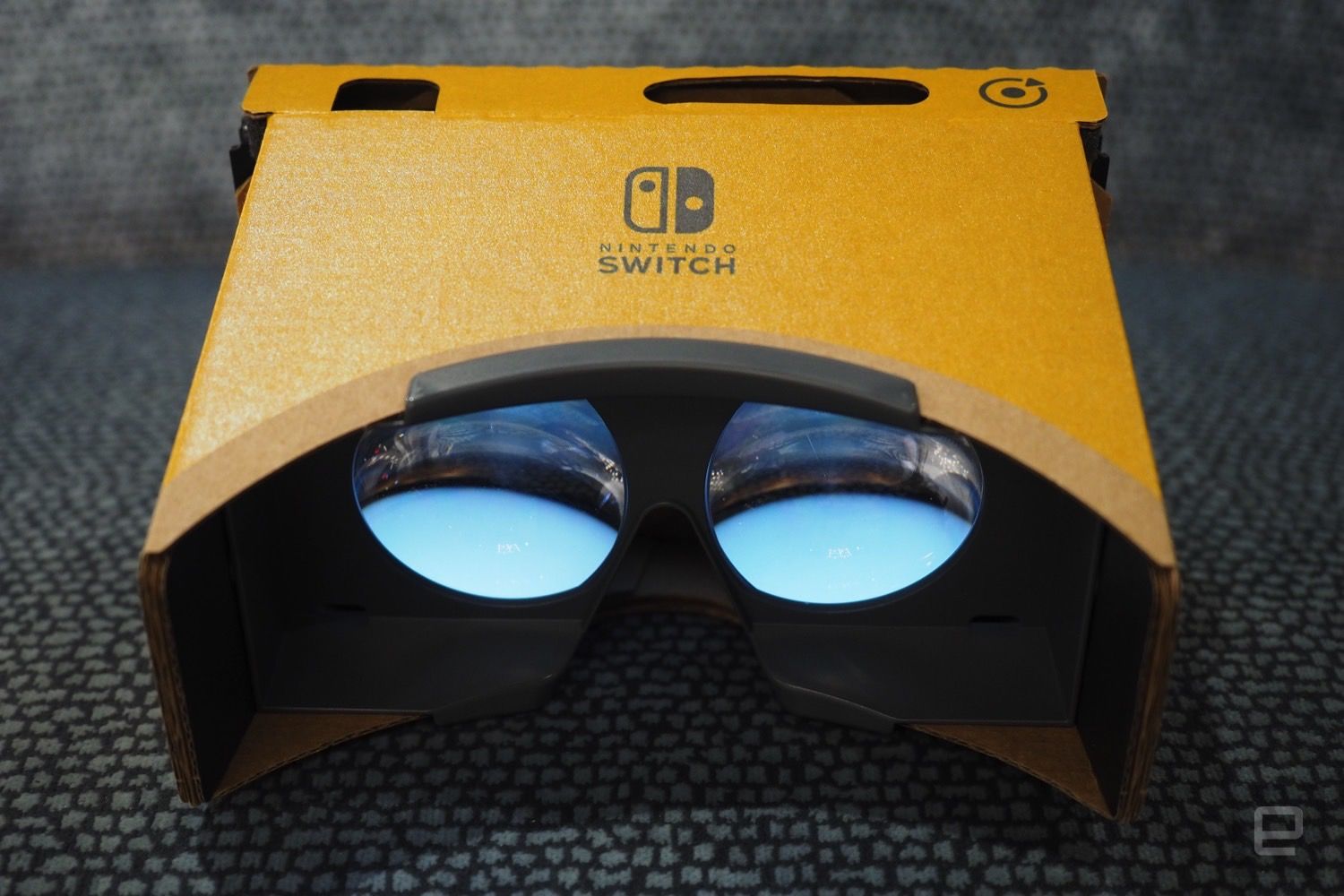
I wasn’t a huge fan of the Labo VR kit from 2019, mostly due to its price and a lack of game support. But if you’re interested in trying out the virtual reality modes in games like Super Mario Odyssey and Legend of Zelda: Twilight Princess, the VR starter kit is a good purchase. It comes with the basic headset and the blaster, which was easily the most fun of all the various Labo VR projects. It usually costs around $40, but Best Buy often puts it on sale for half that amount so be sure to keep an eye out.
You’re going to need a case, that’s certain. It doesn’t need to be fancy, just enough to protect your Switch from getting bumped around in your bag. The AmazonBasics model is cheap, has 10 slots to hold additional Switch cards and a mesh pocket to store an extra charging cord or set of Joy-Cons. If you’re planning to take your entire setup, dock and all, Amazon also makes a larger storage case that can fit all the cords and controller accessories. If you need something smaller for your Switch Lite, the official case from Nintendo is incredibly slim and even comes with a screen protector. But it’s not made for carrying a lot of games. For that, we recommend TomToc’s line of Switch Lite cases, which are waterproof and come in a wide variety of colors to match your handheld for under $20.
You probably already have a bag that you’re carrying around all your stuff in, but if you were looking for one specifically made for your Switch, how about this backpack from HORI? It’s specifically designed to hold a Nintendo Switch and all its accessories, and comes in Pokémon, Mario and Zelda designs. The company also makes less overtly nerdy bags, but where’s the fun in that?
If Animal Crossing is more your aesthetic, Target sells a charming collection of bags emblazoned with leaf or character patterns. The backpacks have a special pocket just for your Nintendo Switch, while the clutch purses are perfectly sized for the consoles while being super stylish to boot.
Whether you hate the speakers on your Switch or just don’t want to bother those around you, you’re going to need a pair of headphones to listen to your games. Ideally you want something that doesn’t cost too much and can survive a beating in your bag, so if you don’t mind wires we’re still big fans of Turtle Beach’s Recon 70, which offers great sound in an affordable, lightweight form factor. However, if you just can’t stand cords and don’t mind dropping a bit of extra cash, check out the SteelSeries Arctis 1 or Razer’s Barracuda X headsets. They both come with a USB-C receiver you can plug directly into your console for a solid wireless connection, and the sound quality of either is among the best you’ll find in any gaming headset, especially for under $150.
If you already have a pair of wireless headphones you’re particularly attached to, you can use those with your Switch or Switch Lite by plugging HomeSpot’s 5.0 Audio Transmitter Adapter into the USB-C port. It’s rather diminutive and can slip into your case easily, and very affordable at only $30.
One thing you definitely have to worry about if you game on the go often is battery life, and in those cases you’ll want to carry around an extra power bank. For your Switch there are two features you need to focus on, and that’s the ability to use a USB-C cord to connect, and a slim profile so it’ll fit inside your Switch case. The RavPower 26,800mAh power bank fits both those criteria perfectly, is rather affordable at $61, and can even charge your device as you play.
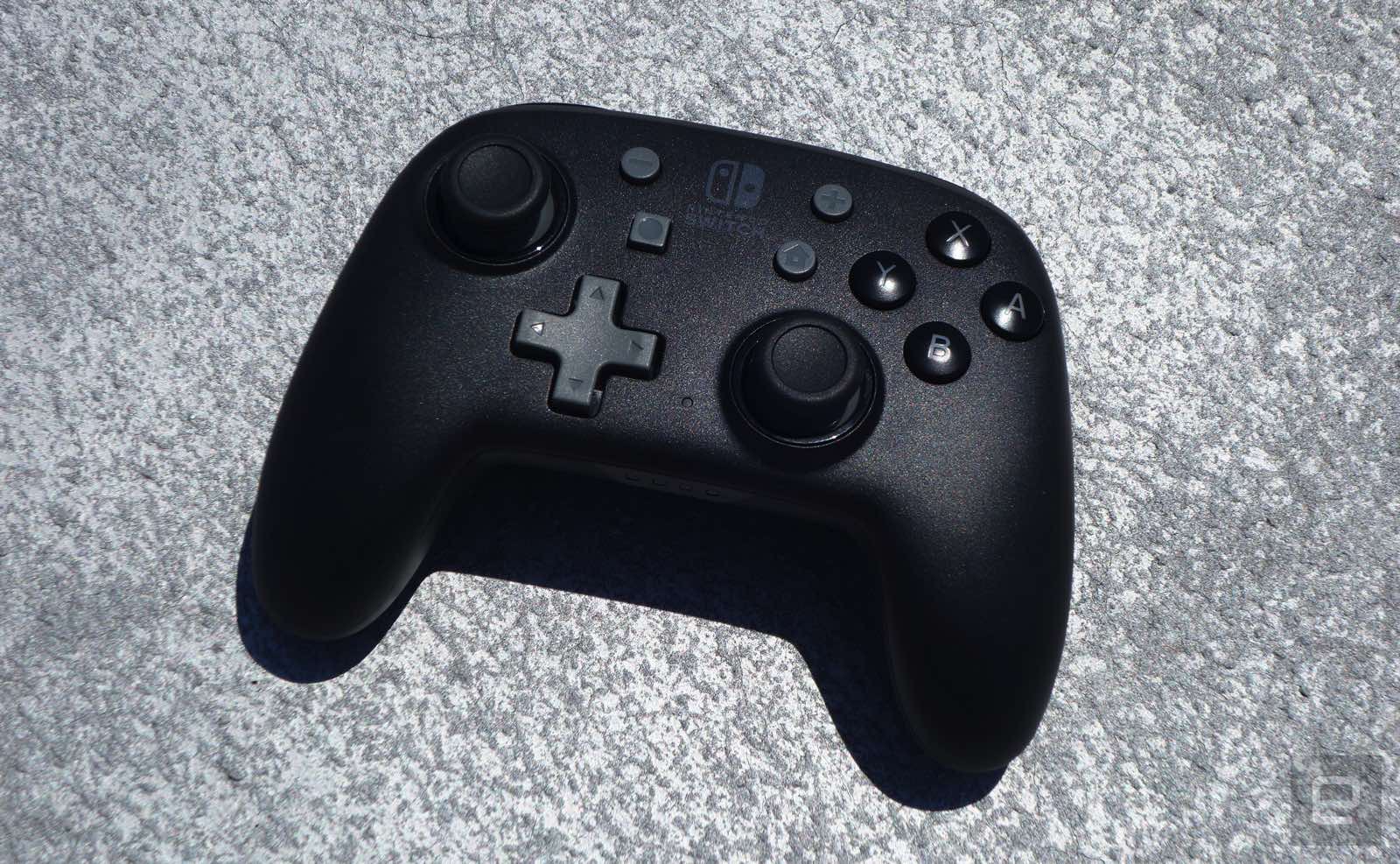
Occasionally you might want to make use of the Switch’s kickstand and play with a standard gamepad. The official Pro Controller is generally accepted to be the best available, but it’s also kind of cumbersome to lug around in your bag. If you’re trying to travel a little lighter and don’t mind a slightly smaller version, PowerA’s Enhanced Nano controller can do the job. In my testing I found it’s susceptible to electrical interference, but when you’re sitting right in front of the Switch on a table it should handle the task just fine. It even comes with a little cloth bag to protect the controller from dings and scratches.
Do you churn through wireless earbuds quickly enough that you're eager for an upgrade every couple of years? Nura might have a solution. The Nuratrue maker has introduced Nurabuds that aren't quite as sophisticated as the earlier model (more on that in a moment), but are only available through a "Nuranow" subscription. Pay $5 per month (plus a $19 one-time fee) and you'll get a fresh set of earbuds every 24 months, much like your carrier's phone installment plan.
You'll also get "discounts, benefits and giveaways" as part of your monthly outlay, according to Nura.
The Nurabuds themselves are similar on the surface to the Nuratrue buds from before, complete with active noise cancellation and a world-amplifying social mode (ambient or transparency mode on rival devices). They're IPX4 water-resistant, too. Battery life is limited to four hours for the buds and 10 hours with the charging case, though. More importantly, you can't perform the Nuratrue's signature hearing test — you'll have to either import an existing profile or trust that Nura's "in-house" sound meets your needs.
This might be a viable option if you use your earbuds often enough to wear down the battery in two years, or if you just want to stay current. However, the subscription model might not make sense if you aren't a stickler for Nura's (admittedly quite good) audio quality. Amazon's second-gen Echo Buds, for example, offer ANC, water resistance and other helpful features for as little as $100 in a one-time payment that lets you upgrade on your own terms. Nura is clearly betting that its reputation and people's habits will work in its favor — possibly a wise bet, but a bet nonetheless.
Well, this is awkward. Just one day after Ford-owned Spin announced that its e-bike and scooter rentals are now findable on Google Maps, its competitor Bird has, well, exactly the same news to share. In a blog post of its own, Bird said that its electric bike and scooter rentals would start showing up in Google Maps today, with would-be riders able to see an approximate price, estimated trip duration and optimized route. The feature, available on both Google Maps' iOS and Android apps, will ultimately still send the rider to the Bird app if they decide to go ahead and rent a vehicle.
All told, this sounds very similar to the announcement Spin made yesterday, including the fact that you need to open a separate app to actually pay for and unlock the rental. One interesting difference, though, is that Spin will show you the estimated battery range.
A Bird spokesperson told Engadget that the Google Maps feature will be available for users in all US cities where Bird scooters are available. The company also says it intends to roll out to additional countries following the US launch. Bird did not reveal any additional details as to when the rollout would continue or which regions would next see a Google Maps integration.
Regardless of which company was first to launch this week, these sort of Google Maps integrations are hardly new — Maps has been showing listings for Lime's rentable scooters and bikes since 2018, to name one of Bird's biggest and most established competitors.
Undercurrent is an upcoming immersive art event featuring audiovisual installations from around 40 musicians, headlined by Bon Iver, Grimes and The 1975, designed to inspire climate activism. Before the physical exhibition arrives in Brooklyn on September 9th, a digital sister event is today launching online that showcases 3D interactive music videos from some of the support acts. The Undercurrent digital platform includes original, unreleased music from Nosaj Thing, Mount Kimbie, Actress, Aluna, and Jayda G.
Undercurrent / Jayda G
Again, the focus is on spurring change around environmental issues through immersive art. Each musician's work ends with a call to action, whether it be donating to or volunteering for a non-profit. The virtual event could also be a way for budding visitors to get a feel for the main exhibition. Or, for those still harboring trepidations about the virus to experience it remotely. Though, you'll have to make your own sustainably sourced cocktails and snacks at home.
As part of her contribution, Canadian house music producer and DJ Jayda G will showcase an 8-bit style video game about the importance of preserving agriculture. In it, players will be tasked with scaling a mountain with two paths to choose from, with the music matching the dystopian or utopian route you choose. The clip's partner is Kiss the Ground, a regenerative agriculture non-profit.
Undercurrent / Actress
In another music video, this time from Actress, viewers will explore the depths of the Pacific Ocean to learn about the damage caused by deep sea rare earth mineral mining. Staying with the aquatic theme, Nosaj Thing's clip illustrates the importance of plankton and its degradation through ocean pollution and dumping. While Aluna's interactive video will see users transported from an apartment in a post-apocalyptic future to a surreal rainforest, where they can climb trees in order to reconnect with nature.
Finally, Mount Kimbie's piece is from the perspective of a flying bee navigating through 3D worlds in a journey to find a lost flower to pollinate. Undercurrent's additional non-profit partners include Ocean Conservancy and Global Forest Generation.
Adobe has added more welcome features to Photoshop on iPad, including some that debuted on the desktop version. The tablet app now includes the Magic Wand object-selection and Healing Brush imperfection-fixing tools. With the Canvas Projection you can share your screen to a larger display over HDMI or USB-C, which should be helpful when collaborating with other people in the same room.
Adobe has upgraded the desktop version of Photoshop as well. The Sky Replacement tool now has many more options to draw from, and you can import up to 5,000 skies simultaneously.
Adobe
The Transform Warp tool with independent Bezier handles will allow for previously-impossible transformations, according to Adobe. It could be prove to be a boon for designers who have to shape images on and around boxes, bottles and other 3D surfaces.
There's a new Discover panel, which you can use to search for tools, menu items and workflows. It includes hands-on tutorials for workflows as well. You can access the panel by clicking the search icon, or using the Command+F or Ctrl+F shortcuts.
In addition, the Photoshop Beta program is getting underway this month. Creative Cloud users can test new versions of Photoshop for stability, performance and, from time to time, new features. They can provide feedback to the Photoshop team too. You'll find Photoshop Beta in the beta section of the Creative Cloud app.
Those looking to snag a new laptop from Apple ahead of the upcoming semester can do so for less if they go through Amazon. The online retailer has the MacBook Pro M1 with 256GB of storage for $200 off right now, bringing it down to $1,099. The sale price is $1,199, but an automatically applied coupon will knock the final cost down to $1,099. If extra storage means a lot to you, the 512GB model has also on sale: it's on sale for $1,299 thanks to a discount plus another automatically applied coupon.
Most people would probably be best served by the MacBook Air M1, but the Pro M1 is a good option for those that want extra graphics power and better cooling. Notably, the Pro M1 has a built-in fan, something that Air M1 lacks, and it helps the laptop handle tough work like 3D rendering and laborious video encoding. In our testing, the MacBook Pro M1 performed similarly to the Air M1 — Apple's SoC allows it to be incredibly fast and efficient, and it'll last all day with its 16.5-hour battery life.
But there are a few limitations to the Pro M1 that are worth considering before buying. Namely, the laptop only supports one external display and there's no external GPU support at all. While the latter is a bit of a niche concern, it's a bummer for those that rely on external cards to boost performance. If you can live with those tradeoffs, the MacBook Pro M1 should make a good workhorse.
If you're looking to move away from traditional laptops all together, Amazon also has some of the highest-powered iPad Pros on sale right now, too. The latest 11-inch iPad Pro with 1TB of storage is $100 off, bringing it down to $1,399. The WiFi + Cellular model has also been discounted by $100, dropping it down to $1,599. These both run on M1 chipsets, so they could easily replace your aging laptop, especially when paired with an accessory like the Magic Keyboard.