Posts with «featured» label

Arm Pelion Device Management comes to the Arduino IoT Cloud
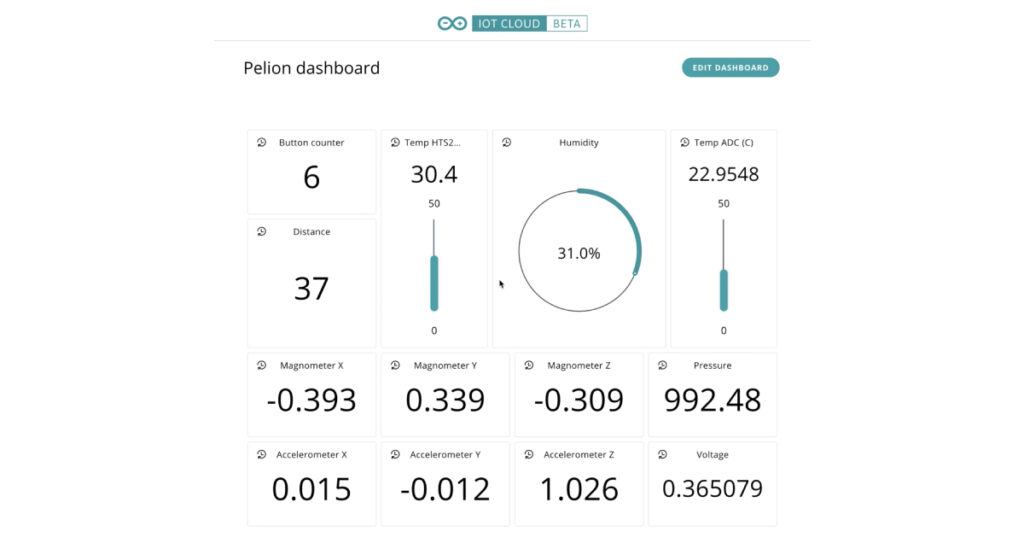
As part of Arduino’s expanding relationship with Arm and continuing commitment to professionals, Arm Pelion Device Management users can now seamlessly use Arduino IoT Cloud to quickly create IoT applications.

Combining the speed of application development of the low-code Arduino IoT Cloud with the secure, scalable lifecycle management features of Arm Pelion Device Management brings the best of both worlds.

The integration enables Pelion Device Management users to import all their resources via the Pelion API and translate them into Arduino IoT Cloud properties. They can see and manage everything in the cloud, with the Arduino IoT interface (web or mobile client) providing the simplicity for designers to focus their efforts on the IoT application, creating control panels and summary dashboards. Scalability is a fundamental of the Pelion Device Management service, and new devices will automatically appear in the Arduino IoT Cloud as soon as they are registered in Pelion.

If you are an existing client of Pelion Device Management and would like to know more about the integration with Arduino IoT Cloud and the professional services available from the Arduino Pro team, please contact us here. 
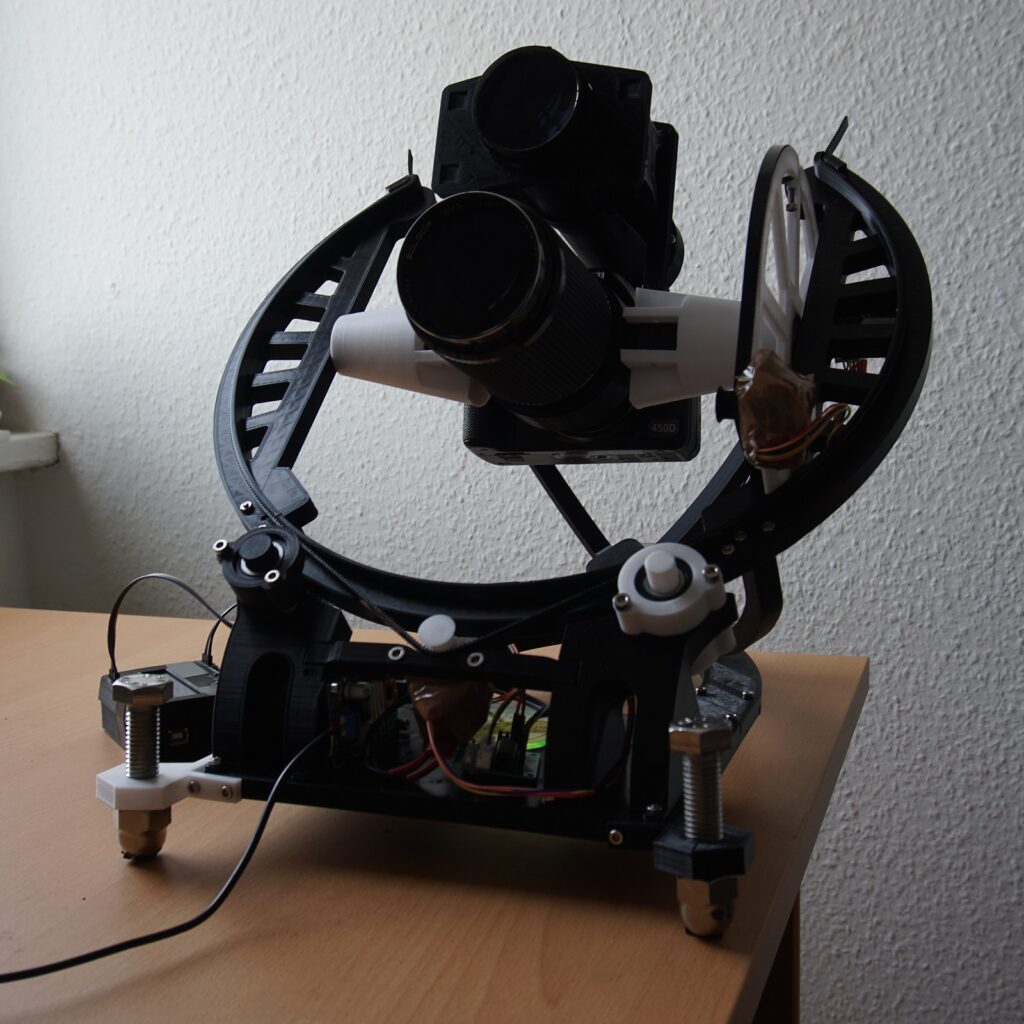
OpenAstroTracker is a tracking and GoTo mount for DSLR astrophotography

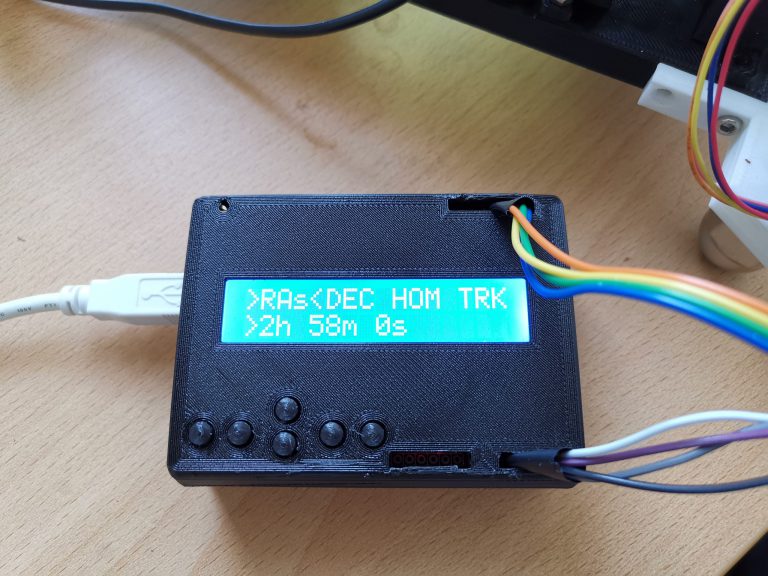
Stars appear to stand still, but wait a few minutes and they won’t be in quite the same place. This means that if you want to take a long-exposure image of the sky with your DSLR you’ll have to either embrace the streaks, or use tracking hardware to compensate for this movement. Naturally, this specialized equipment can be quite expensive, but a seen here, you can now make your own 3D-printed OpenAstroTracker controlled by an Arduino Uno.

The device features a 16×2 LED display/keypad shield, along with an optional Bluetooth module for interface. When set up, it slowly rotates the camera to compensate for star movements via two steppers on a gimbal assembly. 

Print files for the OpenAstroTracker are available on Thingiverse and code can be found on GitHub if you’d like to examine the design or even build your own. Its creator also plans to sell it as a DIY kit — and you can sign up to be notified when it’s available.

Arduino Blog 26 Feb 14:06

Resys is an LED drawer system that makes it easy to find your resistors

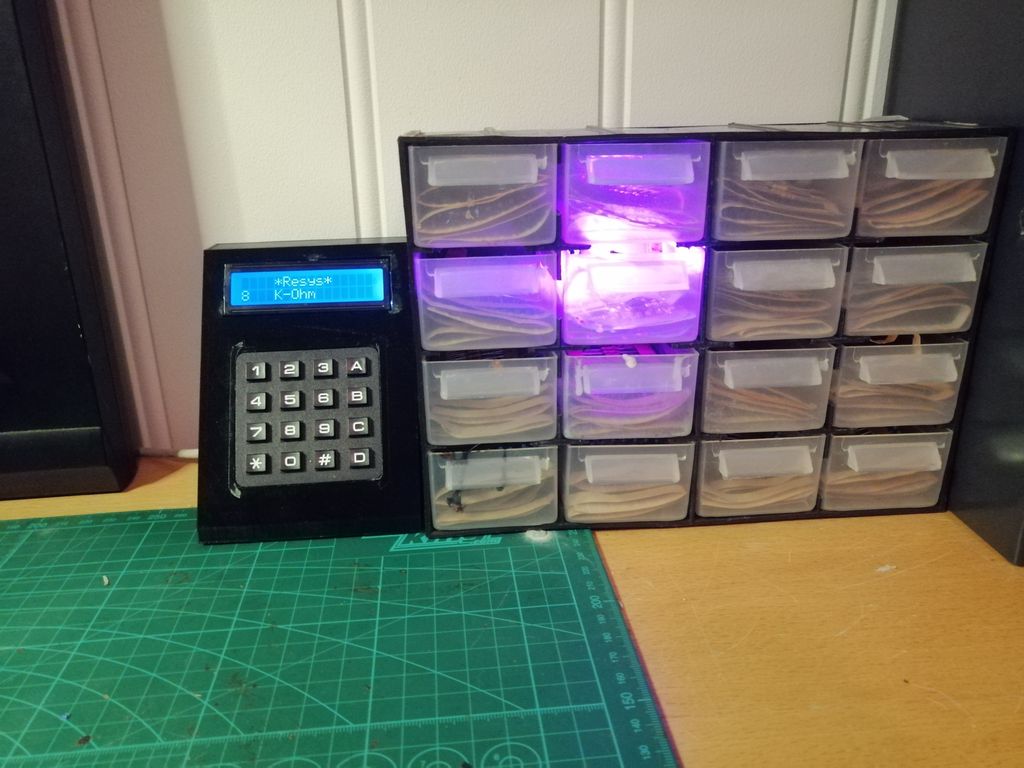
You’ve got your design ready to go, you know you have the right components… but where exactly did you place that particular resistor? With the Resys drawer system by Lynlimer, you no longer have to wonder — just type in the needed value and the proper drawer lights up automatically.

The device is based on an Arduino Nano, with an LCD display for text output and a numeric keypad for value entry. The proper drawers are lit via WS2812B addressable LEDs, held in 3D-printed holders. 

It’s a clever project that could be expanded to well beyond the 16 drawers now used. Code, STLs, and circuit diagrams are available in Lynlimer’s write-up if you want to make your own!

Arduino Blog 25 Feb 16:25
arduino  featured  nano  

Take control of your dashboard — the new Arduino IoT Cloud Dashboard with advanced features!

The new dashboard for the Arduino IoT Cloud comes with a host of enhanced features. It allows you to gather and display data from multiple IoT devices in one dashboard, and control those devices as required through your dashboard to fully integrate your solution.

Using widgets to connect to the properties enables you to set up a new dashboard in minutes, and you can fully customize your dashboard by: grouping devices however you like, dragging and dropping to rearrange the layout, and selecting from multiple options to visualize the data.

It is now possible to import historical data into the dashboard to provide a backdated view for all your properties, hence creating a new dashboard  no longer means losing previous information. You can present the information in your dashboard as far back as you’ve been collecting the data.

A new ‘duplicate dashboard” function lets you copy any of your existing dashboards setup and layout, plus you can easily see which things are associated with which devices when setting up a new solution.

It really is that simple!

AAScan is an open source, Arduino-powered 3D scanner that uses your phone

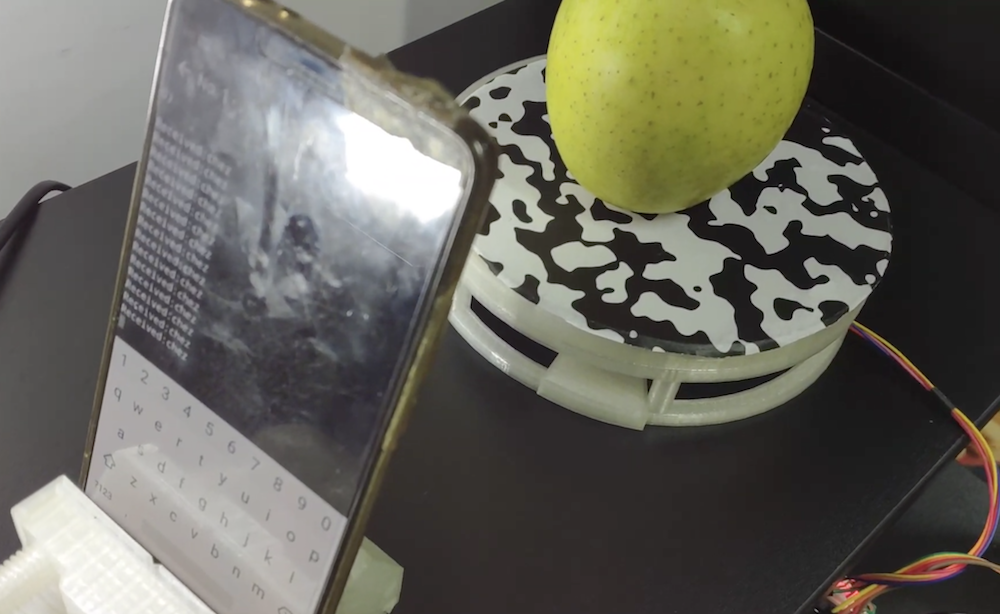
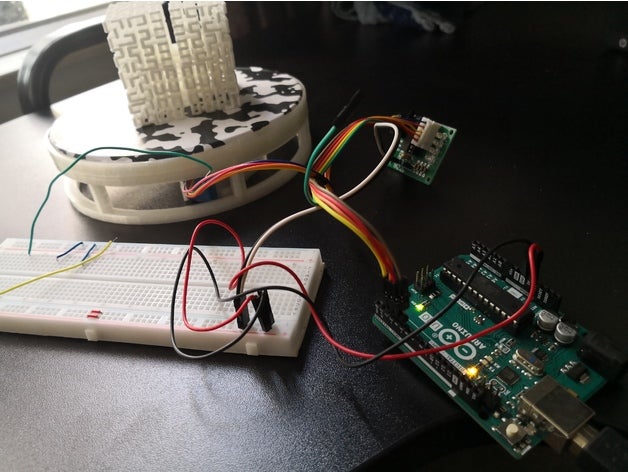
3D scanners are amazing tools that literally let you turn everyday things into three-dimensional computer models. As seen on Reddit, if you want to make one yourself — using little more than a spare Android phone, Arduino, stepper motor, and 3D-printed parts — the AAScan setup by QLRO could be an excellent option.

The device spins an object on a 3D-printed turntable using an Uno and ULN2003 driver board, allowing it to take ~180 images automatically via a Python script running on the phone. These images are then combined in Meshroom to create a brand new 3D model. 

You can check out a demo of AAScan in the video below, rotating an apple to take pictures of each side.

A DIY digital readout for your wood lathe

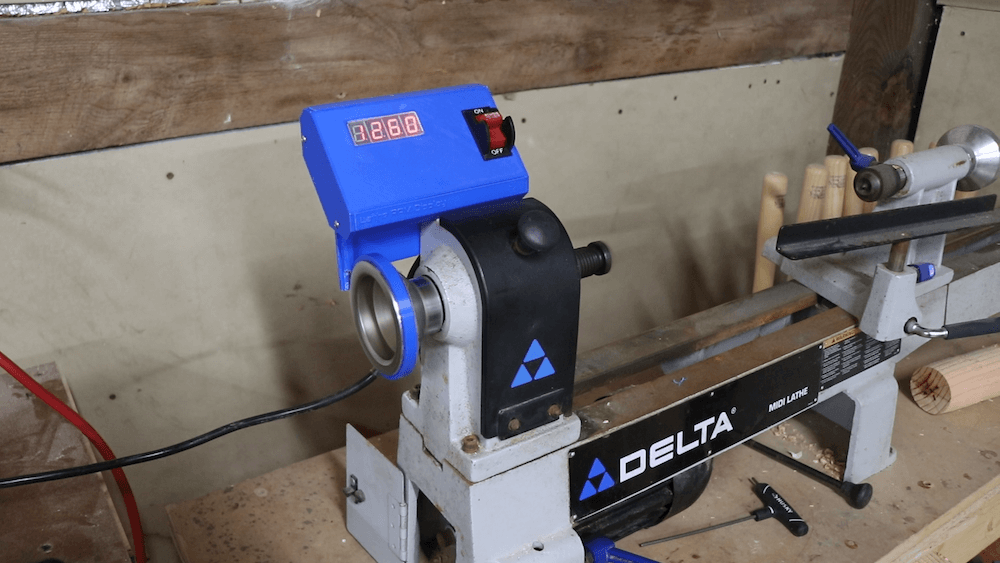
Small wood lathes don’t typically come with an RPM readout, so after obtaining such a machine several months ago, engineer Zach — also known as ‘byte sized’ — decided to build his own custom display.

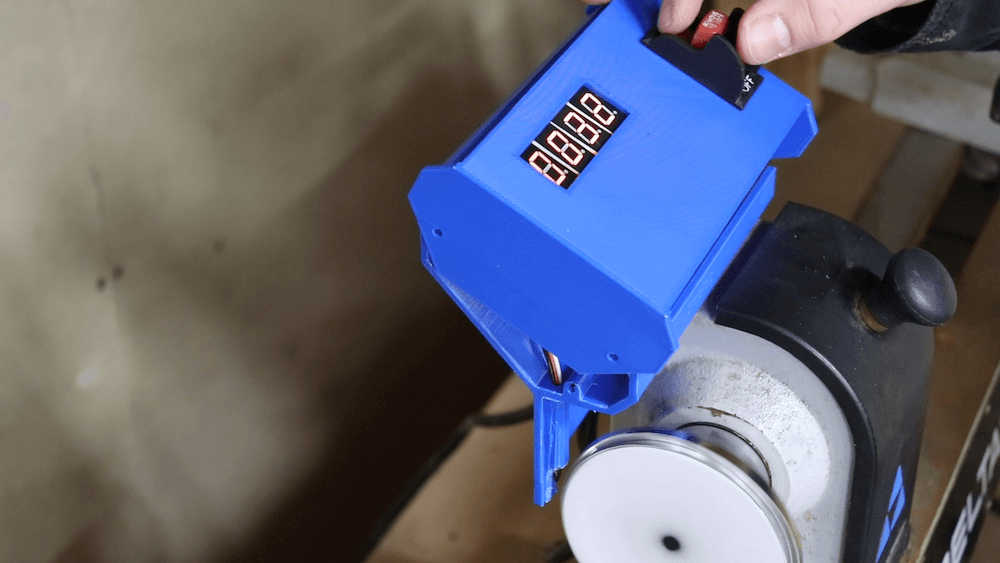
The device uses an Arduino Nano for control, along with a Hall effect sensor to pick up on four magnets attached to the spinning handwheel.

RPM values are shown on a series of four 7-segment displays, and everything is enclosed in a nicely 3D-printed housing. LEDs shine through a sanded acrylic window that acts as a diffuser. Power for the lathe is still provided by a single cable, with a transformer module used to convert the AC input into 5V DC for the Arduino and other electronics.

Arduino Blog 15 Feb 21:24

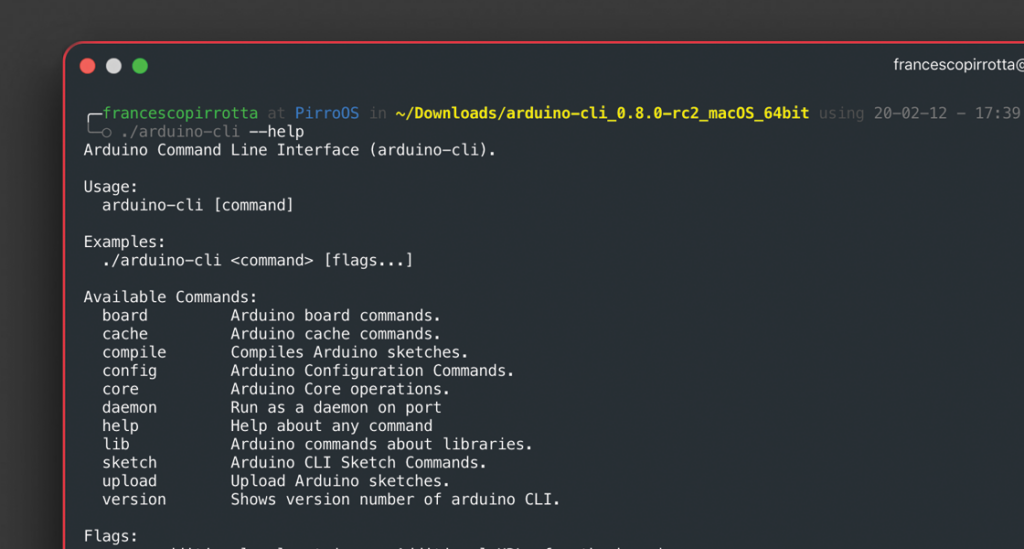
arduino-cli 0.8.0 is here!

Our dev team is grateful for the high quality contributions that the project is receiving, and is working hard to collect all the lovely feedback we have received to shape the Arduino CLI into the best tool possible for the community!

Highlights of our latest release include:

  • Resource usage improvements
  • Better libraries handling
  • Bug fixing

You can see the full list of changes here.

This retro-looking rotary cellphone is free of modern-day distractions

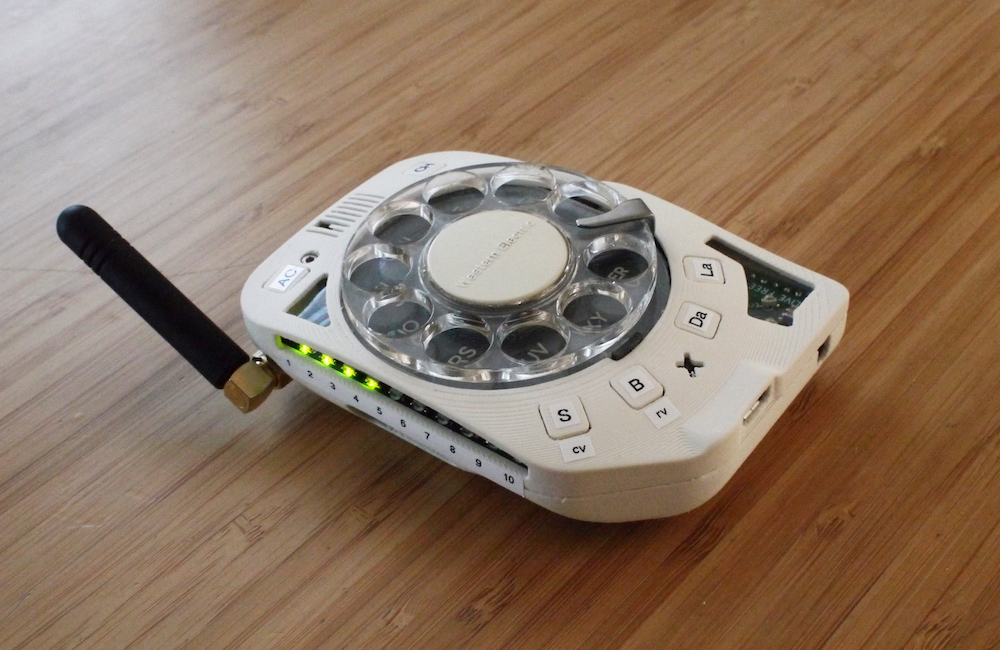
What we carry today in our pockets is nominally called a “phone,” but more often than not we’re using it to do various other computing tasks. Justine Haupt, however, wanted an actual phone that “goes as far from having a touchscreen as [she could] imagine.”

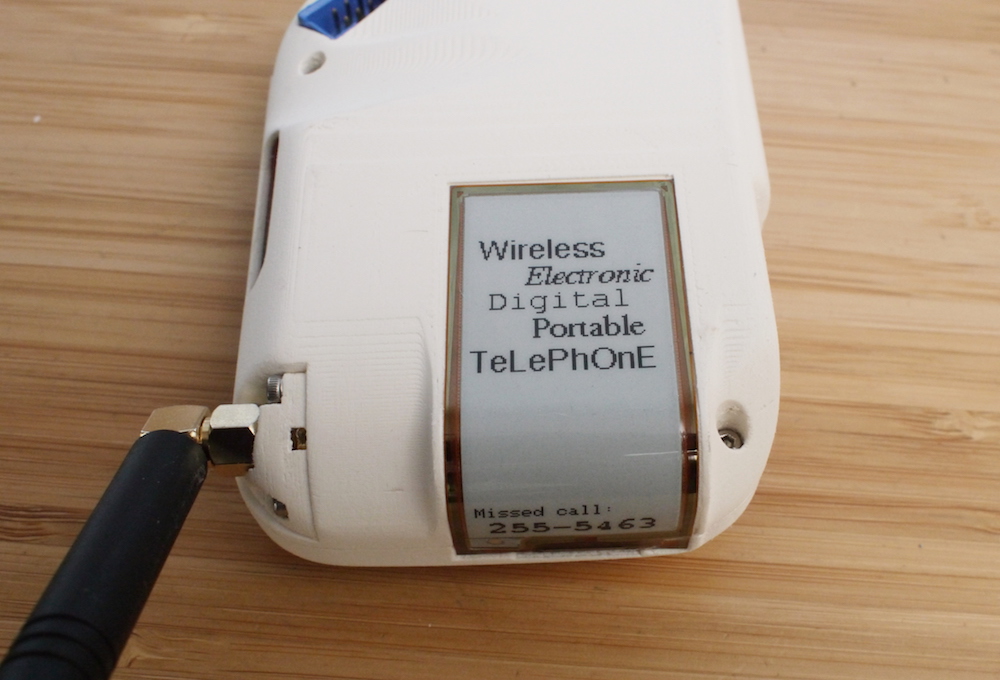
What she came up with is a rotary cellphone that’s not just a show-and-tell piece, but is intended to be her primary mobile device. It’s reasonably portable, has a removable antenna for excellent reception, a 10-increment signal meter, and, perhaps most importantly, doesn’t make her go through a bunch of menus to actually use it as a phone. Other features include number storage for those she calls most often and a curved ePaper display that naturally doesn’t use any power when revealing a fixed message.

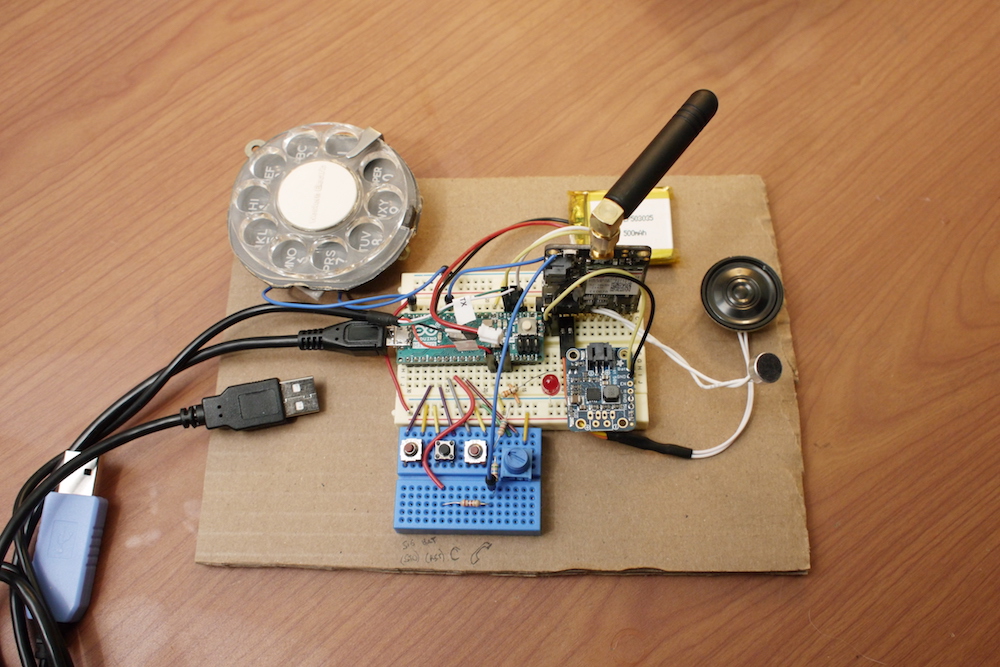
The project was prototyped using an Arduino Micro. It was then laid out of a PCB with an an Adafruit FONA 3G board and an ATmega2560V, programmed in the Arduino IDE.

Haupt has published a detailed look at the build process here.

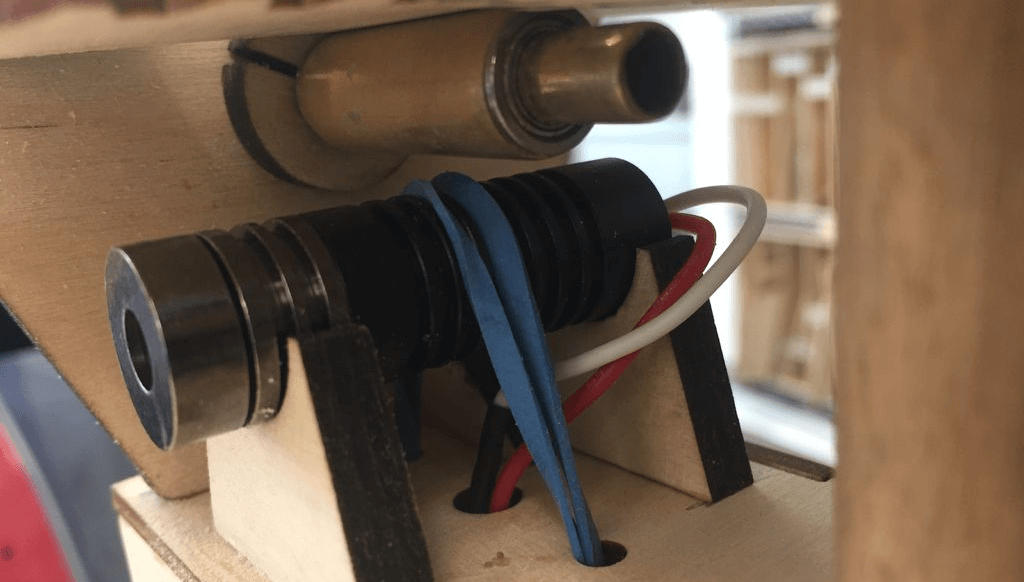
This joystick-controlled machine draws light trails using a laser

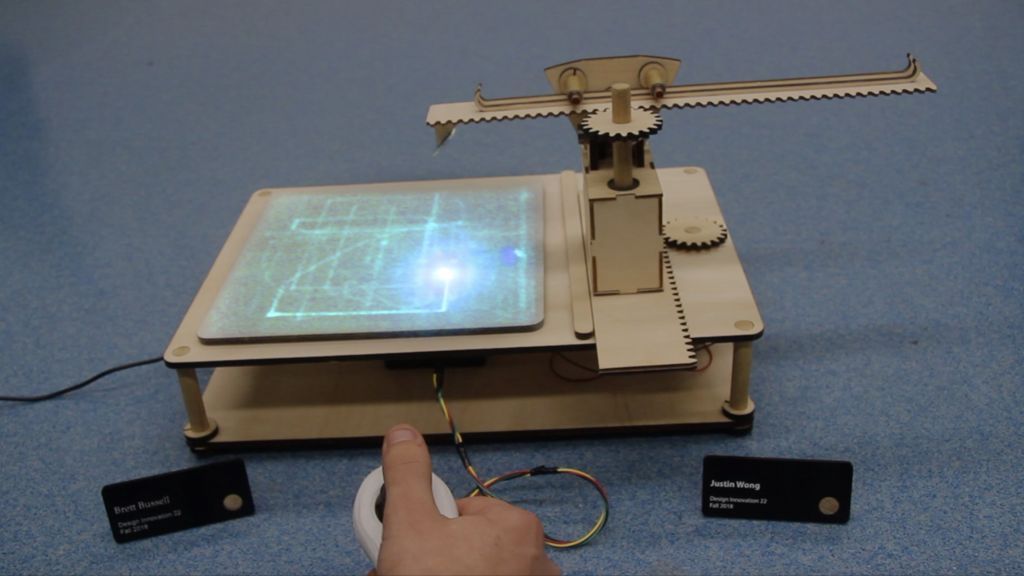
Lasers are awesome. Glow-in-the-dark surfaces are, too. As seen here, Justin and Brett were able to combine the two into an excellent drawing machine. 

Their device uses a pair of gearmotors under Arduino control to actuate a rack-and-pinion gantry system over a canvas painted with phosphorescent powder. A laser is mounted at the end of this setup, which traces luminescent patterns on the surface as it moves. 

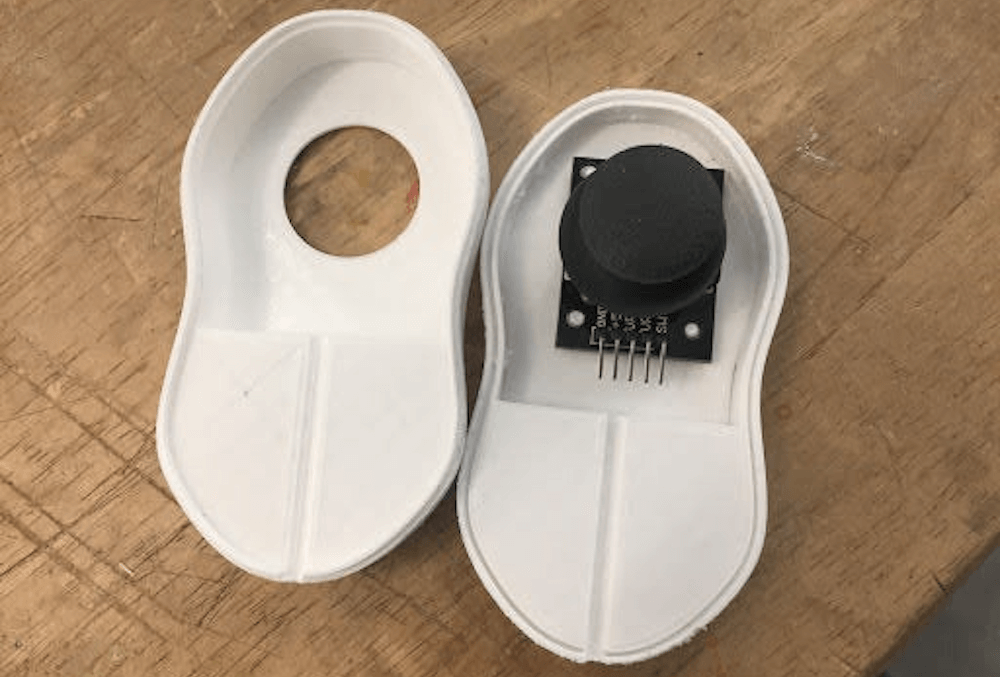
User interface is via a simple joystick arrangement, with a housing 3D-printed in PLA that’s reminiscent of a Nintendo Wii Nunchuk. 

Check out the demo in the video below and read more about the project in the duo’s write-up.

Save the date: Arduino Day 2020 is Saturday, March 21st!

It’s Arduino’s 15th birthday! We are inviting the whole community to join Arduino Day 2020 on Saturday, March 21st.

Arduino Day is a 24-hour-long celebration around the globe, organized by the community for the community — where those interested in Arduino get together, share their experiences, and learn more about the platform. Participation is open to anyone, either as an organizer or participant, from makers and students to professional developers and educators. 

In 2019, we had a record 659 events held in more than a 100 countries — full of activities, workshops, talks, and project exhibitions for a wide range of audiences and skill sets. 

If you would like to organize an event, please fill out this online form and submit your proposal by March 6th. 

Let’s join together and make 2020 another record-breaking year! 

Over the next few weeks, make sure to visit the Arduino Day website to learn more or locate an event in your area. Moreover, don’t forget to spread the word on social media using the hashtag #ArduinoD20! 

For more information, please visit day.arduino.cc.