Posts with «featured» label

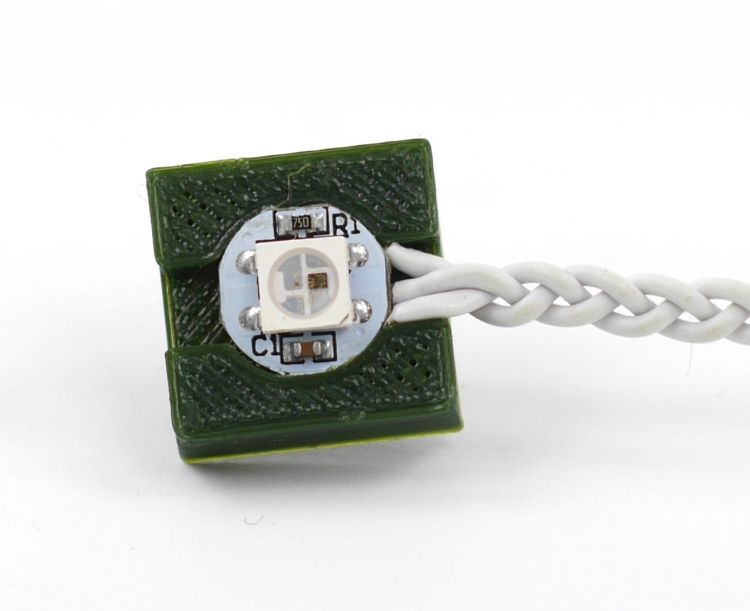
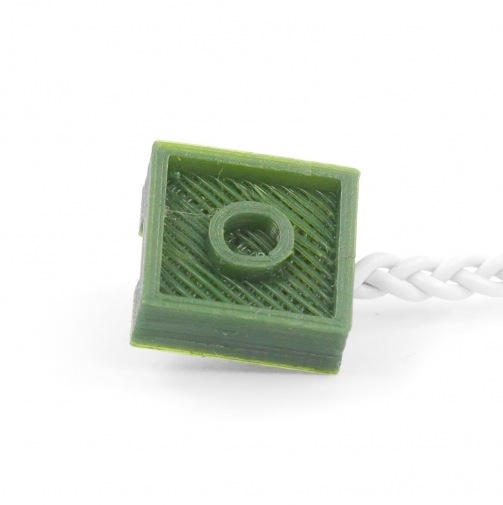
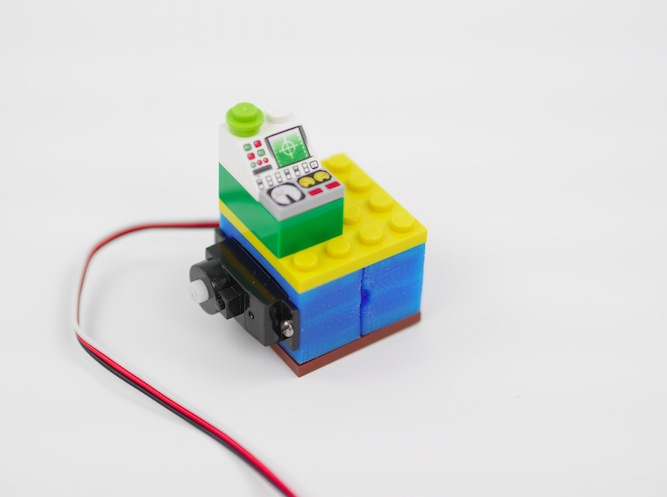
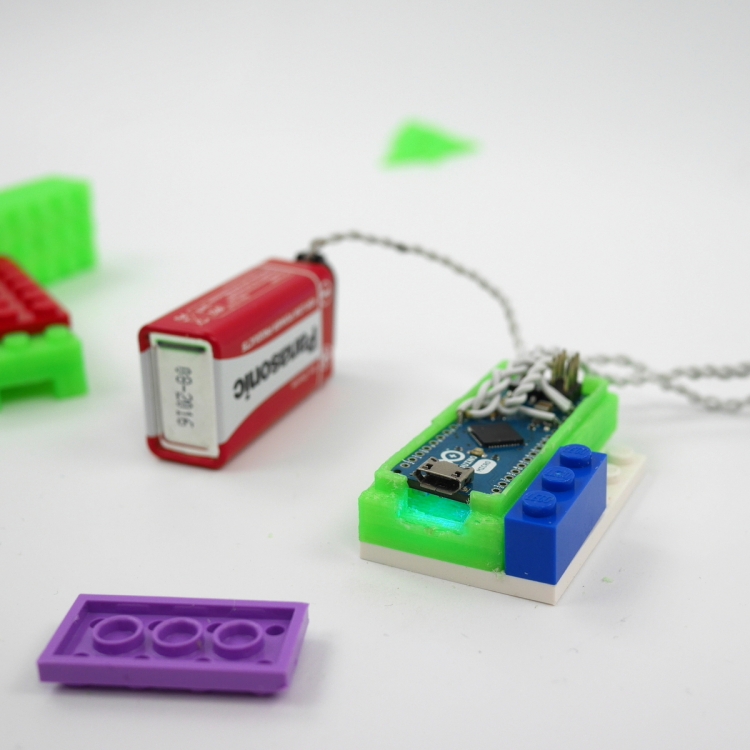
Now you can 3d print lego- compatible LED bricks

The 3d printing tutorial Kristoffer, our 3d specialist, prepared this week is not part of the ongoing LEGO power functions compatible series but makes you still play around modding the famous bricks to add some cool light effects.

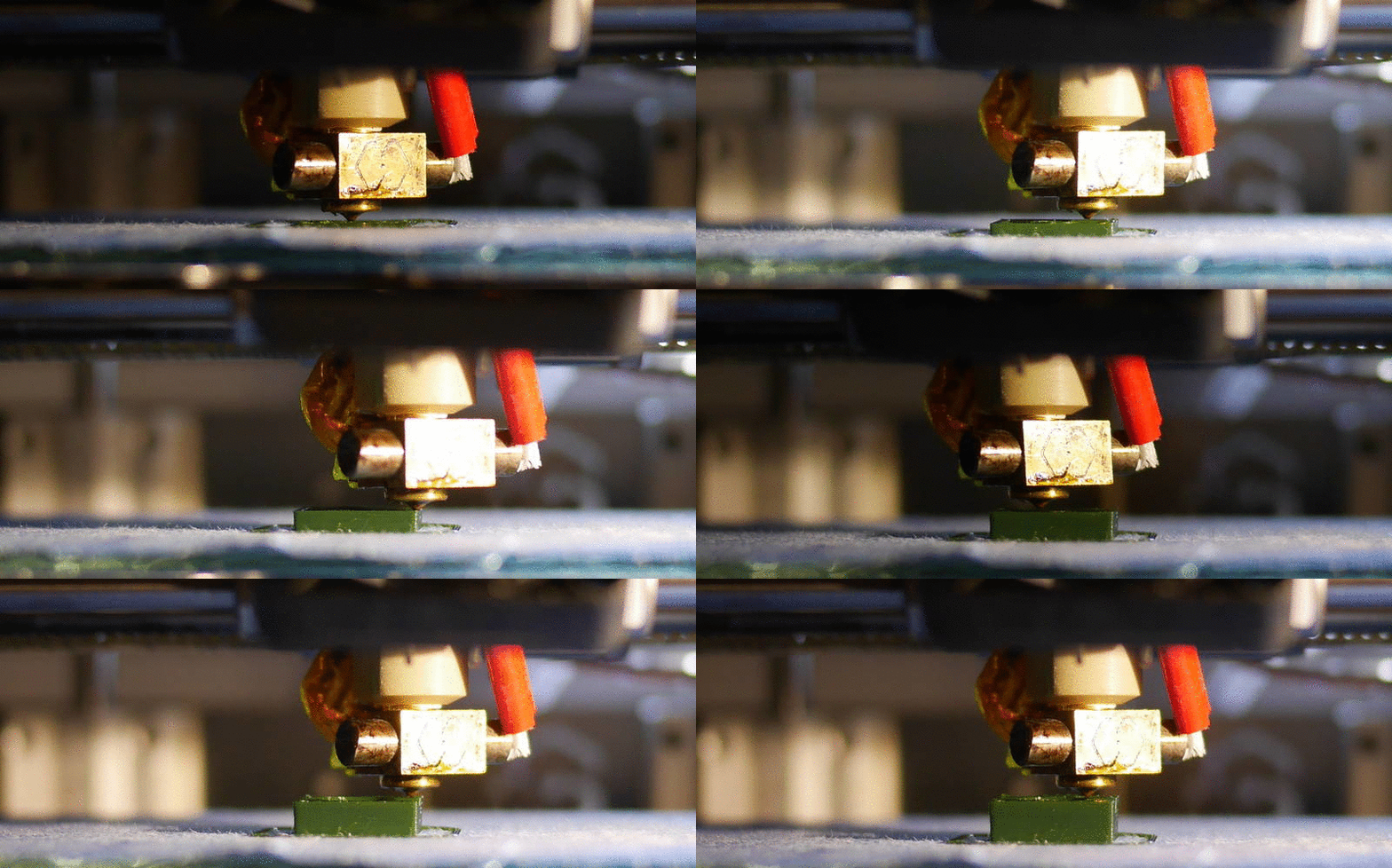
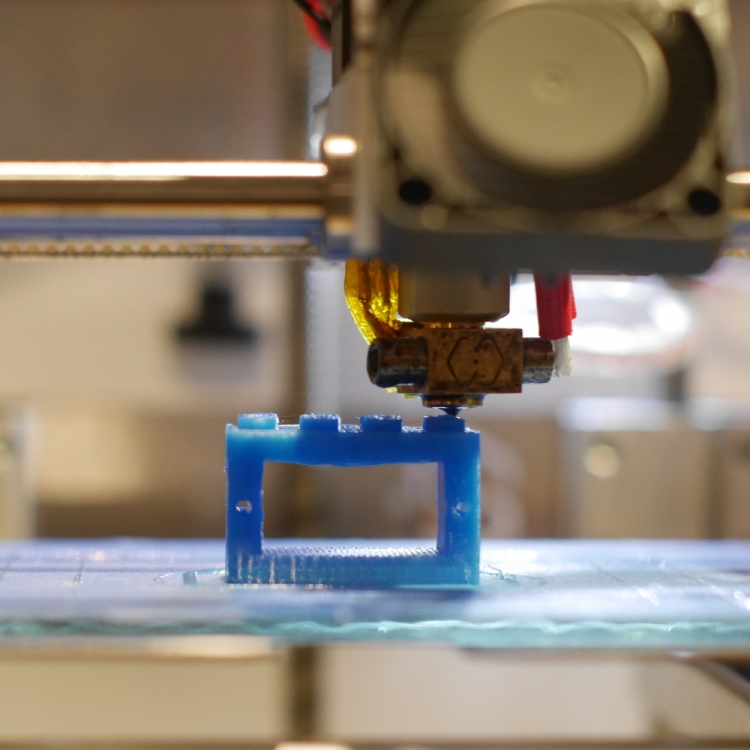
If you follow the 8 easy steps you’ll be able to print bricks with Arduino Materia 101 that can include addressable LED’s in your models. As in the previous tutorials, he modelled it using FreeCAD, but the way he did it should be applicable to just about any CAD-software or 3d modelling software.

Notice that in the last step of the tutorial you can also download the perfect settings to obtain good prints out of small pieces!

Check the previous tutorials on 3d printing with Material 101

Interested in getting in touch and showing your experiments? Join Kristoffer on the Arduino forum dedicated to Materia 101 and give us your feedback.

Circular Knitic and the power of doers in open source

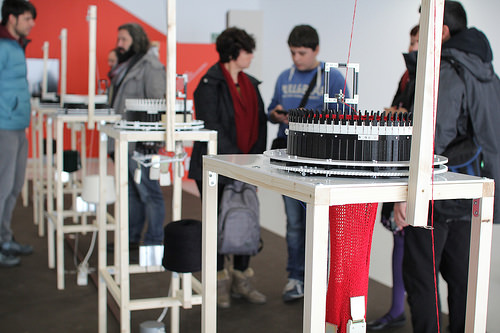
Circular Knitic is an open hardware project created for DOERS, an exhibition curated by Arduino co-founder David Cuartielles, which takes place at Etopia Center for Art & Technology in Zaragoza, Spain.

It consists of an exhibition and a series of presentations, workshops and seminars focusing on the world of open creation, invention and personal fabrication. It aims to unveil a variety of extraordinary creations, ideas that are transforming the world, but mostly show visitors a group of people: “the DOERS, constantly looking for new projects that surprise us”.

During a period of eight months, 5 knitting machines will be knitting slowly and produce enough tubulars so that the ceiling of the art centre will be covered with knitted scarves.

Using digital fabrication and maker tools like 3D printing, laser cutting, makerbeam, and Arduino Uno— Knitic duo designed a replicable circular knitting machine. It’s not the first time they experiment on knitting techniques. A couple of years ago I interviewed them on this blog for their previous project focused on giving a new brain to old knitting machines using Arduino Due.
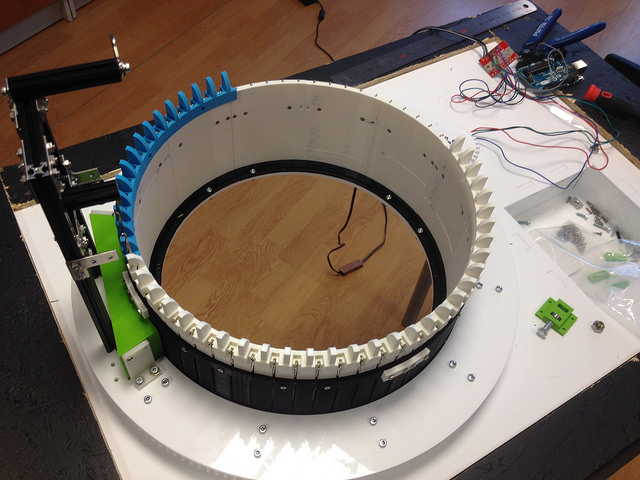
Various designers are experimenting with 3D printing in fashion but this doesn’t mean  to 3d print garments directly. Knitic approach shows how digital fabrication could have greater impact on the way clothes are prototyped and produced, especially on producing new concepts of machines:

In maker culture, production of textiles is often overlooked. Circular Knitic demonstrates that beautiful textiles can be produced with digital fabrication tools.

Most of Circular Knitic parts are made with  RepRap 3D printers, some others are made of plexiglass that can be easily lasercut in a fablab. Instructions and all the stl files for the components are available for download on the project’s GitHub page.

The videos below shows the building of the machines and when they are in action.


What have you built with Arduino? Interview 14&15 #MFRome14

Maker Faire Rome video interviews – “What have you built with Arduino?” – A couple of new protagonists for our short series:

  • Bee Uno – Arduino-controlled DJ midi controller, interview with the makers


  • ITIS-LS – F. Giordani students’ quad ambient controller

Explore playlist on Youtube >>

Design a LEGO-compatible servo holder and print it with Materia 101

This week we are presenting you a new tutorial on 3d printing of Lego-compatible pieces with Materia 101. Kristoffer designed a brick with the parametric 3d modeler FreeCAD that can hold a small servo. Following the 10-step instructions  you can easily add wheels to robots built in LEGO and  use specific servos with different sizes.


Check the previous tutorials on 3d printing with Material 101

Interested in getting in touch and showing your experiments? Join Kristoffer on the Arduino forum dedicated to Materia 101 and give us your feedback.

Fifty speakers for an interactive sound sculpture

Hive (2.0) is the second iteration of an interactive sound sculpture consisting of fifty speakers and seven audio channels. The sensors detect the proximity of people and Arduino manipulates audio according to it.

It was created by Hopkins Duffield, a Toronto-based collaborative duo exploring ways to combine both new and familiar mediums with artistically technological practices. In this work they used Arduino Uno together with Max 6 / Max For Live.
Check the video to listen to the sculpture:

What have you built with Arduino? Interview 12&13 #MFRome14


Maker Faire Rome video interviews – “What have you built with Arduino?” – A couple of new protagonists for our short series:

  • Soluppgång (Lampada Solare) – Interactive Sunlight Lamp, university project


  • Fablab Torino – Interview with Fabrizio Garda, the latest projects created at Fablab Torino

Explore playlist on Youtube >>

Workshop and talk with Massimo Banzi in Paris #ArduinoTour

At the beginning of February Massimo Banzi, Arduino co-founder will be in Paris at  ENSCI Les Ateliers for a presentation and a workshop. The Arduino Tour in Paris starts on the 6th of February with a talk followed by a Q&A. (book your ticket here)

On Saturday 7th, and Sunday 8th you can take part to two 8-hour sessions of workshop totally dedicated to the basic steps to undertake with Arduino. The workshop is suitable for beginners, designers, teachers, artists, hackers, and everyone interested in Arduino (no prerequisites needed).

The participation is available for a max of 20 people: you can check details and book your ticket here. 

Arduino mods make Moog’s Werkstatt Synth even more fun

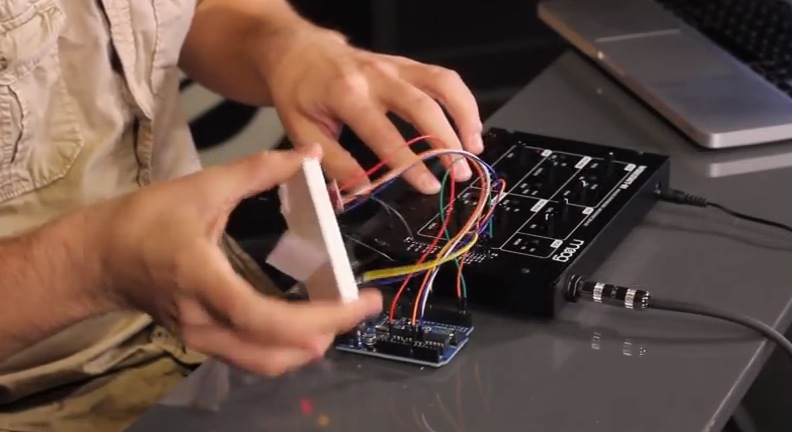
The Moog Werkstatt-Ø1 is a patchable, 100% little analog synthesizer whose design is based on classic Moog circuits. It was created as an educational tool for teaching electronics assembly and analog circuit design. Recently a series of tutorial projects appeared on Werkstatt website, featuring the use of the Arduino Uno to mod and create effects using  different sensors and components:

We used the Arduino UNO R3 for all mods, and the Moog Werkstatt Arduino Library was written specifically for it. Other micro-controllers with similar bootloaders (Teesnsy, Seeeduino, etc) have not been tested but could work. The Arduino features a USB interface, 6 analog input pins, and 14 digital I/O pins.

The 5 tutorials have also series of videos that demo each mod. For example, they integrated an accelerometer to measure movement in three dimensions:

And they added an arpeggiator/sequencer function:

Check them all >>  And add your own mod!

Make a 3D printed LEGO-compatible Arduino Micro casing

Here we are after winter break with a new tutorial on 3d printing with Arduino Materia 101. The 5-step tutorial allows you to design a Lego-compatible case for the Arduino Micro to be used together with the power function IR-receiver mentioned in this other Tutorial.

During the lesson you’ll learn also how to make the Lego-compatible pieces accurately and easily with FreeCAD without taking all the measurements!

Follow the steps and print yours >>

Check the previous tutorials on 3d printing with Material 101

Interested in getting in touch and showing your experiments? Join Kristoffer on the Arduino forum dedicated to Materia 101 and give us your feedback.

Recently Arduino user Botberg implemented an auto-levelling bed sensor  to be  sure that the placement of the first extrusion layer is placed well and increasing the printer successes!

What have you built with Arduino? Interview 10&11 #MFRome14

Maker Faire Rome video interviews – “What have you built with Arduino?” – A couple of new protagonists for our short series:

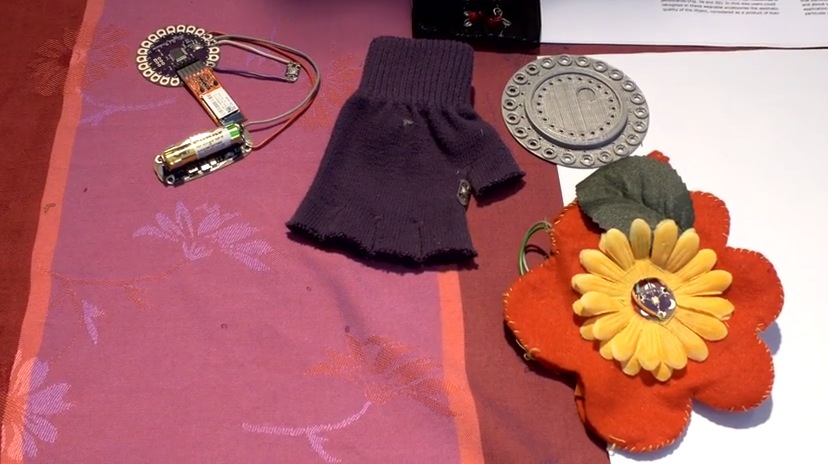
  • Collective City Memory – Wearable Arduino Tech, university project by Assunta Matassa
  • Insettoteca – Remote-controlled Terrarium by Hacklab Terni


Explore playlist on Youtube >>

Arduino Blog 14 Jan 15:52