Today I had to write a program to fit a sphere to a bunch of points that were supposedly near the surface of a sphere, but were noisy and sampled in a very biased way. Since this is obviously not a new problem, I started out doing web research. but I didn’t look for fitting a sphere, but for fitting a circle, since that is a simpler related problem.
I found a lot of papers, including several review papers, on how to fit a circle to a bunch of points. The “obvious” method is to do a least-squares fit to minimize the distance between the points and the circle, minimizing  , where
  is the radius and
  is the center of the circle. Unfortunately, that is a difficult problem to solve, and even numerical methods require a lot of iterations to get decent solutions. What most people do is to change to a slightly different problem that optimizes a different fitness function. For example, Kåsa’s method minimizes
  .
.
There is a very nice, but very formal, presentation of the methods in a paper by Vaughn Pratt from 1987: Direct Least-Squares Fitting of Algebraic Surfaces. This paper introduced Pratt’s method, which was later slightly improved to make Taubin’s method. I did not read these original papers (other than skimming Pratt’s paper). Kåsa’s paper (A curve fitting procedure and its error analysis. IEEE Trans. Inst. Meas. 25: 8–14) does not seem to be available on-line. The IEEE digital library is missing the whole 1976 year.
I did find a recent paper that does careful error analysis of both the geometric approach and several of the algebraic approaches (including the most popular ones: Kåsa, Pratt, and Taubin):
Ali Al-Sharadqah and Nikolai Chernov
Error analysis for circle fitting algorithms
Electronic Journal of Statistics
Vol. 3 (2009) 886–911 ISSN: 1935-7524 DOI: 10.1214/09-EJS419
This paper shows that Taubin’s method is theoretically superior to Pratt’s which is theoretically superior to Kåsa’s (having less essential bias), and gives a very weak example showing it is also tru empirically. More interestingly, it also gives a “hyperaccurate” algorithm that has less bias even than Taubin’s method. I did not read the error analysis, but I did read the description of their Hyper algorithm and the implementations of it that Chernov has on his website.
Since I needed Python code, not Matlab code, and I needed spheres rather than circles, I spent a few hours today reimplementing Chernov’s Hyperfit algorithm. I noticed that the basis suggested by Pratt for spheres,  , was a simple modification of the one used in both Pratt’s paper and Chernov’s paper for circles,
  . I decided to generalize to
  dimensions, and use the Numpy package in Python for all the matrix stuff. I hope I got the generalization right!
From starting to look for papers until getting the code working was about 6 hours, but I had lunch in there as well, so this felt like pretty speedy development. I’ve released the code with a Creative Commons Attribution-ShareAlike 3.0 Unported License, and would welcome corrections and improvments to it.
Of course, after all this buildup, you are probably wondering why I needed to fit a sphere to points—that is not a common problem for a bioinformatician to have. Well, it is for the robotics club, of course. They’ve been having a lot of trouble with the magnetometer calibration and heading code, so we decided to try doing an external calibration of the magnetometer, which has an enormous arbitrary 3D offset. By waving the magnetometer around in different orientations (which means tumbling the ROV once the magnetometer is installed), we can sample the magnetic field in many orientations, though far from uniformly. The center of the sphere fitted to the readings gives us the 3D offset for the magnetometer.
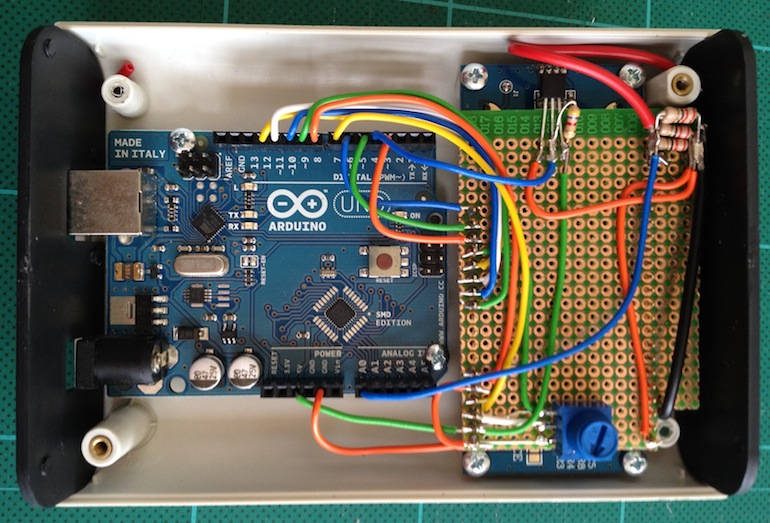
My son and I tested it out with Python code and Arduino code that he had written to get the data from the magnetometer to the laptop, and the magnetometer readings do seem to be nicely centered around (0,0,0) after we do the correction. We’re still having trouble using the accelerometer to get a tilt correction to give us clean compass headings, but that is a problem for tomorrow morning, I think.
Tagged:
Arduino,
circle fitting,
magnetometer,
NumPy,
Python,
sphere fitting